

ESPHome Device Integration for Home Assistant Automation
Turn ESPHome configuration into stable Home Assistant-ready device behavior for commercial monitoring, local automation, handover, and support.
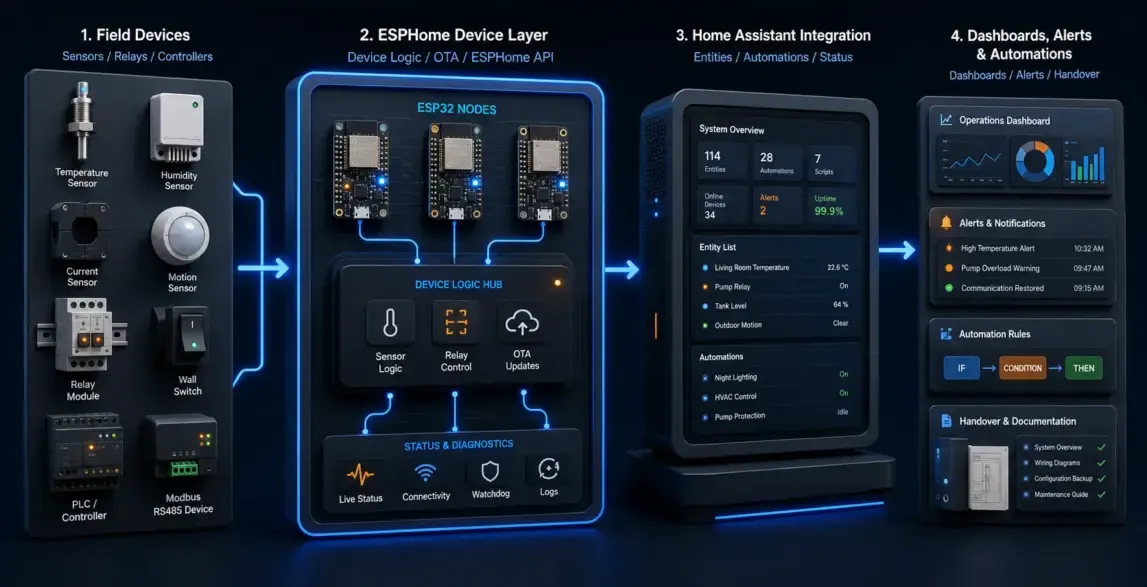
ESPHome firmware, sensors, relays, entities, YAML structure, and stable device behavior.
Entities, automations, dashboards, alerts, local control, and handover structure.
Cold room, greenhouse, equipment room, facility monitoring, and local PoC scenarios.

ESPHome setup is only useful when the field behavior is maintainable
The integration must define what each sensor means, how relays behave, when automations run, what happens offline, and how the customer maintains the system.
- Map entity names and device logic to the real site
- Keep automations local and understandable where possible
- Prepare handover notes for maintenance after setup
Workstreams that move the project toward a usable product
Each workstream connects a real device, workflow, user role, or operating constraint with the software and hardware decisions required for delivery.
ESPHome device configuration
YAML structure, entity naming, sensors, relays, GPIO, calibration, and firmware flashing support.
Sensor and relay logic setup
Thresholds, hysteresis, safety states, relay control, local actions, and abnormal-state handling.
Home Assistant integration
Entities, dashboards, alerts, automations, history, access rules, and device grouping.
Local automation PoC
Prove one site or workflow before expanding to a larger commercial automation system.
Gateway and protocol bridge
Connect ESPHome devices with serial, gateway, MQTT, or existing IoT platform paths when required.
Handover and support notes
Device documentation, YAML notes, backup, update process, and maintenance recommendations.
From ESPHome device logic to Home Assistant operation
The implementation path keeps device behavior, local automation, dashboards, alerts, and handover connected.
Device logic
Sensors, relays, GPIO, calibration, local state, safe defaults, and firmware behavior.
Home Assistant entities
Entity names, device classes, dashboards, automations, alerts, and user roles.
Local reliability
Offline behavior, restart recovery, logs, backup, update policy, and clear maintenance notes.
Expansion path
MQTT, gateways, platform APIs, commercial monitoring, and multi-site workflow options.
Key engineering decisions to make before production
The most valuable work is often the integration boundary, recovery behavior, diagnostics, and ownership model that keeps the system maintainable.
Hardware-aware setup
Configuration is based on the actual sensor, relay, power, enclosure, and site environment.
Stable entity model
Entity names, units, device classes, and dashboard structure are made understandable for operators.
Local control safety
Relay behavior, failsafe states, temperature thresholds, and manual override paths are reviewed.
Automation clarity
Rules are written so the customer can inspect, maintain, and extend the system later.
Handover discipline
YAML notes, backup, update process, and device mapping are prepared after setup.
Commercial extension
The PoC can expand into gateway, platform, alerts, reporting, or multi-site monitoring.
ESPHome integration should be maintainable by the people who operate the site
The result should not be a fragile demo. It should be a readable local automation setup with clear device logic, alerts, and handover materials.
Core behavior can keep working close to the site.
Entities, dashboards, and automations are shaped for Home Assistant.
A focused setup can prove commercial automation before expansion.
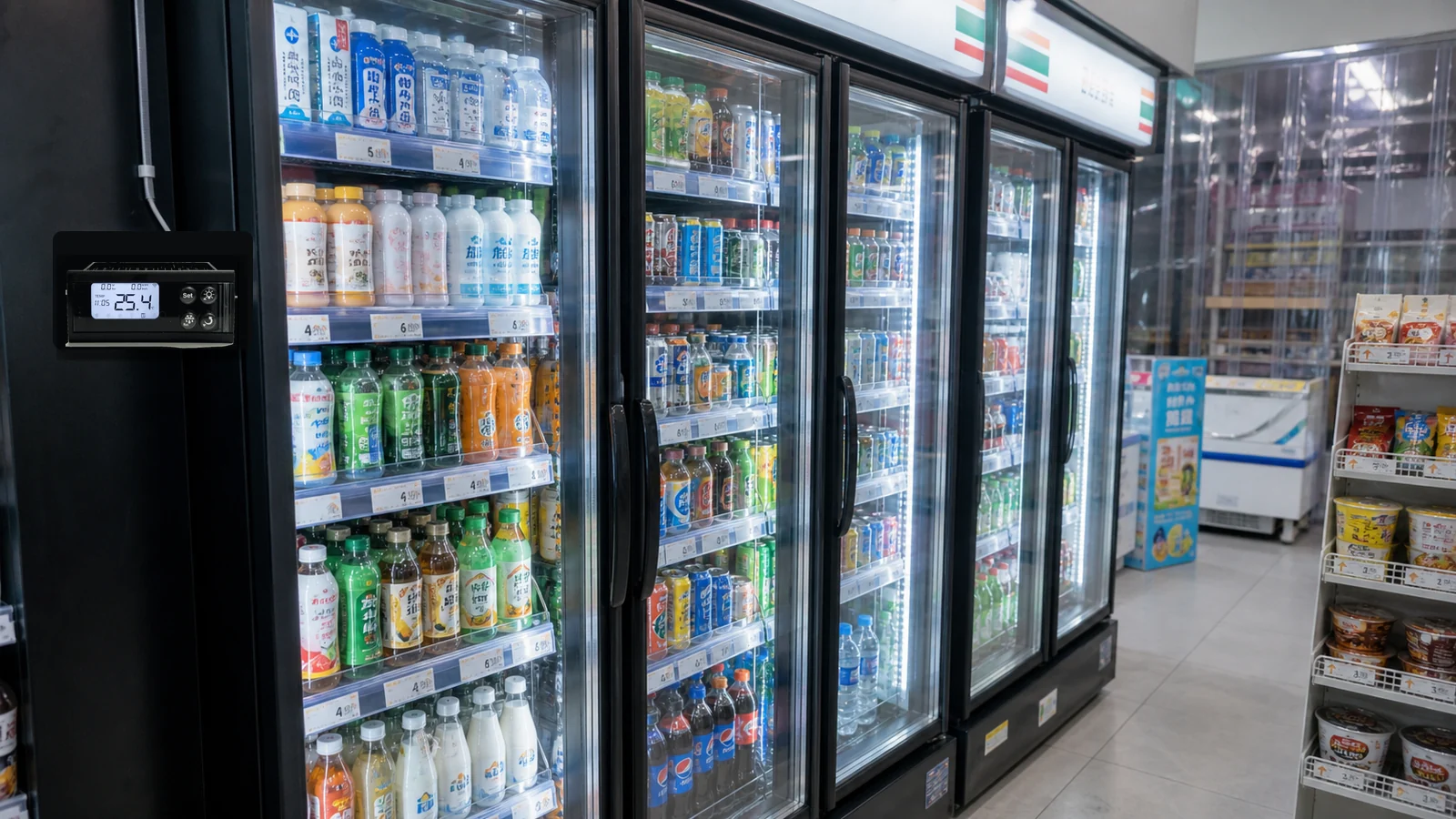
Where this service creates measurable product value
Service pages should show the operating environment, not only describe the technology stack.
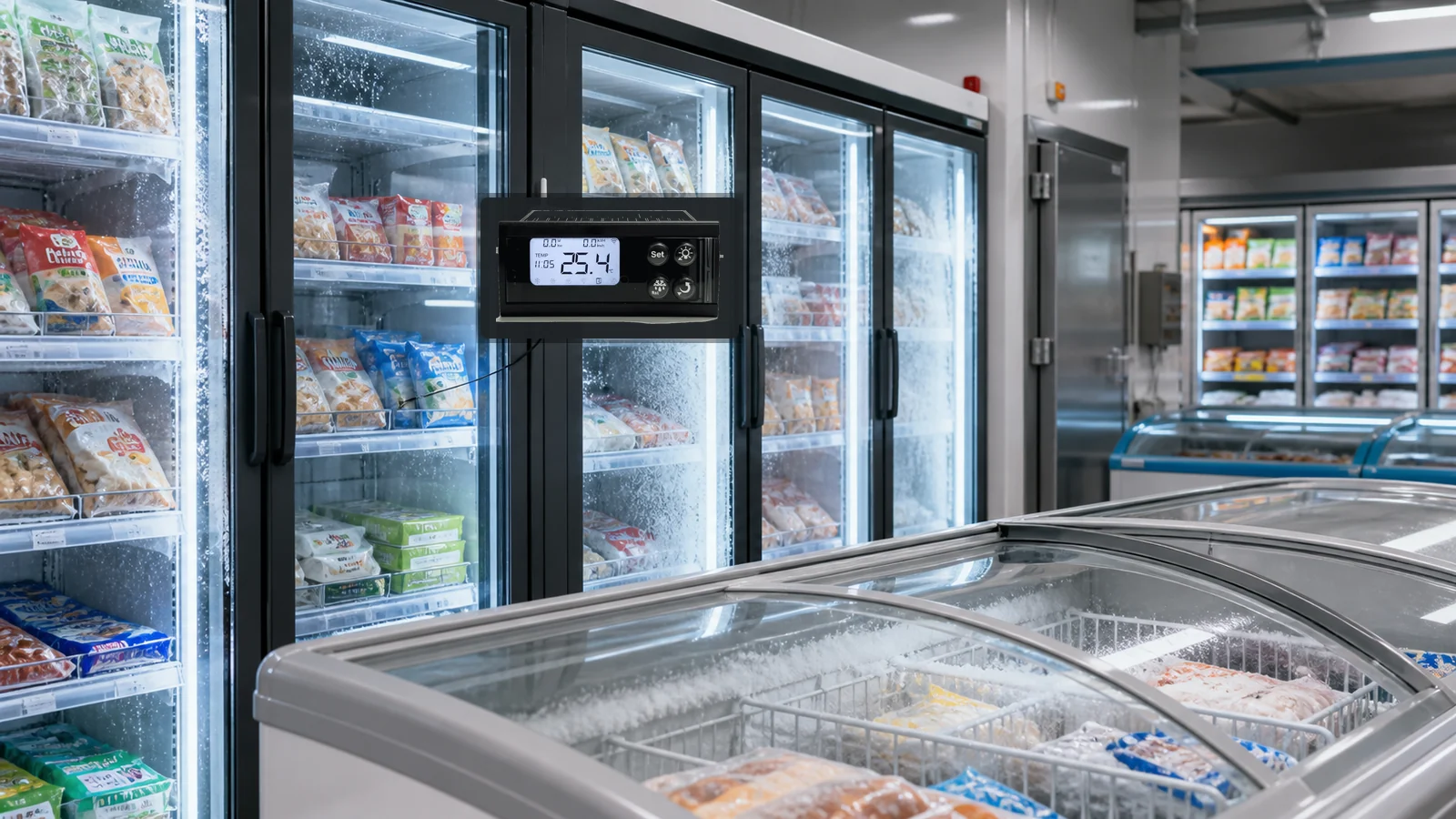
Commercial cold room monitoring
Temperature, relay, door, alarm, and history workflows for local refrigeration sites.

Greenhouse automation
Temperature, humidity, irrigation, ventilation, and local alerts for agriculture operations.
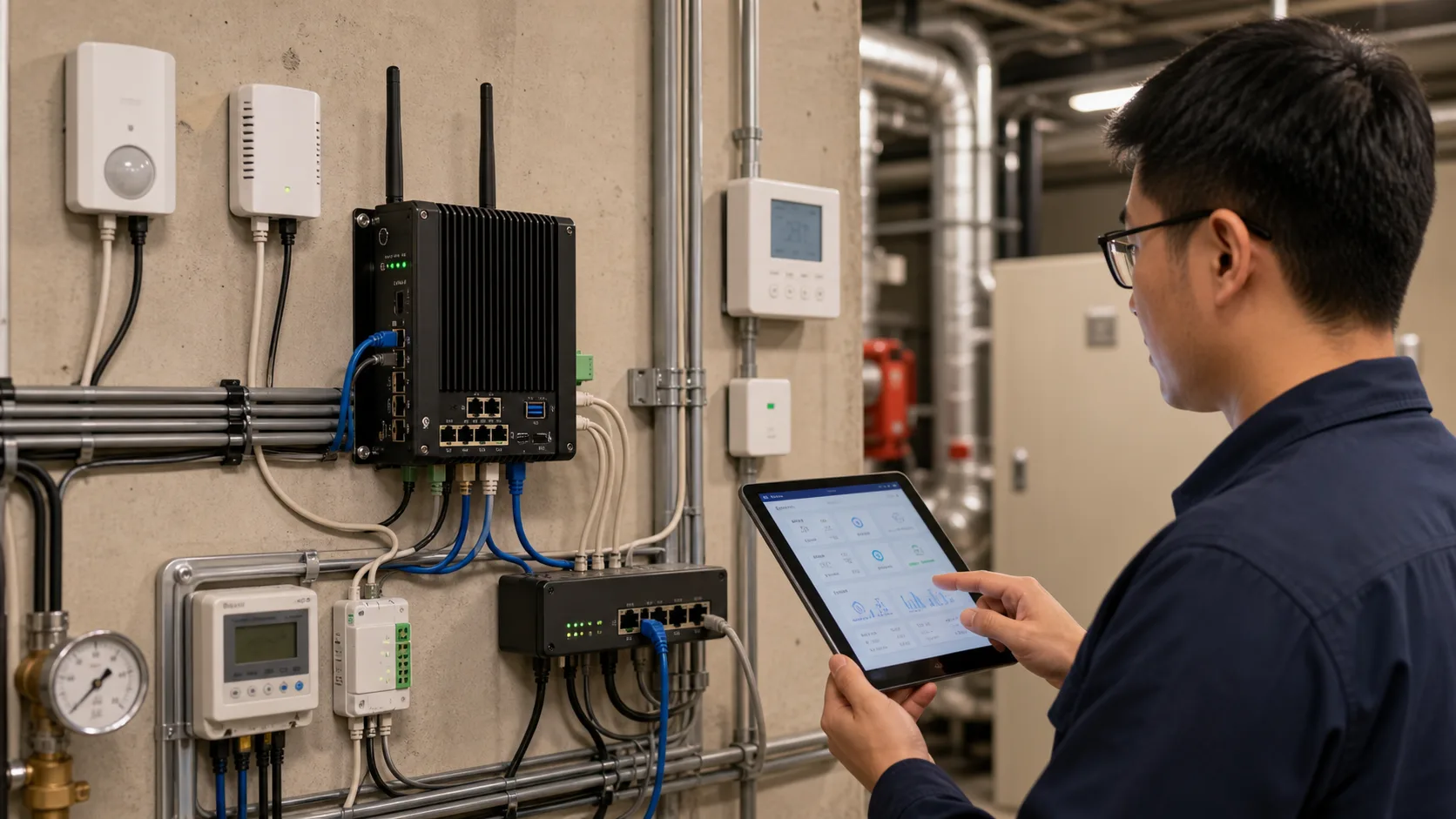
Facility equipment room
Sensors, relays, equipment status, alerts, and local dashboard for maintenance teams.
What ZedIoT delivers
The output should help your team make a clear build decision, validate the first release, and keep the system maintainable after launch.
ESPHome configuration
YAML files, entity plan, firmware behavior, device names, and local logic notes.
Home Assistant setup
Dashboards, automations, alerts, history, roles, and operating documentation.
Handover package
Backup, update notes, wiring/device map, limitations, and future expansion options.
How the work moves from feasibility to handoff
Review
Confirm device hardware, sensors, relays, site workflow, Home Assistant state, and operating goal.
Configure
Create ESPHome firmware, entity structure, calibration, local logic, and safe defaults.
Integrate
Connect Home Assistant dashboards, automations, alerts, history, and access rules.
Validate
Test restart, offline behavior, thresholds, relay states, alarms, and operator workflow.
Handover
Deliver configuration notes, backup, update process, device map, and next-step options.
Practical advantages for AI + IoT product delivery
Hardware-aware integration
We consider sensors, relays, power, enclosure, and site conditions, not only YAML syntax.
Built for Home Assistant
Entities, dashboards, automations, and alerts are shaped for readable operation.
From setup to handover
Documentation, backup, update notes, and maintenance guidance are part of the work.
Questions to resolve before scope is locked
Is ESPHome suitable for a commercial IoT product?
It can be suitable for prototypes, specialized deployments, and local automation projects. For mass-market devices, custom firmware may be better when product UX, OTA, support, and production control need stronger ownership.
Can ESPHome devices connect to an IoT platform too?
Yes. Depending on the project, ESPHome can publish through MQTT, a gateway, or a bridge service so local automation and platform visibility can coexist.
What do you need before integration starts?
Useful inputs include the ESP32 board, sensors, relays, expected entities, automation rules, Home Assistant version, network constraints, and update or maintenance requirements.
Can ZedIoT help migrate from ESPHome prototype to custom firmware?
Yes. We can keep the validated device behavior and rebuild production firmware when the product needs stronger diagnostics, OTA, security, or commercial handoff.
Discuss ESPHome Device Integration for Home Assistant Automation
Share the device, workflow, system integration, deployment requirement, or business outcome you want to validate. We will help turn it into a practical AI + IoT implementation path.
- AI + IoT product architecture review
- Hardware, firmware, cloud, and application integration
- Prototype planning and production support