

AI vision recognition for warehouse WMS workflows
ZedIoT connects AI recognition, barcode scanning, image evidence, operator confirmation, and WMS or ERP updates so warehouse teams can trust both the physical item and the system record.
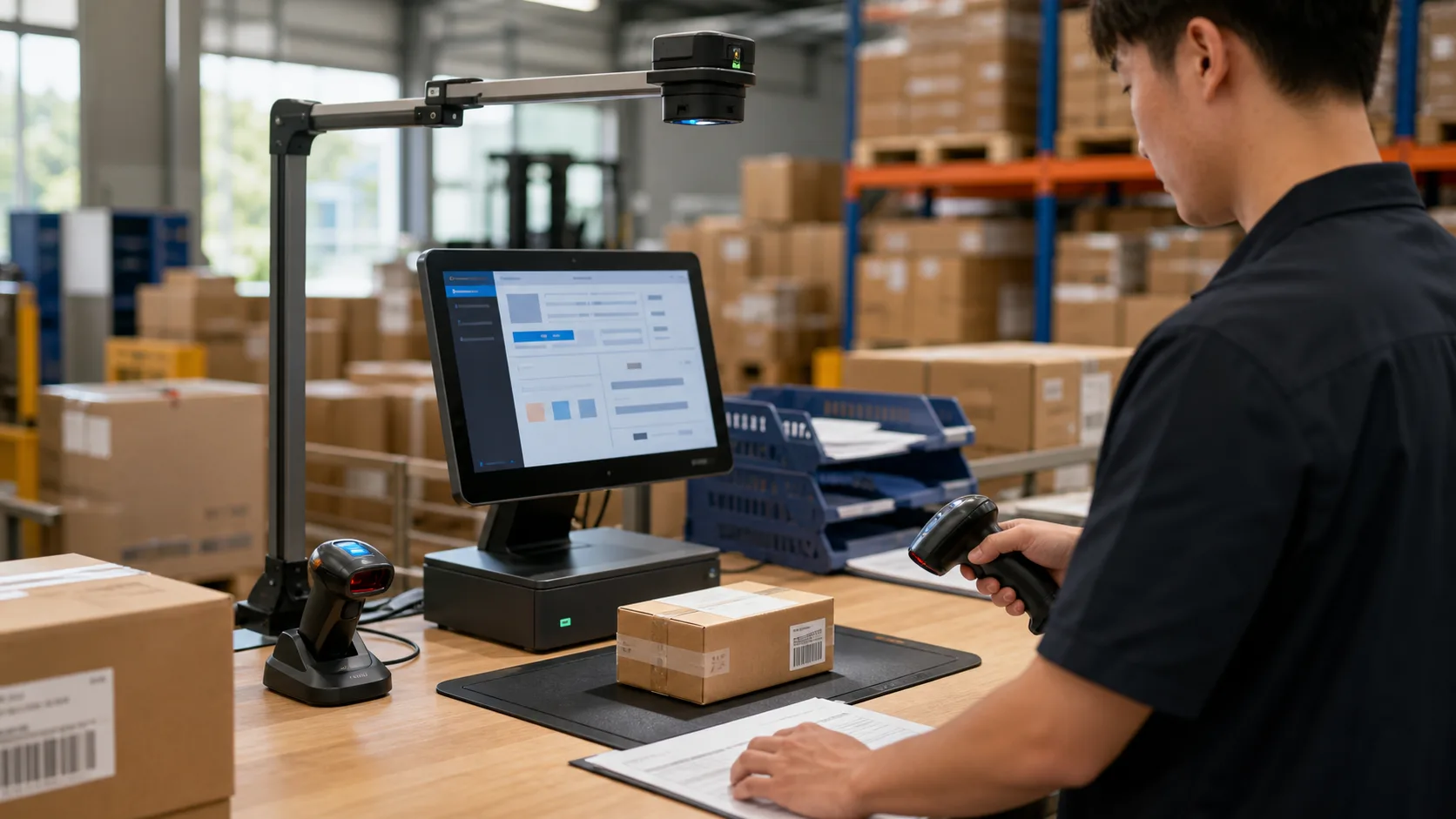
Two ways to build your AI vision WMS workflow
Teams usually choose between customizing a dedicated ZedWMS workflow or connecting AI vision to an existing WMS or ERP environment. The right path depends on system maturity, data ownership, and rollout speed.
ZedWMS deployment and customization
Use ZedIoT's warehouse workflow foundation when the customer needs a faster AI vision WMS path with tailored fields and reports.
Existing WMS or ERP integration
Integrate recognition results, image evidence, exception confirmation, and inventory updates into the customer's current system.
Warehouse data needs more than manual checks
Recognition only creates business value when evidence, operator action, and WMS updates can be reviewed together.
Limited visual evidence
Manual checks and barcode-only workflows often cannot prove what was scanned, packed, received, or corrected.
Disconnected operation data
Recognition, operator action, inventory records, exceptions, and photos may stay in separate tools without a traceable loop.
Weak operation traceability
When a mismatch appears later, teams need image evidence, user action, confidence, time, and WMS record history together.
From AI recognition to WMS action
The solution connects physical goods to a trusted business record through capture, recognition, review, system update, and evidence history.
Scan or capture item
Camera, barcode scanner, label, package, tray, face, or asset data enters the recognition workstation.
Recognize and verify
Vision model, barcode parser, confidence rule, and operator confirmation turn raw input into a trusted result.
Match workflow rules
The result is checked against receiving, shipping, inventory, inspection, or exception-handling rules.
Sync with WMS
WMS, ERP, inventory, or asset systems receive structured updates with retry and status handling.
Create traceable records
Image evidence, operator action, status, timestamps, and exceptions remain available for review.
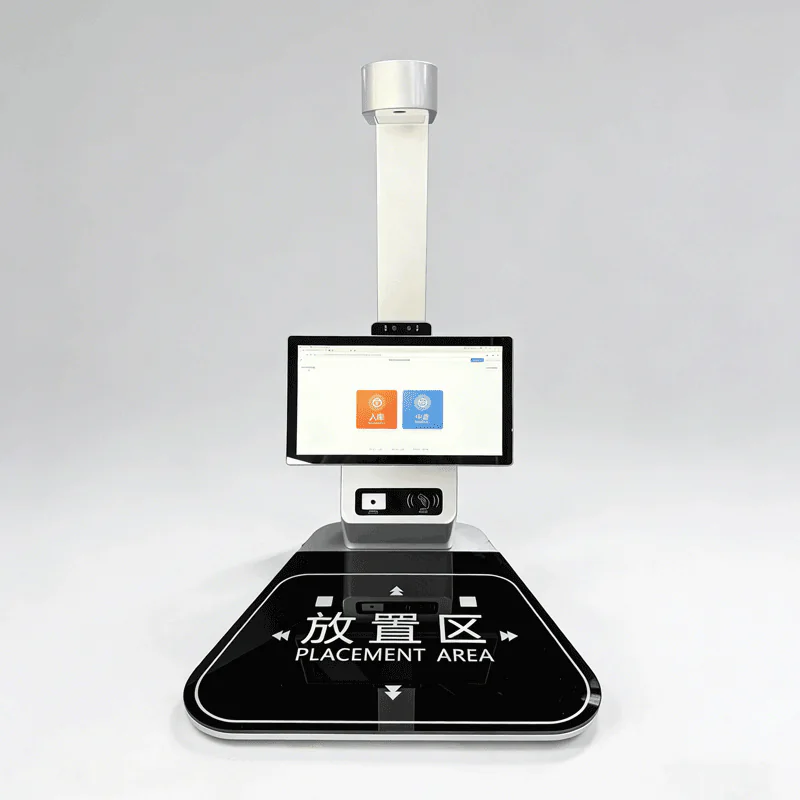
Powered by a smart warehouse recognition workstation
A practical WMS AI project needs a stable capture point. The workstation brings camera input, barcode scanning, local operator review, and system integration into a repeatable warehouse action.
AI vision and WMS development
We design the recognition, workstation UI, evidence storage, API update, and warehouse workflow together.
ZedWMS or integration
Use a ZedIoT workflow foundation or connect to the WMS, ERP, or inventory system already in use.
Real hardware foundation
The AI warehouse recognition workstation anchors the workflow in practical camera, scanner, and operator behavior.
PoC to delivery support
Start with sample goods, accuracy baseline, exception rules, operator feedback, and rollout documentation.
Apply AI vision where warehouse decisions need evidence
The best first workflow is narrow enough to validate accuracy and important enough to improve warehouse operations.

Goods verification
Confirm goods, labels, cartons, packages, or trays before receiving, packing, shipping, or production handoff.
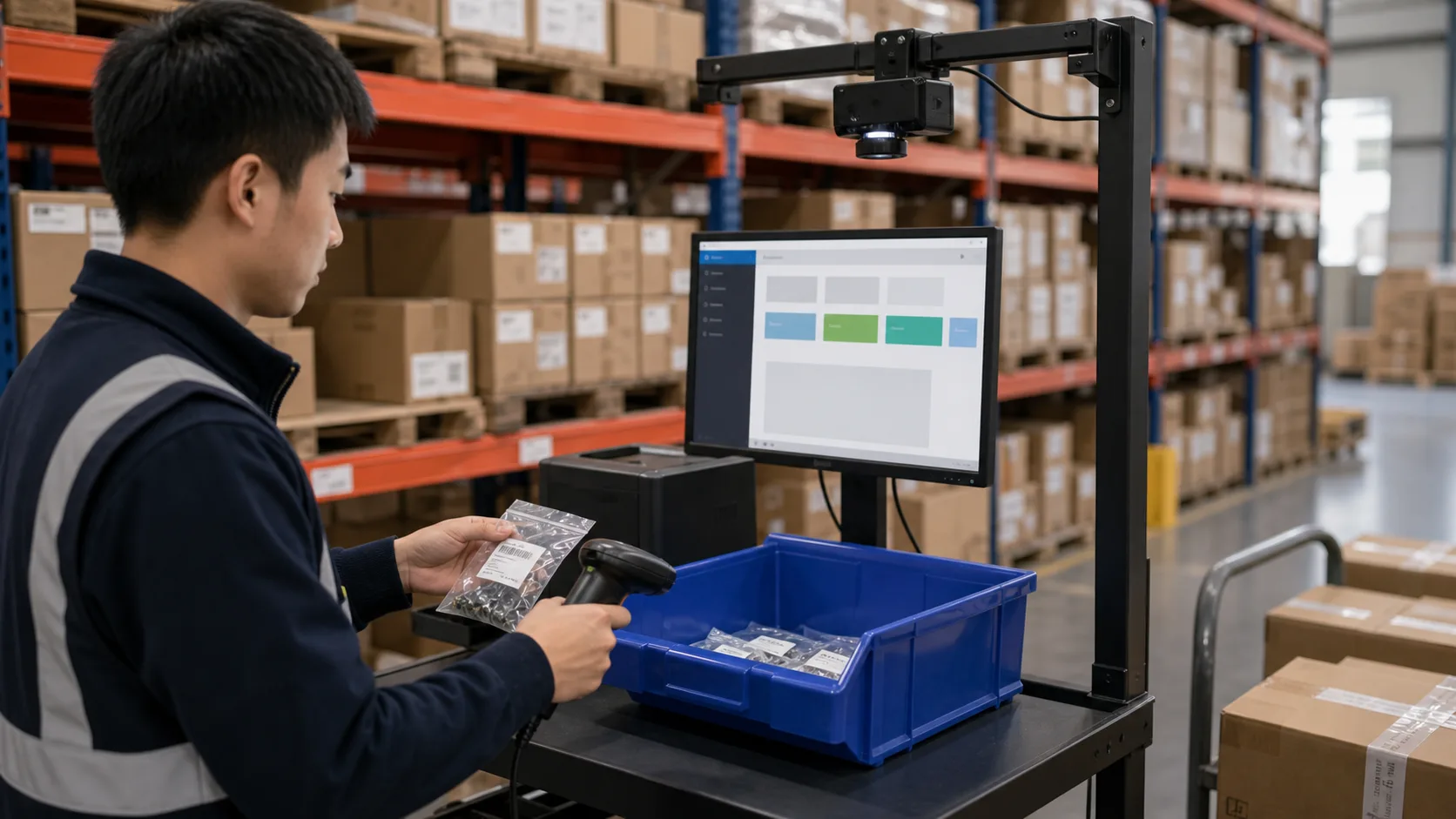
Inventory review
Combine barcode, workstation image, operator confirmation, and WMS status for more accountable cycle counts.
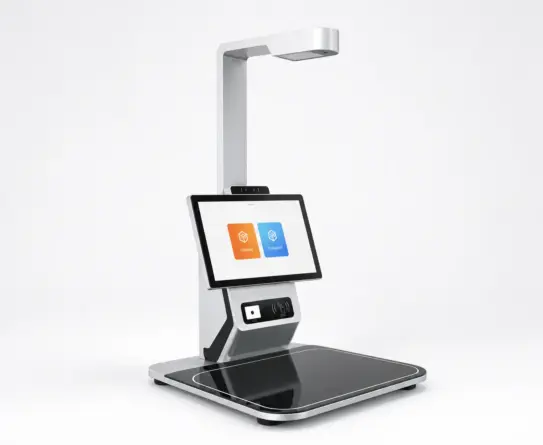
Issue tracking
Keep mismatch, missing label, unclear image, failed recognition, and correction records visible to supervisors.
System integration
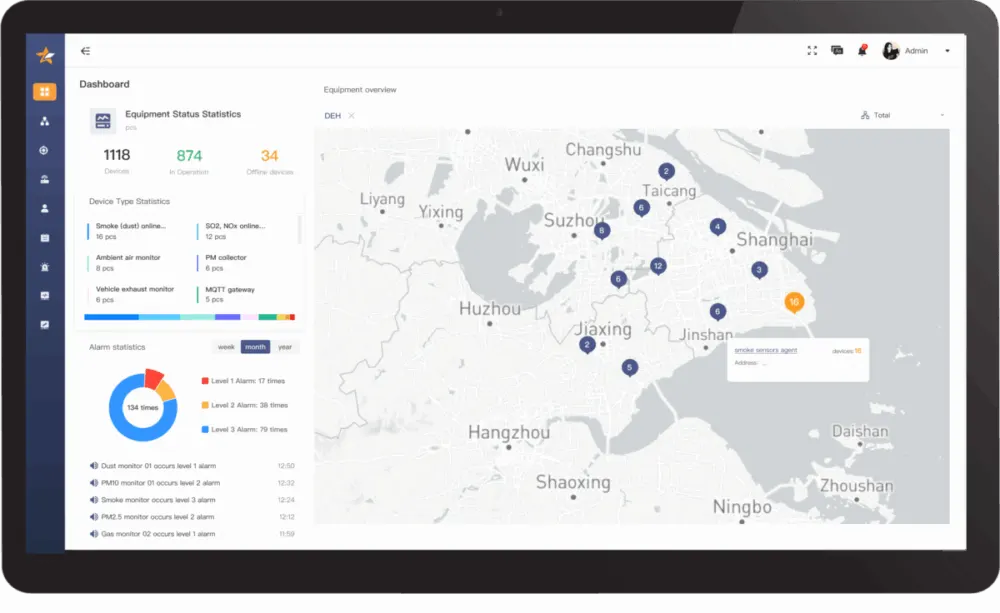
Connect recognition events into WMS, ERP, asset management, reports, dashboards, and notification workflows.
Validate recognition quality and WMS update behavior before scaling
A pilot should use real samples, real exception cases, and representative WMS fields before warehouse-wide rollout.
- 01
Select the workflow
Choose receiving, shipping, inventory review, item verification, issue tracking, or system update as the first closed loop.
- 02
Prepare samples and evidence
Collect labels, cartons, objects, image examples, barcode patterns, exception cases, and WMS fields.
- 03
Build recognition and review
Configure capture flow, recognition logic, confidence rules, operator confirmation, and evidence record.
- 04
Integrate and scale
Connect WMS or ERP APIs, status updates, retry handling, reports, dashboards, and rollout acceptance.
Questions before building an AI Vision WMS workflow
Use these questions to scope recognition accuracy, evidence, integration, and rollout acceptance.
When should we consider AI Vision WMS Solution?
Use this solution path when the current operation has a clear physical or business event that needs to become reliable data, action, or evidence.
Can we start with a narrow pilot?
Yes. A focused pilot usually proves one site, one workflow, one device group, or one exception path before broader rollout.
Can the solution connect to existing systems?
Yes. Integration with WMS, ERP, CRM, ticketing, databases, dashboards, or existing IoT platforms can be part of the scope.
What makes the solution production-ready?
Production readiness depends on data quality, exception handling, logs, permissions, alerts, support workflow, deployment ownership, and acceptance evidence.
Discuss your AI Vision WMS project with ZedIoT
Share the warehouse workflow, sample goods, target WMS or ERP, recognition objects, evidence rules, and exception process. We will help define a practical AI vision implementation path.
- AI + IoT product architecture review
- Hardware, firmware, cloud, and application integration
- Prototype planning and production support