
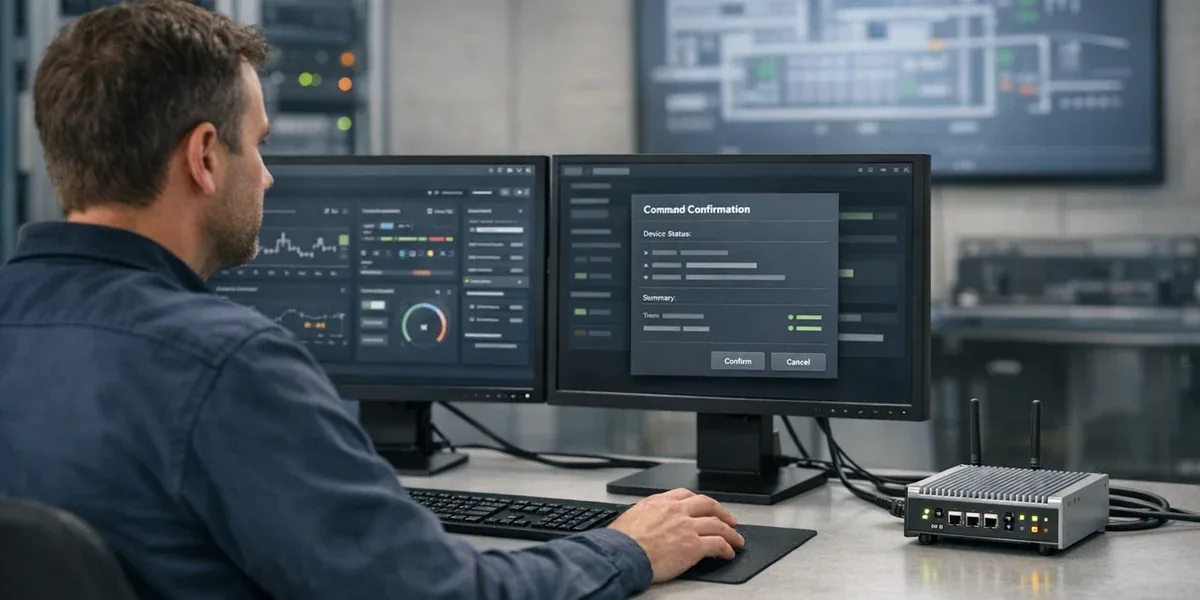
When AG-UI enters an IoT dashboard, the main goal is not to make an agent "chat inside the page." The main goal is to make device state, proposed actions, command confirmation, execution results, failure handling, and rollback visible to the operator. If an IoT dashboard treats AG-UI as only a chat stream, the agent may explain the situation well, but dangerous device actions still lack state boundaries, human approval, and audit evidence.
The core answer is: AG-UI should own the human interaction layer of an IoT dashboard; MCP or platform APIs should own the tool and data boundary; Function Calling should only create structured action requests. In implementation terms, an AG-UI IoT dashboard should be designed around five objects: device state, agent task state, command proposal, human confirmation, and audit event.
Decision Block
If an IoT agent only reads device state and creates recommendations, AG-UI can first be used for state streaming, evidence display, and human approval cards. Only connect AG-UI to real command execution after the command path has authorization, idempotency keys, timeout handling, rollback strategy, and audit logs. Otherwise, AG-UI makes the interaction smoother, but it does not make the control path safer.
1. Do not place AG-UI inside the device control path
The AG-UI documentation describes it as an event-based protocol for connecting AI agents to user-facing applications. Its main concepts include streaming events, state management, messages, tool-call lifecycle, and human-in-the-loop interaction. That scope matters: AG-UI solves how the user interface follows agent state. It does not solve how device commands are authorized, dispatched, acknowledged, and audited.
In an IoT dashboard, the safer layering is usually:
| Layer | Main responsibility | Responsibility it should not own |
|---|---|---|
| AG-UI interaction layer | Show agent state, evidence, command proposals, confirmation cards, failure messages | Bypass the backend and dispatch device commands directly |
| Agent runtime | Coordinate reasoning, call tools, maintain task context | Persist the source of truth for device state |
| Tools / MCP / platform APIs | Read devices, telemetry, work orders, knowledge, and policies | Let the frontend assemble high-risk commands |
| IoT control plane | Authorization, idempotency, command state machine, retry, audit, rollback | Let the model decide final execution authority |
| Device / gateway | Execute commands, report state, return ACK or errors | Interpret an agent’s natural language intent |
The practical consequence is clear: AG-UI can help the operator see what the agent is doing, but it should not replace IoT command governance. For cold-chain equipment, access control, industrial devices, or energy systems, any design where "the agent said it can execute, so it executes" should stay out of production.
2. Five event objects matter more than one chat stream
Agent interaction in an IoT dashboard is usually an observable task, not a single question-and-answer exchange. Start by modeling the following five event objects instead of designing a nice chat window first.
| Object | What the operator must see | What the backend must guarantee |
|---|---|---|
| Device state | Current value, last update time, data quality, anomaly source | State comes from a trusted source, not from model invention |
| Agent task state | Querying, comparing, waiting for approval, executing, failed | Every state has a recovery or termination path |
| Command proposal | Target device, parameter, risk, expected result | The proposal is still a draft and has not changed the device |
| Human confirmation | Who approved, what was approved, whether second confirmation is required | High-risk action has authorization and audit trail |
| Audit event | Request, approval, execution, ACK, failure, rollback | Logs trace to user, tenant, device, and idempotency key |
This is where AG-UI becomes useful. It turns the agent's intermediate work into a stream of events that the frontend can render, interrupt, and resume. The user does not only wait for a final answer. The user can see which devices were checked, which alarms were referenced, what command is being proposed, and why human confirmation is required.
3. A recommended interaction state machine
The following diagram answers one question: how should an IoT dashboard move from agent diagnosis to command approval, execution, and rollback?

The important judgment behind this diagram is: AG-UI should stream "waiting for approval," "executing," "failed," and "rollback suggested" to the frontend; the real command state machine should still run in the backend control plane. If the state machine lives in the frontend or inside the model, browser refreshes, network interruptions, duplicate clicks, and concurrent actions will break determinism.
4. What a command confirmation card should include
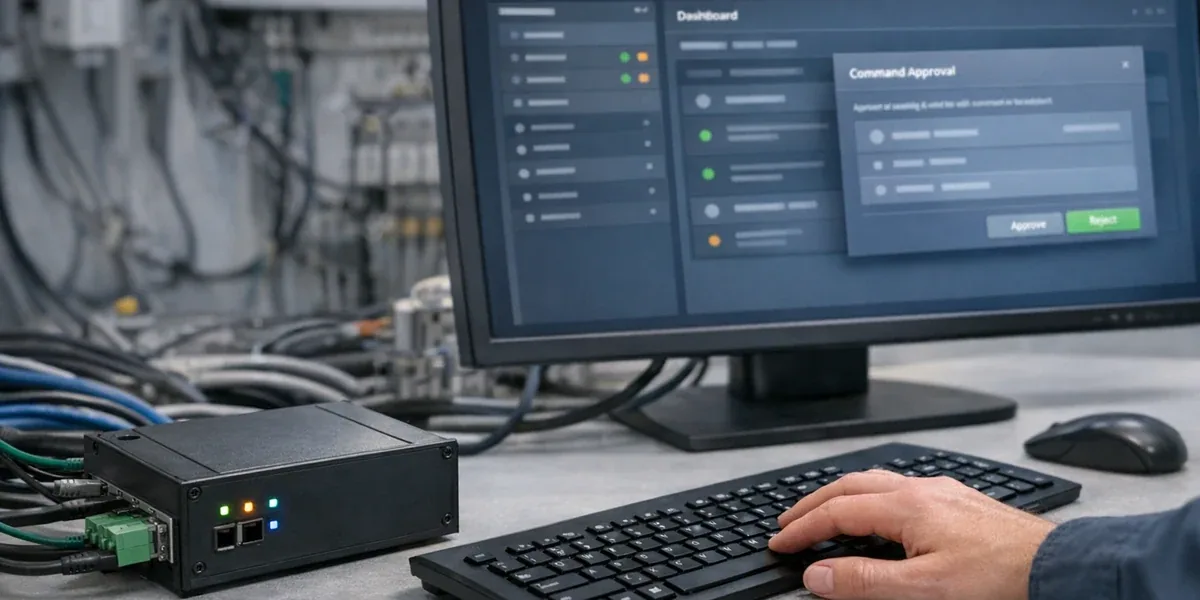
Command confirmation is one of the highest-value AG-UI patterns for IoT dashboards. It should not be a simple "approve / reject" button. It should expose the action risk and backend constraints.
A production-grade confirmation card should include at least:
device_id, device name, site, and physical location.- Current state, target state, and data timestamp.
- Command type, parameters, units, and allowed range.
- Impact scope, such as a single device, device group, scene, or automation rule.
- Risk level and why confirmation is required.
- Idempotency key, expiration time, and duplicate-submission handling.
- Expected ACK, timeout threshold, and failure path.
- Approver, role, and audit record.
These are not UI copy details. They are system boundaries. If the confirmation card does not show target device, parameters, expiration, and failure path, the user is not approving an auditable command. The user is approving a vague natural-language suggestion.
5. Backend events should be more stable than frontend components
Many teams begin an agent dashboard by designing React components. A more reliable path is to stabilize the event model first. Components can change. Event contracts should not change casually.
Group the interaction events into four families:
| Event group | Example events | Purpose |
|---|---|---|
diagnosis | diagnosis.started, evidence.found, diagnosis.completed | Show agent progress and evidence sources |
draft_command | command.drafted, command.validation_failed | Make clear that the command is not yet executed |
human_approval | approval.requested, approval.accepted, approval.rejected | Establish a traceable human confirmation boundary |
execution | command.accepted, command.ack, command.timeout, rollback.suggested | Map backend command state to the interface |
AG-UI's event-based architecture fits this style, but event content should come from backend facts. A model may propose a diagnosis or a command draft. It should not declare that a device has executed successfully. Execution success must come from the control plane, device ACK, telemetry readback, or gateway state.
6. How AG-UI works with MCP and Function Calling
AG-UI, MCP, and Function Calling can be combined into a clean flow:
- The operator starts from AG-UI: "Why has cold room 3 stayed above its temperature target?"
- The agent runtime uses MCP or platform APIs to read device state, historical telemetry, alarms, and work orders.
- The model uses Function Calling to produce a structured
propose_commandrequest, not to directly execute a device command. - The backend control plane validates authorization, tenant scope, device state, parameter range, and risk level.
- AG-UI streams evidence, command proposal, and human approval events to the frontend.
- After approval, the backend command state machine executes and returns ACK, failure, or rollback suggestion.
- AG-UI displays the final state and audit result.
The core boundary is: Function Calling creates the request; MCP or platform APIs expose governed tools; AG-UI presents interaction state; the IoT control plane owns final execution.
7. When AG-UI is not the right next step
AG-UI should not be the default answer for every IoT dashboard. In the following cases, build the foundation before building the agent interface:
- Device state is not trustworthy, and the platform cannot distinguish live, cached, and stale values.
- Commands do not use idempotency keys, so duplicate clicks or retries may execute twice.
- Authorization is not separated by tenant, site, device group, and role.
- High-risk actions do not have human confirmation and audit logs.
- Alarms, work orders, and device state do not share stable identifiers.
- The operations team only accepts read-only agent support for now.
Under these conditions, AG-UI may still be useful for read-only diagnosis, but it should not be connected to real command execution. AG-UI improves human-agent collaboration. It does not compensate for weak device state, command reliability, or authorization governance.
8. Implementation checklist
Before production rollout, check at least these ten items:
- Have you separated read-only diagnosis, low-risk action, and high-risk command?
- Does every command have a
command_idand idempotency key? - Does every approval record user, time, device, parameter, and risk level?
- Can the frontend show which fact sources the agent is querying?
- Can the user cancel, reject, retry, or escalate to a human work order?
- Does command failure have timeout, failure, and rollback paths?
- Do AG-UI events reflect backend facts rather than model guesses?
- Do MCP or tool APIs enforce tenant, role, and resource scope?
- Are Function Calling parameters validated by schema, range, and business rules?
- Can the audit trail connect user request, agent suggestion, human approval, command execution, and device readback?
9. Conclusion
The right place for AG-UI in an IoT dashboard is the interaction layer between the agent and the operator. It makes agent analysis, evidence, status, command proposals, and confirmation flows visible, and it gives the user a way to interrupt, approve, or reject high-risk actions.
But AG-UI should not own device control. A production IoT dashboard still needs backend command state machines, authorization, idempotency, ACK, timeout handling, rollback, and audit logs. AG-UI becomes production-ready for operations only when it handles interaction visibility, MCP or platform APIs handle the tool boundary, Function Calling creates structured action requests, and the IoT control plane owns final execution.
References
- AG-UI Overview
- AG-UI Events
- AG-UI Architecture
- Model Context Protocol Specification
- OpenAI Function Calling Guide
FAQ
Can AG-UI directly execute IoT device commands?
It should not. AG-UI can present command proposals, confirmation cards, and execution state, but device commands should be executed by the backend control plane. Otherwise authorization, idempotency, audit, and rollback become unstable.
What is the difference between AG-UI and MCP in an IoT dashboard?
AG-UI primarily handles event and state synchronization between the agent and the user interface. MCP primarily handles the connection boundary between an agent application and external tools, resources, and prompt context. In an IoT dashboard, AG-UI serves the operator experience; MCP serves tool and data access.
Why use AG-UI if Function Calling can already call functions?
Function Calling lets a model produce a structured function request. It does not define how the frontend shows investigation progress, how a user confirms a command, how a task is interrupted, or how failure and rollback are displayed. AG-UI addresses that interaction-state visibility.