Android fleet operations

Android device management for POS, kiosks, tablets, and signage

ZedIoT helps multi-site operators enroll, configure, monitor, support, and update dedicated Android devices from one operations platform. The scope can include Android Enterprise, kiosk mode, app distribution, remote assistance, policy control, alerts, and customer-system integration.

Android EnterpriseKiosk modeRemote supportFleet operations
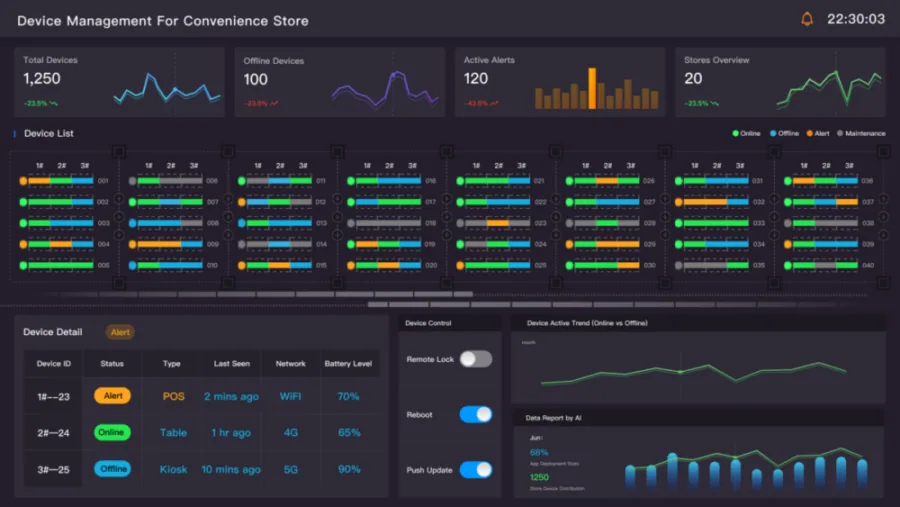
Android device management dashboard for POS terminals, kiosks and tablets
Device groupsPOS · kiosk · tablet · signage
Enrollmentrepeatable device onboarding
Controlapps, policies, kiosk behavior
Supportremote evidence and recovery
IntegrationAPIs, alerts, and ticket workflows
Purpose-built operations

Dedicated Android fleets need more than a generic employee-device policy

POS terminals, kiosks, signage, and frontline tablets are part of the physical operation. Their management model should reflect site ownership, app state, uptime, remote support, and recovery.

DecisionGeneral mobile managementZedIoT Android operations
Primary endpointEmployee phones and tabletsPOS, kiosk, signage, dedicated tablets
OnboardingUser-centered enrollmentSite, role, device group, and staged provisioning
Daily priorityPolicy and corporate dataApp state, kiosk behavior, uptime, and service recovery
Support loopIT ticket after user reportProactive health events, evidence, and approved remote actions
IntegrationIdentity and complianceRetail operations, help desk, reports, APIs, and site workflows
Core functions

Operate the full Android device lifecycle

Each function includes the normal path, failure evidence, and the handoff to the person or system responsible for recovery.

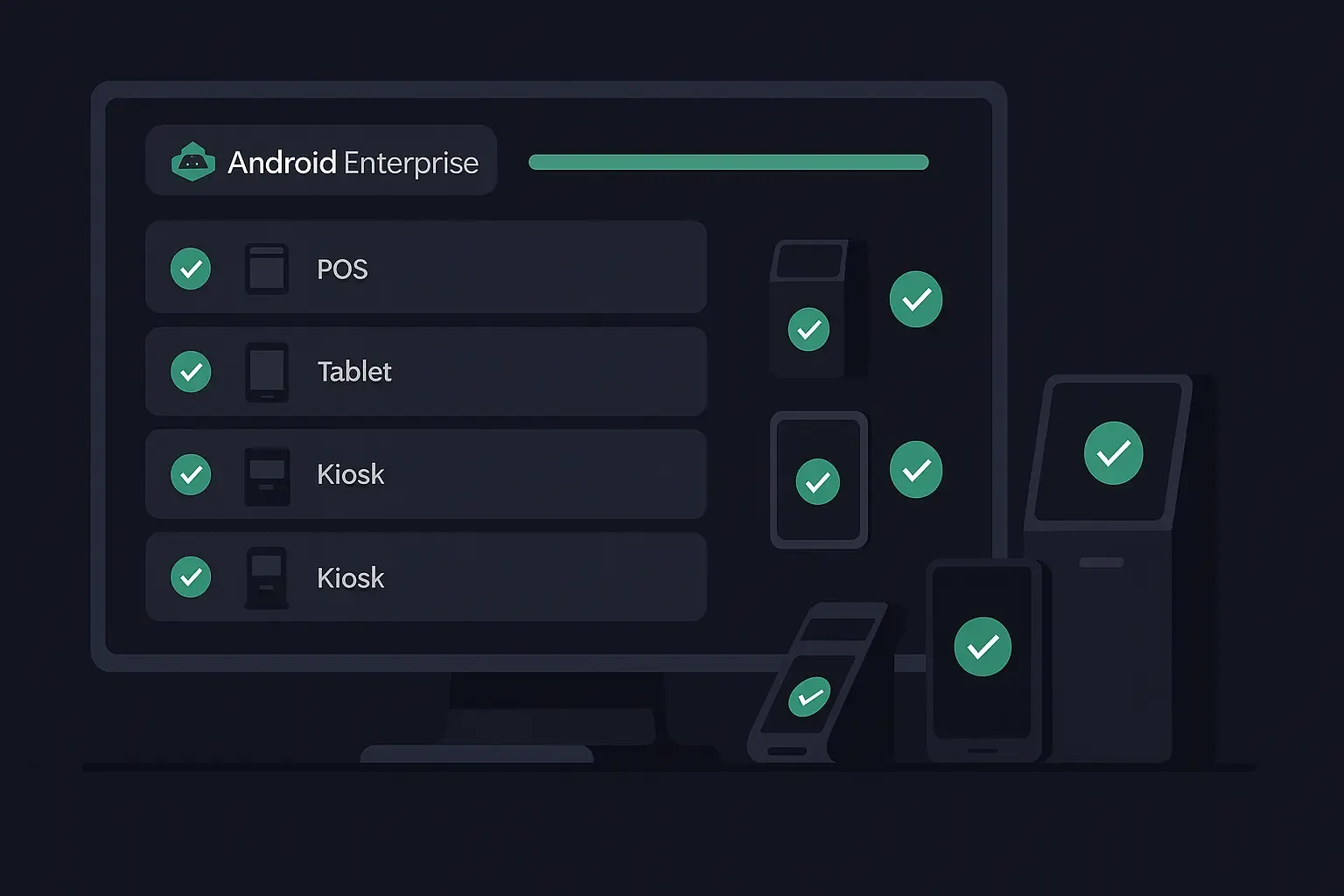
Android Enterprise device enrollment across managed endpoints
01

Android Enterprise enrollment

Use supported zero-touch, QR, token, NFC, or staged provisioning to assign devices, policies, apps, networks, and site ownership.
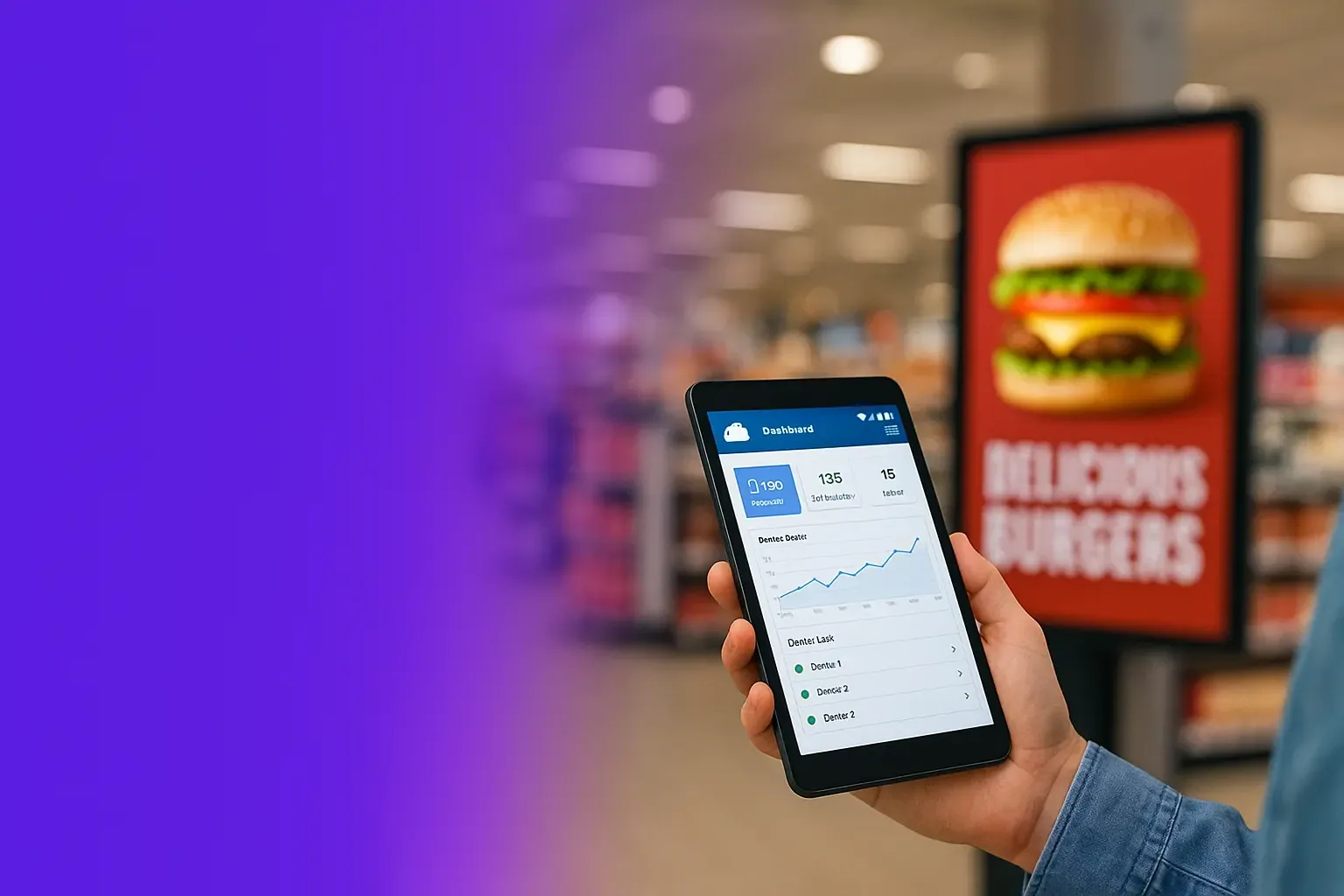
Android kiosk and digital signage management in a retail environment
02

Kiosk mode and digital signage

Lock devices to approved apps, distribute content, manage app versions, prevent misuse, and restore the intended experience after faults.
Remote control and support workflow for Android POS and kiosk devices
03

Remote support and recovery

Expose device health, logs, approved remote-control paths, screenshots, restart actions, app status, and incident evidence for support teams.
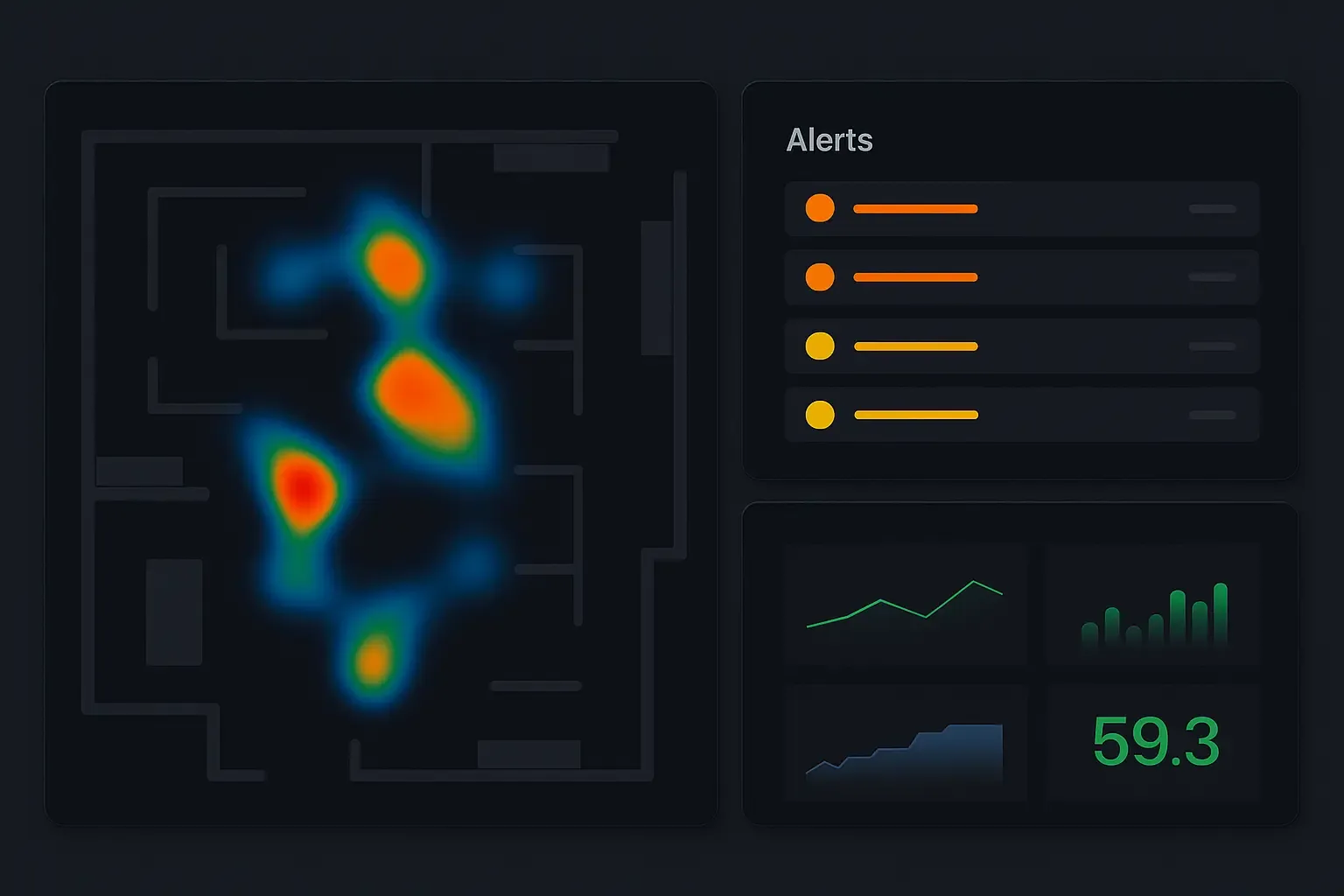
Android fleet health analytics and alert dashboard
04

Fleet policies and analytics

Track online state, versions, policy drift, alerts, site groups, heatmaps, recurring failures, and rollout progress across the device fleet.

Platform suite

Connect device management with the wider operations stack

The platform can stand alone for Android fleets or share identity, alarms, reports, APIs, and support workflows with other connected equipment.
Operations platformDevice registry, groups, roles, policies, alerts, reports, and APIs.

Android onboardingProvisioning, app setup, kiosk policy, network, certificates, and site assignment.

Optional AI workflowsIncident summaries, visual evidence, voice support, anomaly review, and automation.

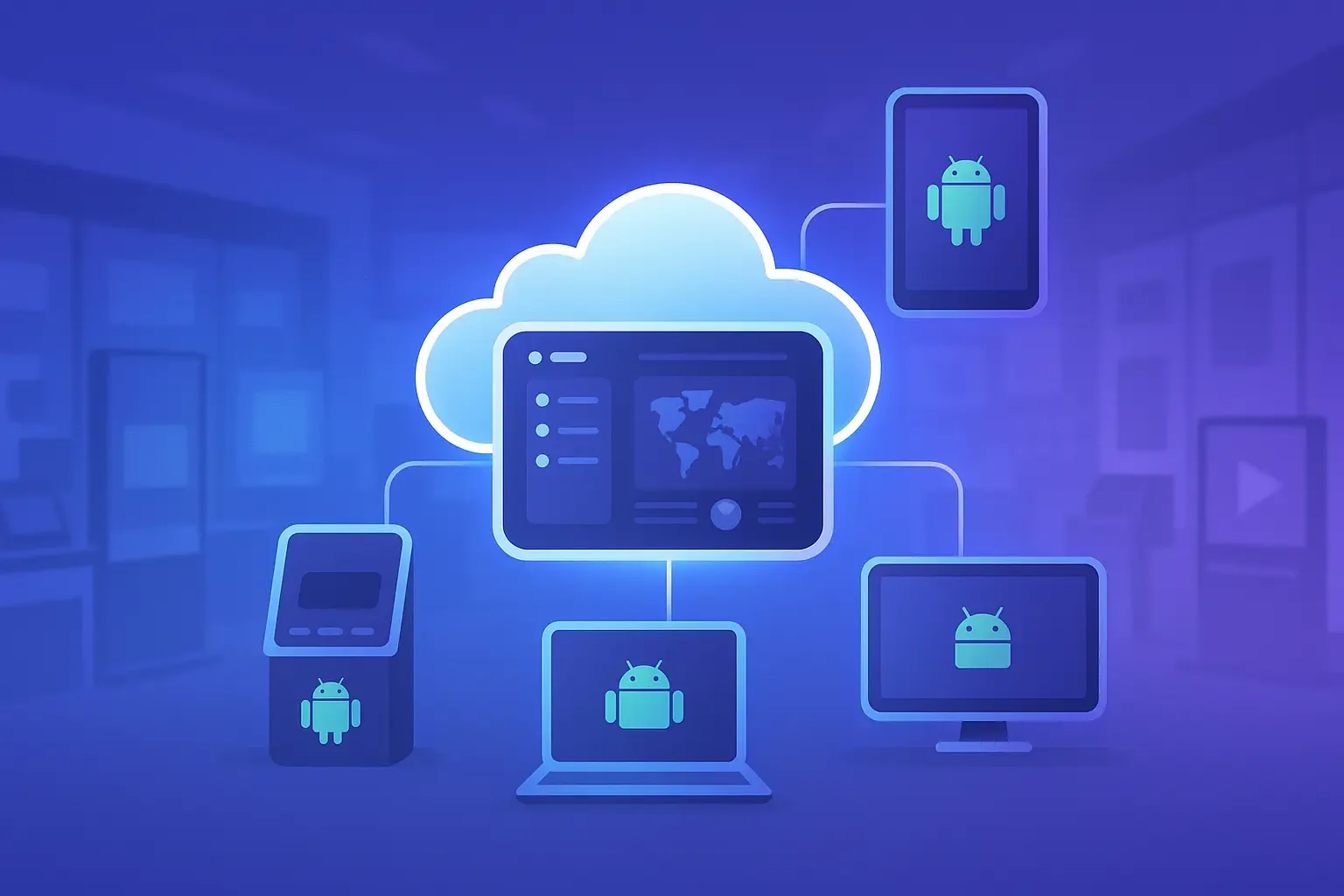
Android device onboarding with ZedIoT edge and platform services
Deployment boundary

Control depth depends on the device, Android build, and enrollment mode

Confirm firstAndroid version, Google services, device-owner capability, OEM restrictions, remote-control permissions, app signing, network, and geographic deployment.

Do not assumeEvery legacy device supports zero-touch, silent app control, remote screen access, or the same policy depth.

Best first pilotOne POS or kiosk group, one enrollment method, one app release, one failure case, and one help-desk integration.

Deployment path

Move from fleet inventory to controlled multi-site rollout

Staged rollout protects the operation from device variation, app regressions, weak networks, and support overload.

  1. 01

    Assess the device fleet

    Review models, Android versions, device-owner support, current apps, networks, locations, users, and failure history.

  2. 02

    Choose the enrollment path

    Select zero-touch, QR, token, NFC, vendor provisioning, or staged onboarding based on the hardware and deployment region.

  3. 03

    Define policies and support

    Set kiosk behavior, app distribution, permissions, updates, remote actions, alert rules, audit records, and escalation ownership.

  4. 04

    Pilot representative endpoints

    Test POS, kiosk, signage, tablet, weak network, failed update, replacement, and remote-support workflows.

  5. 05

    Roll out by site group

    Use templates, staged releases, health dashboards, rollback rules, support playbooks, and integration events for controlled expansion.

FAQ

Android device management questions

Resolve hardware capability, enrollment, remote support, integrations, and rollout constraints before locking scope.

How is this different from a general mobile device management tool?

The platform is designed around dedicated operational devices such as POS terminals, kiosks, digital signage, and frontline tablets. Enrollment, app state, kiosk restrictions, remote support, alerts, and site ownership are organized around the business workflow rather than only employee phones.

Can existing Android devices be enrolled?

Often yes. The first review checks Android version, device-owner capability, current apps, provisioning method, vendor restrictions, network environment, and the level of control required. Some legacy devices may need a lighter management path or staged replacement.

Does the platform support Android Enterprise and zero-touch enrollment?

Android Enterprise enrollment can be included when the selected hardware, reseller path, Google services, and deployment region support it. QR, token, NFC, or other provisioning methods can be used when zero-touch is not available.

Can support teams remotely troubleshoot a kiosk or POS device?

Remote diagnostics, device status, logs, screenshots, approved remote-control workflows, restart actions, app updates, and incident records can be included. The exact control level depends on Android permissions and the device vendor.

Can device events connect to our help desk or retail systems?

Yes. APIs and webhooks can connect device health, policy events, app versions, alerts, and support actions to ticketing, ERP, retail operations, reporting, or customer-owned platforms.

Talk to ZedIoT

Review your Android fleet and rollout path

Share the device models, Android versions, current apps, site count, enrollment method, support issues, and the systems that need device events. We will help define a representative pilot.

  • AI + IoT product architecture review
  • Hardware, firmware, cloud, and application integration
  • Prototype planning and production support