

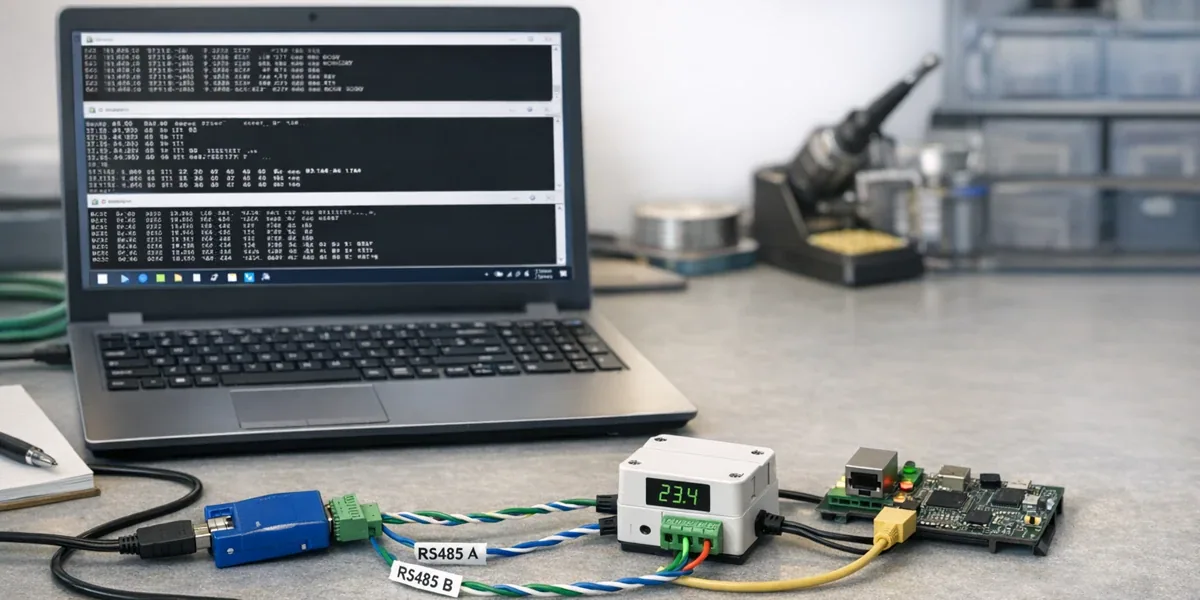
A serial and Modbus debugging toolchain should not start with the question "which tool is the most complete?" It should start with the object being debugged. CoolTerm is the right first step when you need raw serial visibility. NetAssist-style network debugging tools are useful when you need to prove TCP, UDP, serial tunneling, or packet direction. Modbus Poll is the right tool when the problem has been narrowed to slave ID, function code, register address, data type, and polling interval. If every field issue starts in Modbus Poll, wiring, baud rate, TCP gateway, and register-map problems get mixed together. If every issue stays in a generic terminal, the team cannot prove whether Modbus semantics are correct.
| Debugging question | First tool | Why |
|---|---|---|
| Does the device output anything, and are serial settings correct? | CoolTerm | It exposes raw bytes, text output, line endings, encoding, and basic send/receive behavior |
| Is TCP, UDP, or serial tunneling working? | NetAssist / Packet Sender / similar tools | It verifies packet direction, listening ports, payload format, and transport reachability |
| Are Modbus RTU or Modbus TCP registers correct? | Modbus Poll | It focuses on slave ID, function code, start address, quantity, and polling rate |
| Can the issue be reproduced for firmware or backend teams? | A combined toolchain | Serial logs, packet logs, register tables, and timestamps must line up |
The practical conclusion is: use generic tools to prove the physical and transport path first, use Modbus-specific tooling to validate protocol semantics second, and then turn the repeatable checks into logs or scripts. The more specialized the tool is, the later it should appear in the debugging flow. Otherwise, an error code may only be a symptom of a lower-level link problem.
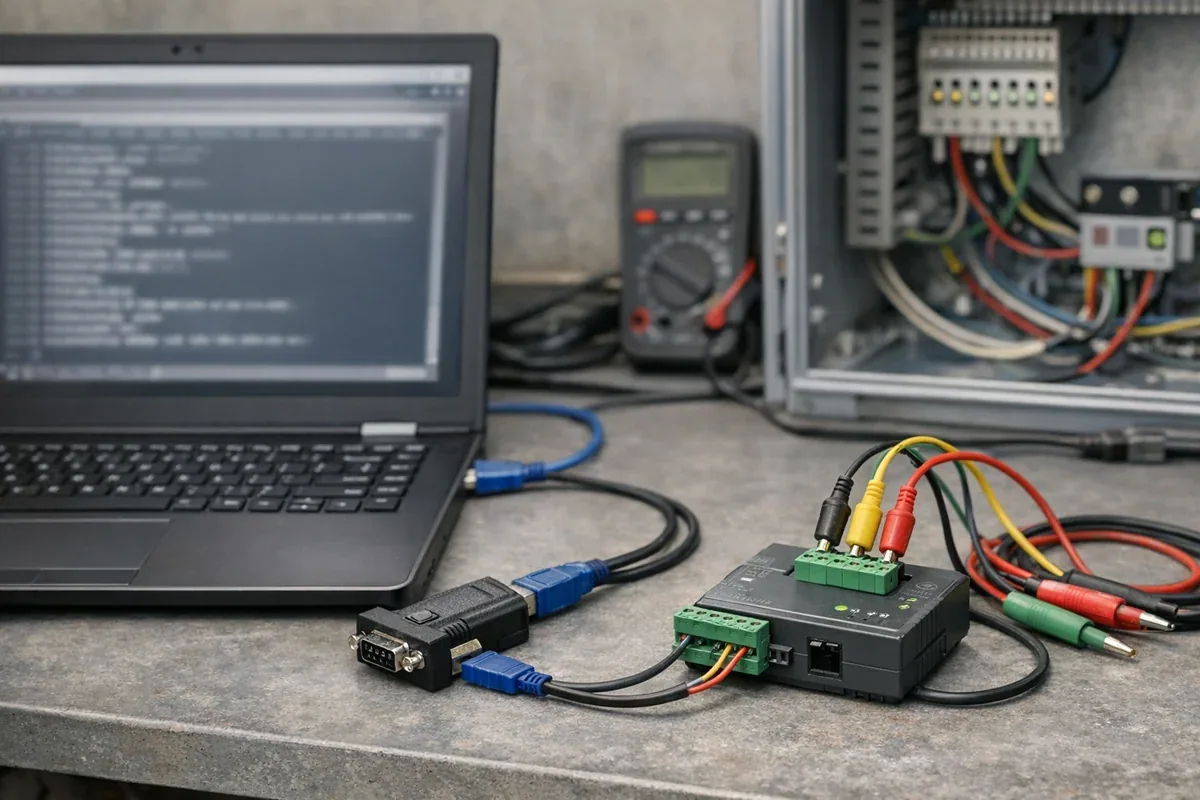
1. Separate three problems: link, packet, and protocol semantics
Serial and Modbus failures are easy to misdiagnose because many of them look like "no data." In reality, the fault can sit in three different layers:
| Layer | Typical issue | What must be proven |
|---|---|---|
| Link | USB serial driver, RS485 A/B polarity, baud rate, parity, stop bits, grounding | The device actually sends and receives data with the selected settings |
| Transport | TCP port, UDP broadcast, serial server, gateway tunneling, timeout | Packets reach the peer and the peer responds |
| Protocol semantics | slave ID, function code, register address, byte order, scaling, polling interval | The request matches the device register map and the response can be interpreted |
The reliable debugging order is bottom-up. Prove the serial or network channel first, prove the payload direction next, and only then debug Modbus addresses and data types. This may feel slower at the beginning, but it prevents repeated tuning at the wrong layer.
Decision Block
If the team cannot yet prove that a device responds with the correct serial settings, start with CoolTerm. If the task is to verify a gateway, TCP/UDP endpoint, or serial tunnel, use NetAssist, Packet Sender, or a similar network assistant. If the link is stable but values, addresses, or function codes are wrong, move to Modbus Poll.
2. CoolTerm: prove the raw serial link first
CoolTerm's official page describes it as a simple serial port terminal for people who need to exchange data with serial-connected hardware, and it provides builds across macOS, Windows, and Linux. Its value is not Modbus awareness. Its value is answering the most basic questions first: does the device output anything, are port settings correct, does a command produce an echo, and do line endings or encoding affect interaction?
CoolTerm is a good fit when:
- an MCU, sensor, gateway, or instrument is powered on for the first time
- the driver, port name, baud rate, parity, or stop bits are still uncertain
- the device exposes AT commands, a text menu, a debug shell, or a simple ASCII protocol
- a field interaction must be recorded and sent to firmware or hardware engineers
It is not a replacement for Modbus tooling. CoolTerm can show hexadecimal data and send raw bytes, but it does not interpret register addresses, function codes, exception codes, 32-bit float order, or polling intervals for you. Once the question becomes "why is register 40001 wrong?", staying in a generic serial terminal increases manual calculation rather than reducing uncertainty.
3. NetAssist-style tools: verify transport and packet direction
In many engineering teams, "NetAssist" is used as shorthand for a class of network assistant tools: TCP client, TCP server, UDP sender/listener, ASCII or HEX payloads, and visible send/receive logs. Similar tools include Packet Sender, Serial Port Utility, and many TCP/UDP assistants used for serial tunneling and gateway diagnostics.
These tools help turn "the device is not responding" into a more specific transport question:
- Is the serial server actually tunneling RS485 data to the TCP port?
- Is the gateway listening, or is a firewall blocking the path?
- Does UDP broadcast or active reporting leave through the expected interface?
- Does the HEX frame sent by the host match the vendor example?
- After a reconnect, does the gateway keep the expected direction and timeout behavior?
Packet Sender's official documentation emphasizes TCP, UDP, SSL, HTTP/HTTPS requests, port binding, resend behavior, and traffic logs. Alithon Serial Port Utility puts multi-port capture, TCP/UDP, Modbus workflows, and timestamps into one diagnostic workspace. Their shared value is visibility into channels and packets, not final protocol validation.
The boundary matters. A generic network assistant can tell you whether a piece of HEX data was sent and whether anything came back. It usually does not know whether a register should be interpreted as signed integer, unsigned integer, float, high word first, low word first, or scaled engineering value. That is where a Modbus-specific tool becomes necessary.
4. Modbus Poll: validate registers and polling behavior
Modbus Poll is described by Modbus Tools as a Modbus master simulator for testing and debugging slave devices, with support for Modbus RTU/ASCII and Modbus TCP/IP. It belongs after the link and transport path are mostly known. At that point, it helps verify the Modbus layer:
- whether the slave ID is correct
- whether function code 03, 04, 06, 16, or another code matches the device manual
- whether the starting address is interpreted as zero-based, one-based, 40001-style, or vendor-offset notation
- whether the read quantity crosses an unsupported range
- whether 16-bit values, 32-bit values, floats, byte order, word order, and scaling are correct
- whether the polling interval is too aggressive for the device or bus
The Modbus Organization specifications define Modbus as an application-layer protocol with function codes, request/response structures, and exception responses. In field debugging, Modbus Poll is useful because it makes these semantics explicit: set a function code, address, quantity, and polling interval, then observe values or exception responses instead of guessing inside the business application.
Modbus Poll should still not be the first tool. If RS485 polarity is wrong, serial settings are mismatched, or a TCP gateway is not connected, Modbus Poll can only show timeout or failure. It validates protocol semantics; it does not replace link troubleshooting.
5. A recommended workflow: visibility before semantics
A practical field debugging workflow can use four steps:
- Start with link visibility. Open the port with CoolTerm or a similar serial terminal. Confirm boot logs, echo behavior, baud rate, parity, stop bits, wiring, termination, power, and grounding.
- Verify transport. If a serial server, TCP gateway, or cloud gateway is involved, use NetAssist, Packet Sender, or a similar tool as both client and listener. Confirm direction, port, firewall, timeout, and tunneling behavior.
- Validate Modbus semantics. Use Modbus Poll with fixed slave ID, function code, address, quantity, and polling interval. Walk through the device register map gradually.
- Create a reproducible evidence package. Save serial logs, packet logs, Modbus Poll configuration, register-map screenshots, and a timestamped sequence. Do not hand the development team only a sentence like "the site cannot read data."
The point is layered evidence. Hardware engineers need link symptoms. Firmware engineers need serial logs and frame content. Platform engineers need transport behavior and protocol errors. Application engineers need interpreted register values. The clearer the toolchain boundary is, the lower the cross-team debugging cost becomes.
6. Which combination fits which scenario?
| Scenario | Recommended combination | Avoid |
|---|---|---|
| MCU bring-up | CoolTerm + serial logs | Starting with Modbus Poll and guessing addresses |
| Serial server or DTU tunneling | CoolTerm + NetAssist / Packet Sender | Only checking whether the business app receives data |
| Modbus RTU instrument integration | CoolTerm + Modbus Poll | Ignoring serial settings and exception codes |
| Modbus TCP gateway debugging | Packet Sender / NetAssist + Modbus Poll | Treating TCP connection failure as a register problem |
| Field deployment at scale | Modbus Poll configuration + scripts + log template | Manually clicking settings for every device |
For a small number of devices, CoolTerm plus Modbus Poll may be enough. For gateways, cloud platforms, or repeatable field delivery, a network assistant, Modbus-specific tool, and automated test script should all be part of the workflow. The important factor is not the number of tools; it is whether each tool owns a clear layer and produces usable evidence.
7. When desktop tools are no longer enough
Desktop debugging tools are excellent for diagnosis. They should not become the long-term system of record. Consider turning the workflow into scripts, configuration, or platform checks when:
- every release requires engineers to manually validate dozens of registers
- field teams send screenshots, but development teams still cannot reproduce the issue
- the same device family repeatedly has offset, scaling, or byte-order problems
- gateways need long-term monitoring for online status, response time, exception codes, and data quality
- debugging work starts delaying delivery and needs standardized acceptance checks
At that point, desktop tools still matter, but they become baselines and emergency instruments. The production workflow should encode register maps, protocol parameters, sampling intervals, exception handling, and quality checks into code, configuration, CI, or field acceptance scripts.
8. Conclusion: choose by layer, not by tool name
The division of labor is simple: CoolTerm proves the serial link and raw output, NetAssist-style tools prove transport direction and packet behavior, and Modbus Poll proves Modbus registers and polling semantics. This order breaks "no data" into verifiable layers and prevents teams from tuning parameters in the wrong tool.
For IoT and industrial field teams, the best toolchain is not one universal application. It is an evidence flow: link logs, packet logs, register results, device manuals, and reproduction steps should point to the same diagnosis. Only then can a field issue move from "maybe wiring" or "maybe the platform" to a concrete layer, parameter, and ownership boundary.
References
- CoolTerm official page: https://www.freeware.the-meiers.org/
- Modbus Tools: https://modbustools.com/index.html
- Packet Sender GitHub: https://github.com/dannagle/PacketSender
- Alithon Serial Port Utility: https://www.alithon.com/
- Modbus Organization specifications: https://www.modbus.org/modbus-specifications