
Tuya IoT Cloud integration for private platforms and business workflows
Turn Tuya device events into dashboards, alerts, APIs, reports, and operational workflows.
Tuya Cloud API is often the bridge between smart devices and the customer’s own business system. A reliable integration must define accounts, assets, permissions, event semantics, data sync, alerts, retries, and operational ownership.
What Tuya Cloud integration can include
The integration should be designed around what the business must operate, not only which API endpoints are available.
Tuya Cloud API integration
Project setup, authorization, device query, command APIs, status reading, event subscription, and error handling.
Device and asset mapping
Map Tuya devices to customers, sites, products, assets, service contracts, and internal IDs.
Event pipeline and data sync
Handle webhooks, event retries, time-series data, offline states, alert rules, and business notifications.
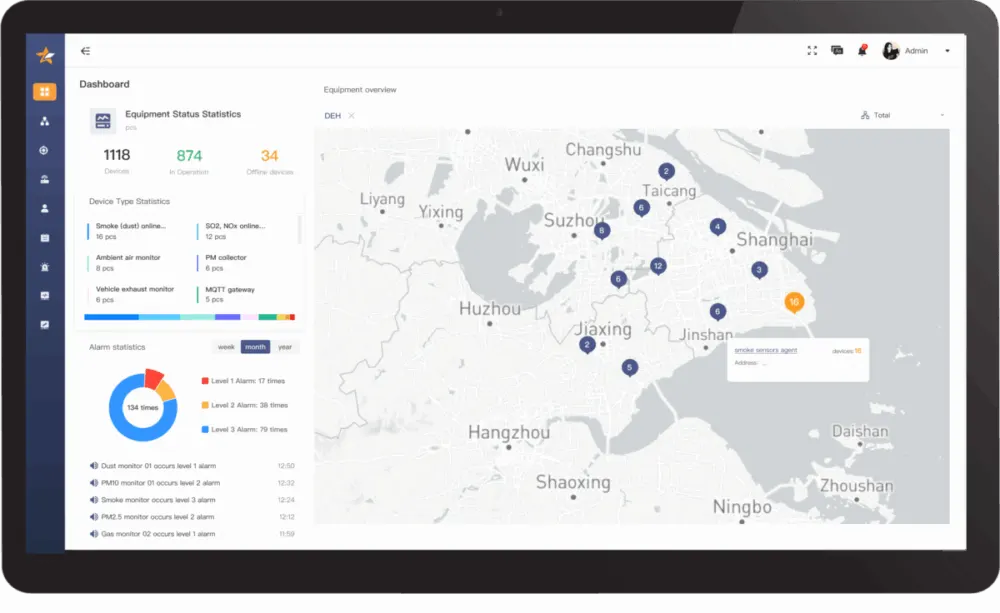
Private dashboards and reports
Build dashboards, service views, usage reports, compliance evidence, and role-based operations.
Business-system integration
Connect Tuya device data with ERP, CRM, WMS, service desks, billing, customer portals, or data warehouses.
Move from Tuya device events to an observable business workflow
The API call is only one link. Production integration also needs identity mapping, event reliability, state ownership, guarded commands, monitoring, and recovery evidence.
- 01
Devices and users
Device state, commands, accounts, homes, sites, and product identifiers enter the integration scope.
- 02
Tuya Cloud
OpenAPI authorization, event subscriptions, project regions, permissions, and command capabilities define the source boundary.
- 03
Integration service
Normalize IDs, validate freshness, deduplicate events, retry failures, store state, and expose observable APIs.
- 04
Business systems
Dashboards, ERP, CRM, WMS, service desks, billing, AI workflows, and customer portals consume trusted device context.
- 05
Controlled response
Alerts, work orders, reports, operator decisions, and guarded device commands close the operational loop.
Test the failure path before calling the integration complete
Confirm the Cloud project, data center, token lifecycle, scopes, account ownership, and environment separation.
Define how Tuya device IDs, users, homes, assets, sites, products, and internal records map and change over time.
Test duplicate, delayed, out-of-order, missing, offline, and reconnect events with retries, replay, and freshness rules.
Set command permissions, acknowledgement, timeout, audit, rollback, monitoring, alert escalation, and support ownership.
Compare three core Tuya IoT Cloud integration services
The integration depth depends on whether the business needs device management, natural-language interaction, or LLM-powered applications.
| Decision area | RESTful API and MQTT to private IoT platform | Tuya AI semantic middleware | Tuya cloud AI and LLM integration |
|---|---|---|---|
| Service characteristics | Connect external or ecosystem devices to the enterprise platform through cloud-to-cloud integration and TuyaLink. | Translate phrases such as “it is too cold” or “movie mode” into precise device scenes and commands. | Use Tuya AI Agent or TuyaOpen frameworks to add conversation, reasoning, and multimodal interaction. |
| Technical interfaces | RESTful OpenAPI, Pulsar message subscription, and MQTT device access. | Tuya cloud semantic engine, intent APIs, and scene-rule configuration. | AI Agent platform, TuyaOpen framework, and edge-cloud AI capabilities. |
| Development focus | Backend system integration, testing, device authorization, and data persistence. | Intent vocabulary, slot design, product language adaptation, and cross-device scene logic. | Model selection, prompt strategy, workflow design, and cost/performance control. |
| Best fit | Private IoT platforms, energy systems, industrial devices, and data platforms. | Smart home, hotel, apartment, and consumer-device scenarios that need natural interaction. | AI hardware, application assistants, personalized recommendations, and premium brand applications. |
Build a reliable bridge between Tuya devices and owned operations
Cloud integration quality depends on stable auth, correct device mapping, consistent event handling, and clear ownership of data and workflows.
API foundation
Authentication, endpoint selection, command safety, retries, rate limits, logging, and monitoring.
Data and event semantics
Normalize device status, DP values, alarms, timestamps, offline periods, and duplicate events.
Operations integration
Connect events to alerts, tickets, reports, customer portals, workflows, and support dashboards.
Tuya Cloud work that should not be left until the end
Most integration issues come from vague ownership of users, devices, data, and exception states.
Account, project, and permission model
Confirm who owns the Tuya project, how devices are linked, how customers are mapped, and which operations can be performed.
- Project and asset ownership
- User and tenant mapping
- Command permission boundary
- Audit and support access
Event and alarm pipeline
Device event streams need validation, deduplication, retries, alert rules, and fallback behavior for offline devices.
- Webhook reliability
- Offline state handling
- Alert escalation
- Notification routing
Business workflow connection
Device data becomes valuable when it enters real work: maintenance, replenishment, billing, customer support, or operations review.
- ERP / CRM / WMS integration
- Service ticket creation
- Report generation
- Data warehouse export
Tuya Cloud integration delivery path
We validate API feasibility first, then build stable data and workflow integration.
Product and business definition
Clarify target device types, Tuya ecosystem status, user roles, market plan, data ownership, and the first release boundary.
Scope, risk list, and delivery roadmapPrototype and integration validation
Validate DP model, app experience, cloud API, firmware behavior, account flow, and connected-device test cases before full development.
Prototype, API notes, and test planDevelopment and QA delivery
Build the app, panel, cloud integration, firmware coordination, dashboards, alerts, and business-system links according to the confirmed scope.
Production-ready modules and QA evidenceLaunch and iteration support
Support app release, Tuya project configuration, data monitoring, issue triage, documentation, and the next version roadmap.
Release handoff and iteration backlogWhy ZedIoT for Tuya Cloud integration
We treat Tuya Cloud as one layer in the customer’s larger product and operations architecture.
Integration-first architecture
We define event semantics, retries, logs, mappings, and operational acceptance criteria before writing glue code.
IoT platform experience
We can extend the integration into dashboards, alerts, reports, role models, APIs, and private deployment.
Operations handoff
The handoff includes monitoring points, support notes, failure cases, and documentation for future maintenance.
Related implementation routes
 Tuya AIoT DevelopmentUse the broader route when cloud integration is part of a larger app, hardware, and launch project.
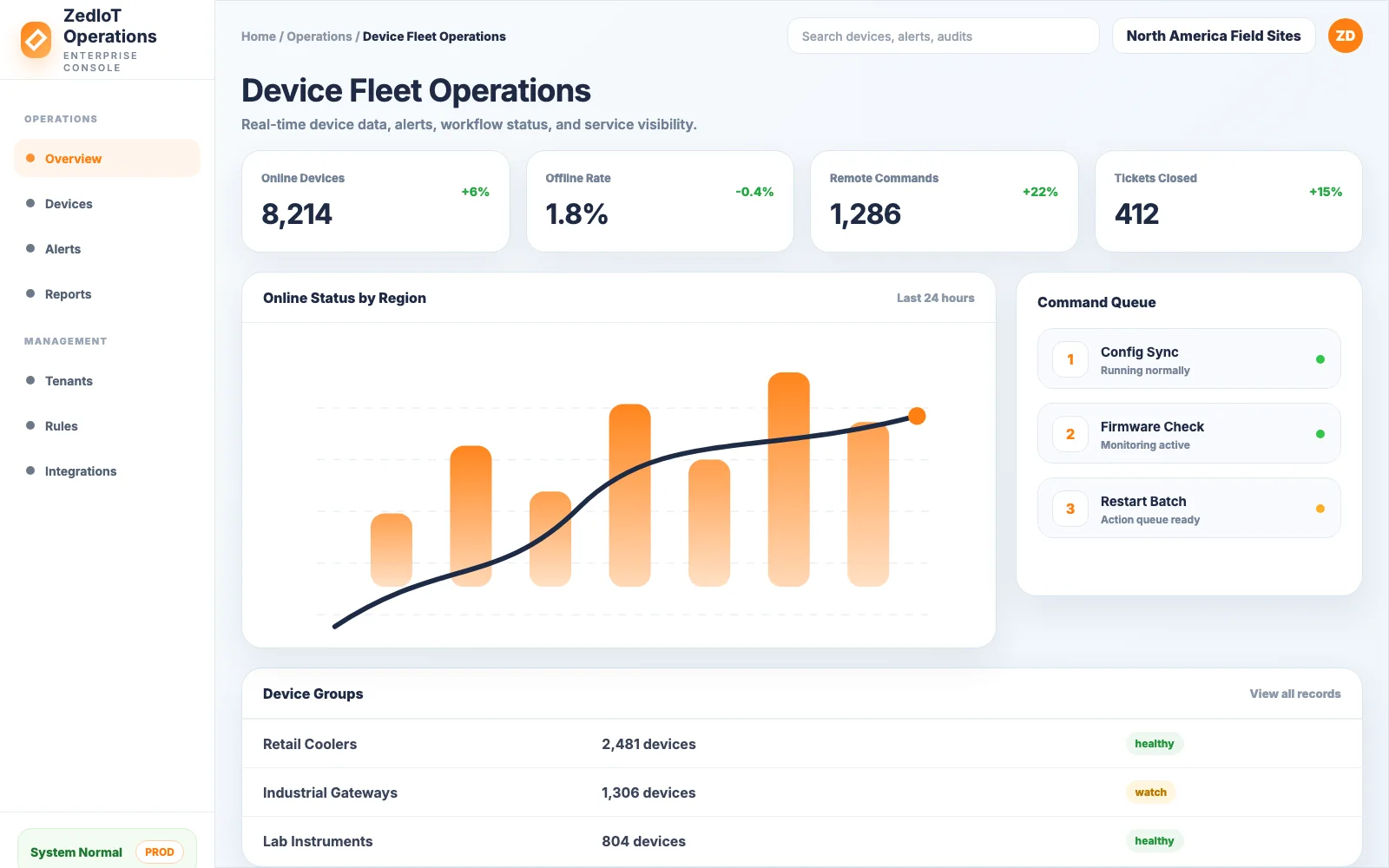 ZedIoT PlatformBuild customer-owned dashboards, alerts, permissions, and workflows around Tuya and non-Tuya device fleets.
 Custom IoT DevelopmentFor projects that need device connectivity, apps, cloud services, gateways, dashboards, and business workflows beyond Tuya alone.
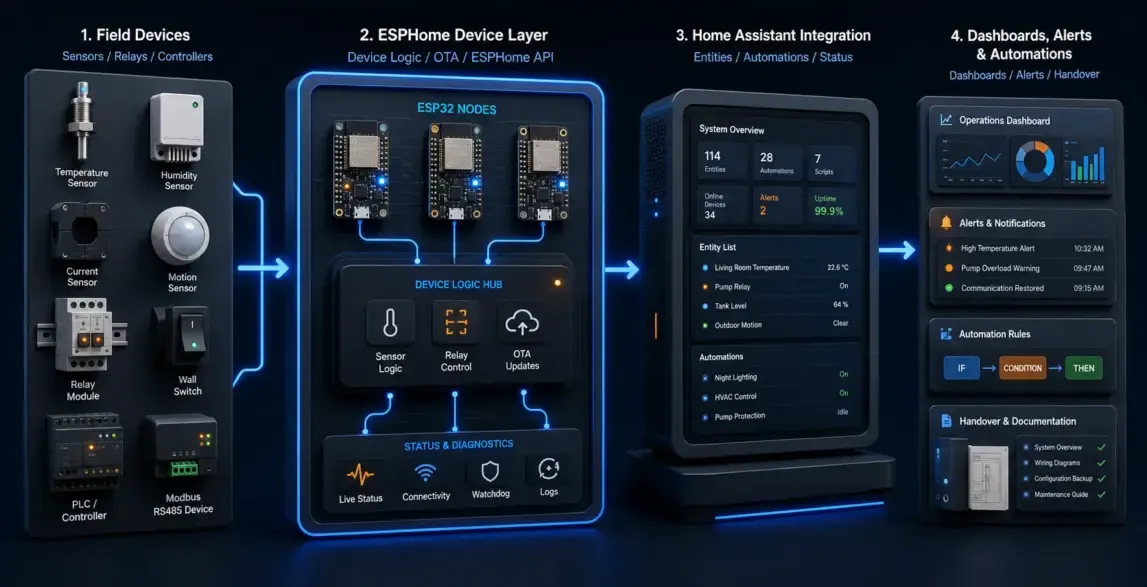 ESPHome + Home Assistant IntegrationA practical path when local automation, Home Assistant dashboards, and open integration are more important than a closed app flow.
Tuya Cloud integration guides
These references help define API, permission, and data-model decisions before implementation.
 Cloud APITuya Cloud API integration pitfalls in production projectsReview authentication, event delivery, rate limits, retries, and data-model risks before launch.
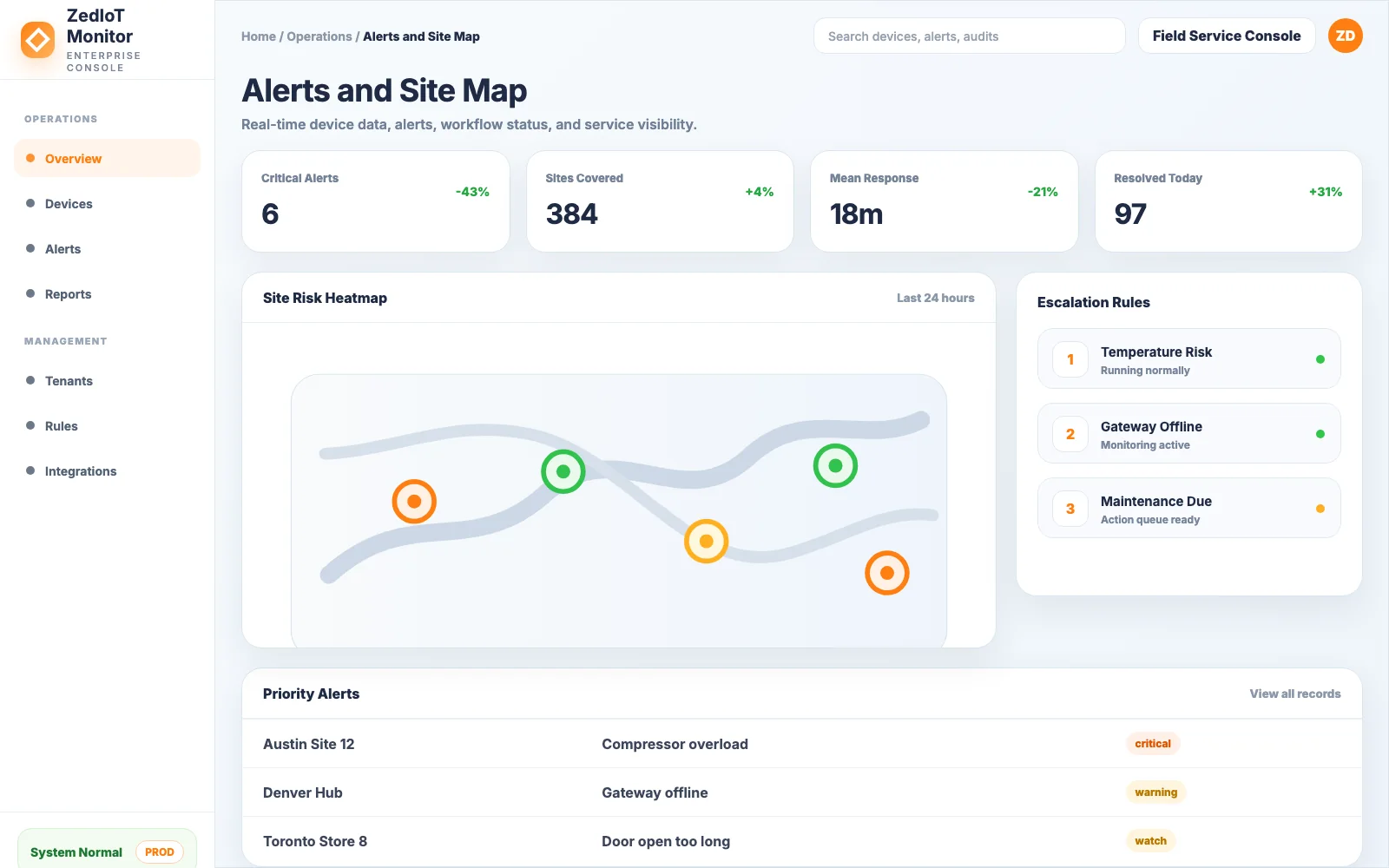 Platform designMulti-tenant permission models for Tuya enterprise integrationMap Tuya devices into customers, sites, roles, and business records without losing control.
 Tuya strategyHow to move from OEM App to App SDK without breaking usersChoose the right upgrade path when branding, user ownership, and control experience need more flexibility.
Confirm the ecosystem boundary before defining the development scope
Clarify the Tuya product path, account model, data ownership, integration boundary, and rollout expectations before implementation.
Can Tuya devices be displayed in our own platform?
Yes. We can use Tuya Cloud APIs and events to build customer-owned dashboards, alerts, reports, device lists, and business workflows.
Can the integration include commands, not only data reading?
Yes, if the Tuya APIs, device permissions, and safety boundaries support it. We define command rules and logging before enabling remote control.
How do you handle offline or delayed device status?
We design status freshness, retry, offline detection, event deduplication, alert escalation, and user-facing messaging as part of the integration.
Send us your device type, Tuya status, and target market
Tell us which Tuya devices you operate, which platform or business system needs the data, and what actions or reports must be supported.
Full contact pageSubmit project details