

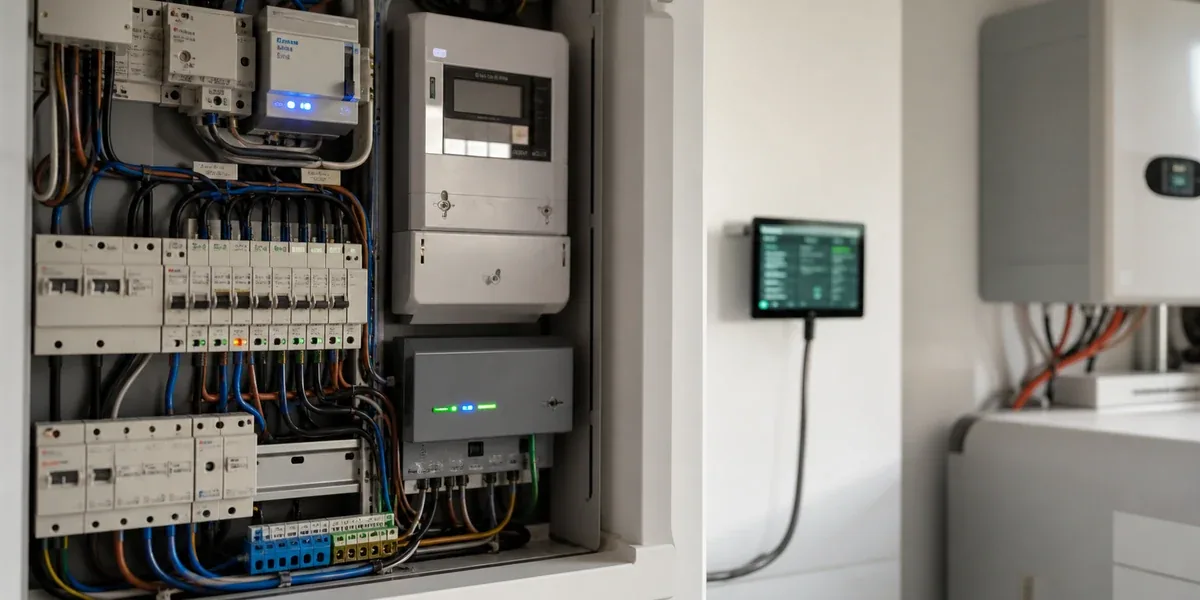
Many Home Assistant energy projects start with the same instinct: add more devices. Add the smart meter, inverter, battery, EV charger, HVAC controller, smart plugs, relays, and appliance monitors. The dashboard becomes richer, but the system is not necessarily better at managing energy.
The real question is different. When tariffs, solar production, battery state, household demand, and device availability change at the same time, can the system make a local decision that is fast enough, safe enough, and easy to override? Home Assistant is a strong layer for visualization, automation, and local coordination, but only when the project separates data collection, state judgment, load control, and manual override.
The core conclusion is simple: in Home Assistant energy management, the first priority is not adding another device. The first priority is deciding which data must be local, which control actions can close the loop locally, and which actions should remain suggestions that require confirmation. Without that boundary, the dashboard may look impressive while peak shaving, solar self-consumption, load shifting, and recovery behavior remain unreliable.
1. Device integration gives visibility; local architecture decides whether control is safe
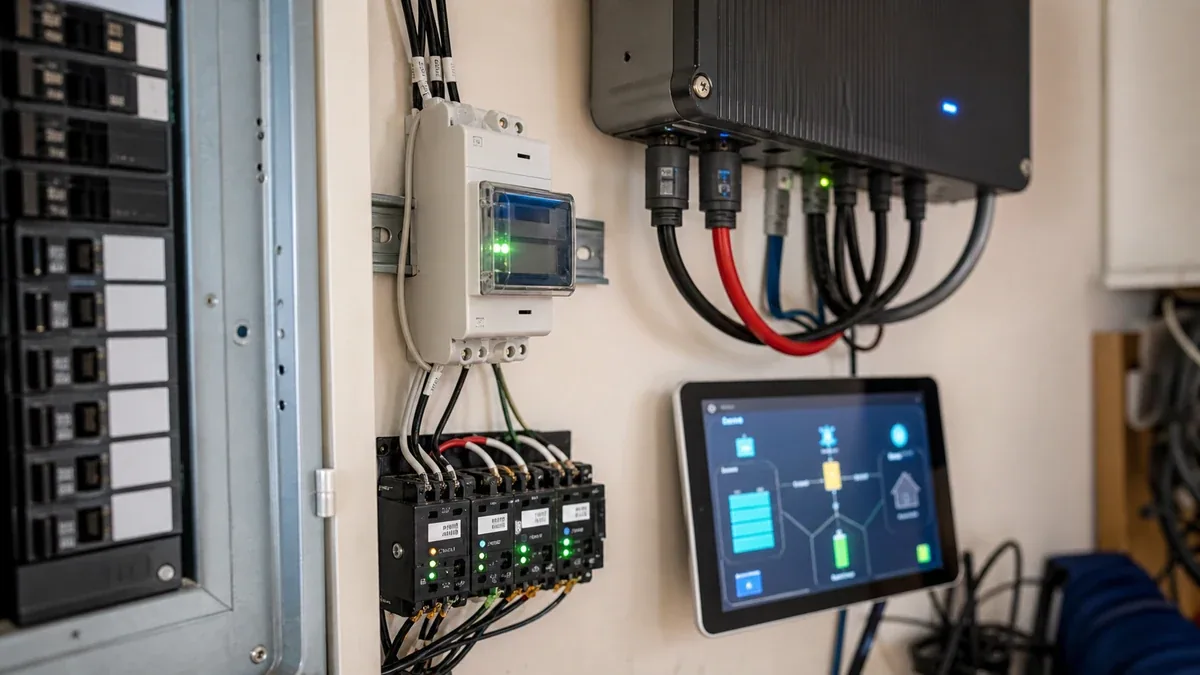
A home energy system usually has three layers: metering devices, controllable loads, and decision logic. Meters, inverters, and smart plugs expose power, energy, and device state. HVAC systems, water heaters, chargers, batteries, and switched loads give the system something to influence. Home Assistant ties those signals into dashboards, automations, and user controls.
If only the first layer is complete, Home Assistant remains an energy dashboard. It can show consumption, solar production, and power draw, but it cannot reliably answer whether to start the water heater now, preserve battery capacity for the evening, reduce EV charging power, or delay a load until solar surplus returns.
When the goal is energy optimization rather than energy visibility, the architecture must answer four questions first:
| Question | What goes wrong if it is unclear |
|---|---|
| Which data must be available locally | Rules act on stale values when cloud APIs lag or fail |
| Which loads may be controlled automatically | The system may interrupt comfort, safety, or user intent |
| How failed control actions are detected | Device reality and automation state drift apart |
| How manual override takes priority | User actions get repeatedly overwritten by automation |
The judgment behind this table is direct: device count expands what the system can observe, but the local control boundary determines whether the system can safely intervene. For most homes, making three to five critical loops reliable is more valuable than integrating every possible low-priority device.
2. Home Assistant can coordinate energy, but it should not replace every control loop
Home Assistant is useful because it integrates many devices, supports flexible automations, and gives the user a local interface. That makes it a good fit for three tasks:
- consolidating meter, solar, battery, and key load state
- turning tariffs, schedules, thresholds, and user preferences into readable automations
- giving the household a control surface that can be inspected, edited, paused, or overridden
But Home Assistant should not become the only safety controller for every energy action. Overcurrent protection, grid-interactive inverter behavior, battery protection, charger safety limits, and equipment-level HVAC protection should remain in certified devices or dedicated controllers. Home Assistant can request lower power, delayed startup, or a comfort-saving mode, but the device itself must still enforce safe operation.
A more robust model looks like this:

The important part is the boundary. Home Assistant owns state aggregation, rule evaluation, and user interaction. The device owns its own hardware protection. High-impact actions require human confirmation. With that structure, a Home Assistant restart, a broken integration, or a missing sensor does not turn energy optimization into an unsafe control path.
3. The common failures are latency, state drift, and user override conflicts
Home energy control looks less demanding than industrial control, but three failure modes are easy to underestimate.
The first is data latency. If the meter or inverter updates every few minutes, that signal can still support statistics, trends, and slow strategies such as daytime water heating. It should not drive fast switching logic such as immediately cutting a load when power crosses a threshold.
The second is state drift. Many smart plugs, HVAC bridges, and cloud-backed devices may accept a command before the real state is confirmed. If an automation trusts the command result instead of verified device feedback, the system can repeat commands, oscillate, or show a state that does not match reality.
The third is manual override. In a home, a user turning on HVAC, hot water, or charging usually means there is immediate intent. If automations do not include a manual-priority window, the system may override the user moments later. That is how useful automations become rules people disable.
A practical Home Assistant energy setup should include:
- data freshness checks before any control action
- command confirmation based on device feedback, not only command dispatch
- manual-priority windows after user action
- conservative defaults when sensors go missing or stale
These checks add configuration work, but they decide whether the system can run for months. Without them, the setup may feel impressive during the first demo and irritating after a few weeks.
4. When Home Assistant is a good fit for local energy management
Home Assistant fits lightweight, explainable, user-overridable energy coordination. It is not a replacement for a certified energy management system or device-level protection.
Good-fit scenarios include:
- the household wants meter, solar, battery, and key load state in one local dashboard
- the goal is comfort-aware optimization, not hard safety protection
- loads can tolerate delay, such as water heating, dehumidification, some HVAC modes, or non-critical charging
- the user is willing to maintain rules and accept a mix of automation and suggestions
- the local network and critical devices keep basic behavior during internet outages
The unsuitable cases matter just as much. If the project involves grid compliance, strict current limiting, medical or commercial critical loads, high-power battery protection, or revenue-grade settlement, Home Assistant should not own the final closed loop. It can still act as a visualization and coordination layer, but certified controllers, inverter policies, or a dedicated EMS should own the safety-critical path.
In other words, Home Assistant is best positioned as the local coordination layer for home energy management, not as a substitute for every electrical protection and commercial control function.
5. A safer implementation sequence
If you plan to use Home Assistant for energy management, do not start by integrating every device. A better sequence is:
- Integrate the main meter, solar, or battery signals first and verify update frequency.
- Pick one or two low-risk loads, such as a water heater, dehumidifier, or non-critical plug.
- Add data freshness, state confirmation, and manual-priority conditions to every control rule.
- Convert high-impact actions into notifications or confirmation buttons instead of direct automation.
- Run the setup for two to four weeks before expanding to more loads.
This sequence is less impressive in the first demo, but it produces a system that survives real life. Home energy management is not about showing more devices in an energy dashboard. It is about making the local system quiet, explainable, reversible, and useful.
Conclusion
In Home Assistant energy management, device integration is only the first layer. Meters, solar, batteries, and smart loads create visibility. Local architecture decides whether the system can intervene safely.
If your goal is consumption tracking, adding more devices may be enough. If your goal is peak shaving, time-of-use shifting, solar self-consumption, or load optimization, design data freshness, manual override, command confirmation, and conservative fallback before you expand the device list. Only then does Home Assistant move from a good-looking energy dashboard to a reliable local energy coordination layer.
Related reading: How to Design a Local-First Smart Home with Home Assistant and Choosing Matter, Thread, and Zigbee in Home Assistant.