

Wi-Fi Refrigeration Controller
A Wi-Fi smart refrigeration controller for upgrading traditional digital thermostats. It supports local temperature display, cooling and defrost, Wi-Fi + BLE onboarding, Tuya platform integration, remote monitoring, OTA updates, and exception notifications.
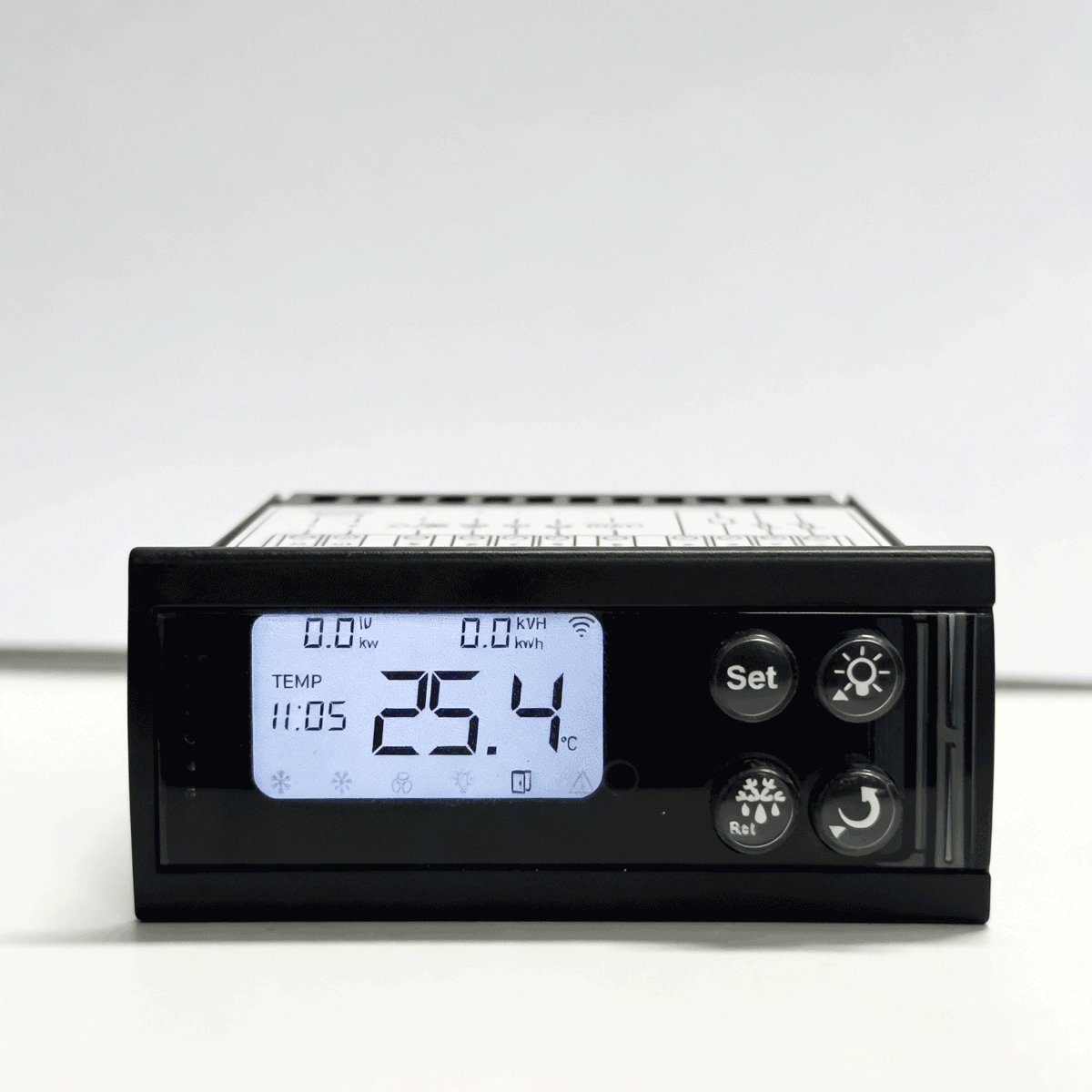
A Wi-Fi + Tuya upgrade path for commercial refrigeration product lines
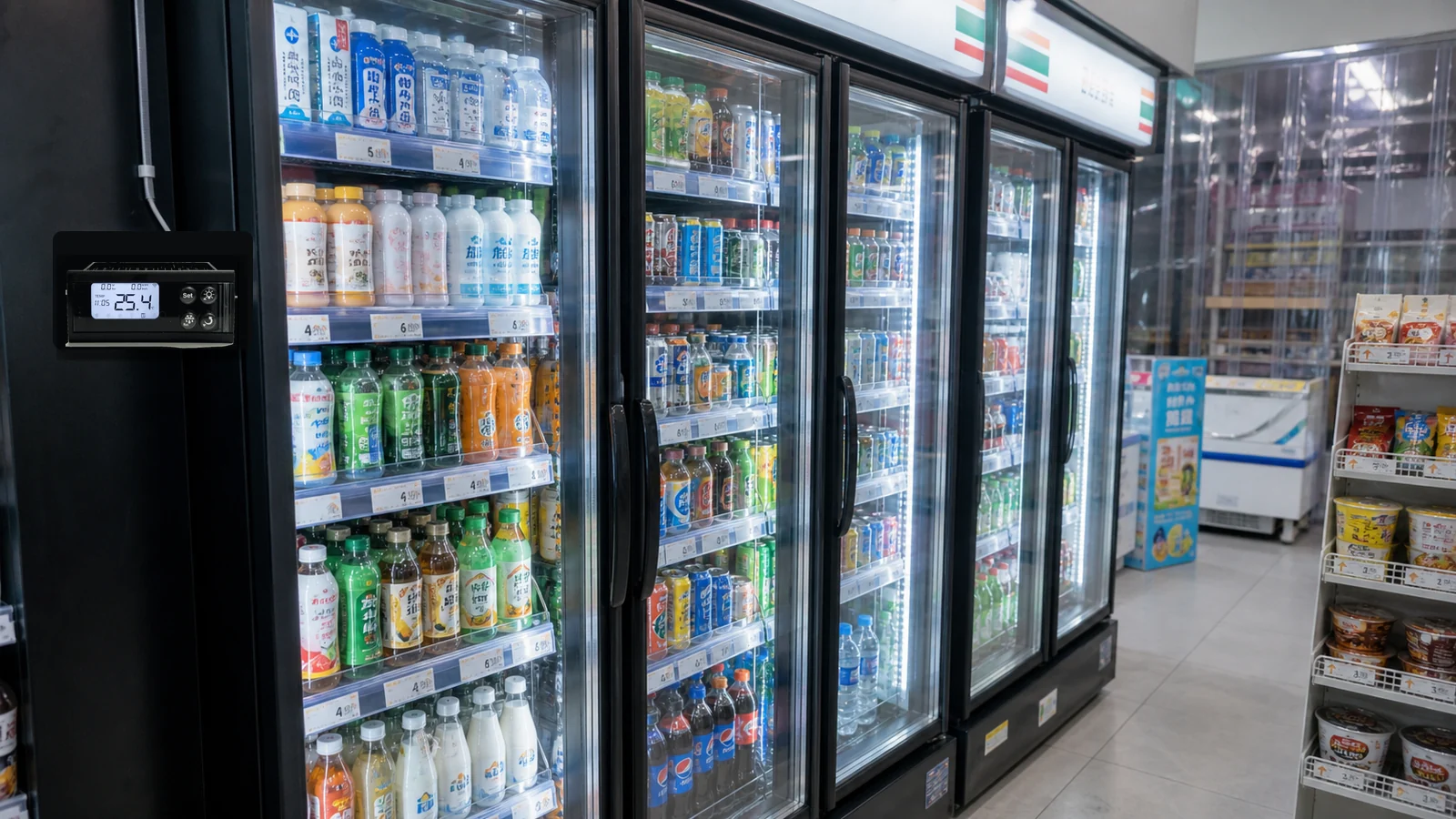
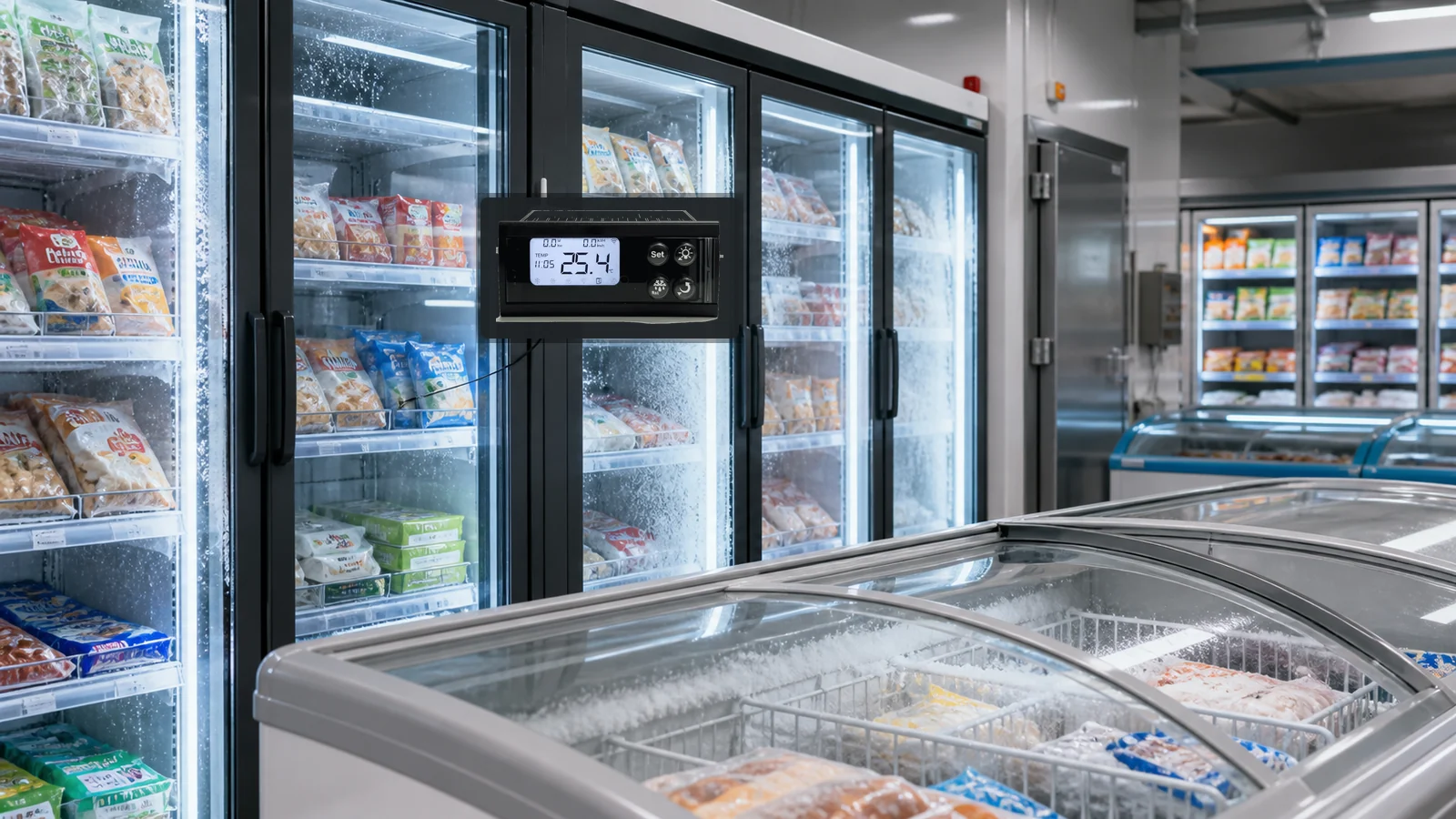
Traditional digital thermostats already serve many coolers, freezers, beverage cabinets, and fresh cabinets. The Wi-Fi smart controller adds app access, remote parameter management, alarm messaging, OTA upgrades, and service diagnostics while retaining local refrigeration control.
- Refrigeration OEM smart product lines
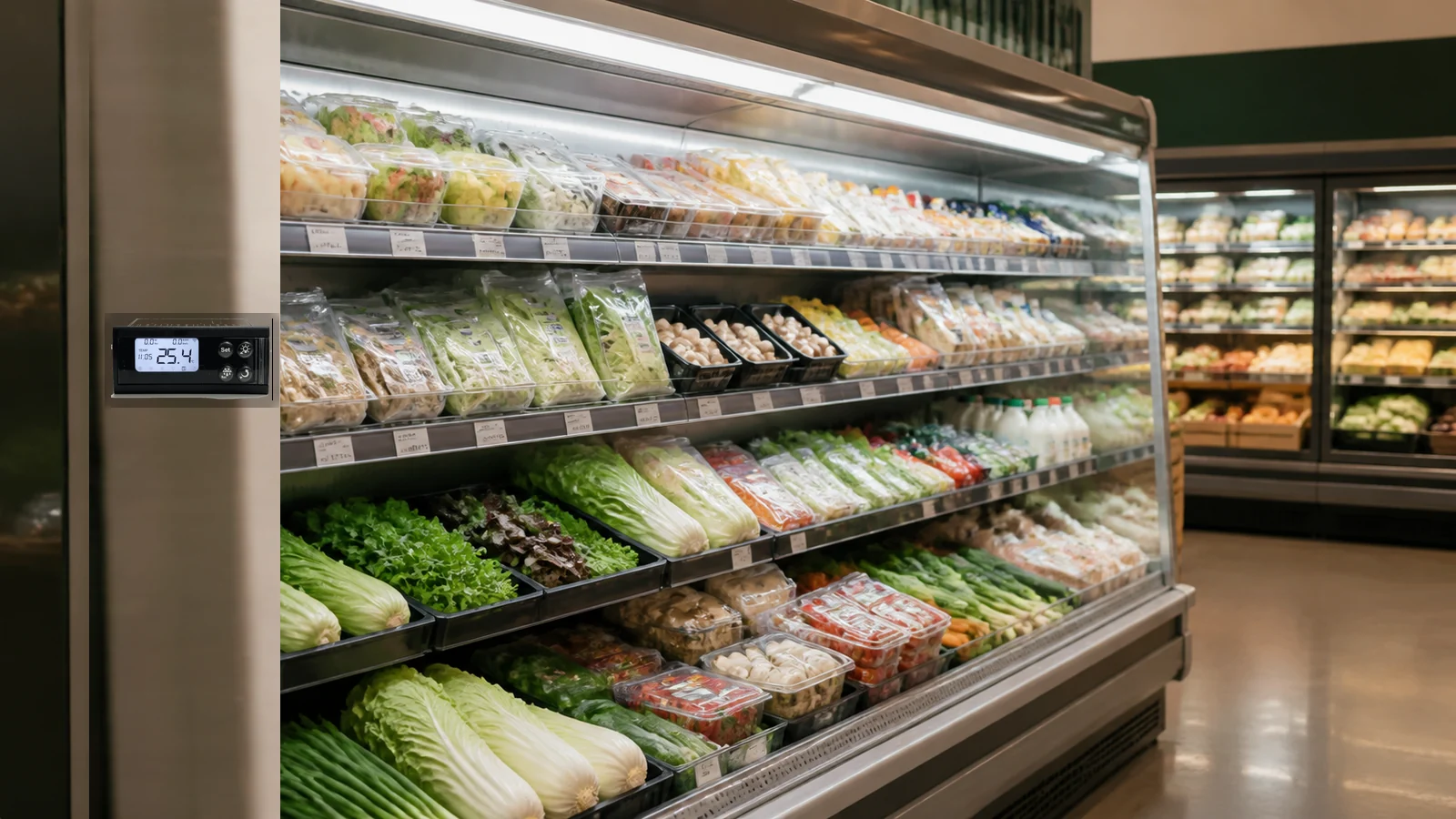
- Beverage and fresh cabinets
- Air-cooled cabinets and warm milk cabinets
- Tuya ecosystem and overseas retail projects
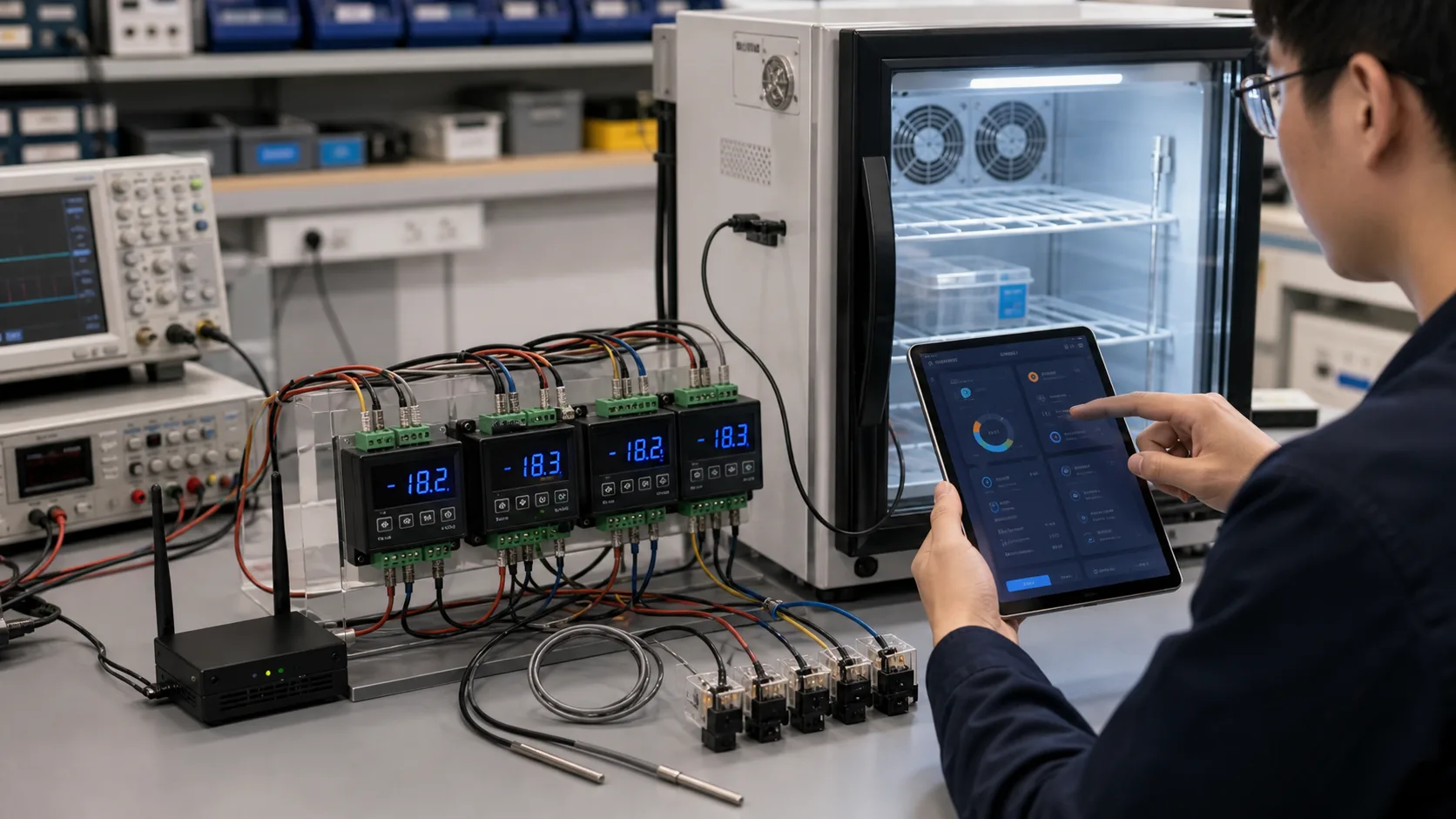
Turn a traditional thermostat into a sellable Wi-Fi smart product
Refrigeration OEMs often have reliable local control but lack app control, cloud data, OTA, and remote diagnostics. The Wi-Fi version is suitable for standardized retail, Tuya ecosystems, and overseas smart hardware product lines.
- Preserve local cooling, defrost, probe, and panel logic
- Define Tuya data points, app panel, alert messages, and OTA policy
- Move from prototype to certification, packaging, service, and production tests
What this product looks like in a real workflow
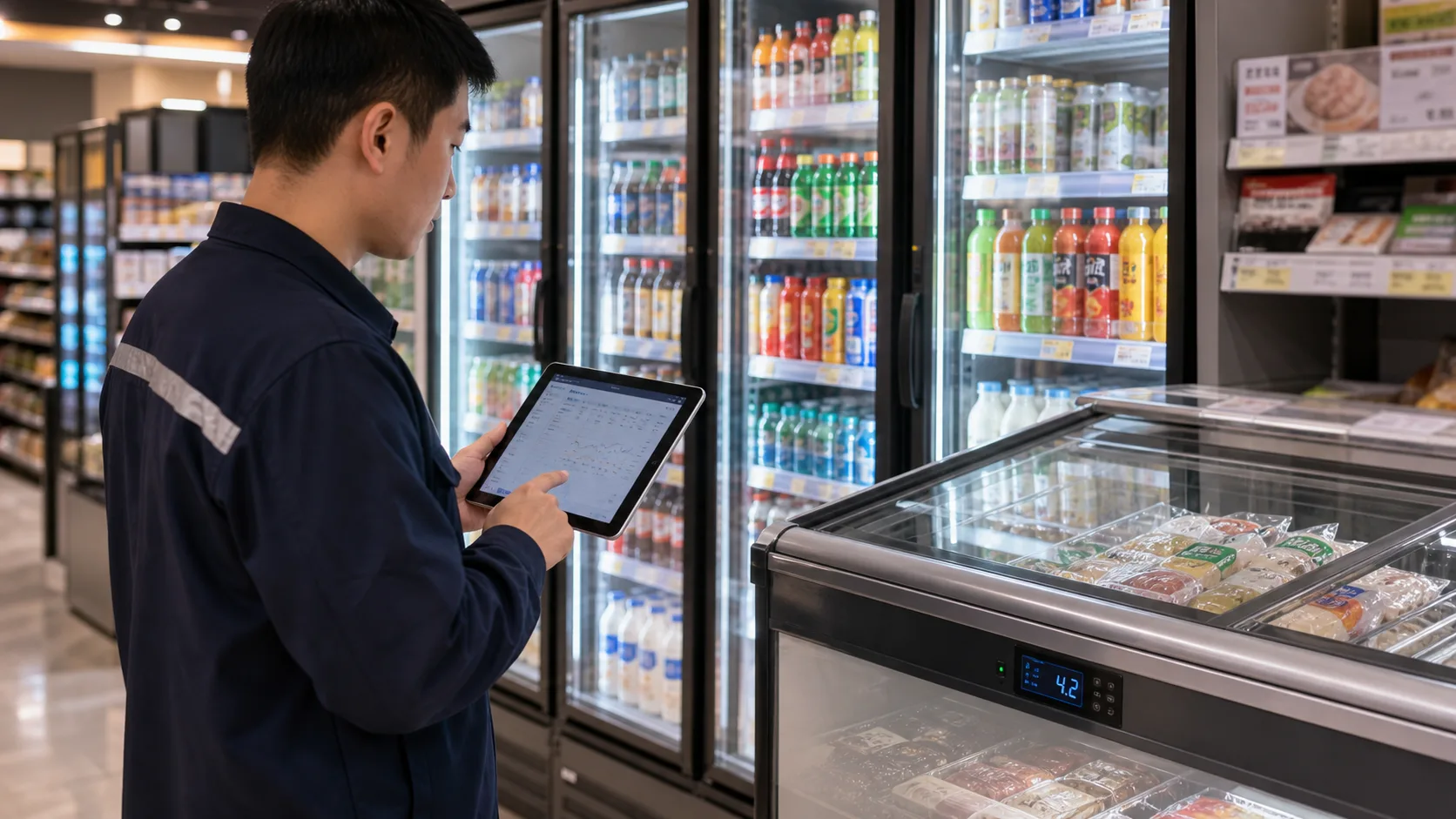
Mobile onboarding and remote control
Wi-Fi + BLE onboarding lets users view temperature, online state, alarms, and permitted parameters from an app.
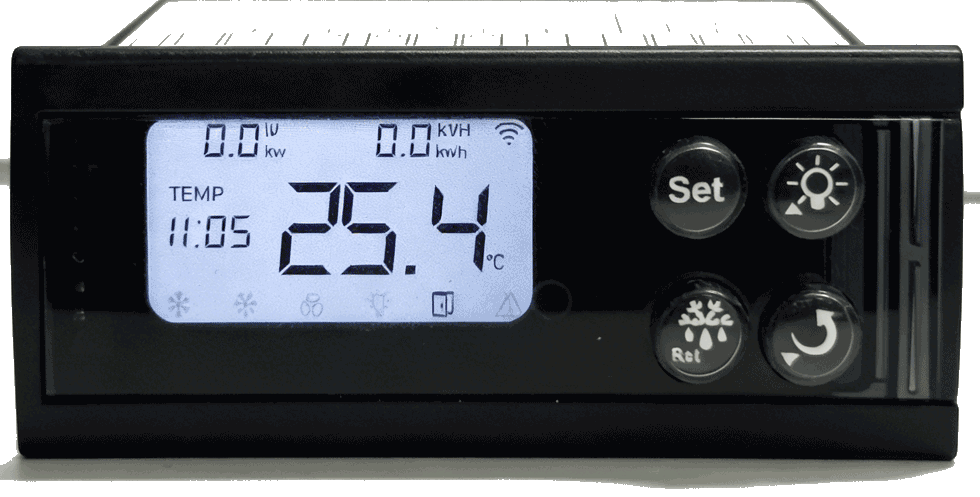
Smart product line for refrigeration OEMs
Customize appearance, terminals, data points, and panel experience for productized manufacturing.
Product capabilities that matter in deployment
Each capability is designed around real operating conditions, not isolated hardware parameters.
Local thermostat control
Keep temperature display, keys, cooling, defrost, and state prompts.
Wi-Fi + BLE onboarding
Support consumer-friendly device pairing and after-sales replacement.
Tuya platform access
Use Tuya IoT Cloud, app panels, messages, and account workflows.
OTA updates
Support controlled firmware iteration and remote issue remediation.
Wi-Fi thermostat selection includes cabinet logic, app panel, and OTA strategy
This is not just adding a wireless module. The project must validate control logic, relay capacity, onboarding, data permissions, and service upgrade policies.
- Confirm opening, terminals, probes, and output loops
- Define temperature, defrost, alarm, energy, and app-panel data points
- Validate onboarding, reconnect, OTA rollout, and production aging tests
From local digital thermostat to connected refrigeration controller
The upgrade starts by preserving reliable local refrigeration control, then uses Wi-Fi + BLE to connect cabinet data to Tuya platform for remote supervision, alarm closure, and fleet maintenance.
Traditional thermostat
Temperature and parameters are checked at the cabinet.
Control works locally, but operating history is hard to centralize.
Faults may be visible on the panel but are difficult to track across stores.
Food-safety and maintenance checks depend heavily on local staff.
Connected thermostat
Operations teams can view temperature, online state, output state, and alarms remotely.
Cooling, defrost, and alarm parameters can be updated with permission controls.
Cabinets can be grouped by brand, store, region, cabinet type, and service priority.
Temperature risk, probe failure, energy data, and service response can be tracked in one workflow.
From field data to a managed product workflow
Local control layer
Temperature collection, compressor control, defrost, display, keys, and local alarms.
Wi-Fi connection layer
Cloud access with BLE-assisted onboarding for product installation and replacement.
Tuya platform layer
Define data points for temperature, defrost, alarms, power, online state, and OTA.
Product operations layer
Connect brand app, service process, device registry, and upgrade strategy.
Product configuration, capabilities, and deployment details
These sections collect the practical information customers need for selection, integration, installation planning, and rollout evaluation.
Smart Thermostat Upgrade Notes
This product direction upgrades traditional digital refrigeration thermostats while preserving local cooling, defrost, sensor, and panel-display behavior. Wi-Fi + BLE connectivity brings cabinet temperature, device state, alarms, and service events into Tuya platform.
Product Advantages
The cabinet can still execute cooling, defrost, and alarm logic locally when the network is unavailable.
Designed around beverage coolers, fresh food cabinets, air-cooled cabinets, freezers, low-temperature cabinets, and small cold rooms.
Authorized users can view temperature, device state, alarms, and key parameters from a platform or mobile workflow.
Panel, terminal definition, firmware logic, data points, and brand appearance can be adapted for product lines.
Core Functions
Control compressor start/stop using set point, differential, and cabinet-specific safety logic.
Support time-based, temperature-based, or project-defined defrost strategies.
Use cabinet, evaporator, return-air, or auxiliary temperature probes for control and diagnostics.
Control compressor, fan, defrost, lighting, alarm, or other output loops based on cabinet design.
View status and update permitted parameters through a role-based workflow.
Support high/low temperature, probe fault, defrost exception, door event, power event, and communication alerts.
Display and Status Logic
The local LCD or digital display should show priority alarms, cooling/defrost/fan/light states, network status, and sensor exceptions clearly for store operators and service teams.
Where this product direction is a good fit
Smart refrigeration product line
Upgrade a traditional thermostat into an app-connected cloud product.
Beverage and fresh cabinets
Let users and operators view temperature and alarm history remotely.
Tuya ecosystem device
Leverage Tuya app panels, cloud messages, and onboarding tools.
Remote service diagnostics
Use temperature curves, parameters, versions, and alarms to diagnose issues.
Define the business goal before finalizing the hardware list
These items help teams turn a product idea into an engineering brief that can be estimated and prototyped.
How we turn this into a deployable product
Old controller and cabinet review
Confirm size, opening, power, relay capacity, probes, and control logic.
Hardware, firmware and data points
Build Wi-Fi/BLE, Tuya data model, display logic, control, exceptions, and OTA.
App panel and service process
Design device binding, temperature view, settings, alert messages, diagnostics, and upgrades.
Real-cabinet and production tests
Validate cooling, onboarding, reconnect, OTA, and aging tests.
Build this product direction with ZedIoT
Tell us your target device, equipment scenario, current technical constraints, and the business workflow you want to support.
- AI + IoT product architecture review
- Hardware, firmware, cloud, and application integration
- Prototype planning and production support