

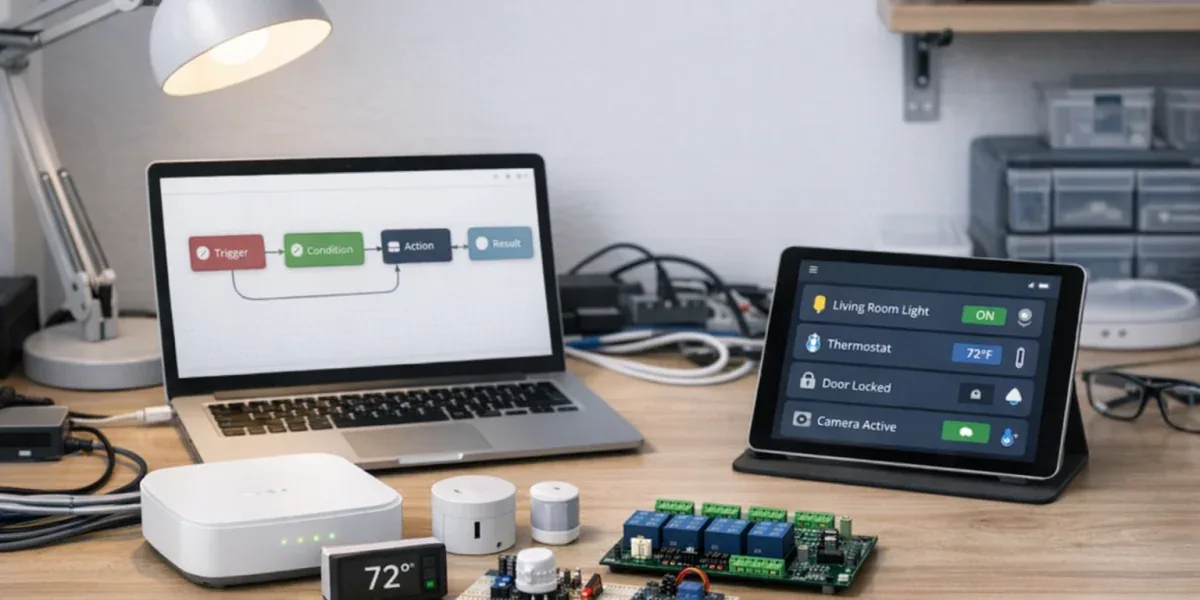
The most useful role for Dify Workflow in smart home and IoT automation is not "connecting every device to AI." Its stronger use is turning repeated automation logic into reusable templates: receive an event, enrich it with context, make a bounded decision, ask for human confirmation when needed, and call a controlled business API or device command service.
The core conclusion is: Dify Workflow is a good layer for AI reasoning, context assembly, content generation, branch orchestration, and human confirmation. It should not be the primary device state ledger or the direct executor of high-risk device commands. If the output is a notification, summary, ticket, or recommendation, Dify can often complete the flow. If the output changes locks, HVAC, lighting, security devices, energy equipment, or industrial actuators, Dify should request or approve the action while an IoT command service executes it.
Decision Block
If a workflow produces advice, summaries, notifications, tickets, or low-risk configuration requests, Dify Workflow can be the main orchestrator. If it changes device state, controls many devices, affects safety, or touches billing or audit trails, Dify should not bypass the device command layer that owns idempotency, authorization, rate limits, confirmation, and logs.
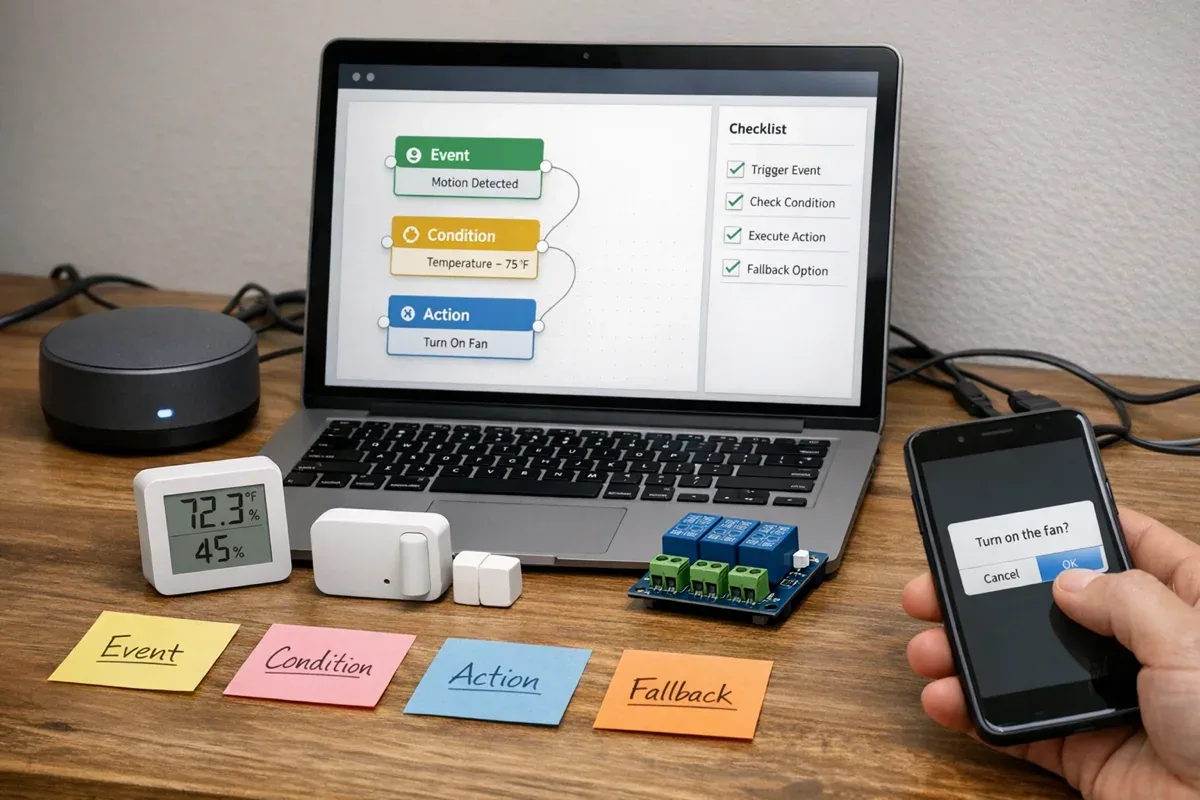
1. Start with five stable template objects
Many Dify workflow examples are hard to reuse because they jump directly from "the user says something" to "call a tool." Smart home and IoT automation need a more stable shape.
| Object | Role | Typical content | What it should not own |
|---|---|---|---|
| Trigger | How the flow starts | device event, webhook, schedule, user request, alarm message | risk classification |
| Context | What the flow needs to know | device, room, tenant, recent events, user preference, historical tickets | the state ledger |
| Decision | How the flow chooses a path | classification, thresholds, policy, LLM summary, rule matching | direct high-risk execution |
| Action | What the flow outputs | notification, ticket, API request, command request, report | bypassing authorization and audit |
| Fallback | What happens when things fail | human review, retry, degraded notification, compensation, reconciliation | silent failure |
This shape makes templates portable. Today the trigger may be a smart lock offline event; tomorrow it may be a temperature sensor alert. If the boundary is stable, Trigger and Context can change without rewriting Decision and Fallback every time.
2. Pattern one: event summary and notification
Best for: high event volume where each individual event does not necessarily require immediate action, such as door sensor changes, ordinary online/offline events, low-severity threshold crossings, or environmental readings.
The goal is not device control. The goal is turning raw events into a readable operating summary.
Typical flow:
- Trigger: receive a device event or alarm message.
- Context: retrieve device name, room, customer, recent events, and current state.
- Decision: decide whether to notify, merge events into a summary, or escalate.
- Action: send a chat message, email, lightweight record, or daily report.
- Fallback: if context lookup fails, send a manual review notification with incomplete evidence marked clearly.
This pattern is useful when moving from rule-based alerts to AI summaries. If one room has temperature swings, door sensor changes, and a camera offline event, three isolated rules may send three noisy alerts. A workflow can produce a more useful summary, such as "possible power or network instability; check gateway and local supply first."
The boundary is important: the summary is not the source of truth. Final device state should still come from the device platform, state projection, or database.
3. Pattern two: alarm triage and ticket creation
Best for: smart stores, cold-chain systems, offices, communities, and light industrial sites where alerts must be routed by severity.
This pattern answers a practical question: which events should only be logged, which should notify an operator, and which should become a ticket that requires review?
| Severity | Condition | Dify Workflow output | Next action |
|---|---|---|---|
| Info | one low-risk event | summary or daily record | store the record |
| Warning | repeated events, mild threshold breach, user experience impact | alarm explanation and likely cause | notify operator |
| Critical | security, cold-chain, energy, or customer commitment affected | ticket, evidence summary, recommended first step | human confirmation before action |
Dify is useful because it converts technical evidence into operator language: where the device is, who is affected, what recently happened, what might be wrong, and what should be checked first.
But alarm triage should not depend only on free-form LLM judgment. Critical paths need rule foundations such as threshold duration, offline duration, lock state, time window, customer tier, and site safety policy. The LLM can explain and summarize. It should not independently decide whether to execute a device action.
4. Pattern three: human-confirmed commands
Best for: users or AI assistants proposing actions such as turning equipment off, changing a threshold, restarting a gateway, switching mode, or applying a batch configuration.
Dify's Human Input node can pause a workflow and ask a person to review context, provide input, or choose a predefined decision. That makes it useful for human-in-the-loop IoT automation.
Recommended template:

The key is not adding an approval button. The key is separating responsibilities before and after approval:
- Dify generates the approval brief: what action is proposed, why, what risk exists, and what happens if nothing is done.
- Human Input collects approval, edits, or rejection.
- The command service executes the device command and records idempotency key, operator, device, parameters, result, and failure reason.
- Fallback handles rejection, timeout, and command failure.
Without a command service, a demo may still work by calling device APIs from Dify. In production, that usually leaves gaps in rate limiting, authorization, state confirmation, and audit trails.
5. Pattern four: state reconciliation and exception explanation
Best for: cases where app state, actual device state, and platform state do not seem to match.
This is common in smart home and IoT systems: the device is offline but the app still shows online, a command succeeded but the device did not move, a sensor value is stale, or an alert recovered but a notification remains open.
Template flow:
- Trigger: user question or scheduled reconciliation task.
- Context: latest state, last report time, recent commands, event logs, and connectivity status.
- Decision: classify the issue as latency, offline device, command failure, stale projection, or missing evidence.
- Action: produce an explanation, troubleshooting steps, or a ticket.
- Fallback: when evidence is insufficient, say so and list the missing data.
This pattern reduces AI hallucination. The workflow should collect evidence first, then ask the LLM to explain it. If there is no event log, command receipt, or last report time, the correct answer is "not enough evidence," not a guessed hardware failure.
6. Pattern five: retrieval-augmented troubleshooting
Best for: questions like "why can't this device connect," "why did this automation not run," or "how should this sensor threshold be configured," where the answer depends on device documentation, internal SOPs, or historical cases.
This pattern usually combines knowledge retrieval, variables, and output structure:
- identify the device model, scenario, and issue type
- retrieve manuals, FAQ, historical tickets, or internal SOPs
- combine retrieved content with real-time device context
- output troubleshooting steps, evidence, and the next action
If the workflow has several mutually exclusive branches, such as network issue, authorization issue, hardware issue, and automation-rule issue, a Variable Aggregator can merge same-type branch outputs into one downstream variable. Dify's own docs describe the Variable Aggregator as suitable for mutually exclusive branches where one path runs, not for merging multiple parallel branch outputs.
That boundary matters. Retrieval-augmented troubleshooting improves the answer. It does not automatically make the system safe to repair devices. When the recommended fix involves restart, configuration change, or safety policy adjustment, route back to the human-confirmed command pattern.
7. When Dify Workflow should not directly run IoT automation
Dify Workflow is useful for AI application orchestration, but it should not be the direct execution core for these cases:
- millisecond or second-level real-time control, such as lighting sync, lock interlocks, or industrial safety logic
- high-risk device actions, such as unlocking, disabling security, switching power, or controlling energy equipment
- large batch commands, such as firmware, configuration, or mode changes across thousands of devices
- the primary device state ledger for tenant isolation, billing, audit, or incident investigation
- long-running compensation, such as replaying commands after offline recovery, cross-day reconciliation, or batch retries
These cases can still integrate with Dify. Dify should explain, recommend, confirm, and orchestrate. The IoT platform should own state, permissions, command execution, audit, and compensation.
8. A minimum reusable template set
If you want a small starting set, build these five templates first:
| Template | Main input | Main output | Human confirmation |
|---|---|---|---|
| Event summary | device events, recent state | summary, notification, daily report | usually no |
| Alarm triage | event, threshold, customer tier | severity, ticket, suggested first step | for Critical |
| Human-confirmed command | user request, device state, risk policy | approved, rejected, or modified command request | yes |
| State reconciliation | latest state, logs, command receipts | cause explanation and troubleshooting steps | depends on risk |
| Retrieval troubleshooting | user question, device model, documents | troubleshooting steps, evidence, next action | when it leads to device action |
Together, these patterns cover the most common smart home and IoT automation path: seeing an event, understanding it, deciding whether to escalate, asking for approval when needed, and explaining anomalies.
9. Conclusion
Dify Workflow's value is not letting AI directly control every smart home or IoT device. Its value is organizing events, context, decisions, human confirmation, and output actions into reusable templates.
For low-risk automation, Dify can generate summaries, send notifications, create tickets, and assemble reports. For actions that change device state, Dify should propose and confirm the action while a dedicated IoT command service executes it. This keeps the AI workflow useful without weakening the parts of the device control system that matter most: authorization, confirmation, auditability, and failure compensation.
References: