

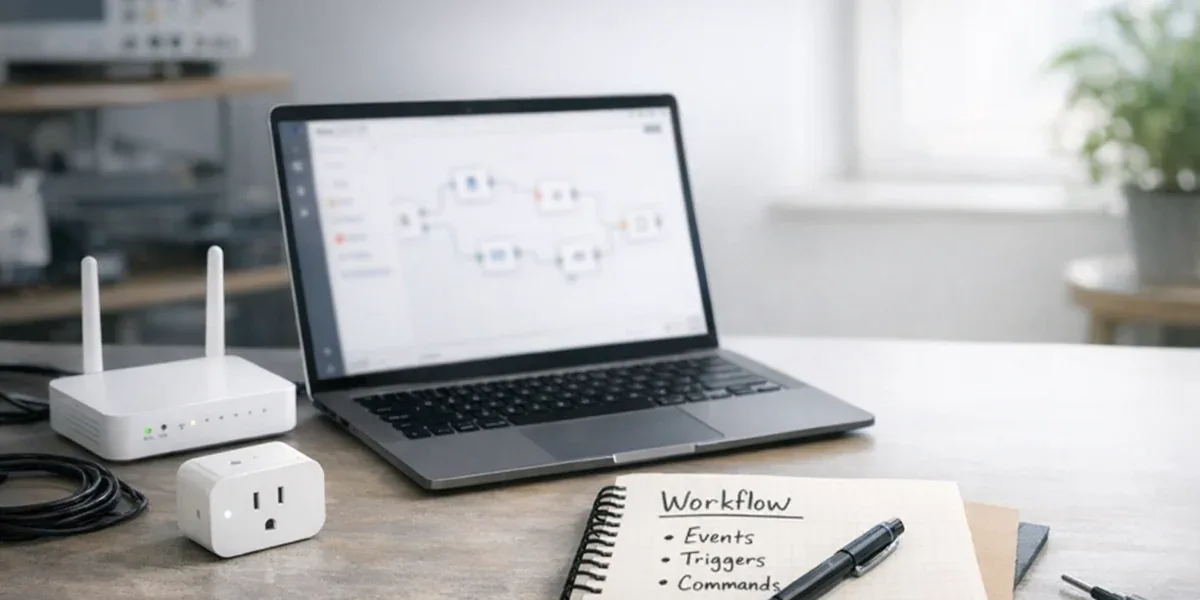
The easiest mistake in an n8n + Tuya integration is to treat a working automation workflow as proof that the device control path is production-ready. Those are different conclusions. n8n is strong at connecting Tuya device events with CRM, tickets, notifications, spreadsheets, databases, and AI summaries. It is not the right place to own millisecond-level control, command confirmation, or the primary state ledger for devices.
The core conclusion is: n8n should sit in the business orchestration layer of IoT automation, while Tuya event synchronization and device commands should be handled through a dedicated integration layer. For a small prototype with a few low-risk devices, n8n can call Tuya APIs directly. For multi-tenant systems, batch devices, alarms, remote control, or operational audit trails, workflows, events, and commands need to be separated.
Decision Block
If a failed action only affects notification, reporting, or human follow-up, it can usually live inside an n8n workflow. If a failed action changes device state, affects field safety, changes a customer commitment, or needs auditability, it should go through an IoT command service that owns idempotency, rate limits, confirmation, compensation, and logs.
For production projects, n8n is usually only one part of a broader Tuya IoT Cloud integration architecture, including API integration, event ingestion, command handling, dashboards, and downstream business workflows.
1. Start with three paths: workflows, events, and commands
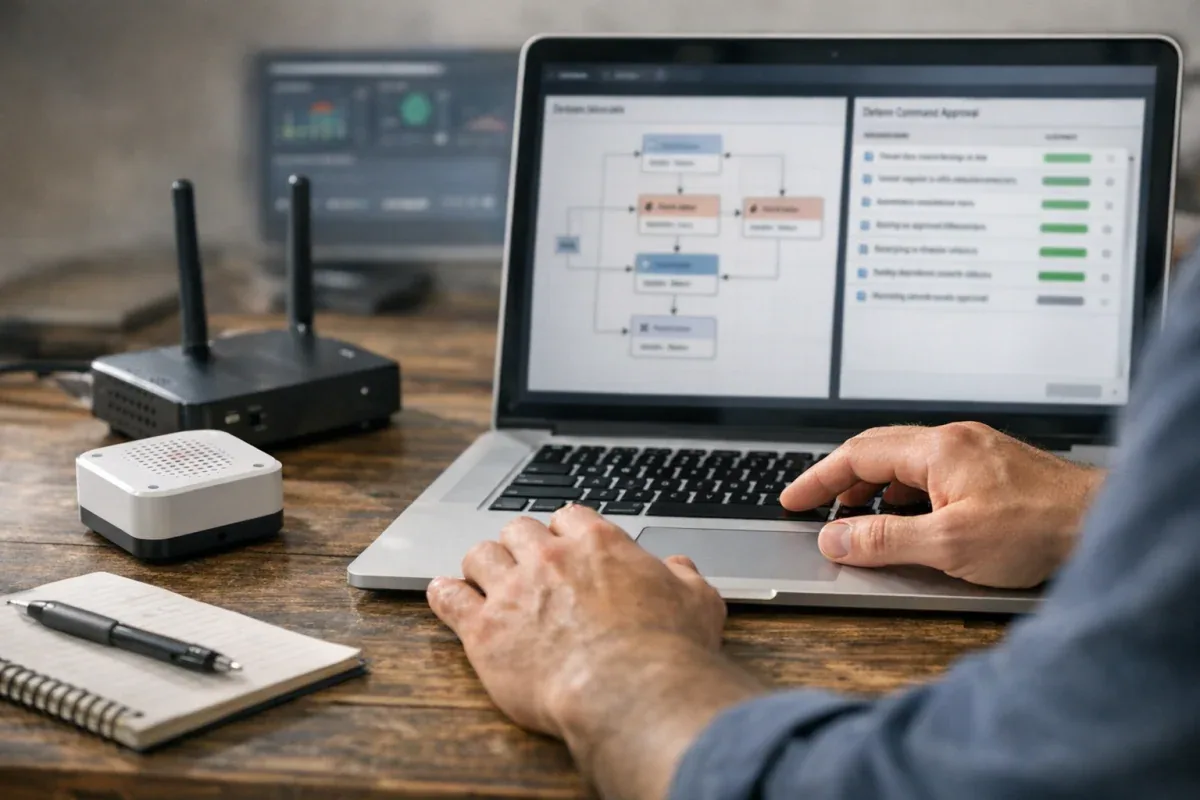
In a Tuya device integration, n8n, Webhook, Tuya Cloud API, and device commands are often drawn in one diagram. They do not have the same system responsibility.
| Path | Main object | Best owner | Failure consequence | Design focus |
|---|---|---|---|---|
| Workflow orchestration | tickets, notifications, forms, CRM, AI summaries | n8n | delayed notification, missing record, manual process delay | retry, human handling, error branches |
| Event synchronization | status changes, alarms, online/offline events, business messages | Tuya event channel + integration layer | stale status, missed alarm, duplicate event | deduplication, ordering, compensation, reconciliation |
| Device commands | switch, mode, threshold, remote configuration | IoT command service | wrong device action, user confusion, audit gap | idempotency, rate limits, confirmation, rollback |
This split is not about making the architecture look more advanced. It is about not mixing actions with different risk levels inside one workflow runtime. n8n’s Webhook node is useful for receiving external requests, and production deployments distinguish test URLs from production URLs. n8n also supports queue mode so workflow executions can be handled by workers. Those capabilities help workflow execution and scaling. They do not automatically solve IoT command state, device retry behavior, or field risk.
The right role for n8n is business orchestration. It can decide when to notify someone, create a ticket, call an internal API, or generate a summary. It should not be the source of truth for device state, and it should not be the only reliability mechanism for device commands.
2. What n8n is good at
2.1 Turning device events into business actions
n8n’s strength is connecting systems. When a Tuya device goes offline, crosses a temperature threshold, or reports an abnormal door sensor state, n8n can turn that event into business actions:
- send a Slack, email, SMS, or enterprise chat notification
- create a support ticket with device, customer, site, and recent event context
- write a record into Google Sheets, Airtable, a database, or an operations table
- call an AI node to summarize the alarm for an operator
- route by customer tier, device type, site, time window, or severity
These actions affect business process. They do not directly decide whether a device executes a command. If an n8n workflow is delayed for a few minutes, the result is usually a delayed notification or manual process. If it fails, an error workflow, manual correction, or compensation job can often recover it.
2.2 Serving as the low-risk, human-confirmed command entry point
n8n can participate in device commands, but it is better as an entry point than as the final executor. For example:
- a support agent clicks “request remote gateway restart” inside a ticket
- a sales demo environment needs to switch device mode
- an operator approves a batch configuration job
- an AI assistant proposes an action that requires human confirmation
In those cases, n8n can collect context, request approval, record the human confirmation, and call an internal command service. The actual Tuya API call, command idempotency, rate limit handling, execution confirmation, and failure compensation should still live inside that command service.
This gives the system a clean boundary: n8n owns who requested what business action in which context; the command service owns whether the device command can be executed safely, traceably, and repeatably.
2.3 Validating cross-system automation assumptions
During prototyping, calling Tuya API directly from n8n can be acceptable. It helps answer questions such as:
- Can this Tuya event trigger a useful customer notification?
- Should this alarm create a ticket?
- Which device status fields are actually useful to operators?
- Will this automation rule produce too many false positives?
But a successful prototype is not a production architecture. Once device count, user count, tenant count, or command risk grows, direct Tuya calls should move into an integration layer. Authentication, signing, rate limits, and command confirmation should not be scattered across multiple workflows.
3. How the Tuya event path should work
3.1 Events are the primary entry for changes, not a replacement for every query
Tuya device state usually reaches a system in two ways: active Cloud API queries and asynchronous device events through message, webhook, or queue mechanisms. A production system should not rely only on polling. Polling grows with device count and has unstable latency.
A better rule is: events handle changes; scheduled queries handle reconciliation and compensation. When a device reports a status change, the system should store the event, normalize it, and update a state projection. Scheduled queries should be used to detect missing events, devices that have not updated, or inconsistent state.

In this design, n8n consumes normalized, deduplicated, auditable events. It does not become the primary source of device state. That extra integration layer adds work, but it gives the system traceability, replay, and reconciliation.
3.2 Do four things before an event reaches n8n
Do not send raw Tuya events directly into dozens of n8n workflows. At minimum, do four things first:
- Verify the source: confirm the event came from a trusted channel.
- Deduplicate: the same alarm, status change, or retry message can arrive more than once.
- Normalize: map Tuya device ids, DP codes, values, and timestamps into your internal model.
- Persist: store both raw and normalized events for audit, replay, and support.
The event n8n sees should ideally be a business event such as device.offline.detected, temperature.threshold.exceeded, or gateway.reconnected, not a raw Tuya message. Workflow logic becomes easier to understand, and the system can later add Matter, Zigbee, a custom gateway, or another platform without rewriting every automation.
If you are still deciding whether to use webhooks or Pulsar messaging for the event channel, review our Tuya webhook vs Pulsar event architecture guide before designing the event synchronization layer.
4. How the command path should work
4.1 A command is a state machine, not a single HTTP request
Many IoT automation failures come from treating “called the Tuya API” as “the command is complete.” A real device command usually has several states:
requested: a person or system requested an actionvalidated: tenant, permission, device state, and risk rules passedqueued: the command entered a queue and waits for rate limits and orderingsent: the external platform request was madeaccepted: the platform accepted the request, but the device may not have executed it yetconfirmed: an event, query, or device acknowledgement confirmed the resultfailed: timeout, rejection, offline device, or inconsistent statecompensated: manual handling, rollback, or reconciliation was triggered
n8n can create requested, and it can participate in human approval. It should not own the full state machine. n8n workflow retries and error handling operate at the workflow level. They do not know whether a physical device already executed an action, whether a duplicate command is risky, or whether the command should be rate-limited per tenant or device.
4.2 Give n8n business commands, not raw Tuya APIs
A better interface for n8n is an internal API:
POST /iot/commands
{
  "tenant_id": "t-001",
  "device_id": "dev-123",
  "command_type": "set_temperature_threshold",
  "payload": {"high": 8, "low": 2},
  "requested_by": "workflow:n8n-ticket-auto",
  "idempotency_key": "ticket-9821:set-threshold:v1"
}
n8n does not need to know Tuya signing, tokens, DP codes, rate limits, or retry strategy. It submits a business command and receives a command_id. Later status can flow back to n8n through a webhook, database query, or event notification.
This adds a command service. In production, that service is where the important engineering value lives: unified permissions, audit, rate limits, idempotency, and failure diagnosis.
Before exposing Tuya API calls to workflow tools, it is also worth reviewing common Tuya Cloud API production integration pitfalls, including token handling, rate limits, event consistency, command confirmation, and backend state management.
5. When simple is enough and when layering is required
Use this table as a pre-launch check:
| Scenario | Direct n8n -> Tuya can start | Layering is recommended | Layering is required |
|---|---|---|---|
| Device count | demo with fewer than 10 devices | tens or hundreds of devices | multi-tenant or batch devices |
| Command risk | read-only query, low-risk notification | human-confirmed configuration | remote control, threshold, mode change |
| Reliability need | manual recovery is fine | retry and alerting needed | confirmation, audit, compensation needed |
| State sync | real-time state is not important | minute-level state is enough | event stream, reconciliation, state ledger needed |
| Team stage | prototype | internal pilot | customer delivery or operations use |
The decision sentence is simple: if a device command affects a real site, n8n should not directly become the control plane. It can initiate, approve, and orchestrate the process, but command execution should go through a narrower and more controlled IoT integration layer.
6. A stronger n8n + Tuya architecture
A production design can be organized into four layers:
- Tuya integration layer: owns API signing, token lifecycle, event ingestion, DP mapping, rate limits, and error normalization.
- Device state layer: stores events, state projection, last-seen time, device capabilities, and reconciliation results.
- Command service layer: handles business commands, permissions, idempotency, queues, confirmation, failure compensation, and audit.
- n8n workflow layer: handles notification, approval, tickets, CRM, AI summaries, and cross-system orchestration.
This does not need to be heavy from day one. A minimum version can be a lightweight internal API plus an event table. But the boundary should exist from the beginning: n8n is not the device ledger, n8n is not the Tuya token manager, and n8n is not the command reliability system.
When device events, command services, state projections, dashboards, and workflow automation need to work together, the n8n layer should be planned as part of the broader IoT platform development architecture.
7. When not to control Tuya directly from n8n
Avoid direct raw Tuya control from n8n in these situations:
- medical, cold-chain, lab, data center, electrical, or other high-risk sites
- one action affects many devices or multiple tenants
- command results need support, operations, or customer audit
- devices often go offline or networks are unstable
- the system must distinguish “command accepted” from “device executed”
- the roadmap may include multiple device platforms, not only Tuya
These cases can still use n8n. They should not use only n8n. n8n should connect people, systems, and workflows, while a more specialized IoT service owns the device control path.
Planning an n8n + Tuya automation workflow for production devices? Review your Tuya automation architecture with ZedIoT before deciding what should live in n8n, the integration layer, and the command service.
8. Conclusion
n8n + Tuya is a strong entry point for IoT automation, but its value is not replacing an IoT platform with one workflow. Its value is connecting device events to business systems. Once a system is production-facing, workflow orchestration, event synchronization, and device commands should be separated: n8n handles process, the integration layer handles the Tuya boundary, and the command service handles reliable device actions.
This design is slower than dragging a few nodes together, but it prevents the expensive failures: unclear device state, unclear command result, and unclear ownership after something goes wrong. In real IoT projects, those boundaries matter more than getting the first automation to run.
If you are looking for the basic setup path, start with our n8n Tuya integration guide. This article focuses on production architecture: what should live in n8n, what should stay in the Tuya integration layer, and how to avoid unreliable device control workflows.