

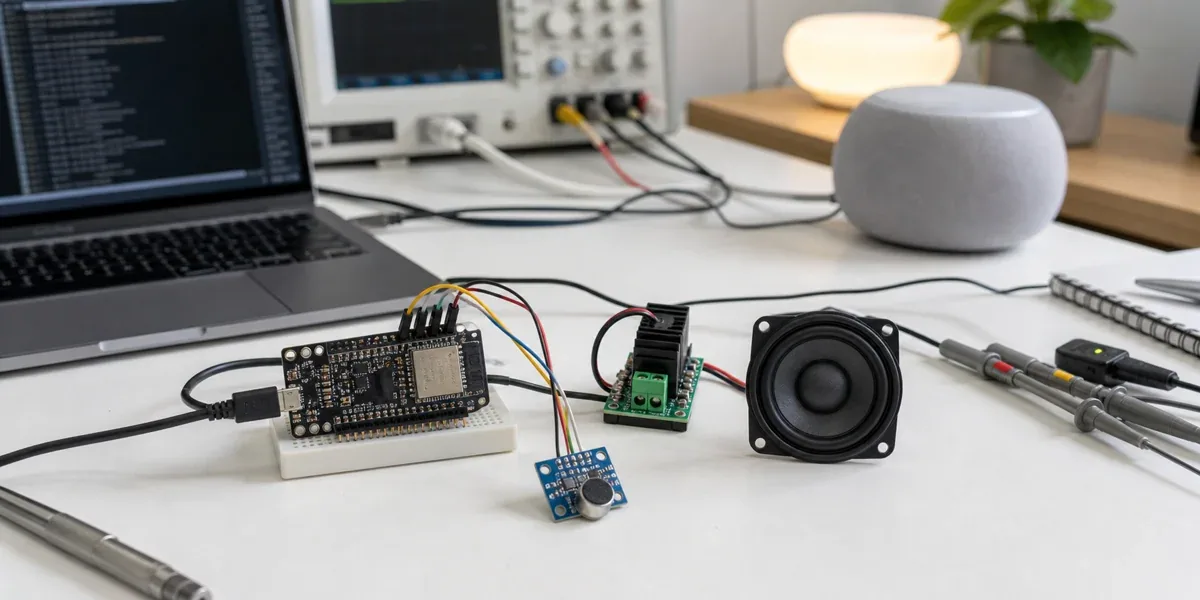
When teams build a Home Assistant voice satellite with ESP32-S3, they often blame the wrong layer first. If the device misses commands, responds slowly, or occasionally cuts off playback, the first assumption is usually “the wake word model is weak” or “the microphone is not sensitive enough.”
Those parts matter, but they are not the whole system. A better answer is: the user experience of an ESP32-S3 voice node is determined by microphone capture, I2S/PDM timing, device-side buffering, Wi-Fi upload, the Home Assistant Assist pipeline, TTS return audio, and speaker playback together. If any one of these boundaries stalls, jitters, or competes for resources, the final symptom becomes “slow, unreliable, or hard to understand.”
ESPHome's Voice Assistant documentation explicitly warns that audio and voice components consume significant RAM and CPU, and that Bluetooth/BLE components can cause issues when used with voice or other audio components. That warning should be treated as an architecture boundary, not as a small note. A voice satellite is not just an ESP32 board with a microphone; it is a continuous audio path running through a constrained MCU, a wireless network, and a home automation platform.
Definition block
In this article, an “ESP32-S3 voice pipeline” means the full path from a MEMS microphone through I2S or PDM input, local buffering, ESPHome Voice Assistant transport, Home Assistant Assist pipeline processing, TTS output, and device-side speaker playback. It is not a single driver problem. It is an end-to-end real-time interaction system.
Decision block
If the goal is a stable room-level voice satellite, validate
capture quality,buffer boundaries,Wi-Fi jitter,Assist pipeline latency, andplayback pathseparately. If the goal is far-field pickup, offline wake word performance, or multi-room conversational behavior, a basic ESP32-S3 development board with casual wiring should not be the whole design.
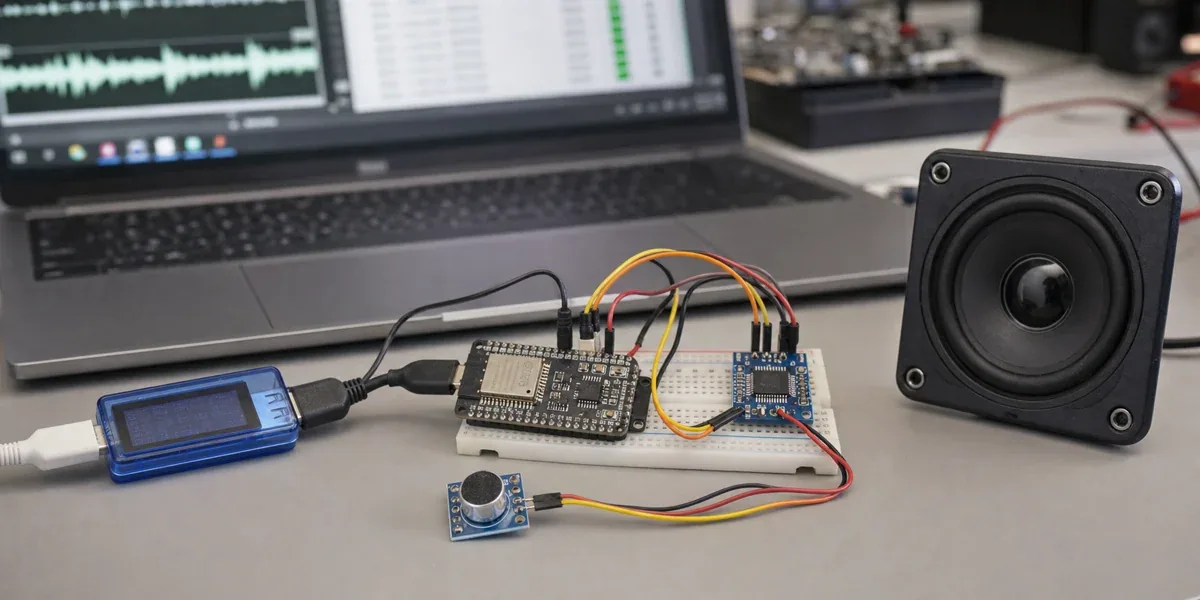
1. The real voice path is longer than the YAML file
ESPHome's voice_assistant component lets an ESP32 device send microphone audio to Home Assistant Assist for processing. Home Assistant's Assist pipeline commonly includes wake word detection, speech-to-text, intent recognition, and text-to-speech. The split is useful: the small device handles capture and playback, while Home Assistant handles understanding and actions.
Latency begins to accumulate across that split. A single voice interaction can include:
- microphone sampling and local buffering
- wake or push-to-talk activation
- Wi-Fi upload of audio chunks
- Home Assistant STT, intent, and TTS processing
- return audio delivery and speaker playback
Decision sentence: When an ESP32-S3 voice assistant feels slow, the cause is usually not one function. It is usually that capture, network, pipeline, and playback latency have not been measured separately.
2. I2S and PDM are about clocks and buffers, not just pin names
ESPHome's i2s_audio component is used for sending and receiving audio on ESP32-family chips. A standard I2S bus usually involves BCLK, LRCLK/WS, and DIN/DOUT, while PDM microphones use a different clock and data pattern. Espressif's ESP32-S3 I2S documentation also treats standard I2S, TDM, and PDM as distinct modes.
For a voice satellite, the choice between I2S and PDM should not be based only on module price. The stronger questions are:
- Does the microphone output mode match what the ESPHome component supports?
- Do sample rate, bit width, and channel settings match what the Home Assistant pipeline expects?
- Can the device buffer audio through short Wi-Fi, logging, and playback jitter?
ESPHome's microphone documentation also notes that PDM microphone support is primarily available on ESP32 and ESP32-S3. That means the same configuration cannot be blindly moved across ESP32 variants and assumed to behave the same way.
Decision sentence: A working I2S/PDM configuration only proves that the device can capture audio; it does not prove the voice stream will remain stable under network jitter and playback competition.
3. ESP32-S3 is a good voice node, but not an unlimited node
ESP32-S3 is a better fit for voice work than many older ESP32 choices because it offers dual cores, Wi-Fi, BLE 5.0, native USB, and AI vector instructions that can help with use cases such as Micro Wake Word. ESPHome's ESP32 platform documentation also describes ESP32-S3 as a variant especially useful for machine learning applications such as Micro Wake Word.
That does not make it unlimited. A voice satellite often already runs:
- continuous microphone capture
- wake or button activation
- API or WebSocket transport
- LED status indication
- speaker playback
- logs and remote debugging
If the same node also handles BLE scanning, complex sensors, display animation, Matter/Thread-related roles, or high-frequency automations, resource competition becomes the real failure mode. ESPHome's warning about audio and voice resource use should define the scope of the node.
Decision sentence: ESP32-S3 is a practical front-end for a voice satellite, but when it also owns voice, Bluetooth scanning, UI, and several sensor loops, failure usually appears first as audio dropouts or intermittent restarts.
4. Recommended layering: make each audio boundary observable

The point of this diagram is simple: do not debug “bad voice” as one vague problem. Each stage should be observable.
For example, test the microphone path with short repeated phrases and inspect noise, clipping, and gain before entering a full conversation. Watch device stability and logs before adding optional components. Use Home Assistant's pipeline debug tools to isolate STT and intent behavior. Test speaker output with a fixed TTS or prompt sound before combining it with the full interaction.
5. Common bottlenecks and safer fixes
| Bottleneck | User-facing symptom | Safer fix | What to avoid |
|---|---|---|---|
| microphone gain too high | false wakeups, wrong words, amplified noise | fix placement first, then tune gain and noise suppression | only raising volume multiplier |
| unstable I2S/PDM wiring or clocks | intermittent silence, broken audio | shorten wires, choose stable GPIOs, avoid long jumper runs | tangling audio lines with noisy power wiring |
| device-side resource competition | cut-off conversation, reboot, playback stutter | remove BLE, display, and high-volume logging tasks | putting every smart-home function on one voice node |
| Wi-Fi jitter | first response is slow, phrases are cut | improve AP location and signal quality | replacing the STT engine first |
| slow Assist pipeline | long delay after activation | measure STT, intent, and TTS separately | blaming all latency on ESP32 |
| weak speaker path | audible but quiet or distorted response | validate amplifier, power, and enclosure independently | powering the audio stage casually from the dev board |
The important part is diagnostic order. The voice path is sequential. If capture is weak, a better STT engine will still receive poor audio. If Home Assistant's pipeline is slow, changing microphone gain will not make TTS return sooner.
6. A practical debugging sequence
A deployable ESP32-S3 voice node should be tested in this order:
- Test raw microphone input first. Use fixed short phrases and check noise floor, clipping, volume, and room noise before running the full Assist flow.
- Validate device stability. After enabling voice components, disable unnecessary BLE, display, sensor polling, and verbose logs. Confirm the device runs without restart.
- Test the Assist pipeline separately. Use Home Assistant's debug or text pipeline tools to confirm that intent recognition works before blaming the satellite.
- Add TTS playback later. Play fixed prompts or fixed TTS first, then validate amplifier, power, and speaker behavior.
- Move to the real room last. Test distance, background noise, router placement, and multiple speakers in the intended installation location.
Decision sentence: Voice satellite debugging should start with raw audio and pipeline segmentation, not with repeated edits to the full YAML file.
7. When a basic ESP32-S3 voice satellite is the wrong tool
ESP32-S3 + ESPHome is a strong fit for room-level voice entry points, push-to-talk nodes, near-field control, desk satellites, and Home Assistant prototypes. But some requirements should not be forced through a basic development-board design:
- far-field pickup and beamforming in a living room
- noisy kitchens, workshops, or commercial spaces
- fully local STT/TTS with response time close to commercial smart speakers
- multi-room conversational behavior, echo cancellation, and playback coordination
- productized hardware with enclosure acoustics, certification, and long-term support
Those cases are better served by dedicated voice hardware, microphone arrays, audio processors, or a design where ESP32-S3 acts only as a button, LED, or near-field capture node instead of owning the whole voice experience.
8. Conclusion: stabilize the audio path before optimizing intelligence
ESP32-S3 voice satellites are valuable because they are low cost, customizable, and tightly integrated with Home Assistant and ESPHome. They can distribute local smart-home control across rooms and make voice prototypes easy to build.
Their success condition is not “the Voice Assistant example compiles.” The success condition is that the end-to-end path is explainable:
- microphone capture is stable and not over-amplifying noise
- I2S/PDM timing and buffers survive short jitter
- the ESP32-S3 node avoids unrelated heavy tasks
- the Home Assistant Assist pipeline can be debugged independently
- TTS and speaker playback are verified on their own
Without these boundaries, every problem looks like poor recognition. With these boundaries, ESP32-S3 can become a reliable voice satellite instead of a development board that sometimes understands you.