
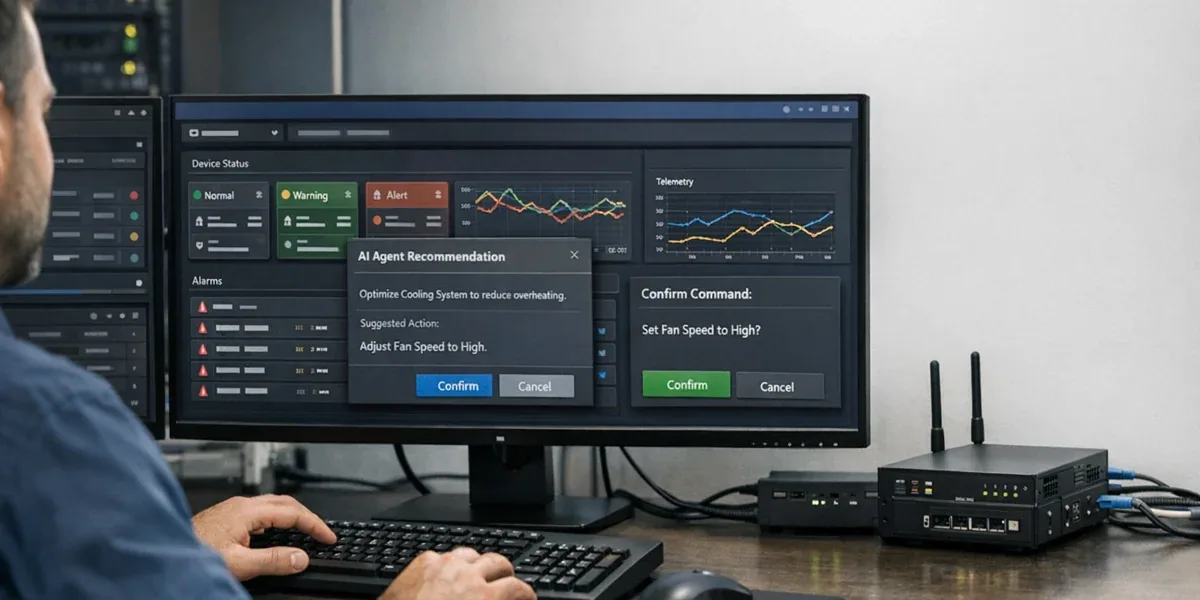
IoT dashboard teams increasingly hear three terms in the same conversation: AG-UI, MCP, and Function Calling. All three are related to agents. All three can appear in the same product. But they do not solve the same architectural problem. If a team treats them as one interchangeable layer, the dashboard usually gets three failure modes: the frontend cannot represent agent state reliably, tool permissions become unclear, and device commands lose confirmation, audit, and rollback boundaries.
The core answer is simple: AG-UI handles the event, state, and human-collaboration layer between an agent and a user interface; MCP handles the governed boundary between an agent application and external tools, resources, and context; Function Calling handles structured action requests inside a single model call. In an IoT control interface, they can work together, but they should not replace one another.
Definition Block
In this article,
AG-UImeans the agent-to-user-interface event protocol;MCPmeans the protocol boundary for connecting agent applications to external tools, resources, and prompt context;Function Callingmeans the mechanism where a model emits structured tool-call arguments that the application validates, executes, and returns to the model.
Decision Block
If you are building an agent experience inside an IoT dashboard, start by using AG-UI to define what the operator can see, approve, interrupt, or resume. Use MCP to define which devices, work orders, telemetry stores, and operations tools the agent can access. Use Function Calling only at the specific action point, so the model can propose a structured request without directly owning the device control path.
1. First separate the three layers
| Question | AG-UI | MCP | Function Calling |
|---|---|---|---|
| Main boundary | Agent to user interface | Agent application to tools, data, and context | Model call to application function |
| Problem solved | State streams, event streams, user confirmation, frontend tools, generative UI | Tool discovery, resource access, prompt context, capability exposure | Schema-constrained parameters for an action request |
| Where it sits in an IoT dashboard | Between the frontend and the agent runtime | Between the platform backend and devices, work orders, telemetry, or knowledge systems | At concrete actions such as querying a device or preparing a command |
| Common misuse | Treating it as a backend tool protocol | Treating it as a UI state protocol | Treating it as a full agent architecture |
| Governance point | Human-in-the-loop state, cancel, resume, visual audit | Tool permissions, tenant isolation, resource scope, server trust | Parameter validation, idempotency, command confirmation, result handoff |
The table means that AG-UI turns the agent into an interactive application experience, MCP gives the agent a governed tool and context boundary, and Function Calling gives the model a verifiable way to ask the application to do something. They are better understood as three boundaries than as three competing SDK choices.
The AG-UI documentation defines AG-UI as an open, lightweight, event-based protocol for connecting AI agents to user-facing applications, with emphasis on agent state, UI intents, and user interactions. The MCP specification focuses on JSON-RPC, lifecycle, transports, authorization, and server-exposed Resources, Prompts, and Tools. OpenAI's Function Calling guide focuses on the tool-calling flow: the model returns a tool call, the application executes the tool, and the result is sent back to the model. These official scopes already place the three mechanisms in different layers.
2. Why IoT dashboards confuse these layers
An IoT dashboard is not just a chat surface. It contains device state, alarms, commands, permissions, field risk, and operational responsibility. An agent cannot merely answer questions; it has to help operators act without breaking the control path.
Consider a typical request: "Why has cold room 3 stayed above its temperature target, and should we adjust the compressor policy?" A useful system may need to:
- read live device state, historical telemetry, and alarms;
- explain likely causes and display supporting evidence in the dashboard;
- prepare a suggested action such as parameter tuning or a work order;
- ask a human to confirm high-risk commands;
- display confirmation, execution, failure, rollback, and audit state.
Function Calling alone may let the model call get_device_status or create_work_order, but it does not define how the frontend shows the agent's investigation, how the user interrupts, how a command confirmation card appears, or how execution logs stream back to the interface. MCP can expose device, work-order, and telemetry tools, but it does not solve the user-facing interaction experience. AG-UI can make the frontend interaction event-driven, but the backend tool boundary and resource authorization still need another layer.
So the right question is not "Should we choose AG-UI, MCP, or Function Calling?" The right question is: which layer owns interaction, which layer owns the tool boundary, and which layer owns model action requests?
3. Recommended layering: AG-UI in the foreground, MCP at the tool boundary, Function Calling at the action point

The point of this diagram is not which layer is more important. The point is that each layer should own only the responsibility it can govern.
3.1 AG-UI owns what the human can see and control
In an IoT dashboard, AG-UI should answer questions such as:
- What is the agent currently investigating, and can the operator see it?
- When the agent needs confirmation or more information, how does the frontend represent that request?
- Can a long-running task be cancelled, paused, or resumed?
- How do frontend components receive structured state instead of only natural language?
- How do tool results, progress summaries, and execution status become first-class UI events?
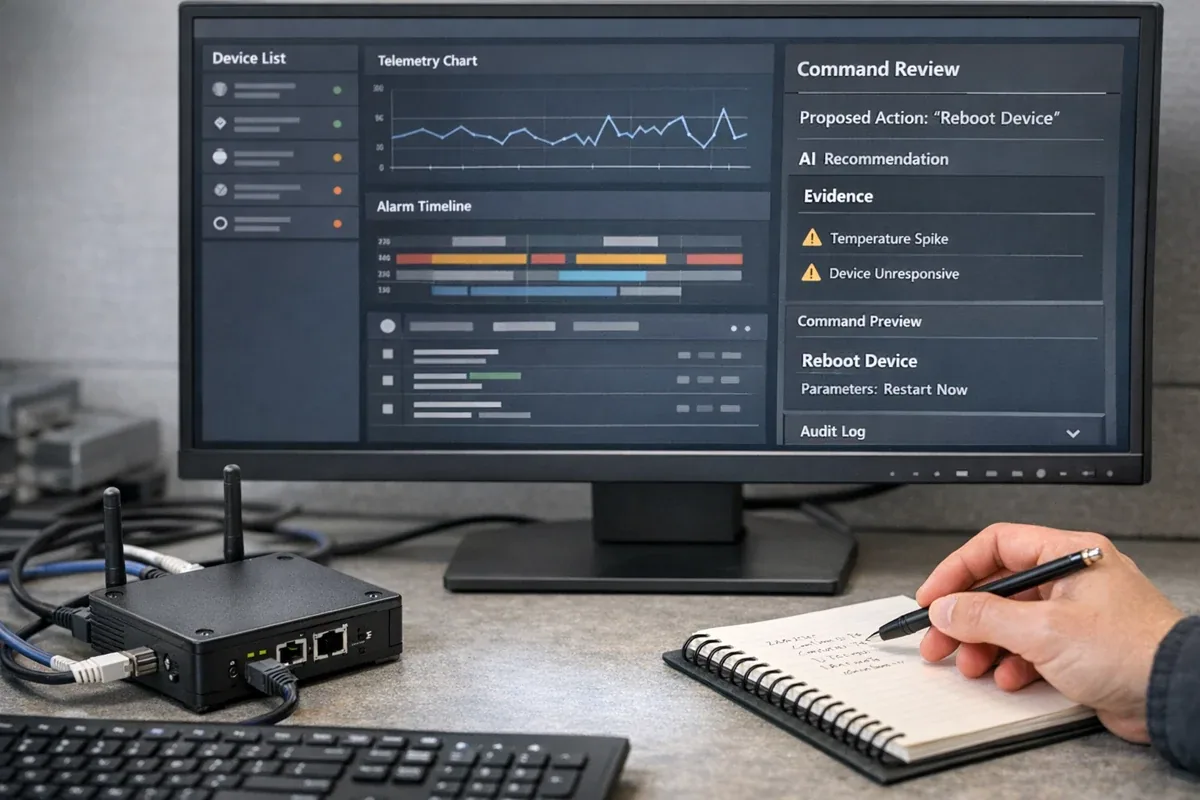
AG-UI should not become the device-control protocol itself. It is better used to define the agent interaction experience inside the dashboard. For example, before a temperature policy change, AG-UI can carry the risk summary, affected devices, proposed parameters, confirmation button, and cancellation path. Permission checks, idempotency, command delivery, and rollback should still belong to backend services.
3.2 MCP owns governed access to tools, resources, and context
MCP fits between the agent runtime and external systems, especially when the agent needs access to multiple classes of tools:
- device profiles, groups, and asset models;
- live state, historical telemetry, alarms, and logs;
- work-order systems, rule engines, knowledge bases, and diagnostic scripts;
- tenant-scoped tools and resources for different sites, roles, or customers.
MCP's value is not "letting the model call more things." Its value is making tools and context describable, negotiable, and governable. For an IoT platform, that matters because device commands, customer data, field state, and operations records all have permission boundaries. Prompt-only restrictions are not enough.
3.3 Function Calling owns the structured entry point for one action
Function Calling is useful at concrete action points, such as:
query_device_state(device_id, fields)summarize_alarm_window(site_id, start, end)prepare_command(command_type, target_ids, parameters)create_work_order(asset_id, priority, reason)
Its strength is structured parameters. The application can validate the schema, run code, and return results to the model. But this does not mean the model should directly execute device commands. For IoT control, Function Calling should usually create a request that enters an application-side command service, where permissions, confirmation, idempotency, state transitions, and audit logs are enforced.
4. Command confirmation reveals whether the architecture is clean
The most useful test is this: what happens when the agent suggests a real device command?
| Stage | Primary owner | Correct behavior |
|---|---|---|
| User states the goal | AG-UI | Preserve user intent, page context, and visible state |
| Agent investigates | MCP + platform tools | Read device state, telemetry, alarms, and work orders |
| Agent prepares action | Function Calling | Produce a structured candidate command, not direct execution |
| Risk is displayed | AG-UI | Show affected scope, consequences, and alternatives |
| Human confirms | AG-UI + app permissions | Capture approver, authority, timestamp, and parameters |
| Command executes | Application command service | Apply idempotency, queueing, delivery, ack, timeout, and retry |
| Result returns | AG-UI + MCP | Show state in the UI and let the agent explain the outcome |
The hard boundary is this: a high-risk device command must not execute merely because the model produced a function call. Function Calling means the model made a parseable action request. It does not equal user authorization, business approval, device reachability, or delivery guarantee.
This matters in cold chain, energy, industrial control, and building systems. A threshold change, device restart, or mode switch can affect temperature, energy use, safety, and service-level agreements. The agent can assist the decision, but the platform must own the command path.
5. When you do not need all three layers
Not every IoT agent feature needs AG-UI, MCP, and Function Calling on day one.
If you are building a backend diagnostic script that summarizes logs and creates inspection suggestions, AG-UI may not be the first priority. Tool permissions, input-output records, and review workflows matter more.
If you are building a read-only dashboard assistant that does not access real tools or execute actions, Function Calling and MCP can wait. You can first improve page context, retrieval, and answer quality.
If you already have an internal tool registry and a single model service calls a few fixed functions, MCP may not be mandatory in the first release. You can start with Function Calling schemas, permissions, and audit records, then introduce MCP when tool count, team boundaries, or reuse pressure grows.
But if the target is an interactive operations agent inside a multi-tenant IoT control interface, all three layers eventually become useful. Without AG-UI, the product falls back to a chat box. Without MCP, tool and context access turns into ad hoc glue. Without Function Calling, model actions lack a verifiable structured entry point.
6. Practical rollout order
For most IoT platform teams, the best rollout order is:
- Define command risk levels. Separate read-only queries, low-risk suggestions, and high-risk commands.
- Build the application-side command service for high-risk actions: idempotency key, state machine, acknowledgement, timeout, retry, audit, and rollback policy.
- Use Function Calling to prepare candidate actions, without allowing the model to bypass the command service.
- Use AG-UI to surface investigation progress, confirmation cards, execution state, failure reasons, and user interrupts in the frontend.
- Introduce MCP when tool count, resource boundaries, and cross-team reuse make a standard tool/context layer valuable.
This sequence protects real devices first, improves interaction second, and expands the tool ecosystem third. Do not start with protocol completeness while leaving command delivery as a temporary script or unaudited endpoint.
7. Conclusion
AG-UI, MCP, and Function Calling are not alternatives inside an IoT control interface. A more useful split is:
- AG-UI governs interaction events and user-visible state.
- MCP governs tools, resources, and context boundaries.
- Function Calling governs structured action requests inside one model call.
For read-only, low-risk, tool-light systems, you can start with Function Calling or existing internal APIs. When the product needs visible human-agent collaboration, add AG-UI. When the system needs governed access across tools, resources, and teams, add MCP. The one layer that cannot be skipped is command safety: any action that affects real devices must land in an application-side command service with permissions, confirmation, idempotency, audit, and rollback.
References: