

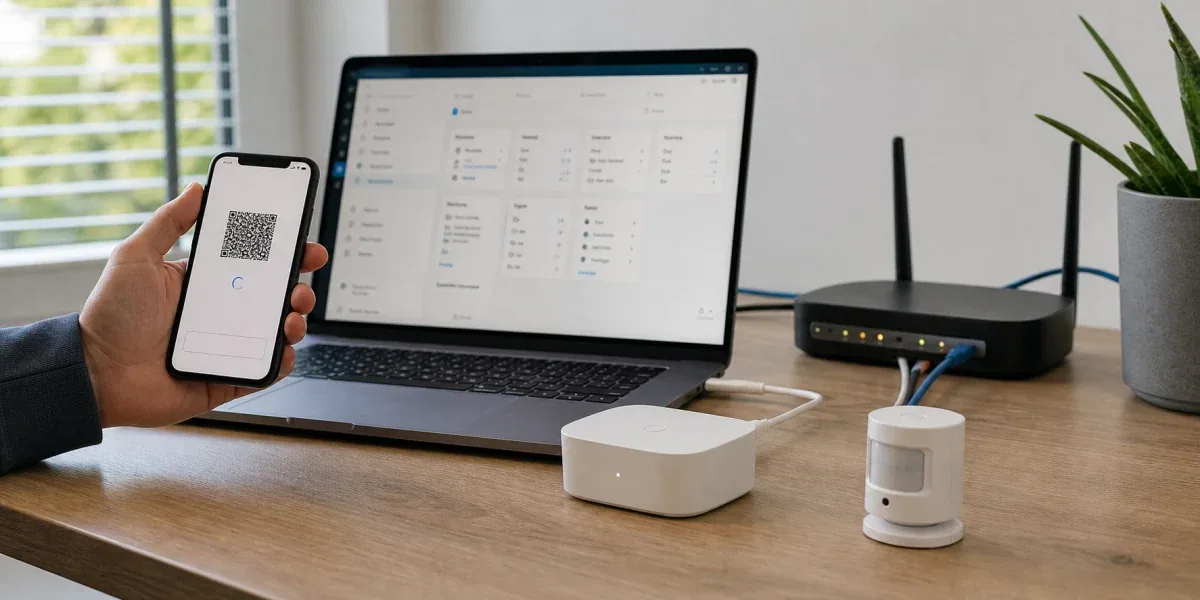
When a Matter over Thread device fails to join Home Assistant, it is tempting to blame the device, the QR code, or the mobile app. In practice, many failures happen because the first setup flow crosses too many boundaries at once: the phone starts commissioning, the Matter Server needs to establish a secure session, a Thread Border Router must provide the right Thread network path, local discovery has to work, and Home Assistant must end up with valid control rights.
The core conclusion is this: Matter over Thread often fails during commissioning not because Matter or Thread is individually unreliable, but because the first setup flow combines application-layer authorization, low-power IPv6 mesh networking, Thread Border Router behavior, mDNS discovery, and multi-ecosystem credential sharing into one fragile sequence. If one part is outside the same reachable boundary, the result can look like a device issue even when the device is fine.
Decision Block
If a
Matter over Threaddevice repeatedly fails during Home Assistant commissioning, check the Thread network and Border Router boundary before resetting every device. Most failures come from credential, discovery, routing, or fabric mismatches, not from a permanently broken endpoint.
1. Why Matter over Thread fails in more places than Zigbee
When Zigbee pairing fails, the boundary is usually easier to reason about: coordinator, channel, device compatibility, distance, routers, and the Home Assistant integration. Matter over Thread has a longer chain because Matter and Thread are different layers. Matter provides the application and interoperability model. Thread provides a low-power IPv6 mesh. A Thread Border Router connects that mesh to the home IP network.
That creates an important consequence: joining a Thread network and becoming a reliable Home Assistant Matter device are related, but they are not the same outcome. A device can join a Thread network that Home Assistant cannot properly reach. It can also work in a mobile ecosystem while Home Assistant does not yet have a usable Matter fabric relationship.
Home Assistant's Matter documentation separates the Matter integration, Matter Server, IPv6, local discovery, and Thread-related components. For troubleshooting, that separation matters more than repeatedly scanning the same QR code.
2. Common failure modes that look like device problems
2.1 The phone, Home Assistant, and Border Router are not in the same reachable boundary
The first commissioning flow is usually started from a phone. The phone has to discover the device, establish a temporary session, and guide it toward the target network. For Matter over Thread, the target network is not ordinary Wi-Fi. It is the Thread mesh managed by one or more Thread Border Routers.
If the phone ecosystem, home network, and Home Assistant host are separated, common symptoms include:
- the QR code scans but commissioning times out
- the device appears in Apple Home, Google Home, or a vendor app but not in Home Assistant
- Home Assistant sees the Matter Server, but the device never becomes controllable
This does not automatically mean the device does not support Home Assistant. It often means the controller, Border Router, and local network are not sharing the same practical reachability boundary. Multi-VLAN networks, guest Wi-Fi, client isolation, disabled IPv6, incomplete mDNS reflection, and container networking can all make this worse.
2.2 A Thread Border Router is not just a range extender
A Thread Border Router is not merely a stronger radio. It manages Thread network credentials, connects the low-power mesh to the home IP network, and helps controllers discover and reach devices. Having multiple Border Routers does not automatically make the system more reliable. If they create or maintain different Thread networks, a device may join the network that Home Assistant is not actually using.
Typical symptoms include:
- the mobile ecosystem says the device was added, but Home Assistant shows it offline
- new devices keep joining an unexpected Thread network
- pairing behavior changes depending on which phone or app starts the flow
The better fix is not to keep adding Border Routers blindly. First decide which Thread network should be the primary operational network, then make sure Home Assistant, the commissioning phone, and the relevant Border Router can cooperate around that network.
2.3 IPv6 and mDNS are often broken by "helpful" network hardening
Thread is an IPv6-based low-power mesh. Matter discovery also depends heavily on local network discovery. Many home networks disable IPv6, isolate clients, filter multicast, block mDNS, or put Home Assistant into a different segment from the phone.
Those settings may not break ordinary cloud devices immediately because vendor apps can route through the cloud. For local Matter control, they directly affect discovery and reachability.
Do not only ask whether the internet works. Ask instead:
- Can the Home Assistant host use IPv6 where it needs to?
- Are the phone and Home Assistant inside a boundary that allows local discovery?
- Is the router or access point blocking mDNS, multicast, or client-to-client traffic?
- Does Docker, a VM, or a routed network mode hide the Matter Server from the local network?
2.4 The device is already in another fabric, but not correctly shared with Home Assistant
Matter supports multiple administrators and multiple fabrics. That is one of its main interoperability advantages. In day-to-day setup, it also means that "the device is already online in an app" does not mean "Home Assistant has control rights."
If the device is first added to Apple Home, Google Home, or a vendor app and then shared to Home Assistant, the original controller has to provide a valid sharing flow or pairing code. When that goes wrong, the failure is often vague: the QR code looks valid, but Home Assistant never receives the right authorization path.
The engineering distinction is simple: do not confuse device online status with Home Assistant control ownership. Online status may only describe the Thread layer or another ecosystem controller. Home Assistant still needs a valid Matter fabric relationship.
3. A practical troubleshooting order
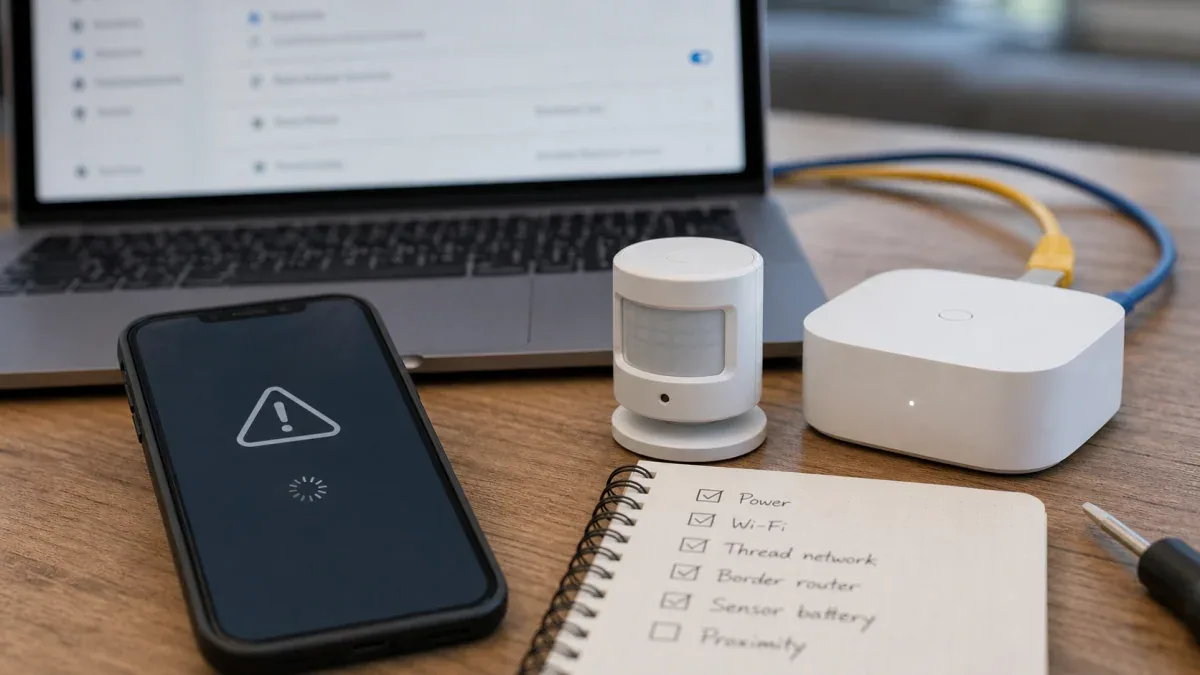
When Matter over Thread commissioning fails, troubleshoot in this order. The goal is to validate the system boundary before resetting devices.

3.1 First check the Home Assistant Matter Server
Matter devices are not finished the moment Home Assistant discovers something on the network. Home Assistant needs the Matter Server to participate in the control path. Start by checking:
- the Matter integration is loaded and the Matter Server is available
- Home Assistant Core, the Matter Server, and the add-on or container setup are compatible
- container or VM networking is not isolating local discovery
If this layer is unstable, resetting the endpoint will not solve the real problem.
3.2 Then verify IPv6, local discovery, and client reachability
Many Matter over Thread failures ultimately come from the local network. Check:
- whether the Home Assistant host can use IPv6 where required
- whether the phone and Home Assistant are in a network boundary that allows discovery
- whether the router enables AP isolation, guest network isolation, or multicast filtering
- whether multi-VLAN designs correctly handle mDNS and required local discovery traffic
If your network is intentionally segmented, Matter can still work, but the default consumer commissioning flow should not be expected to cross every boundary automatically.
3.3 Then inspect the Thread Border Router and Thread credentials
List the Thread Border Routers in the home: a Home Assistant SkyConnect/OpenThread Border Router, Apple TV, HomePod, Nest Hub, or another Thread-capable device. The important questions are:
- Which Thread network did the device actually join?
- Does Home Assistant know or use that Thread network?
- Which ecosystem's Thread credentials did the phone use during commissioning?
If several Border Routers maintain separate Thread networks, consolidate the operational path before adding more endpoints.
3.4 Reset the device only after the path makes sense
Factory reset should be a last step, not the first one. It is worth doing only after Matter Server, IPv6/mDNS, Border Router, and controller paths look reasonable.
Before resetting, record:
- which ecosystem the device joined before
- whether it is currently online in another app
- whether a sharing code was used
- whether the Border Router, Wi-Fi, VLAN, or Home Assistant deployment changed recently
That context helps distinguish a fabric authorization issue from a Thread network issue.
4. When Matter over Thread should not be your first path
Matter over Thread is a strong path for new low-power, local, cross-ecosystem devices, but it is not the default answer for every Home Assistant project.
If your immediate goal is to integrate many sensors, switches, and automation nodes with minimal operational risk, and you do not yet have a stable Thread Border Router strategy, Zigbee through ZHA or Zigbee2MQTT may still be the lower-risk backbone. If your home network uses strict VLANs, multicast filtering, and routed boundaries that you do not want to adjust, Matter over Thread commissioning will likely require more hands-on network work.
Matter over Thread is a better first choice when:
- you are buying newer cross-ecosystem devices
- the home network supports local discovery, IPv6, and controller reachability
- you are willing to manage Thread Border Routers and Thread credentials
- you accept that early commissioning may need more troubleshooting than a simple app wizard suggests
5. The practical engineering conclusion
For Home Assistant users, Matter over Thread should not be treated as "a Wi-Fi device that happens to scan with a QR code." It is a local interoperability path. Its value is low-power mesh networking, local control, and cross-ecosystem authorization. Its cost is that the first setup flow depends on more components being correct at the same time.
The most useful operating rules are:
- stabilize the Home Assistant Matter Server and local discovery first
- define one primary Thread network and Border Router strategy
- avoid letting every ecosystem create its own unrelated Thread network
- when commissioning fails, check network boundaries and fabric ownership before resetting devices
- keep Zigbee or another mature local protocol as the primary path when immediate stability matters more than interoperability
If you read the earlier Matter, Thread, and Zigbee in Home Assistant selection article, treat this post as the troubleshooting companion: that article answers whether Matter over Thread is worth adopting; this one explains why it most often fails at the first onboarding step.
Reference starting points: