
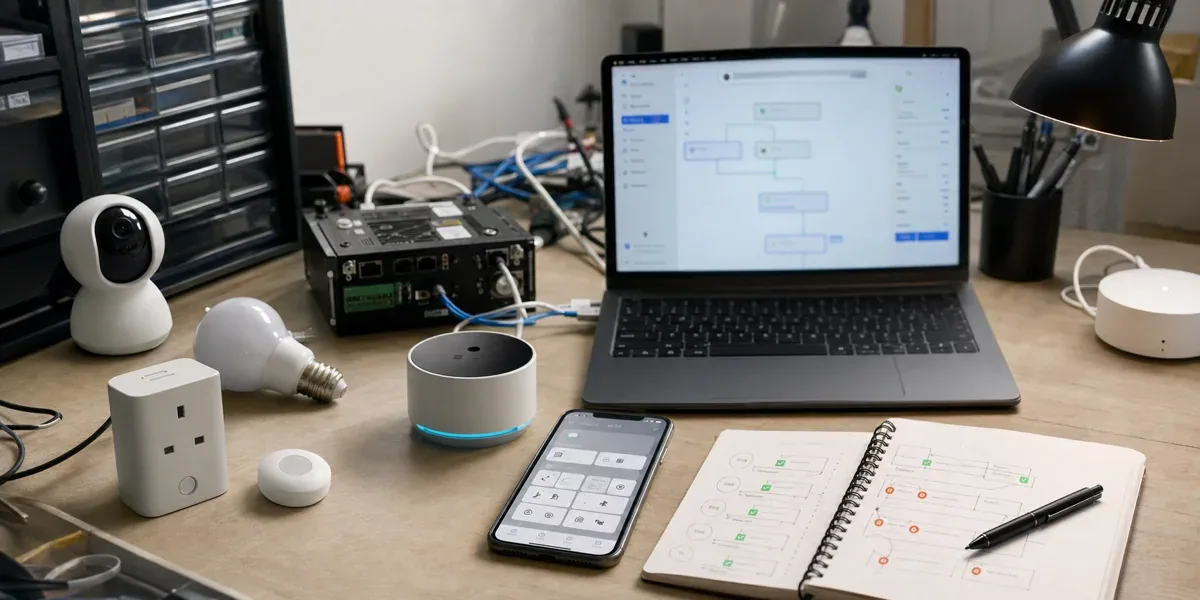
When teams look at Tuya Smart MiniApp and Tuya AI Agent Platform together, the first assumption is tempting: if the MiniApp can host product pages and the AI agent can handle conversation and device control, can the team simply place a chat-driven control experience inside the app?
The answer needs a stricter boundary. A Tuya Smart MiniApp is a good lightweight business entry point, and a Tuya AI Agent is a useful layer for natural-language interaction, knowledge, plugins, and device capability access. Neither one should become the only owner of device-control policy, permission, audit, rollback, or cross-system business state. If the MiniApp becomes the whole control plane, the project will run into permission, state consistency, and incident-explanation problems.
This article is not about whether AI MiniApps are fashionable. It answers a more practical question: how should Smart MiniApp, AI Agent Platform, AI Product Commands, device DPs, scene automation, and enterprise backend systems be separated in a real Tuya device-control product?
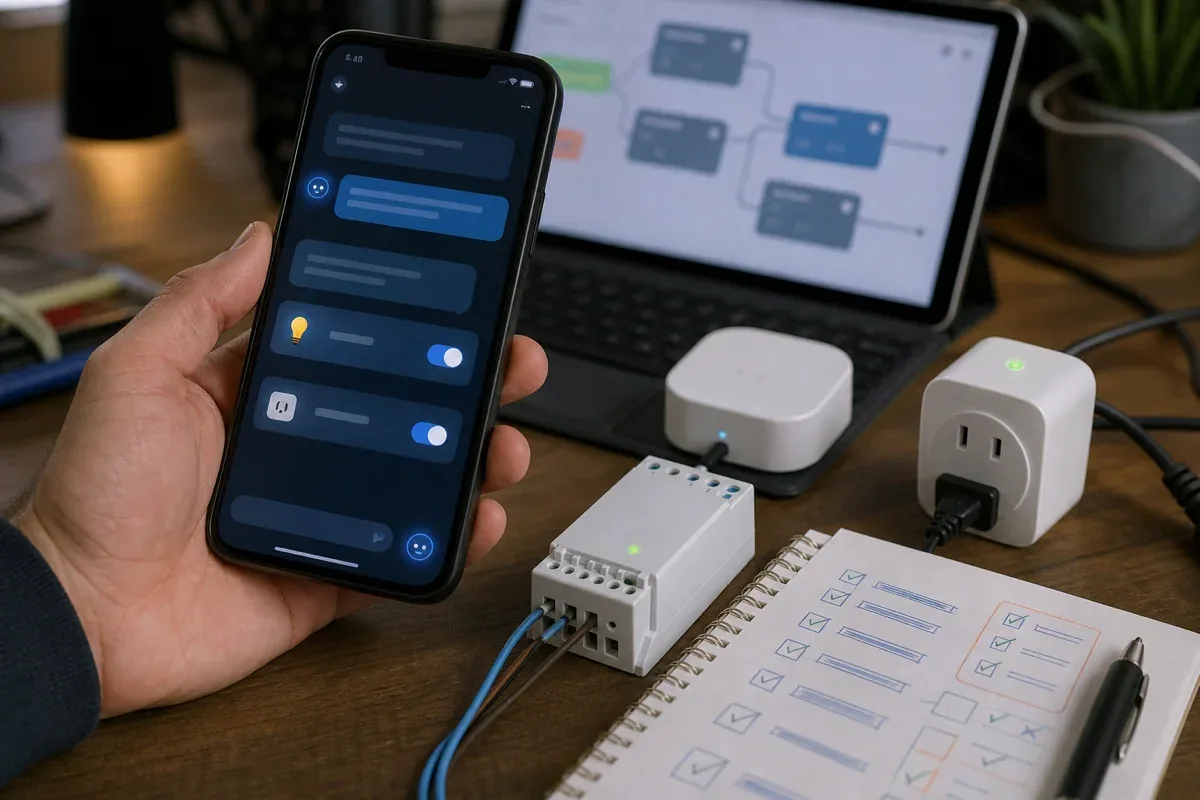
1. Start with the boundary: MiniApp is an entry point, not the control plane
Tuya describes MiniApp as a business integration solution that supports dynamic updates, native-like experience, and a development approach similar to WeChat Mini Programs. That positioning matters. A MiniApp is mainly about placing business UI close to the Tuya app, OEM app, or related product entry point. It is not a replacement for the device-control system.
In AI Agent projects, teams often mix three layers together:
| Layer | Main responsibility | Responsibility it should not own alone |
|---|---|---|
| Smart MiniApp | UI, business entry point, lightweight interaction, user context collection | Long-term device state truth, enterprise permission, cross-system transactions |
| AI Agent Platform | Conversation, intent parsing, knowledge, plugins, device query and control tools | Final business authorization, full audit, complex rollback policy |
| Product or enterprise control layer | Permission, policy, command state machine, audit, cross-system orchestration | Rebuilding all UI or replacing the interaction layer |
If the goal is to let users operate Tuya devices through conversation in a low-risk product context, MiniApp plus AI Agent can validate the experience quickly. If the goal is to let AI participate in real operations for stores, buildings, cold-chain assets, warehouses, or industrial sites, the MiniApp should remain the entry point. It should not become the only control plane.
2. Where Tuya Smart MiniApp fits best
Smart MiniApp is useful for three jobs.
The first job is lightweight business UI inside a product. Examples include service registration, device scenario explanation, energy-saving suggestions, setup guides, troubleshooting flows, member benefits, or accessory purchase pages. These pages need to sit close to device context, but they do not always justify a full native app release cycle.
The second job is the frontend container for an AI Agent. Tuya's AI Agent UI BizBundle documentation explains that developers can configure an AI agent on the Tuya Developer Platform and navigate to the generated miniapp to try AI assistant features. For product teams, this reduces the frontend cost of adding an AI entry point to an app.
The third job is collecting confirmation before device control. If a user says, "the office is too hot," the agent should not immediately send a device command. The MiniApp can show the room, device, current temperature, mode, candidate action, and risk hint, then ask the user to confirm a concrete action such as "set the AC to 24 C for two hours."
The practical rule is simple: when the MiniApp collects context, displays confirmable actions, and receives user feedback, it improves the device-control experience. When the MiniApp owns control policy, permission, and state truth by itself, it pushes backend responsibilities into the frontend.
3. AI Agent Platform turns conversation into executable intent
Tuya AI Agent Dev Platform brings model selection, agent configuration, plugins, knowledge base, debugging, release, and OpenAPI capability into one surface. Tuya's documentation also says plugins can let an AI agent call tools or APIs such as device query, device control, and scene control.
That makes the AI layer useful for four tasks:
- converting natural language into understandable intent
- filling missing parameters from product knowledge and user context
- calling device query, device control, or scene-control tools
- explaining execution results back to the user
The AI layer should not skip confirmation and policy. Natural-language requests often contain vague terms such as "make it comfortable," "turn on that light," or "lower the freezer temperature." These requests should only become device commands after the target device, room, user identity, business rule, and risk level are known.
A safer pattern is to let the AI Agent produce structured intent and then pass it through a command state machine:

This keeps "model response" separate from "device command." The former can be flexible. The latter must be confirmable, auditable, and recoverable.
4. Device control is more than tool invocation
Tuya's AI Product Commands documentation explains that precise AI control of home devices generally requires integrated configuration using AI Agent Dev Platform and device-control tools. This is useful for standard device actions such as lights, sockets, thermostats, and scene triggers.
But a production project should not only ask whether the agent can call a device. It should ask whether the action is allowed under the current business condition.
For example:
- Does the user have permission to control this space or device?
- Could the command affect safety, cost, inventory, cold-chain compliance, or service responsibility?
- Does the current device state allow this action?
- If execution fails, should the system retry, alert, hand over to a person, or roll back?
- Who confirms the real state after the command?
If those questions are unanswered, a successful device-control call only proves that one narrow part of the chain works. For enterprise customers, explainability and accountability are often more important than the ability to send a command.
5. Recommended architecture: MiniApp owns experience, control layer owns responsibility
A durable implementation usually has four layers:
| Layer | Recommended implementation | Test for correctness |
|---|---|---|
| User entry | Smart MiniApp, App SDK, UI BizBundle | User can understand, act, and confirm |
| AI layer | Tuya AI Agent Platform | Intent, knowledge, plugins, and conversation are clear |
| Control layer | Product backend or enterprise IoT platform | Permission, policy, audit, state machine, and orchestration are owned |
| Device layer | Tuya devices, DPs, scenes, Cloud API, gateways | Real capabilities and state readback are reliable |
This structure is not about adding backend complexity for its own sake. It puts responsibility in the right place. MiniApp owns experience. The agent owns understanding. The control layer owns safety and consistency. The device layer owns execution.
For an early pilot, use a low-risk loop:
- Select one device category and three to five low-risk commands.
- Configure knowledge, plugins, device query, and device-control tools in the agent.
- Use the MiniApp to display current state, candidate action, and confirmation.
- Let the backend record every intent, confirmation, execution, and readback result.
- Expand only after logs show stable behavior.
6. Define a stable native-to-MiniApp contract first
In one Android and iOS smart-hardware implementation we reviewed, the MiniApp does not receive unrestricted access to native capabilities. The host app maintains an Ext API registry that maps approved API names to device, home, settings, and scheduling modules. A request carries an action, a request_id, and validated parameters. The native module returns one common success or error envelope. This allowlisted registry is easier to test and audit than a generic JavaScript bridge that exposes the host application surface.
The contract should define at least api, action, request_id, schema_version, payload, and context. The MiniApp must not invent trusted context. The host injects the authenticated user, home, device, and authorization scope. If an agent returns only prose, the MiniApp should not infer command arguments from that prose. The agent should emit a schema-constrained intent, and the host or control service should validate the target and permission again.
Error envelopes also need stable semantics. A device outside the current home is an authorization or ownership failure, not a network error that should be retried. A Cloud API timeout may be retryable only when the server has not accepted the request and an idempotency key is present. Flattening every failure into one generic code prevents the MiniApp from choosing among retry, reauthentication, human handoff, or safe navigation.
7. The async bridge must bound time, duplicates, and lifecycle
Device queries, scene creation, and token retrieval are asynchronous. A practical bridge can register action-specific listeners and a global fallback listener. Dispatch checks the action listeners first, which prevents one oversized callback from mixing token, UI, device-control, and scheduling responsibilities.
Every asynchronous call needs a timeout, and response delivery must complete exactly once. The reviewed implementation uses an atomic claim around the response continuation. Whichever path wins first—an immediate result, asynchronous delivery, cancellation, or timeout—owns completion. A late duplicate is logged and ignored. Without that guard, a worker retry or rebuilt page can turn one user confirmation into two automation scenes or two device commands.
Thread and lifecycle boundaries matter as much as the API shape. Parsing and SDK work should run off the UI thread, while the final UI callback returns on the main thread. Pause, resume, and destroy events must remove listeners or cancel requests that no longer belong to the active page. A callback that arrives after its screen has disappeared is a common MiniApp integration defect, even when the model and device API behave correctly.
8. Cache identity tokens by user, not only by device
When the host app supplies a mobile token to a MiniApp, the security goal is not merely to reduce network requests. It is to prevent credentials from one signed-in user from reaching the next. The reviewed iOS implementation binds cache entries to uid, refreshes before server expiry with a small skew, and coalesces concurrent fetches for the same user. Logout or account switching increments a generation, removes cached entries, and cancels in-flight work. A late successful fetch is rejected when its generation no longer matches.
This design closes three real races: repeated token requests from one page, logout while a fetch is active, and account or home switching while an old token remains in memory. A single process-wide token string often survives simple one-account testing but fails on shared tablets, support workflows, and household switching.
The token should never be copied into prompts, model logs, or durable MiniApp storage. The agent only needs the approved tool surface and authorization scope. The native host or backend injects the credential at execution time, so exporting a conversation does not also export device-control access.
9. Scheduling requires create-then-read-back verification
A request such as “turn on the purifier at 8 every morning” expands into a home ID, timezone, recurrence, device and DP mapping, enable state, scene name, resource defaults, and update semantics. The MiniApp should collect explicit choices. The native handler validates sceneType, homeId, and the schedule schema before mapping it to the SDK's scene specification.
A successful create callback is not final evidence. The implementation we reviewed reads the scene detail immediately after receiving a sceneId and compares the persisted name, condition, action, and enabled state. An edit first loads the current scene, preserves fields that were not intentionally changed, submits the update, and reads the result again. If the application treats request acceptance as proof of effective configuration, default-value rewrites, timezone errors, and DP mapping defects remain invisible.
High-risk commands also need separate request confirmation and execution confirmation. The first proves that a person accepted exact parameters. The second proves that the device or scene reached the target state. A command ID, timeout, idempotency key, and readback connect the two. An agent may explain a failure, but it must not change the command parameters and retry without new authorization.
10. Dynamic MiniApp updates still need version gates
Dynamic delivery shortens the UI release cycle, but it creates a two-sided compatibility problem: the MiniApp can update before the installed host app supports its new Ext API. Every request should carry a schema version. The host should accept only a defined range and return a recognizable upgrade error for incompatible requests instead of silently executing with defaults.
Local cache rollout needs the same discipline. The reviewed mobile implementation uses an incrementing remote cache version. It clears MiniApp cache only when the remote version is newer and the feature flag is enabled, and it records the new local marker only after clearing succeeds. If the marker advances before a failed clear, the device can retain a broken cache indefinitely because later launches assume the version was already handled.
Rollout order should be explicit: release the host app with the new Ext API to a small cohort, publish a MiniApp version compatible with both contracts, observe it, and only then retire the old schema. Rollback stops the new MiniApp distribution and returns to a mutually compatible version. “Clear the cache” is a recovery tool, not a complete rollback plan.
11. Connect failure injection, observability, and rollback
The minimum useful trace is not a conversation transcript. It correlates a privacy-safe user and home identifier, MiniApp version, Ext API name, action, request ID, agent tool-call ID, Tuya scene or command ID, response code, readback result, and final UI state. The host should sanitize reserved and non-scalar analytics properties so that tokens, full prompts, or sensitive device values do not leak into a generic event stream.
Before release, inject at least six failures: duplicate delivery for one request ID; a listener that never responds; a callback after page destruction; logout during token retrieval; successful scene creation followed by mismatched readback; and a new MiniApp calling an API unknown to an older host. Each case needs a signal, bounded impact, user message, operational owner, and recovery action.
| Failure | Required behavior | Unsafe behavior |
|---|---|---|
| Expired identity | Invalidate the user cache and reauthorize | Retry control with the old token |
| Async timeout | Close the wait and preserve the request ID for status lookup | Leave the UI loading indefinitely |
| Readback mismatch | Mark incomplete and stop expansion | Tell the user the action succeeded |
| Schema mismatch | Block high-risk commands and require upgrade or compatible MiniApp | Ignore unknown fields and continue |
The common rule is fail closed. When identity, parameters, or final device state cannot be verified, the system should stop the high-risk action instead of asking the agent to exercise more autonomy. A rollback plan must cover the MiniApp package, native-app compatibility range, agent tool schema, and already-created scenes. Rolling back only the web bundle leaves the rest of the control chain inconsistent.
12. When MiniApp plus AI Agent is a good fit
This combination fits when:
- smart hardware needs a lightweight AI entry point without a full app release
- user tasks center on one product, one room, or one device capability
- commands are standard, low risk, and recoverable
- the team wants to validate AI interaction before building a full agent engineering platform
- business UI needs dynamic updates, such as setup guides or service flows
It is a weak fit when:
- AI actions affect safety, cost, inventory, cold-chain compliance, or production processes
- one action must coordinate Tuya, Modbus, BACnet, ERP, ticketing, and data platforms
- permission depends on organization, role, site, shift, or approval status
- the project requires offline, low-latency, or local-loop control
- every command must produce a complete audit trail and responsibility record
When AI mainly improves the interaction experience inside a Tuya product, MiniApp plus AI Agent is a strong entry point. When AI starts acting for an enterprise system, the control responsibility must stay in the product backend or IoT platform.
13. How this connects to other Tuya architecture choices
If the team is still deciding between Tuya platform agents and custom orchestration, start with Tuya AI Agent Dev Platform vs Custom Agent Orchestration.
If the device model and DP design are still unstable, fix that first with Why Tuya Projects Fail on DP Modeling, Not API Calls.
If the project is mainly about app architecture rather than AI interaction, compare the wider paths in Tuya Local Control vs Cloud API vs App SDK: What Should You Choose?.
Together, these choices point to the same principle: Tuya's ecosystem can accelerate product capability, but it does not replace the project team's responsibility for system boundaries.
14. Conclusion
The value of Tuya Smart MiniApp plus AI Agent is not that all control logic can be placed inside a miniapp. Its value is that Tuya devices and business capabilities can get a faster, lighter interaction entry point.
If the project goal is to validate AI conversation, product Q&A, low-risk device control, and dynamic business pages for a Tuya product, MiniApp plus AI Agent should be evaluated early. If the project goal is enterprise device operations, cross-system actions, strong permission, strong audit, and recoverable control, the MiniApp should remain the entry point, the AI Agent should remain the intent layer, and the real control responsibility should stay in the product backend or IoT platform.