

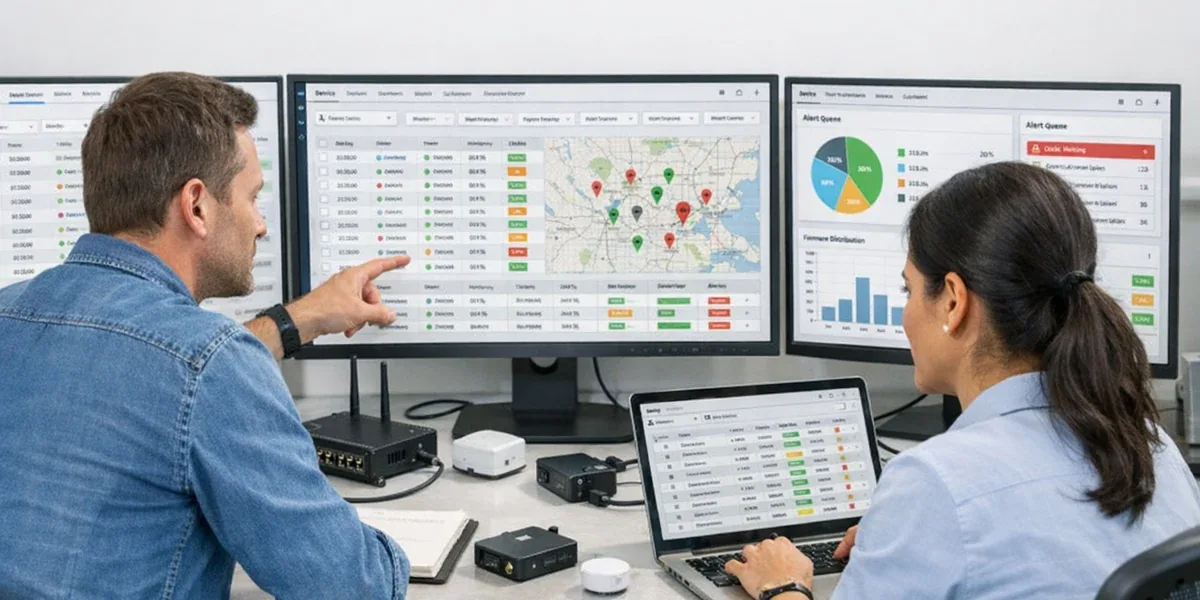
Many IoT platforms begin with three search paths: search by device name, filter by product model, and filter by online state. That is enough for a demo and it helps support open a single device page. It is not enough for real fleet operations. Once devices span regions, models, firmware versions, tenants, and unreliable networks, the operational question changes from “where is this one device” to “which cohort of devices matches these conditions, and what should we do with them.”
The core conclusion is: fleet indexing is not an advanced filter for a device list. It is operational infrastructure for an IoT platform. If the platform needs staged rollouts, batch troubleshooting, risk grouping, remote diagnostics, or customer support workflows, it needs a searchable and aggregatable Fleet Index built from device identity, state, versions, alarms, connectivity, and recent action results.
Definition Block
Fleet Indexingis the process of turning device registry data, state summaries, version information, location and tenant tags, connection signals, alarm summaries, and recent operation results into a searchable index for cohort-level operations. It should not replace the device source of truth. It helps the platform answer “which devices match this operational condition.”
Decision Block
If you manage only a few dozen devices and rarely run batch actions, a simple device list may be sufficient. If the fleet reaches thousands of devices, or if the platform supports OTA rollout, regional troubleshooting, version rollback, customer support, or SLA reporting, do not keep pushing multi-dimensional search into the transactional database. Design a Fleet Index as a separate operational view and connect it to real workflows.
1. Why device-list filtering is not fleet indexing
Device-list filtering usually works around fields such as:
- device name
- product model
- customer
- online or offline state
- creation time
Those fields answer “where is the device record.” Operations teams usually need more complex questions:
- which devices run firmware
1.8.3and had a high command failure rate in the last 24 hours - which cold-chain controllers in East China recovered from temperature alarms and then reopened them
- which gateways are online but have child devices missing heartbeats
- which devices received config version
cfg-2026-04but still report the old version - which devices are eligible for the next OTA batch and which should be paused or rolled back
These queries combine registry data, derived state, version governance, alarm summaries, command results, and time windows. Running them directly against transactional tables may work early, but it creates three long-term problems:
| Approach | Short-term benefit | Long-term problem |
|---|---|---|
| Filter only the device table | Fast to build, simple UI | The device table becomes overloaded with runtime meaning |
| Join telemetry, alarms, and command logs directly | Flexible at the beginning | Large data volume creates slow queries and pressure on write paths |
| Build a separate Fleet Index | Requires sync and consistency design | Supports cohort search, aggregation, and batch operations |
The practical rule is simple: if the query result drives a batch operation, it is no longer just a list filter.
2. What a Fleet Index should include
A Fleet Index should not contain all raw telemetry. It should contain operational summaries that can be traced back to source systems.
2.1 Stable identity and ownership fields
These fields come from the registry or asset model and change slowly:
- tenant, customer, project, site, region
- product, model, hardware revision
- gateway and child-device relationship
- installation status and lifecycle status
- tags, business groups, maintenance owner
These fields decide who owns the device, where it is installed, and who is allowed to operate it. Without them, the index becomes a search box without a permission boundary.
2.2 Runtime state summaries
These fields usually come from a state service or device shadow. They change more often, but they are not full telemetry:
- connectivity: connected, disconnected, suspect, stale
- last seen and last valid telemetry time
- desired/reported version drift
- heartbeat risk score
- alarm summary
- last command status
AWS IoT Core Fleet Indexing groups registry, shadow, connectivity, software-package, and Device Defender violation data into a searchable and aggregatable device index. Azure IoT Hub twin queries expose tags, desired properties, and reported properties as queryable device documents. Both patterns point to the same architectural lesson: operational device search needs identity, state, version, and risk in one query view, not just a device table.
2.3 Action-related fields
If the index is only for viewing, its value is limited. It should also include summaries that support decisions:
- whether the device is currently OTA-eligible
- whether it is inside a freeze window or maintenance window
- the latest Job ID and result
- the latest failure category
- whether there are pending commands
- whether manual review is required
These fields connect “find devices” to “decide the next action.”

3. Three situations that prove the value of fleet indexing
3.1 OTA staged rollouts
OTA is not “select devices and push firmware.” Real rollout conditions often combine multiple constraints:
- model and hardware revision match the package
- current firmware is inside the upgrade range
- connectivity has been stable in the last 24 hours
- battery, power, and network conditions are acceptable
- customer freeze windows are respected
- the previous batch did not show the same failure pattern
Without a Fleet Index, teams stitch these conditions together manually from pages and reports. That is slow, and it increases the risk of including devices that should not be upgraded.
Judgment sentence: for IoT platforms that support staged rollouts, the value of Fleet Indexing is not only search speed. It turns rollout criteria into reusable and auditable device cohorts.
3.2 Batch troubleshooting
Real troubleshooting usually starts from a group:
- one region suddenly shows connection instability
- one firmware version starts timing out ACKs
- child devices under one gateway type show higher offline rates
- alarms for one customer reopen after recovery
The team needs to find shared characteristics before deciding whether the cause is network, firmware, protocol adaptation, or the platform's state model. A device-detail page can explain one sample. A Fleet Index can reveal whether a cohort shares a pattern.
3.3 Customer support and operations consoles
Support teams need an actionable view, not raw data:
- which devices affect this customer
- which issues can be repaired in batch
- which devices need field service
- which devices should not receive further commands
- which devices should enter a ticket queue
Fleet Indexing should serve the Ops Console. It is not merely the search input; it lets the operations surface keep answering “which group should be handled next.”
4. Common design mistakes
4.1 Treating the index as the source of truth
A Fleet Index is a query view, not the source of truth. Device identity, ownership, and lifecycle should still belong to the registry or asset model. Raw telemetry, alarms, and command logs should remain in their own systems.
A safer boundary is:
- transactional stores hold facts
- state services interpret and summarize signals
- Fleet Index supports cohort-level query views
- Ops Console orchestrates actions
If the index becomes the only source of truth, synchronization delay or index rebuilds will make it difficult to decide which state is real.
4.2 Indexing every raw telemetry point
A Fleet Index should not store unbounded time-series data. It should store operational summaries: latest state, risk score, version drift, alarm counts, and time-window aggregates.
Raw telemetry belongs in a time-series database, log store, or data lake. The Fleet Index keeps only fields that drive search, grouping, sorting, alerts, or action gates.
4.3 Ignoring eventual consistency
Indexes usually have synchronization delay. Azure IoT Hub's twin query documentation explicitly notes eventual consistency and possible delay. Platform design should accept this:
- search results choose candidate cohorts
- critical conditions are checked again before execution
- high-risk commands require confirmation
- operation records store both the query condition and the actual device list
Decision sentence: a Fleet Index can decide which devices should be considered, but it should not be the only authority for high-risk execution. The command or Job layer must re-check critical preconditions before acting.
5. A practical Fleet Index field model
This is not a full database schema. It is a design-review checklist for platform teams.
| Field group | Example fields | Main use |
|---|---|---|
| Identity and ownership | device_id, tenant_id, site_id, product_id, model, gateway_id | Permission filtering, customer support, relationship queries |
| Versions | firmware_version, config_version, model_version, hardware_revision | OTA, config governance, version rollback |
| Connectivity and activity | connectivity, last_seen_at, last_valid_telemetry_at, heartbeat_risk | Online judgment, weak-network triage, risk grouping |
| State drift | desired_config, reported_config, state_drift, last_sync_result | Config delivery and synchronization troubleshooting |
| Alarm summary | active_alarm_count, last_alarm_type, alarm_reopen_count | Ops queues and anomaly trends |
| Command summary | last_job_id, last_command_status, pending_command_count, last_failure_reason | Batch operations and failure localization |
| Operation controls | maintenance_window, frozen, ota_eligible, manual_review_required | Safety gates for fleet actions |
The point is not to add as many fields as possible. Each field should answer an operations question. If a field cannot be used for filtering, grouping, sorting, alerting, or action gating, it probably does not belong in the index.
6. When a separate Fleet Index is not necessary
Not every platform needs a full index layer on day one. You can keep it simple when:
- the fleet is small and batch operations are not required
- state updates are low frequency and queries are fixed
- the platform is an internal tool without customer support or SLA workflows
- OTA, remote commands, and configuration delivery are not part of the current phase
But if the roadmap includes OTA, remote diagnostics, customer operations, multi-tenancy, or cross-region fleet management, define the Fleet Index boundary early. You can start with a minimal field set, but do not force all future searches into the device table and detail page.
7. Conclusion: fleet indexing is an operations capability
Fleet Indexing moves an IoT platform from “single devices are visible” to “device cohorts are manageable.” It brings identity, state, version, alarms, and recent action results into a searchable view so the platform can support staged rollouts, batch troubleshooting, remote diagnostics, and customer support.
Without a Fleet Index, a platform may still display a device list. It will struggle to answer the operational questions that matter: which devices are affected, which devices are safe to act on, which devices should be paused, and which devices require manual handling. For large-scale IoT systems, that capability is not a UI enhancement. It is part of the platform's operating model.