

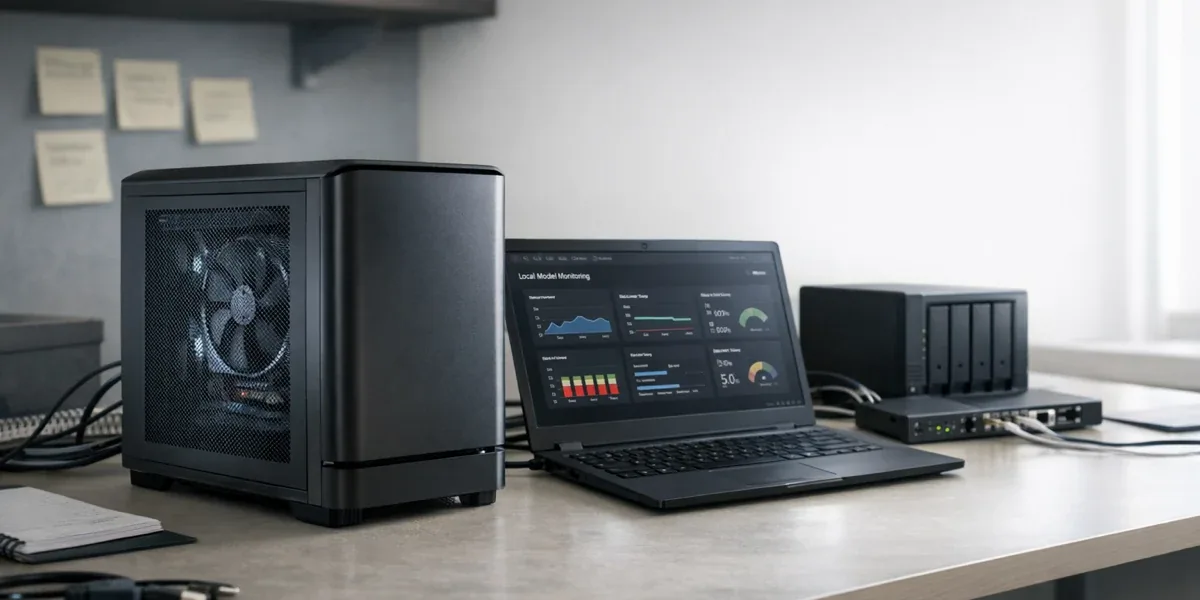
Ollama is not the answer to "move all AI workloads on-premises." It is a practical fit when data needs to stay inside a controlled environment, network access may be unreliable, concurrency is modest, and the model size is realistic for the available hardware. If the target system needs hundreds of concurrent users, centralized model governance, multi-tenant permissions, cost allocation, elastic scheduling, and strict audit controls, Ollama can still be a useful validation layer, but it should not be treated as the whole enterprise inference platform.
| Use case | Does Ollama fit? | Key decision |
|---|---|---|
| Local developer prototype | Yes | Fast setup, REST API, and official Python / JavaScript libraries help application teams iterate |
| Private knowledge-base PoC | Yes | Documents can stay inside the private environment while the team validates RAG behavior |
| Offline office assistant | Conditional | Tasks must be lightweight, and model size must match local memory and compute |
| Industrial edge inference | Conditional | Better for low-frequency assistance than for hard real-time control loops |
| Enterprise high-concurrency model serving | Not as the only platform | Dedicated inference scheduling, monitoring, permissions, and capacity management are needed |
The practical conclusion is: Ollama lowers the barrier for running local models and integrating them into applications. Enterprise deployment decisions still depend on data boundaries, hardware capacity, latency, concurrency, and operational ownership, not just whether a model can run locally.
1. Put Ollama in the right architectural position
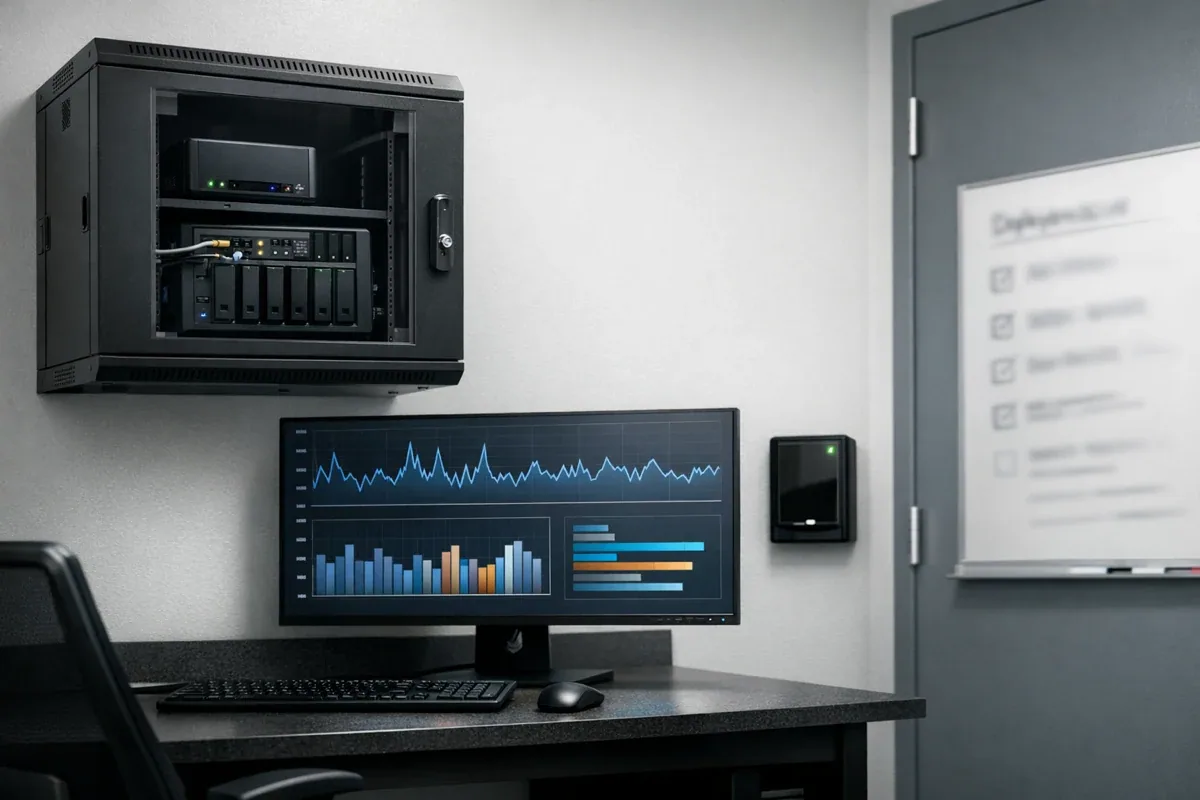
Ollama's official README positions it as a way to run and manage open models, with a CLI, REST API, Python and JavaScript libraries, a Docker image, and a model library. That positioning matters. Ollama is first a practical model runtime and integration tool for local or private machines. It is not, by itself, a complete enterprise AI platform with organization management, permissions, audit workflows, capacity governance, and multi-tenant controls.
For enterprise teams, Ollama usually fits three positions:
- Local development runtime. Engineers can test prompts, RAG pipelines, tool calls, and application interfaces on a workstation before choosing a production model backend.
- Private PoC inference node. A team can run a model on an internal server and test whether a knowledge-base assistant, service assistant, inspection assistant, or data analysis assistant is useful.
- Edge assistance component. In factories, stores, labs, or device-side environments with weak connectivity, a local model can support summaries, explanations, classification, or operations assistance.
Decision block
If the project is still asking whether a local model can solve the business problem, Ollama is a strong fit. If the project already requires shared production access, strict SLA, high concurrency, audit controls, and cost allocation, Ollama should be placed inside a broader platform architecture instead of carrying every production responsibility alone.
2. Enterprise scenarios where Ollama is a strong first step
2.1 Local AI prototyping and application integration
In early development, the main problem is often iteration friction, not model quality. Teams need to test prompts, structured output, tool calls, RAG retrieval, and fallback behavior. If every experiment depends on an external API, data masking, network availability, cost, and rate limits can slow the loop.
Ollama's REST API runs locally by default, and the official documentation shows model calls through endpoints such as /api/chat and /api/generate. For application teams, this means a frontend, backend service, or automation script can point to a local model endpoint first, validate the application flow, and later decide whether to move to a cloud model, a dedicated inference cluster, or a hybrid architecture.
Good tasks include:
- private knowledge-base question answering prototypes
- ticket, email, and field-service log summarization
- prompt and JSON-output testing in low-risk workflows
- local development for AI Agent tool-calling flows
The boundary is equally important. If the system requires centralized permissions, call audit, model approval, and tenant isolation from day one, single-node Ollama should be treated as a development sandbox, not the production control plane.
2.2 Private knowledge bases and internal data validation
Many companies do not reject LLMs; they are unsure whether internal material can leave the network. Product manuals, device logs, service records, contracts, and process documents often have access boundaries. Ollama is useful here because it lets a team validate "retrieval plus local generation" inside a private environment before deciding on a wider architecture.
Local does not automatically mean secure. Model files, vector databases, source documents, logs, user questions, and generated answers still need access control and retention rules. A real security boundary includes:
- where models and documents are stored
- whether the API is exposed only inside a controlled network
- whether prompts and outputs are logged
- whether RAG retrieval can return data across permission boundaries
- whether backup, deletion, and audit policies are defined
Ollama can help keep data local. Security still comes from the whole system design, not from the word "local" alone.
2.3 Offline operation and edge inference
In IoT, industrial, and retail environments, network reliability is not guaranteed. If an edge system depends only on cloud models, many assistance features fail when the connection fails. Ollama can act as a local inference node so the system can continue doing some lightweight work during weak-network or offline periods.
Tasks that fit the edge side usually share these traits:
- input size is small, such as one alert, one log segment, or a short sensor summary
- second-level latency is acceptable
- output supports human or system judgment rather than directly controlling equipment
- model size fits the available memory, GPU, CPU, power, and cooling envelope
The edge boundary is important. A local LLM should not directly decide high-risk device actions. A better architecture lets the model produce explanations, suggestions, summaries, or candidate actions, while rules, state machines, human confirmation, or backend policy make the final control decision.
3. Hardware: start with model size, then test concurrency
"It runs" is not the same as "it runs well." The most common enterprise mistake is underestimating how model size, quantization, context length, and concurrent requests affect memory, GPU memory, and response time. Larger models, longer contexts, and more concurrent calls increase latency and resource pressure.
A practical sizing review starts with four questions:
| Question | Why it matters |
|---|---|
| How long are prompts and context windows? | Long context increases memory use and first-token latency |
| How slow can the response be? | Assistant workflows may tolerate seconds; automation paths often cannot |
| How many users or devices call it at once? | One developer and a shared team service are different capacity problems |
| Does the task need stable reproducibility? | Production workflows need pinned models, parameters, versions, and regression tests |
For one engineer experimenting locally, a smaller model can be enough to validate the flow. For a shared internal service, the team must test peak concurrency, context length, model load time, cold start behavior, error responses, and fallback paths. A successful demo request is not a production capacity plan.
4. Integration: the REST API is convenient, but production boundaries are missing by default
Ollama provides a REST API, and its official documentation describes OpenAI-compatible API capabilities such as chat completions, streaming, JSON mode, vision, and tools. That compatibility is useful for migration and integration because many applications can test against a local model backend with modest changes.
But enterprise integration cannot stop at "the request works." A production system needs additional layers:
- Identity and access control. Who can call the local model service, and is access separated by app, user, or network segment?
- Rate limiting. One batch job should not starve a shared workstation or edge node.
- Logging and audit. Record useful operational metrics without dumping sensitive prompts and outputs into uncontrolled logs.
- Model version management. Know which app uses which model, quantization version, and runtime parameters.
- Failure handling. Define what happens when a model is not loaded, memory is exhausted, responses time out, or structured output fails validation.
If these layers are not designed, Ollama remains valuable for development and PoC work, but it should not directly carry critical production workflows.
5. When to use a cloud model or dedicated inference platform instead
Local is not always better. Consider a cloud model service, enterprise model gateway, or dedicated inference platform when the project needs:
- high concurrency across many applications
- centralized quotas, monitoring, and cost allocation
- model governance with approval, audit, canary rollout, and rollback
- consistently strong general reasoning, multimodal, or long-context capability
- cross-region deployment, elastic scaling, and unified observability
- strict separation across tenants, projects, departments, and cost centers
This does not make Ollama less useful. It means Ollama should occupy the right layer. Many teams can use a hybrid pattern: Ollama for development, offline use, privacy-sensitive validation, and edge assistance; cloud models or dedicated inference services for high-quality, high-concurrency, centrally governed workloads.
6. Enterprise readiness checklist
Before using Ollama for local AI or private deployment, review these questions:
- Must the data stay local or inside the private network?
- Is second-level latency acceptable?
- Is concurrency low enough for one machine or a small number of nodes?
- Are model files, vector databases, logs, and caches stored in known locations?
- Is the API protected by a trusted network boundary or gateway?
- Are model versions, parameters, and regression tests recorded?
- Are timeouts, failures, malformed outputs, and human-confirmation paths handled?
- Are high-risk tasks explicitly excluded from automatic local LLM decisions?
If most answers are unclear, use Ollama as a PoC and development runtime first. If the answers are clear, place it inside a controlled enterprise AI architecture.
7. Conclusion: Ollama is a local model entry point, not the whole enterprise AI platform
Ollama's strongest enterprise value is lowering the barrier to local AI. It lets teams run models on a workstation, internal server, or edge node; expose them through APIs; and test whether private-data use cases are useful. It is especially strong for local prototypes, private knowledge-base validation, offline assistants, edge assistance, and early integration for AI development services.
The production question is broader than installation. Model size drives resource pressure. Hardware drives latency. Concurrency drives architecture. Data security depends on the whole system. Production reliability comes from monitoring, rate limits, version management, and fallback behavior. When those boundaries are explicit, Ollama can move from "it runs locally" to "it is useful in a controlled business workflow."
References
- Ollama GitHub README: https://github.com/ollama/ollama
- Ollama API documentation: https://docs.ollama.com/api
- Ollama OpenAI compatibility: https://docs.ollama.com/openai
- Ollama FAQ: https://docs.ollama.com/faq