

AG-UI, MCP and AI Agent Product Workflows
A guide for teams designing AI agents, MCP tool access, AG-UI front-end interaction, human approval, audit trails, and system automation.
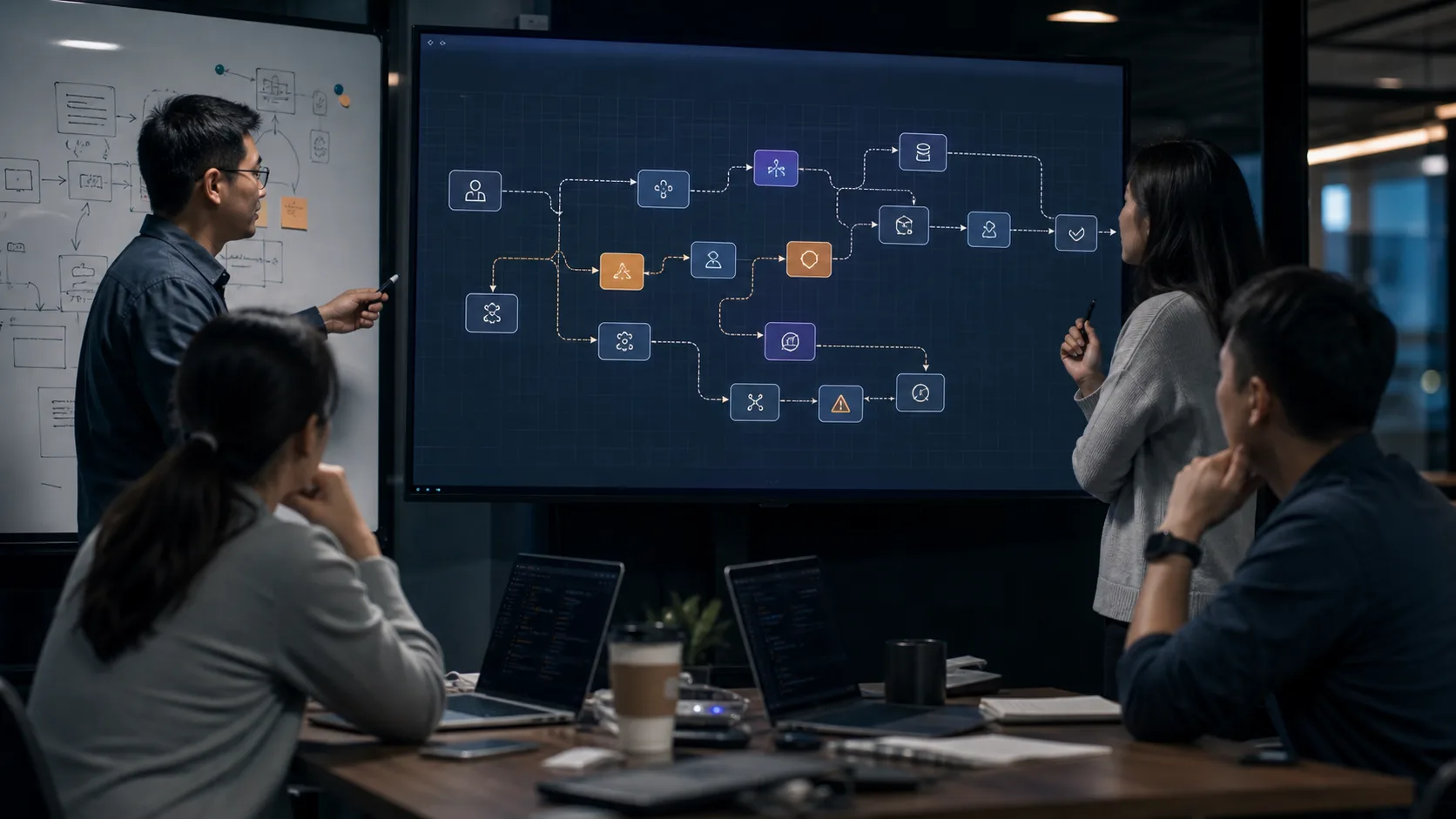
What this topic covers
AG-UI, MCP and AI agent product workflows cover how AI systems expose tool access, visible state, approval steps, audit trails, and safe actions inside real business products.
- Teams designing AI agents that read data, call tools, draft actions, or operate inside product workflows.
- Companies integrating LLMs with internal systems, device operations, CRM, support tools, or workflow platforms.
- Product teams that need user-visible agent progress, permission boundaries, human approval, and rollback paths.
What to clarify before implementation
AI agents need clear boundaries, tool protocols, user-visible state, permission checks, and rollback paths before they can safely act inside business systems.
Define agent boundaries
Decide what the agent may read, draft, recommend, execute, or never touch without human approval.
Connect tools through explicit protocols
MCP, function calling, APIs, and message systems should expose narrow, auditable tool actions.
Make agent state visible
AG-UI or similar event models help users see planning, tool calls, progress, errors, and rollback options.
Audit every action
Record context, data access, reasoning output, tool call, approval, result, and rollback path for accountability.
Guides that support this decision
Move from topic to buildable stack choices
Related implementation entries
Designing an AI agent that can take action?
Start with the tool list, permission boundaries, user-visible state, and rollback requirements before choosing the agent framework.
Common planning questions
Use these answers to frame the first practical decisions around AG-UI / MCP / AI Agent.
Should an AI agent control devices directly?
High-risk commands should require explicit approval, audit logs, and rollback design. Many agents should recommend actions rather than execute them automatically.
What is MCP useful for?
MCP is useful for exposing tools and data sources in a structured way so agents can interact with systems through controlled interfaces.
Plan this topic with an AI-IoT engineering team
Share the current equipment, workflow, data source, or system integration you are evaluating. We will help convert the topic into a practical implementation path.
- AI + IoT product architecture review
- Hardware, firmware, cloud, and application integration
- Prototype planning and production support