

FUXA, Node-RED, Modbus and SCADA Prototyping
A guide for teams using FUXA, Node-RED, Modbus, MQTT, OPC UA, and SCADA-style dashboards to connect field equipment with operations workflows.
What this topic covers
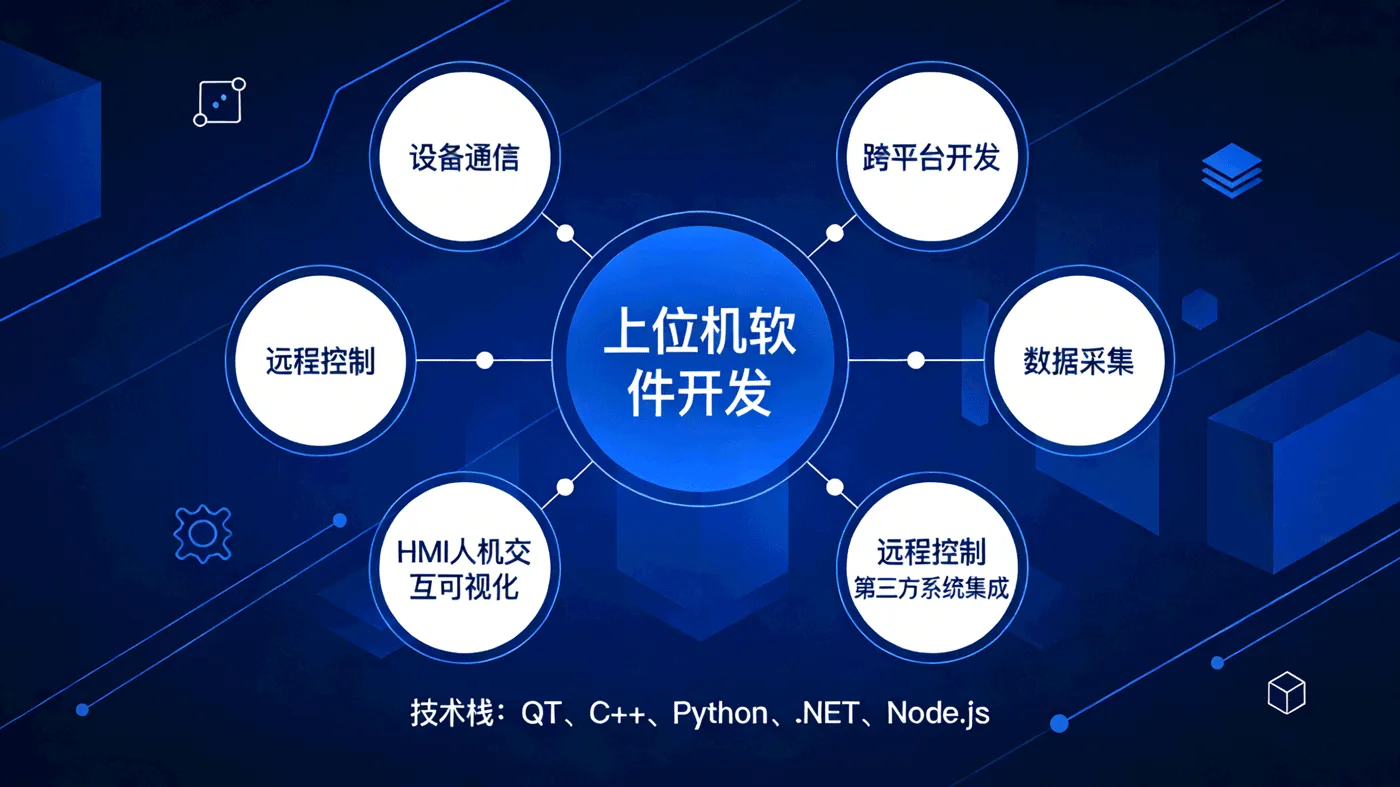
FUXA, Node-RED, Modbus and SCADA prototyping focuses on lightweight visualization, low-code flows, device data collection, alarm routing, and fast validation before a production industrial system is built.
- Teams that need to quickly validate industrial dashboards, data acquisition, and field visualization.
- Projects with Modbus or MQTT devices that need a low-cost prototype for screens, rules, and notifications.
- Companies that already have a low-code prototype and need to harden it into a maintainable production system.
What to clarify before implementation
Low-code SCADA and automation tools are useful for fast prototypes, but production projects still need point tables, permissions, logs, deployment, and monitoring.
Connect field points first
Use Modbus, OPC UA, MQTT, serial gateways, or edge devices to collect the right point table before building screens.
Separate prototype from production
FUXA and Node-RED are fast for validation, but production needs account control, logs, backups, monitoring, and deployment discipline.
Turn flows into operations
Node-RED can route alarms, transform data, call APIs, and notify users, but ownership and error handling must be explicit.
Plan maintainability
Version flow logic, document point meanings, and define who can change control or alarm rules.
Guides that support this decision
Move from topic to buildable stack choices
Related implementation entries
Turning a SCADA prototype into a maintainable system?
Bring the point table, device protocol, dashboard requirements, and operation rules. We can help separate quick validation from production architecture.
Common planning questions
Use these answers to frame the first practical decisions around FUXA / Node-RED / SCADA.
Is Node-RED enough for production?
It can be part of production when deployment, credentials, logs, backups, error handling, and ownership are designed. A quick demo flow is not enough.
When should FUXA be used?
FUXA is useful for SCADA-like visualization and rapid HMI prototypes, especially when the team needs to validate point data and operator screens quickly.
Plan this topic with an AI-IoT engineering team
Share the current equipment, workflow, data source, or system integration you are evaluating. We will help convert the topic into a practical implementation path.
- AI + IoT product architecture review
- Hardware, firmware, cloud, and application integration
- Prototype planning and production support