

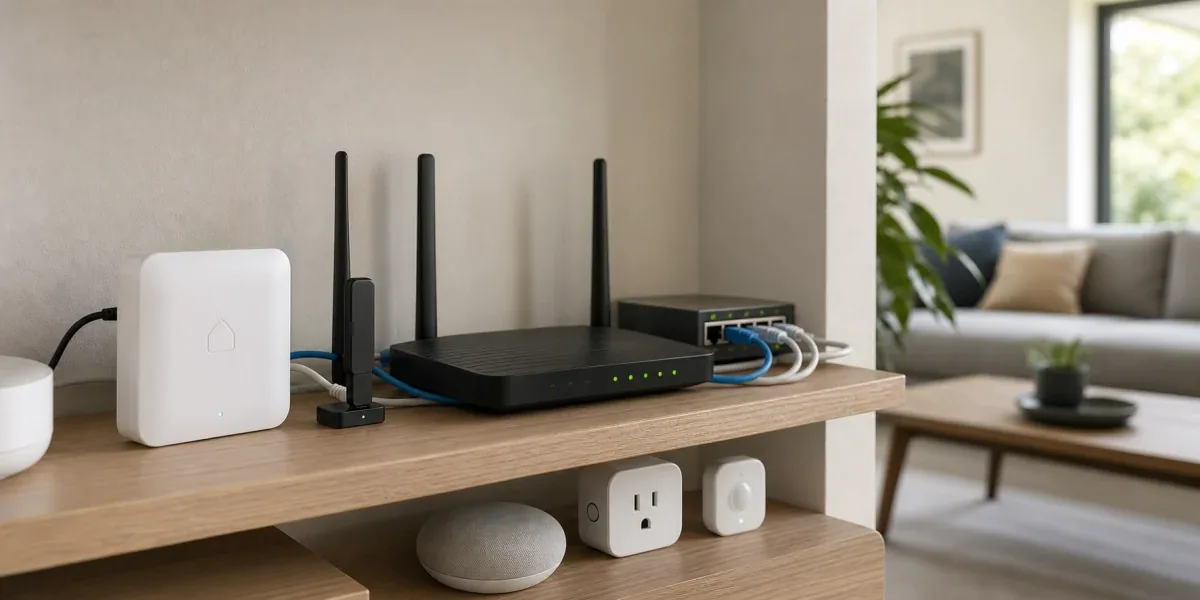
When people deploy a Thread Border Router for Home Assistant, the first question is often "How many border routers do I need?" That is usually the wrong starting point. Stability is less about the raw number of devices and more about whether Home Assistant, the commissioning phone, the Matter Server, IPv6/mDNS, the local network, and the preferred Thread network are inside the same reachable control boundary.
The core conclusion is this: Thread Border Router design in Home Assistant should start with one manageable preferred Thread network and known credentials. Only after Home Assistant can reliably reach that network does adding more border routers improve coverage and redundancy. If each border router creates a separate Thread network, more hardware can make the system harder to debug.
Decision Block
If Home Assistant can see several Thread networks but Matter over Thread devices commission inconsistently, fix credentials and the preferred network before adding another border router. Multiple border routers help when they serve the same Thread network. If they form separate networks, devices, phones, and Home Assistant can land in different control boundaries.
1. What a Thread Border Router actually does
Thread is a low-power IPv6 mesh network. Home Assistant's Thread documentation describes the Thread integration as a way to track different Thread networks in the home and store Thread network credentials, similar to Wi-Fi passwords. It also explains that a Thread Border Router routes packets between the local IP network and the Thread mesh. It does not itself control devices. Device control is handled by application-layer protocols such as Matter or HomeKit.
That separation matters. A Thread Border Router answers "how does this Thread mesh reach the home IP network?" Matter answers "who can control the device and through what data model?" The Home Assistant Matter Server answers "how does Home Assistant participate in that Matter control path?" If these are collapsed into one mental model called "the Thread gateway," troubleshooting becomes vague.
A more useful model is:
- A Thread Border Router is not a Wi-Fi access point or a Zigbee coordinator
- It connects the Thread mesh to Ethernet or Wi-Fi IP networks
- It does not automatically give Home Assistant Matter control rights
- Multiple border routers can be useful only when they align around the same Thread network and credential boundary
That is why a device joining a Thread network is not the same as Home Assistant having stable control of that device.
2. Design order: choose the primary network before counting hardware
Home Assistant documents two common paths. If there is no existing third-party Thread network, Home Assistant can create the first Thread network. If an Apple, Google, or another ecosystem Thread network already exists, Home Assistant should import that network's credentials first and then join the Home Assistant border router to the existing network.
The engineering principle behind both paths is more important than the wizard: choose which Thread network is the operational network first, then make Home Assistant, the phone, and the border router cooperate around it.
A safer deployment order is:
- Inventory existing Thread networks and border routers
- Choose the primary Thread network, either Home Assistant-created or an existing ecosystem network
- Make sure Home Assistant has the credentials for that network and understands the preferred network
- Install or join the OpenThread Border Router
- Commission Matter over Thread devices only after reachability is clear
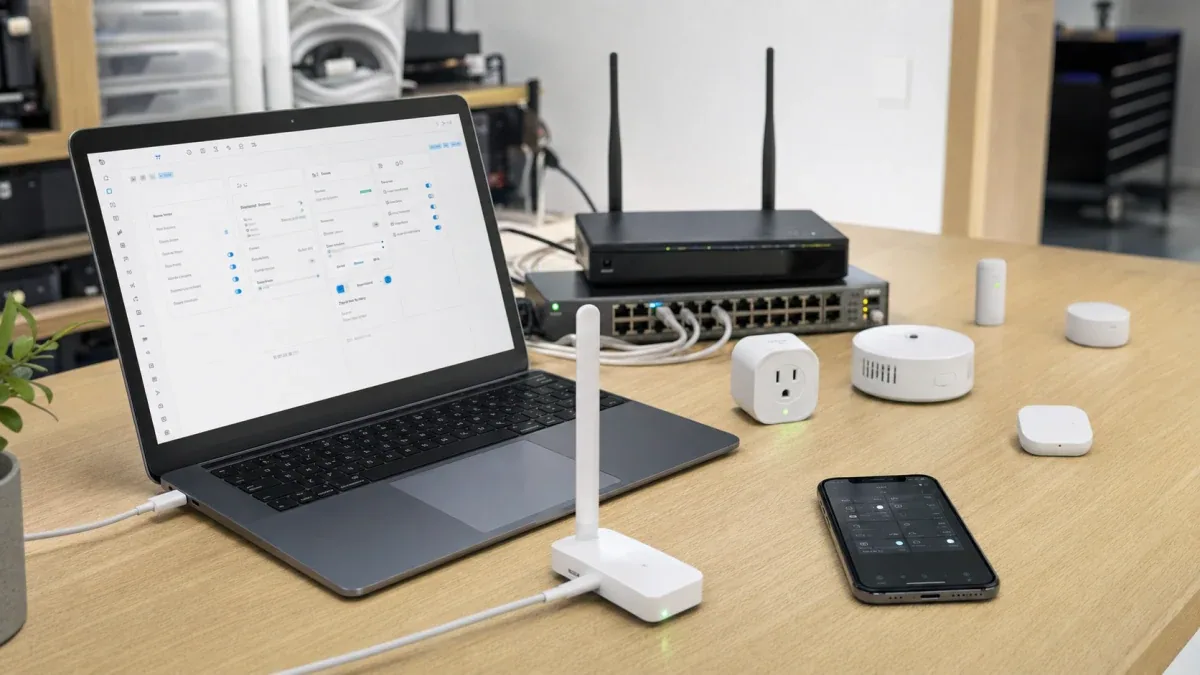
Do not turn on every Thread-capable device and assume they will merge into one mesh. Home Assistant's Thread documentation notes that vendor-specific border routers can create separate Thread networks with different credentials, and devices cannot roam between those separate networks.

The point of the diagram is the order: credentials and preferred network come before the number of border routers.
3. When multiple border routers actually help
Multiple Thread Border Routers are useful for coverage, link quality, and reducing single points of failure. In larger homes, multi-floor layouts, dense walls, or wide sensor distribution, additional border routers can reduce the chance that a device sits on a weak or unstable path.
That benefit has a condition: those border routers need to serve one usable Thread network. Otherwise, what looks like a richer Thread deployment can actually become three networks:
- A Home Assistant-created Thread network
- An Apple HomePod or Apple TV Thread network
- A Google Nest Hub or other ecosystem Thread network
If these networks use different credentials, they are not one mesh. Which network a device joins may depend on which phone, app, or ecosystem starts commissioning. The result is familiar: the device works in one app but appears offline in Home Assistant, or behavior changes depending on the commissioning path.
A better growth strategy is:
- Stabilize one primary Thread network first
- Add or align new border routers to that same network
- After each new border router, validate coverage and reachability only
- Avoid changing the Matter Server, Wi-Fi topology, VLAN rules, controller app, and endpoint devices at the same time
The practical test is simple: if you cannot say which Thread network the new border router joined, whether Home Assistant knows the credentials, and which network new devices will prefer, the topology is not yet validated.
4. Network boundary matters before physical placement
Thread devices eventually reach the home IP network through a border router. Matter also depends on local discovery and control. Home Assistant's Matter documentation calls out that IPv6 multicast traffic needs to travel freely from the network to the Home Assistant host. In many homes and small labs, the problem is not radio placement. The problem is an over-segmented local network.
Common risks include:
- Home Assistant runs in Docker, a VM, or routed setup that isolates local discovery
- The phone is on guest Wi-Fi while Home Assistant is on the main LAN
- The router enables AP isolation or client isolation
- A multi-VLAN design does not handle mDNS / DNS-SD correctly
- IPv6 is disabled or only partly available
Cloud-controlled devices may keep working in this environment because the vendor app can route through the cloud. Matter over Thread cannot always hide these boundaries because commissioning, sharing, and local control depend on local reachability.
So Thread Border Router topology should answer two questions before hardware count:
- Are the phone, Home Assistant, and border router inside a boundary that allows local discovery and control?
- If the network is segmented, are mDNS, IPv6, and required local paths explicitly handled, or is the design relying on luck?
If the answer is unclear, do not expand the Thread network yet. Draw the local network boundary first.
5. A recommended Home Assistant model
For most Home Assistant users, the more reliable model is not "as many border routers as possible." It is one primary control plane:
- Home Assistant owns the automation and orchestration layer
- One preferred Thread network acts as the main low-power mesh
- OpenThread Border Router or an imported third-party border router connects Thread to the IP network
- The mobile companion app imports, sends, or syncs Thread credentials
- The Matter Server stays reachable from the local network
If this is a new installation and Home Assistant should be the center, create the first Thread network through Home Assistant and build around it. If Apple or Google Thread infrastructure already exists and devices already work there, consider importing those credentials and joining Home Assistant to that existing network instead of creating another one.
Poor models usually look like this:
- Every ecosystem creates its own Thread network
- Home Assistant can see network names but does not have credentials
- The phone and Home Assistant are not in the same discovery boundary
- Devices are first added to a random ecosystem and then shared ad hoc
- Every failure leads to factory reset, with no record of which network the device joined before
The outcome is more networks and less diagnostic context.
6. Pre-deployment checklist
Before adding many Matter over Thread devices, check the following:
- The Thread integration shows the target Thread network
- Home Assistant knows the credentials for that target network
- The target network is preferred, or you know which Thread network the phone will actually use
- Matter integration and Matter Server are healthy
- The Home Assistant host has usable IPv6 and local discovery is not isolated
- Phone, Home Assistant, and border router are reachable from the same boundary, or cross-network rules are explicit
- At least one test device can commission, survive a reboot, and remain controllable after power recovery
- Each additional border router is recorded with the Thread network it belongs to
This checklist prevents a common false signal: one successful first device does not prove the topology is ready to scale. A scalable topology is one where you can explain which network the device joined, why Home Assistant can control it, which border router carries the path, and where to look after a network change.
7. When Thread should not be rushed
Thread is not a bad choice, but it is not the first choice for every Home Assistant project.
If the goal is to connect many sensors, contact sensors, switches, and automation nodes quickly, and a stable Zigbee network already exists, ZHA or Zigbee2MQTT may remain the lower-risk backbone. If the home network uses strict VLAN segmentation, multicast filtering, and routed boundaries that you do not plan to adjust, Matter over Thread will cost more during commissioning and operations.
Thread is a better first path when:
- You are buying newer Matter over Thread devices
- You accept Thread network and credential governance as part of setup
- You want cross-ecosystem sharing rather than a single-vendor app path
- You will validate Home Assistant, Matter Server, IPv6/mDNS, and the border router as one system
In other words, a stable Thread Border Router design is not "buy more routers." It is "make one network understandable, then expand coverage with more routers."
8. Engineering conclusion
In Home Assistant, a Thread Border Router should be treated as network infrastructure, not as just another smart home accessory. It connects a Thread mesh to the home IP network. It does not replace Matter authorization, and it does not automatically merge credential boundaries across ecosystems.
The most useful rules are:
- Choose one primary Thread network first
- Make sure Home Assistant has that network's credentials
- Validate Matter Server, IPv6/mDNS, and phone controller reachability first
- Add more border routers only after the primary path is stable
- Validate each topology change separately instead of mixing it with device resets and network segmentation changes
If the earlier Matter over Thread commissioning failure article explains why first onboarding breaks, this article gives the design rule that prevents many of those failures: treat Thread Border Routers as topology, not decoration.
Reference starting points: