
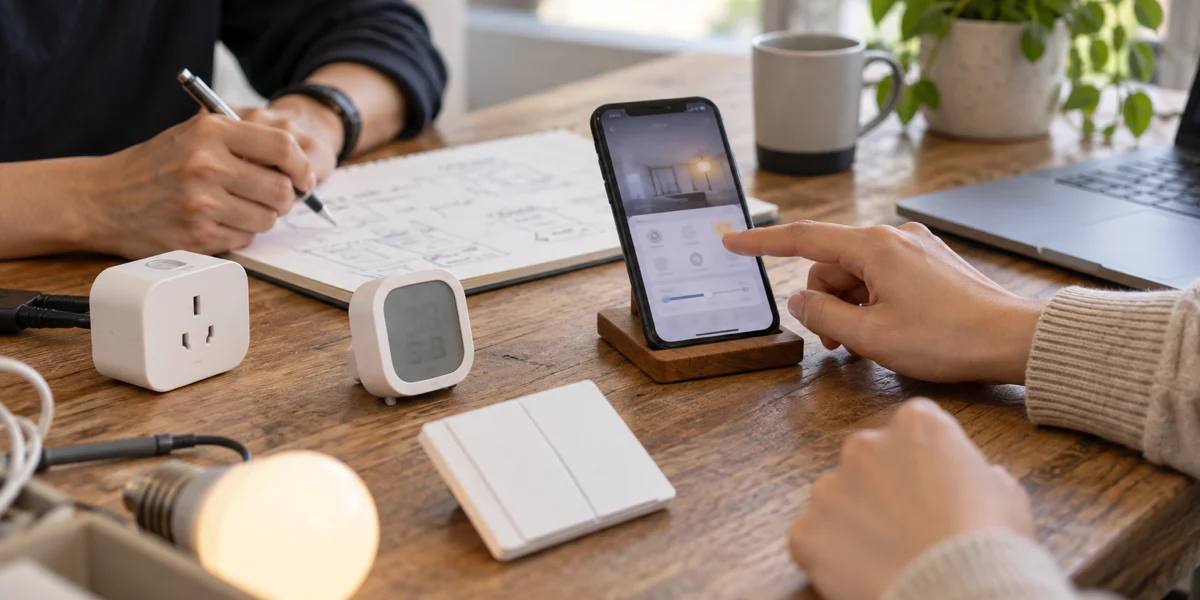
When a device brand chooses a Tuya app route, the first decision is not whether to build a custom app. It is how much control the product needs over brand entry, the user journey, and connected business systems. If standard pairing and device control are sufficient, Tuya Smart or Smart Life may be enough. If the product also needs a branded presence, custom interaction, membership, or service workflows, evaluate OEM App or SmartLife App SDK.
Mapped to the delivery routes: use a public app while validating the device and market; evaluate OEM App when you need your own name, icon, and store listing but can keep standard registration, pairing, and control; evaluate SmartLife App SDK when the user journey must change; and treat the app, Tuya Cloud, and a brand backend as one system when membership, orders, work orders, or multi-tenant access are part of the product.
These are not low-to-high product tiers. Each step gives the brand more control while adding engineering, release, compatibility, monitoring, and maintenance responsibility. The right route is the lightest one that completes a real customer task.
Decide with four observable questions
“Tuya App” is an ambiguous project term. Tuya Smart and Smart Life are public apps that end users can install directly. OEM App is a branded application configured from Tuya's existing solution. SmartLife App SDK is integrated by a development team into its own iOS or Android codebase. A BizBundle is a reusable Tuya module for common journeys such as pairing, homes, devices, and scenes.
Tuya's App Development documentation describes three primary delivery tracks: public app, OEM App, and SDK. This guide splits SDK projects into “custom app only” and “custom app plus brand backend” to expose the difference in implementation responsibility. Those are not four separate official Tuya products.

The diagram is an initial routing tool, not a substitute for discovery. Hybrid architectures are possible—for example, retaining standard device capabilities while connecting selected business data through Cloud APIs. Existing users, multiple sales regions, or enterprise identities require an account, device-ownership, and data-boundary review before the route is fixed.
| Route | What the buyer receives | What the brand owns | Best fit |
|---|---|---|---|
| Tuya Smart or Smart Life | Ready-made registration, pairing, control, and automation | Product configuration, device panel, testing, and user instructions | Prototypes, market validation, or products where a brand app is not a sales requirement |
| OEM App | Brand name, icon, theme, and independent store listing | Developer account, privacy material, certificates, submission, and configuration maintenance | A branded entry point with a mostly standard user journey |
| SmartLife App SDK + BizBundle | Custom navigation and interaction with reusable Tuya modules | iOS/Android engineering, SDK integration, testing, releases, and upgrades | Registration, onboarding, or device workflows must be customized |
| App SDK + brand backend | A custom app connected to membership, work orders, payments, or multi-tenant systems | Identity, permissions, synchronization, monitoring, recovery, and long-term operations | The app is a service or revenue channel and devices must enter an existing business system |
If the requirement is limited to brand presentation, OEM App is usually a better match than SDK. SDK starts to create value when standard registration, pairing, or control blocks a necessary user task. It does not automatically transfer every Tuya Cloud dataset to the brand or solve region, privacy, and migration questions; those boundaries still depend on the target account, contract, and market.
How three buyer scenarios lead to different choices
The following are hypothetical decision examples, not customer case studies and not promises of delivery time or price.
Scenario 1: validate whether one smart sensor will sell
A team has one hardware SKU. Users only need to register, pair, view readings, and receive basic alerts, and the sales channel does not require a standalone app. A public app covers the core journey, allowing the brand to spend first on device reliability, packaging instructions, and support validation. Starting an SDK project now would add two mobile releases and ongoing store maintenance without solving another customer problem.
Scenario 2: give a home-appliance brand its own store presence
A channel requires the brand's app name and icon, but customers still register a home, add devices, control them remotely, and configure scenes. The team should first check the configurable scope of Tuya OEM App. If the template supports the required journey, OEM App can provide the branded entry point with less custom engineering. The tradeoff is that differentiation remains bounded by the available configuration.
Scenario 3: connect commercial devices to stores and service operations
Suppose refrigeration or building devices must be activated by installers, assigned to separate stores, and linked to alarm work orders with enterprise-role access. That user model is no longer a standard home, and the app is more than a device panel. App SDK plus a brand backend is the more likely scope, with identity mapping, device ownership, event synchronization, and recovery defined before development.
The boundary is not whether the hardware is premium. An expensive appliance can still fit OEM App, while a simple device tied to a subscription service may need SDK and a business backend.
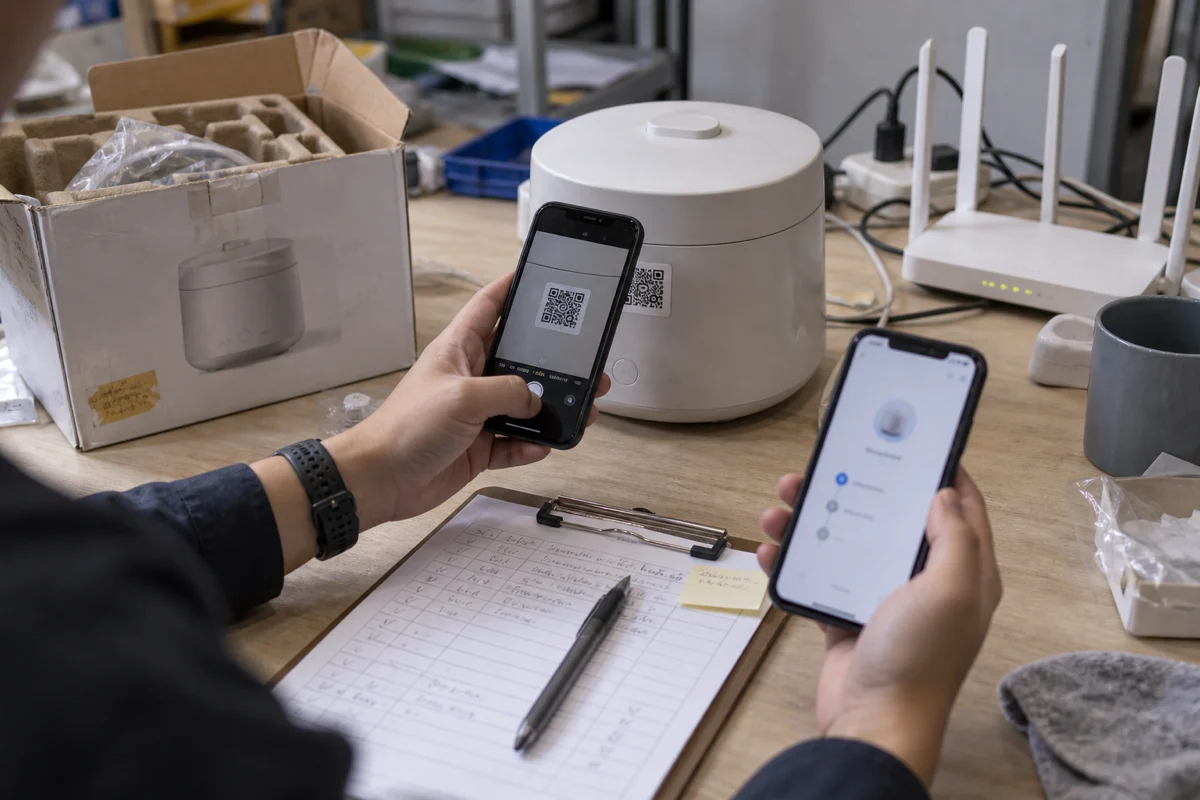
Prepare these six inputs before requesting an estimate
Commercial terms for OEM App, SDK, and related cloud services can vary by region, product, account, and agreement. A fixed app price copied from an article is therefore a weak planning input. Prepare six facts instead:
- Device category, connectivity, and the number of SKUs planned for launch.
- Target countries or regions and the intended App Store and Google Play owners.
- Existing Tuya users, homes, devices, scenes, or an OEM App that must be retained.
- The exact steps in registration, pairing, and control that must differ from the standard journey.
- Required connections to membership, orders, payments, work orders, CRM, ERP, or tenant systems.
- Target first release and the owner for certificates, SDK upgrades, compatibility, and production incidents.
These inputs affect four cost groups: platform subscriptions and licensing, first-release product and engineering, ongoing releases and maintenance, and migration risk for existing users and devices. When a request says only “build a branded app,” large estimate differences often come from different assumptions across those four groups rather than hourly rates alone.
A useful initial review should also produce checkable outputs: a route recommendation, a list of user tasks that truly require customization, an account-and-device ownership map, and boundaries for first-release acceptance and ongoing maintenance. These are scoping artifacts, not proof of performance or project results. Without real project evidence, a hypothetical example should never be presented as a success story.
Three boundaries to settle before launch
Existing-user access requires explicit validation. Registration region, home membership, device ownership, sharing, and scenes determine what a user can see. An OEM-to-SDK migration must test existing sign-in and relationship continuity, not only new-user pairing. See the narrower guide to planning a user-transparent Tuya OEM-to-SDK migration.
Using SDK does not mean leaving Tuya Cloud. SDK changes how the brand integrates and controls the app experience. The combination of device services, account relationships, and cloud capabilities still depends on the solution, region, and commercial configuration. If the real goal is a fully brand-owned account system, dataset, or device cloud, treat it as a separate architecture decision rather than using “we chose SDK” as the answer.
A successful store release is not the end of the project. OEM and SDK apps both involve developer accounts, privacy material, certificates, and store policies. SDK apps must also follow iOS, Android, and Tuya SDK changes. Without a named maintenance owner and a production-incident process, a public or OEM route can be safer than a custom app.
Questions buyers usually ask
What is the difference between Tuya Smart and Smart Life?
For this selection decision, both are public apps that end users can install directly. Available features and device presentation still depend on product configuration, region, and current Tuya documentation. A device brand's larger decision is usually whether to remain on a public app or move to OEM or SDK delivery.
Does every device brand need to develop its own app?
No. If the sales channel and users accept a public entry point, a public app is the lighter way to validate the device and market. If the requirement is only a brand name, icon, and store listing, evaluate OEM App before committing to an SDK project.
Can existing Smart Life users and devices be migrated?
An article cannot promise a universal yes or no. The result depends on the original app type, account region, user relationships, device ownership, target solution, and current Tuya rules. Validate it with the target account and representative users before fixing the scope.
Will an app built with SmartLife App SDK still use Tuya Cloud?
It will generally continue using relevant Tuya device and account capabilities. SDK changes the app integration and experience-control boundary; it does not automatically replace the device cloud. A connection to brand business systems requires a separate Cloud API, identity, and synchronization design.
When is a brand backend necessary?
Changing navigation, screens, or device combinations inside the app does not always require a complete business backend. A backend becomes necessary when membership, orders, payments, work orders, multiple stores, or enterprise permissions are part of the primary journey.
How should a buyer start an app-route review?
Prepare the six inputs above and mark the user tasks that the standard journey cannot complete. That is enough to decide which of public, OEM, and SDK delivery deserves detailed estimation. For a structured discussion, see our Tuya IoT development services. The first conversation should narrow scope and expose risk, not pre-commit the product to the heaviest SDK route.
The final recommendation is simple: start with the lightest route that completes real customer tasks, and add OEM, SDK, or a brand backend only when brand entry, user flow, or business-system requirements cannot be met by the public route.