

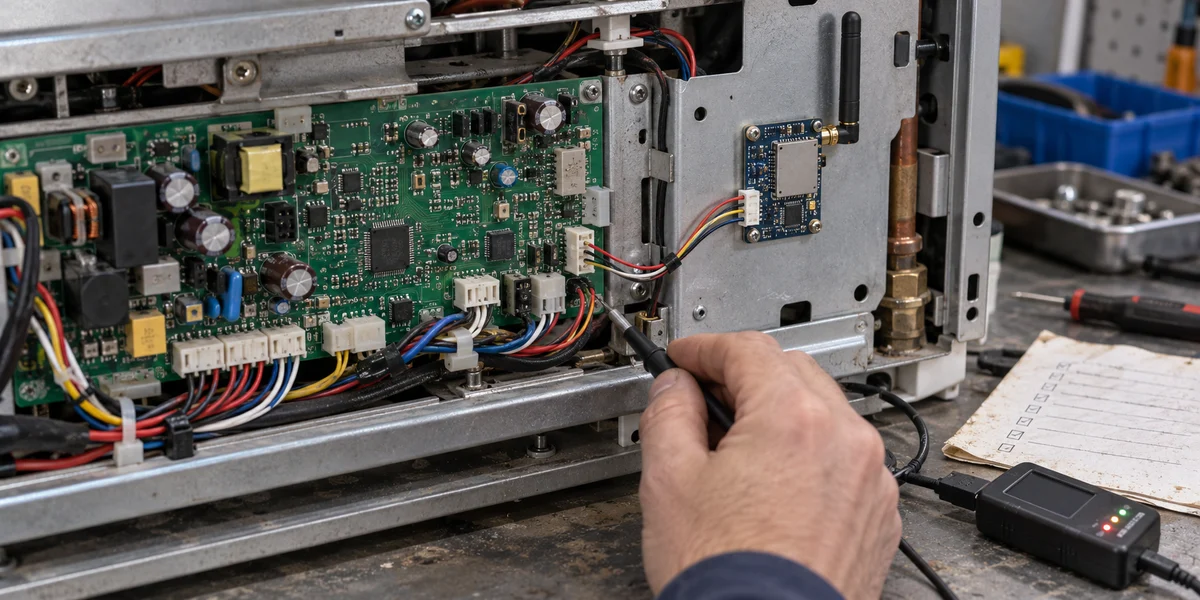
A device that used to work with local buttons now appears in an app after a connectivity module is added. That is progress, not acceptance. The next failures are harder to place: the app says “on” while the relay is off; a restart restores an old panel state; or an update package transfers but nobody can show that the MCU booted the new image. Those symptoms cross the controller, module, product configuration, and app. Pairing the device again does not tell the team which boundary failed.
For a product with an existing MCU and stable local control logic, Tuya's MCU SDK plus a network module is a reasonable route to evaluate. The MCU retains responsibility for the physical behavior, while the module provides the connectivity path. Tuya's Wi-Fi MCU standard protocol overview describes a progression from product creation and SDK porting through module simulation, real-module cloud connection, and end-product testing. Each stage needs its own exit evidence. This article interprets public interface documentation and proposes an acceptance method; it does not claim that any particular MCU, module, PID, or production device has been tested.
Preserve local behavior before defining cloud functions
Write down what the device does when there is no app or cloud connection. Can a local button still operate it? What happens when a temperature sensor fails? Does the output remain safe if Wi-Fi is down? After a power cycle, which state is authoritative? If those behaviors belong to the MCU today, a remote command should enter the same control rules rather than bypassing them.
“Remote on/off” sounds like one product requirement, but it hides several engineering decisions. Is an incoming value a request, a target, or a report that the output has already changed? When a local switch changes the device, when should the panel reflect it? If an action is rejected, what state should be reported? For each behavior that matters, define input condition → MCU decision → physical output → reported state. That mapping is a contract shared by firmware, product configuration, the app panel, and QA—not merely a list of convenient field names.
Tuya's product function definition assigns data point IDs, directions, types, and properties under a product. Its MCU basic protocol requires the reported DP ID, type, and payload to agree with the PID's configured DPs. When a prototype's firmware and product configuration differ, reconcile their versions before masking a firmware mismatch with a panel-side conversion. Our Tuya DP design guide covers the semantic model in greater detail. The concern here is what to test after that model has been chosen.

A received command is not a confirmed physical state
Consider a heating device receiving a new setpoint. The MCU may still need to check bounds, sensor validity, and protection conditions before driving an output. If a precondition fails, receiving the DP must not silently override local safety logic. The product contract should say how it reports the actual state or a fault. No universal DP is being prescribed here; the important distinction is between “request received,” “action permitted,” and “result observed.”
Acceptance should exercise both directions. Send a command from the app and observe the incoming serial exchange, MCU decision, physical behavior, and state report. Then make a local change and confirm the state travels back through the MCU and module to the app. Testing only the first direction misses the common situation in which control works but the displayed state does not. For mutually exclusive outputs—such as heating versus cooling or forward versus reverse—record what the controller does with an invalid combination, not only with a normal value.
Implement and debug UART with a trace of each boundary
For the Wi-Fi and Wi-Fi/Bluetooth module path, Tuya documents heartbeat, product information, operating mode, network status, command delivery, status reporting, and status query. Initialization is not an arbitrary bag of packets: the basic features documentation requires proactive commands only after module initialization and requires reported DPs to match the PID definition. Use the documentation for the selected protocol and firmware; do not copy hexadecimal frames from a different module or old example as if all variants were interchangeable.
For each debugging session, preserve four things together: the PID and version of the exported function-debug file; the MCU SDK and module firmware versions; timestamped UART traffic in both directions; and the app, network, and physical-device state at the same time. If the panel does not change, these records let the team separate “the command never reached the MCU,” “the MCU received but rejected it,” and “the output changed but the state was not reported.” A screenshot alone rarely establishes which of those happened.
Tuya's MCU SDK porting guide points to the serial send/receive adapters, initialization call, PID and version configuration, and feature macros. Its resource figures are pre-porting references, not a guarantee for every product: DP length and enabled options affect memory use. On the target firmware, check how a long frame is buffered, how malformed or truncated frames are rejected, and whether parsing or logging blocks the pre-existing control loop. A protocol library can parse bytes correctly while the whole controller still violates a timing or safety requirement.
Simulation helps isolate protocol errors; hardware proves a different claim
Tuya's Module Debugging Assistant can simulate either side of the MCU/module exchange. That is a useful early test for heartbeat, initialization, DP traffic, and pairing indications. Passing it demonstrates only the serial interaction under the chosen inputs. It does not validate the intended module, antenna, router, app panel, and cloud as a combined system.
With the real module, keep a trace from app command → UART frame → MCU action → physical state → state report → app display. For each important DP, include a normal request, a local state change, and an invalid or boundary value. Then vary the order in which the MCU and module start and include a disconnect and reconnect. A panel that happens to look correct after reopening the app is not sufficient evidence that the state will be reconciled consistently.
There is a specific protocol condition behind reconnect queries. The Tuya basic features specification says that a 0x08 status query after MCU restart or reconnection requires bit 3 in the 0x3700 extension configuration and compatible module firmware. Legacy firmware may query only on the first power-up. Check that selected firmware and setting before treating a missing reconnect query as an app-panel defect.
The same symptom can be used to debug backwards. If no UART command arrived, inspect product configuration, module state, and network path. If the frame arrived but the output did not move, inspect the DP type, parser, and MCU protection conditions. If the output moved but the app did not, inspect the state report and any reconnect query. Preserve the raw input and versions at each failed boundary. Changing a value in a debugging tool until it says “success” may repair the display while leaving the controller wrong.
There is also a practical implementation order: stabilize heartbeat and product information first; then close the receive/report loop on a low-risk state DP; only then admit a command whose effect is governed by existing MCU rules. Add pairing, failures, and optional features after that. Re-run restart and disconnect cases as each layer is enabled. This takes more steps than enabling everything at once, but it narrows the cause of a regression. If the local control loop is timing-sensitive, measure protocol-task occupancy instead of assuming UART processing is free.
A prototype needs more than a pairing screenshot
After pairing, test tasks that the real device must perform. For a cabinet controller, different people may operate the local controls, app controls, and maintenance power cycle. Compare the physical result with what the app reports in each condition. Where remote commands can affect a compressor, heater, lock, or other consequential output, invalid and repeated commands must pass through the product's local safety logic. Cloud connectivity cannot substitute for whole-device risk assessment.
The table below is a suggested acceptance record, not a Tuya-prescribed universal test count.
| Gate | Observe on the target product | Keep as evidence | Still not established |
|---|---|---|---|
| Product configuration | PID, DP type/direction, and prototype firmware agree | Exported configuration, firmware version, mapping table | Correct physical output |
| UART exchange | Initialization, commands, and reports correlate | Bidirectional frames, timestamps, fault notes | Long-term cloud or app availability |
| Prototype behavior | Local/remote control and reconnect agree | Device observation, app state, serial excerpts | Batch consistency |
| Production preparation | Flashing, module identity, station test, and reject handling are reproducible | Station records, configuration version, inspection rules | Zero failures across batches |
| MCU OTA | Transfer, writing, rebooted version, and functions are verified | Image hash, version response, recovery records | Untested power-loss or weak-network cases |
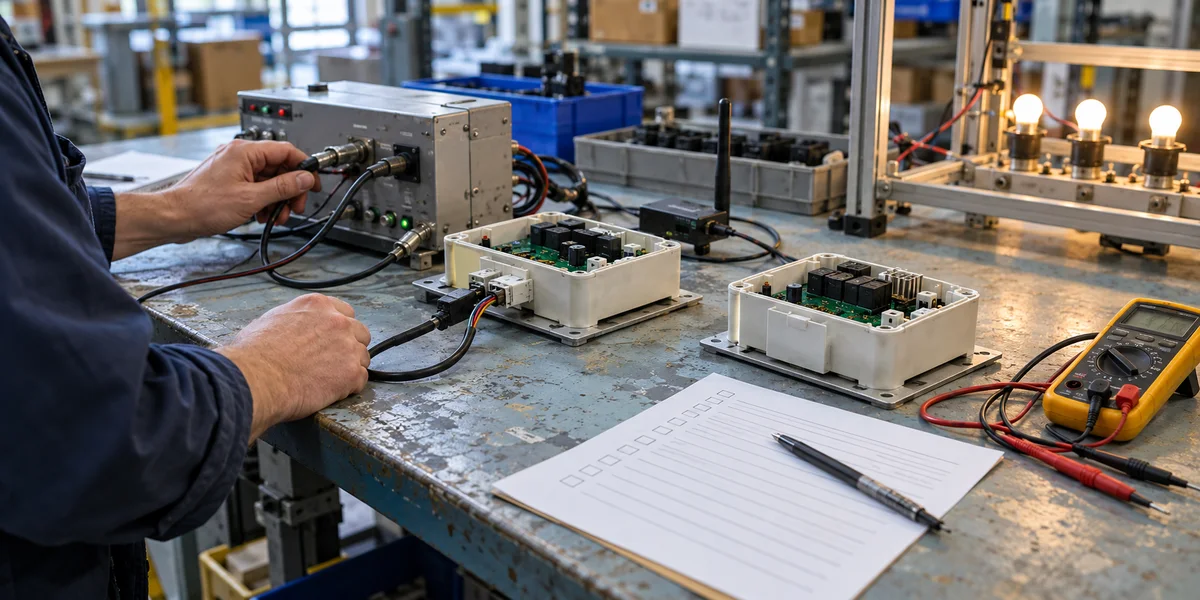
If the team has only a demonstration board, mark the first three gates as awaiting validation on the target MCU and module. If it has only UART logs, do not claim that the app or physical output worked. A useful “pass” always names its object, version, and conditions. That discipline makes the report valuable to procurement and support as well as to development.
Treat MCU OTA as a separate delivery chain
In the Tuya MCU OTA flow, the network module downloads the update and forwards it over serial. The MCU must receive it, write local flash, and boot the updated firmware. Whether the team ports the SDK or implements the protocol directly, it remains responsible for its own bootloader. Uploading a firmware file to the platform is therefore not proof that the device has a recoverable update mechanism. Check flash layout, available RAM, power-loss behavior, and version management before enabling the feature.
There are at least three evidence points for release: old firmware and device state before the update; package checks, transfer and write errors during it; then a version report and key functional checks after reboot. Tuya explicitly separates completion of file transfer from the MCU's subsequent report of the new firmware version. A platform message saying “download complete” is not a device-level success criterion. Fault injection should include an interrupted download, interrupted write, power loss before reboot, and a mismatched version. Whether the product can roll back depends on its MCU storage and boot design; a single-image product does not gain a second image merely because OTA is advertised.
An update that changes physical protection logic deserves a rollout and stop condition chosen through the product's own risk assessment. We have no target bootloader log or power-loss test for this article, so these are validation points rather than a promise of lossless rollback. That distinction matters later: a support team can act on a documented missing test, but not on a vague “OTA supported” claim.
When this route is not the right next step
If the original MCU has so little headroom that SDK porting, UART buffering, or OTA threatens a critical control task, Tuya's documentation allows evaluating direct protocol implementation or a different MCU/module combination. Direct implementation transfers more protocol-maintenance work to your team. If the goal is to replace the device operating system, network stack, and application framework, the MCU SDK path may not represent the actual scope; perform an architecture review first. If the device's offline safe state is undefined, pause connectivity work and settle control responsibility before remote commands are admitted.
The useful next step is to choose one real target board and product PID, freeze the DP mapping, download their corresponding SDK and debugging files, pass the minimal simulated protocol exchange, and then test bidirectional action, restart recovery, and OTA failure cases with a real module. Only after that evidence exists can a team responsibly discuss trial production. If you need to define the hardware, app, and cloud delivery boundary together, our Tuya IoT development service is a relevant project-scoping path; one successful pairing demo is not a delivery schedule.
Sources and evidence boundary
- Tuya Wi-Fi / Wi-Fi+Bluetooth MCU standard protocol
- Tuya product function definition
- Tuya MCU basic features
- Tuya MCU SDK porting
- Tuya Module Debugging Assistant
- Tuya MCU OTA update
These sources describe public interfaces and a development flow. They are not an empirical report for any particular MCU, module, PID, firmware, or end product. The acceptance table is an engineering proposal; project-specific functions, safety requirements, and pass criteria must be defined against the target hardware and market.