

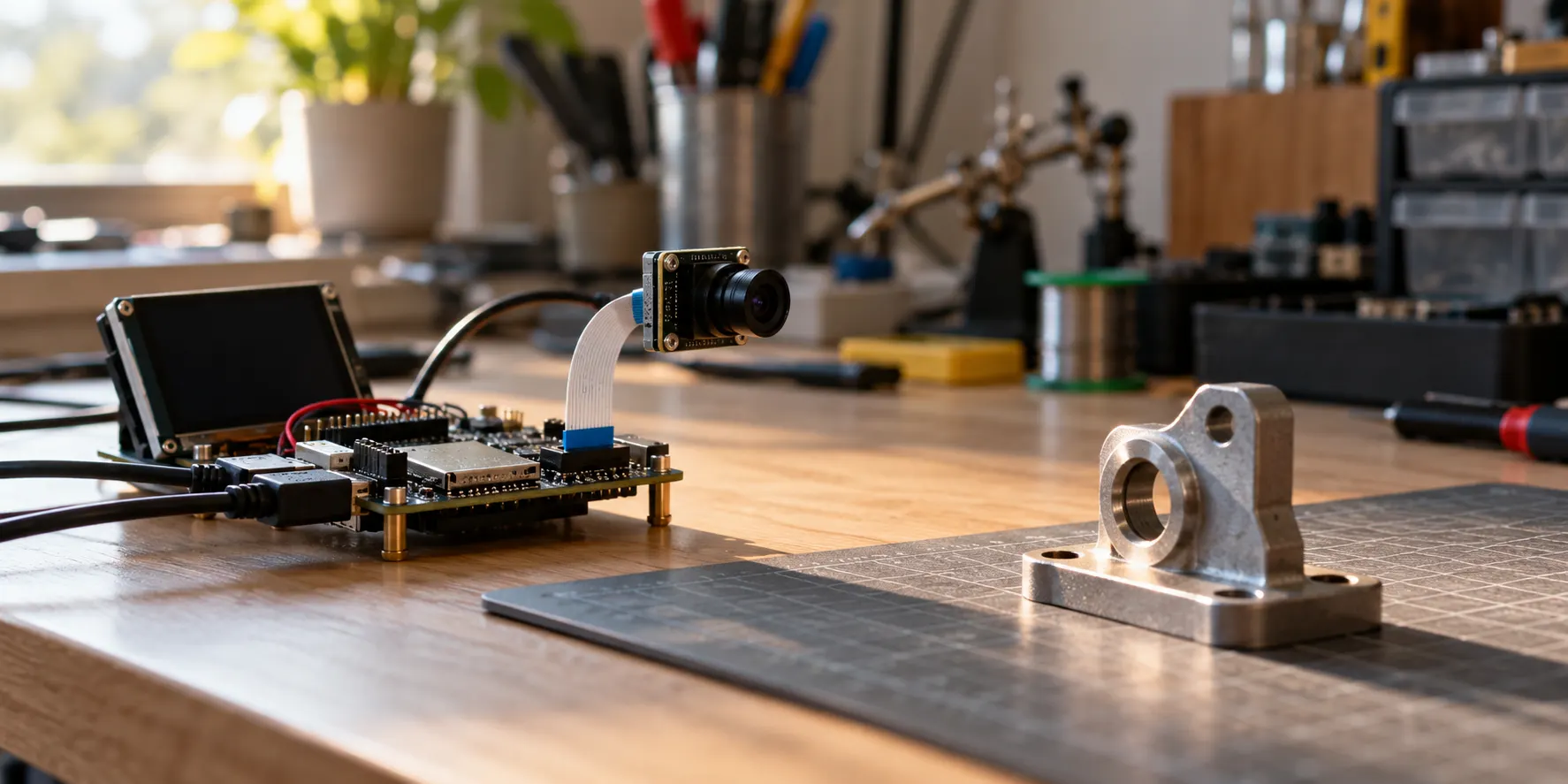
An ESP-DL model listing may say “ESP32-P4 supported,” but that does not answer the question a camera product has to answer: will a result arrive while it is still useful? Chip support, successful loading, sufficient memory, fast individual inference, and acceptable response time with the camera, display, and network all running are separate checks. Passing the first one does not certify the others.
Start with a specific job, such as detecting a person near an entrance or reading a fixed instrument display. Get a minimal model path working, then measure the complete path on the intended board, sensor, resolution, and concurrent workload. This article uses Espressif's public documentation to explain that process. It does not claim measured FPS, power consumption, temperature, recognition accuracy, or production reliability for an untested device.
Choose the job before choosing a model
The current ESP-DL Model Zoo lists object detection, face and pedestrian detection, face recognition, classification, pose estimation, OCR, and other tasks with chip support markers. Those entries do not have interchangeable inputs or outputs. A detector returns candidate locations; a classifier returns categories; an OCR pipeline has to turn image regions into usable text. Asking only how many models the chip “can run” skips the interface your application actually needs.
Consider an entrance device. Face detection answers whether a face appears in a frame. Identity recognition adds feature extraction and matching, plus enrollment, thresholds, and a response to false matches. If the product only needs to wake a display when someone approaches, adding identity recognition creates privacy and error-handling work without improving that task. Define the action to be taken on a result before selecting a model with more features than the application requires.
OCR has a similar split. Reading digits at a known location on a panel is different from reading arbitrary labels at varying angles and under glare. The first task can narrow the crop and expected character set. The second needs to deal with localization, perspective, blur, and potentially multiple languages. An OCR entry marked for P4 in the official list is a credible integration starting point. It is not evidence that a particular camera, lens, and mounting angle will read your labels accurately. That conclusion needs actual images and a record of omissions, substitutions, and rejected reads.
The list also includes non-vision tasks. Their presence does not provide performance evidence for a vision pipeline. For a camera product, lock down the image source, the desired output event, and the maximum acceptable delay first. Only then does a model shortlist become meaningful.
What “supported” can—and cannot—mean
The first level is repository-level chip support: a model or example is marked for ESP32-P4. Record the model version, dependency versions, target chip, and file source. This prevents a later library update from silently changing what was actually assessed. It does not certify an arbitrary board configuration or an arbitrary input stream.
The next level is runtime compatibility. ESP-DL's .espdl model and TensorFlow Lite Micro's .tflite model are different artifacts. The ESP-VISION P4 guide describes separate execution paths and task-specific APIs. Copying a model that worked elsewhere to an SD card does not make it loadable by ESP-DL. Check the conversion toolchain, target chip, operator support, tensor dimensions, types, and input/output conventions rather than relying on the filename extension alone.
The ESP-DL dl::Model::test(), profile_memory(), and profile_module() functions discussed below are C++ model APIs. ESP-VISION's espdl and tflite examples show a separate Python application path. Both address related validation questions, but their calls cannot simply be mixed into one program. Choose the runtime that the product firmware actually uses, and instrument that runtime's own interfaces.
The third level is application fitness. A successful test() compares a model's result against test values exported with the model. It does not include exposure changes, color conversion mistakes, motion blur, business thresholds, or display lag from a real camera. Calling that result “validated entrance recognition” would claim much more than the test covers.
Decide where the model lives before finalizing updates
ESP-DL documents three broad loading routes: embed an .espdl file in application rodata, store it in a dedicated Flash partition, or load it from an SD card. Embedding is straightforward but ties the model to an application reflash and can enlarge the application partition. A dedicated partition allows a different model-update flow but requires partition sizing and compatibility planning. SD storage makes file replacement convenient, while adding mounting, file integrity, and read-speed conditions. These are release and maintenance trade-offs, not an inherent ranking of accuracy or speed. The official loading and profiling guide documents the APIs and caveats.
If a deployed device must update its model without updating the main application, design that boundary before the firmware image and partition map are frozen. Decide how the device rejects a corrupted model, how it returns to the previous compatible version, and how the firmware checks model/API compatibility. The public API establishes that several loading options exist. It does not establish that any of them has already passed your product's power-loss or update testing.
Keeping parameters in Flash or copying them into faster memory is another explicit trade-off. The ESP-DL documentation describes param_copy=false as a way to reduce RAM copies, with a possible inference-speed penalty. A model that starts only after disabling the copy has not automatically met a response-time requirement. Compare both configurations with the same input, clock, and concurrent tasks before accepting the memory saving.
File size is not the application's memory requirement
A common sizing mistake is to subtract a model file's size from total PSRAM and call the remainder “free for the camera.” The file does not account for intermediate tensors, parameter copies, input and output buffers, captured frames, transforms, display buffers, or other tasks. Some allocations may also need a particular memory type or contiguous region. Plenty of total PSRAM does not guarantee that the next allocation a driver needs will succeed. If the product also runs a GUI, the ESP32-P4 LVGL framebuffer and memory design guide helps identify display allocations competing with the model workspace.
ESP-DL's profile_memory() reports model structures, copied parameters, variables, and other overhead across internal RAM, PSRAM, and Flash. Use it as a model-level measurement, not as the entire application's peak. Log free and peak memory before and after camera initialization, model loading, display initialization, and network activity. A failure observed after display startup is much easier to explain when the memory change at each boundary is known. The combined profile() call can also show where model-layer time is spent.
A simple lower bound helps expose hidden buffers. A 640×480 RGB565 frame with no extra stride contains 614,400 pixel bytes; two complete buffers contain 1,228,800 bytes, about 1.17 MiB. That calculation excludes alignment, driver-private allocations, a resized model input, and display-side copies. It says nothing about which memory region the buffers occupy. Its purpose is to flag that frames can consume memory on the same scale as a compact model's workspace, not to predict your board's measured peak.
The model input also deserves an explicit assumption. A tightly packed 224×224×3 tensor at one byte per element needs at least 150,528 bytes. A different camera format may require a transform buffer before inference. Layout, alignment, preprocessing, and runtime allocation policy can all raise the observed number. Write the assumptions beside the estimate; “AI needs roughly 2 MB” is not a reproducible memory plan.
An inference benchmark is not a response-time benchmark
A camera result travels through capture, format conversion, resize or crop, inference, post-processing, business rules, and finally display or event delivery. profile_module() reports latency inside the model's layers. It does not include that entire path. Reporting only its total cannot explain why a bounding box still trails a moving part on a screen.
The input may need a color conversion and resize before reaching the model. A detection result may then need thresholding, box decoding, and non-maximum suppression. Camera and display ownership can add copies or queueing. None of these stages is automatically dominant, but none is safely assumed to be free. Put timestamps around each stage in the same clock domain and record end-to-end percentiles, not only model time. The ESP32-P4 camera-to-display pipeline guide maps ownership across capture, ISP, PPA, buffers, and display; the model timing budget belongs within that larger path.
“Real time” has to come from the job. A meter reader that samples once per second cares about correct readings, worst-case response, and retry behavior. A device that controls access may care far more about tail latency and false activation. A live video overlay also needs input rate, processed rate, queued frames, and age of the output image. Mean inference time alone can look healthy while the frame queue grows and the displayed decision becomes stale.
Separate model bring-up from a real camera workload
First, use a fixed input to check that the model loads, tensors match, and the model produces the expected result. ESP-DL's test() works when test inputs and outputs were included during model export. A shipping model may omit those values to save space, so the absence of built-in test values is not itself evidence of a broken model. This stage isolates conversion and runtime errors.
Second, connect the intended camera. Record sensor, lens, resolution, pixel format, exposure range, crop, and channel ordering. Preserve failed frames for analysis. If the model behaves on public example images but misses objects under actual glare, motion, or viewing angle, shaving a few milliseconds from inference will not solve the product problem. Accuracy and timing must be accepted independently.
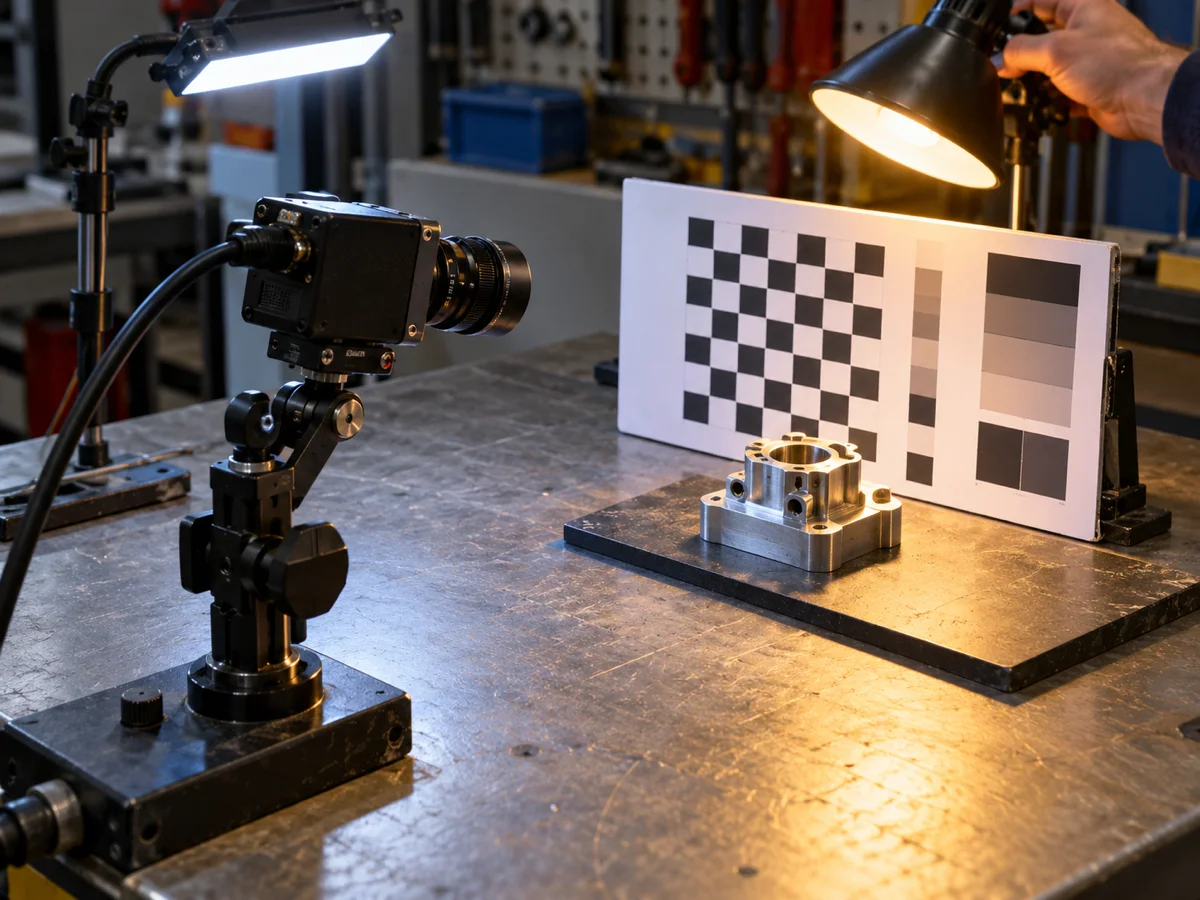
Third, enable the display, network, logs, and continuous capture. On the same model and board settings, compare isolated and concurrent operation. Record memory peaks, end-to-end latency percentiles, dropped frames, temperature, and recovery from faults. The duration of a meaningful sustained test follows the product's duty cycle. A short demonstration is not a reliability test, and public documentation cannot supply your device's pass criterion.
Quantization changes both fit and failure modes
The ESP-DL quantization guide describes .espdl as a quantized deployment format with 8-bit, 16-bit, and mixed-precision options exported through ESP-PPQ. A smaller quantized artifact does not by itself prove unchanged application accuracy. Small objects, low-contrast digits, and motion-blurred frames may be exactly the inputs that reveal a changed error distribution.
Hold the task, preprocessing, and evaluation set constant while comparing quantization choices. Check that each model exports and loads, that board-level correctness checks pass where test data is available, and that the relevant categories or characters still meet the application error budget. Then compare memory and timing. If a smaller variant loses recall for a safety-relevant target, an attractive average accuracy figure will not rescue the decision. If a higher-precision variant exhausts working memory, changing a recognition threshold is not a memory fix.
There may also be a .tflite route for the task. ESP-VISION treats TensorFlow Lite Micro and ESP-DL as distinct runtimes. The TFLite model needs the enabled operators and correct quantized input/output handling. Verify equivalent input and output semantics before comparing their file sizes, working memory, and elapsed times. Otherwise the experiment compares two different models or preprocessing paths rather than two runtime options.
Carry the sample into product firmware one boundary at a time
An example often places capture, model invocation, and drawing in one demonstration loop. Product firmware may also own touch input, communications, logging, updates, and power management. Before copying the loop, decide which task owns each camera buffer, where a frame becomes a model tensor, and which component consumes the result. Unclear ownership can appear to work on the first frame and then fail when a reused buffer is overwritten or an allocation remains live.
Convert the camera image according to the model's actual tensor contract. Check width, height, channel order, data type, normalization, crop policy, and the coordinate mapping back to the original image. ESP-VISION exposes preprocessing parameters and tensor metadata queries that can help with this check. If boxes are consistently shifted although an object is found, inspect crop and resize coordinates before deciding that the model itself is inaccurate.
Keep the result interface separate from the business event interface. A detection box is transient frame state; an alarm may travel over a network and be persisted. Sending an event for every frame containing the same object binds network traffic and user notifications to inference frequency. A sensible design is to pass a timestamped candidate with confidence and source-frame identity to business logic, then apply deduplication and retry policy there. This is an implementation recommendation, not a claim that an official sample already implements that policy.
Preserve checkpoints as integration becomes more complex: readable file, model load, fixed-input output, real-camera input, display overlay, business event, network concurrency, and sustained operation. Add one variable at a time. When the next checkpoint fails, the previous one remains a useful baseline. Enabling a new camera, model, display, and wireless stack all at once may feel faster but makes a memory fault difficult to attribute.
Write an acceptance record that can explain a failure
The useful deliverable is not a sentence saying “P4 supports YOLO.” It is a record tied to board and PSRAM/Flash configuration, firmware and model versions, storage location, camera conditions, pixel transformations, threshold settings, concurrent tasks, clock rate, and failed samples. Keep model-only latency separate from application response time; keep mean values separate from high-percentile delays. This makes a later regression attributable rather than anecdotal.
The following gates add one new class of uncertainty at a time. They are a validation sequence, not results of testing performed for this article.

If the model will not load, verify conversion target, file version, storage path, partition, and filesystem before replacing the board. If it fails only after extended operation, inspect memory peaks, fragmentation, ownership, and restart behavior. If boxes lag behind the scene, time capture, preprocessing, inference, post-processing, and display separately, and check whether frames queue up. Treating all three symptoms as “P4 is too slow” wastes debugging time because they point to different parts of the system.
An approval decision can therefore be conditional: the model has a compatible conversion or official component route; the target board retains enough usable memory with all required functions active; real inputs meet the error budget; tail latency and sustained operation satisfy the application's deadline. Passing an earlier condition cannot stand in for a later one. Mark an unmeasured condition “pending,” not with an invented FPS estimate.
If the requirement is an open-ended large language model, long context, several high-resolution video streams, or a fixed frame-rate promise before any target-board testing, the Model Zoo's P4 support marker is not a sufficient basis for a product commitment. Narrow the task, consider a different compute platform, or budget a board-level benchmark first. Compact and well-defined vision tasks are a reasonable area to investigate on P4. Suitability for a particular product still rests on the actual model, memory map, camera path, and measured results.