

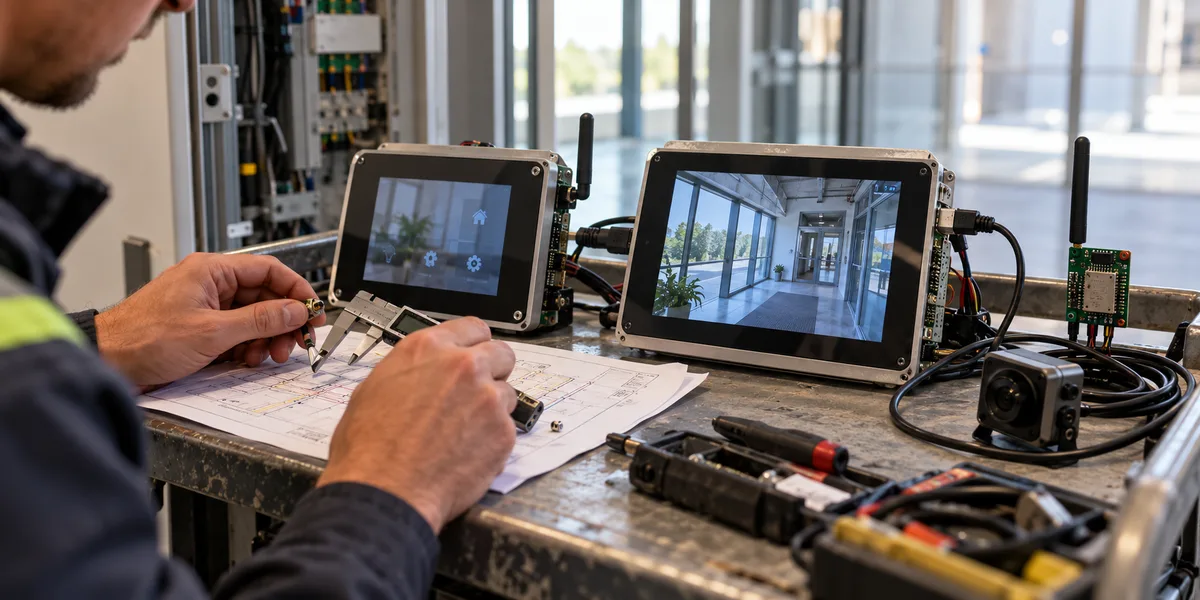
Suppose a connected touch controller now needs a MIPI-DSI display and a MIPI-CSI camera. Staying with ESP32-S3 may fail before CPU speed matters: the required physical interfaces are missing. Reverse the situation—a small SPI display, a DVP camera taking occasional pictures, and Wi-Fi upload—and an ESP32-P4 could make the system more complicated because its wireless connection needs another device. The right choice starts with the product's connections, not a clock-speed comparison.
Fix the display, camera, network, and image output requirements before selecting the MCU. Published specifications can establish whether an interface exists and whether wireless needs a companion. They cannot establish your UI frame rate, recognition latency, whole-device power draw, or bill of materials. Demo numbers from different development boards are not a fair benchmark.
The display and camera connectors may settle the question first
If the product already specifies a MIPI-DSI panel or MIPI-CSI sensor, check the relevant controllers and pin assignments in the ESP32-P4 datasheet. P4 also lists an ISP, PPA, JPEG codec, and H.264 encoder. These blocks can form an image path from sensor input to display or encoded output, subject to the actual sensor modes, panel interface, and board design. Their presence alone says nothing about the frame rate you can sustain with your memory layout, drivers, and concurrent tasks.
The ESP32-S3 datasheet instead lists LCD_CAM and integrated wireless. If the product uses an SPI or parallel LCD and a DVP camera, S3 deserves an early prototype; lacking P4's MIPI blocks does not disqualify it from every HMI or vision application. An easy mistake is choosing a MIPI panel and expecting firmware to connect it to an MCU without the physical controller. A bridge chip changes the power, PCB, software, and cost equation, so it is a different system proposal—not a driver-only fix.
Panel size is a poor shortcut
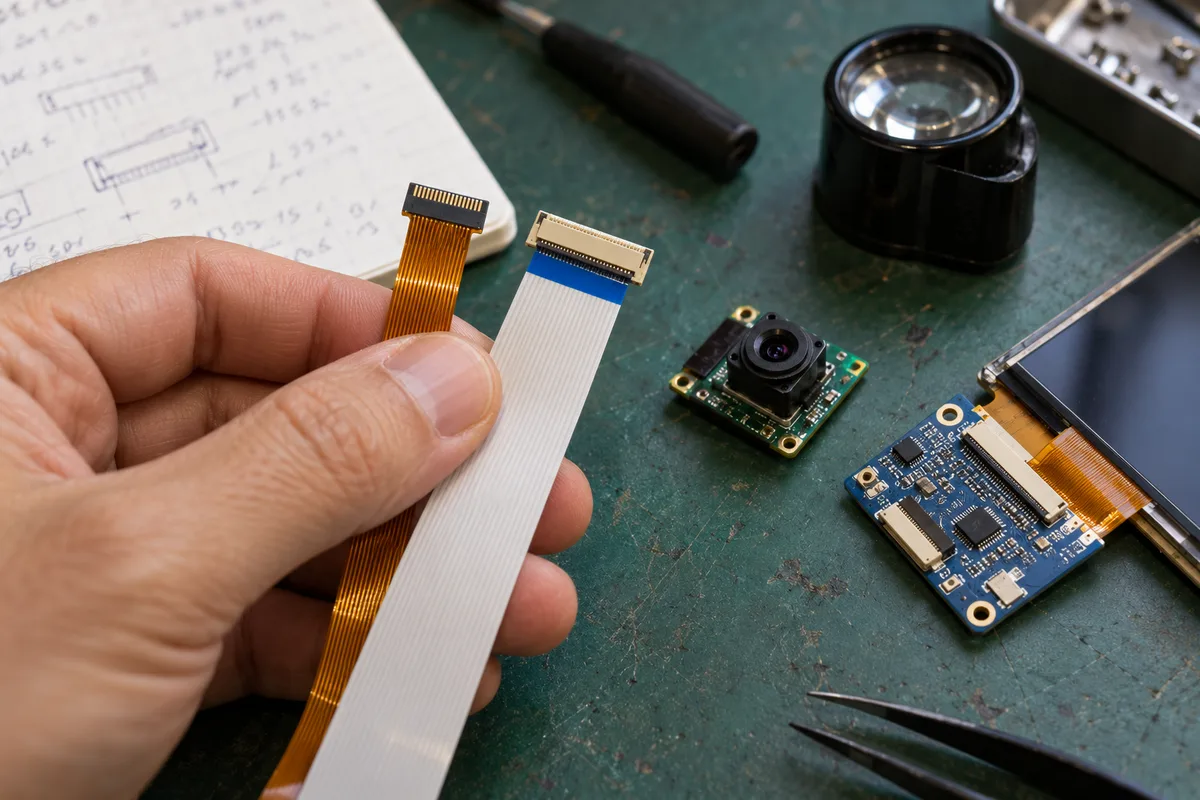
A panel's pressure on the MCU depends on its interface, pixel format, number of frame buffers, and refresh behavior. Two nominally seven-inch displays may have different connectors and timing. Even at the same 800 × 480 resolution, a mostly static status screen and a live camera preview impose different bandwidth and buffering demands. Ask the panel supplier for interface and timing details, pixel format, touch interface, and initialization information before making a resource budget.
For a few status pages, touch menus, and network control, start with the target S3 module and target panel. If MIPI-DSI and a live preview or complex composition are fixed requirements, P4's peripheral set fits the problem more directly. That is not a promise of smooth animation. Frame-buffer placement and refresh strategy still need target-panel measurements; the separate P4 LVGL frame-buffer guide explains why total PSRAM capacity is not the whole display budget.
A snapshot camera and a continuous preview are different products
Capturing an occasional frame, compressing it as JPEG, and uploading it is not the same workload as previewing continuously, detecting an object, and drawing the result locally. The first case needs a sensor-format check, capture-time memory peak, and network retry behavior. The second also needs buffer ownership, image conversion, display synchronization, and queue-delay control. A feature list that simply says “camera” hides these differences.
Espressif's video-component selection guide separates choices by sensor output, camera interface, and encoding requirements. It distinguishes P4's MIPI, ISP, and hardware H.264 path from S3-compatible camera paths such as DVP. A MIPI sensor or a requirement for on-device H.264 encoding makes P4 the platform to validate first. If the actual sensor and output format fit an S3 path, P4's broader specification is not a reason to skip the S3 prototype.
Capturing a frame is also not the same as delivering timely video. Per-frame storage grows with pixel count. Multiple buffers, format conversion, and display copies can push real memory use well above the size of one raw frame. When the network slows, queued frames may grow stale even while the display appears to refresh. Measure capture-to-visible-output delay, dropped frames, and queue depth rather than relying on an instantaneous driver FPS printout.
Edge vision needs a model-level test, not a CPU-frequency guess
P4's image peripherals may remove friction from some input and processing steps, but model deployment also depends on the runtime, operators, quantization format, working memory, and preprocessing. S3 can run image tasks that fit its resources. A higher P4 CPU clock is not evidence that the same model will deliver a particular end-to-end result in two finished products. Fix the camera, input dimensions, model file, thresholds, display behavior, and network concurrency before comparing prototypes.
If the product requirement is “show a warning within 300 ms of a person appearing,” measure the path from a usable frame through conversion, inference, post-processing, and screen update. Keep tail latency and error examples, not just the average inference time. Without target-board records, the defensible conclusion is about different interfaces and peripherals—not that one board runs a given model a certain percentage faster. The separate P4 edge-model deployment guide covers the gap between model support and a verified real-time product.
Wireless turns the P4 option into a system design
S3 integrates 2.4 GHz Wi-Fi and Bluetooth LE. If provisioning, cloud control, and wireless telemetry are core requirements while the panel and camera fit S3's interfaces, a single-module design can avoid one inter-chip protocol and a second firmware lifecycle. This is an architectural advantage, not proof of a lower BOM: module SKU, peripheral count, antenna placement, and certification scope still affect the final design.
P4 does not integrate Wi-Fi or Bluetooth. The official ESP32-P4 Function EV Board uses an ESP32-C6-MINI-1 module for wireless communication. That development board is an architectural example, not a production-circuit qualification. A custom product still has to choose the inter-chip interface, update both firmwares, recover from resets and link failures, store network credentials appropriately, and decide what the wireless side does when the P4 restarts.
The split can be worthwhile in a multimedia terminal: P4 handles camera, display, and image work while another device handles networking. For a simple menu and telemetry product, the extra chip can instead complicate debugging, updates, and field support. Do not compare a bare P4 chip price with an S3 module price. Include the wireless module, routing and power, antenna design, production test, and long-term dual-firmware maintenance in the same estimate. The P4 plus C6 wireless-architecture article goes deeper into that boundary.
Put three requirement sets through the same decision process
| Fixed product requirement | Platform to prototype first | What the prototype must still establish |
|---|---|---|
| Compact control panel, SPI or parallel LCD, integrated wireless, and occasional DVP capture with YUV/RGB/JPEG output and no local ISP requirement | Target ESP32-S3 module | Panel and sensor drivers, shared-memory peak, UI response while connected |
| Fixed MIPI-DSI panel and MIPI-CSI camera with continuous preview, processing, or on-device encoding | ESP32-P4 plus a separate wireless design | Board-level sensor/panel compatibility, buffers, end-to-end latency, and dual-chip update behavior |
| Interfaces can still change and the product requirement is unsettled | Minimal prototypes on both platforms | Compare the same business path rather than default development-board accessories |
This is a prototype order, not a purchasing verdict. For the third row, write a one-page testable requirement first: display resolution and refresh target, camera mode, whether local encoding is needed, vision output action, network concurrency, and active/standby power limits. Without those inputs, “which MCU is stronger?” invites an answer based on irrelevant specifications.
The diagram shows only the first screening step: interfaces and local video-processing needs can rule out a platform before a speed comparison. If both can meet the requirements, the full system still needs matched-workload tests; the diagram is not an FPS or power verdict.

Check the preliminary choice on the same workload
Record chip revision, module or board SKU, flash and PSRAM configuration, panel and sensor part numbers, and firmware/component versions for each prototype. Then run the same product action and measure boot-to-interaction time, display and touch response, capture-to-display or capture-to-event tail latency, peak memory and largest available block, behavior under network congestion, and active/standby power. If a model is involved, retain its file, quantization configuration, and error examples. Leave unmeasured cells blank rather than filling them with marketing figures from a development-board demo.
Compare costs on equal boundaries. Count the S3 target module and its peripherals; count P4, external wireless, required storage and power, PCB implications, and production steps. On the software side, assign ongoing responsibility for panel, camera, wireless, model, and OTA maintenance. The result may not prove which option is “always cheaper,” but it will separate observed differences from estimates.
There is a useful stop rule: if a required physical interface already excludes one platform, stop comparing CPU clocks. If both platforms can connect the product's I/O, prototype the same business path before pricing wireless integration and maintenance. The right P4-versus-S3 choice follows the product's inputs, outputs, and division of work—not the larger number in a part name.
Sources and limits
- Espressif: ESP32-P4 Series Datasheet
- Espressif: ESP32-S3 Series Datasheet
- Espressif: ESP32-P4 Function EV Board User Guide
- Espressif: ESP Video Components Technology Selection
These sources establish public interface specifications and the architecture of an official development board. We do not have matched target-board measurements for FPS, power, cost, or production stability; those conclusions remain open until the prototypes supply them.