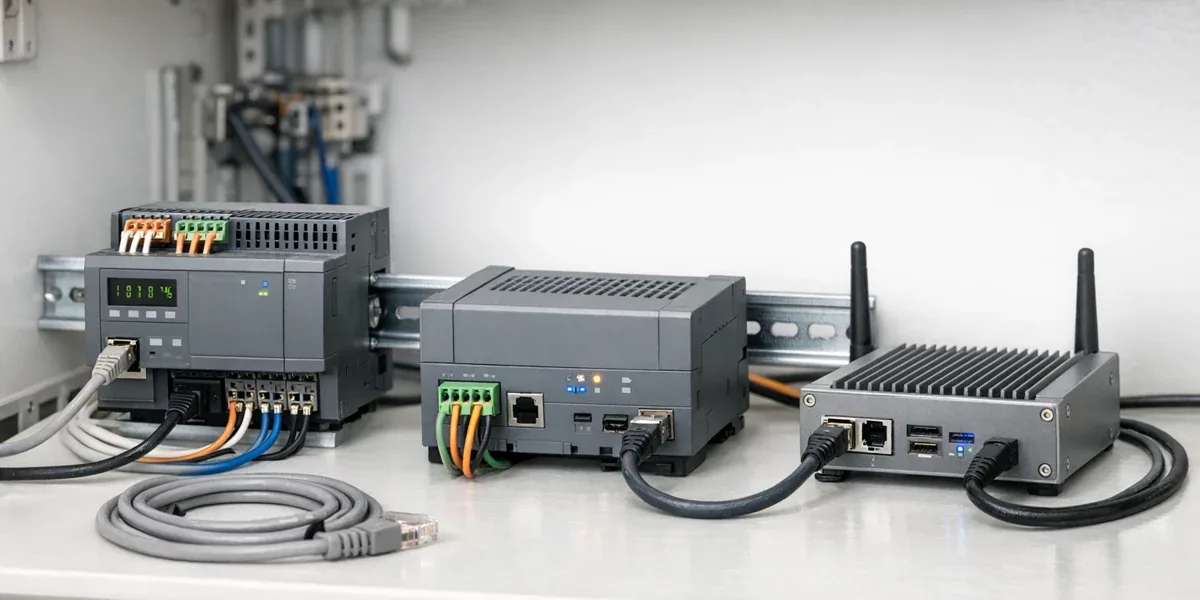
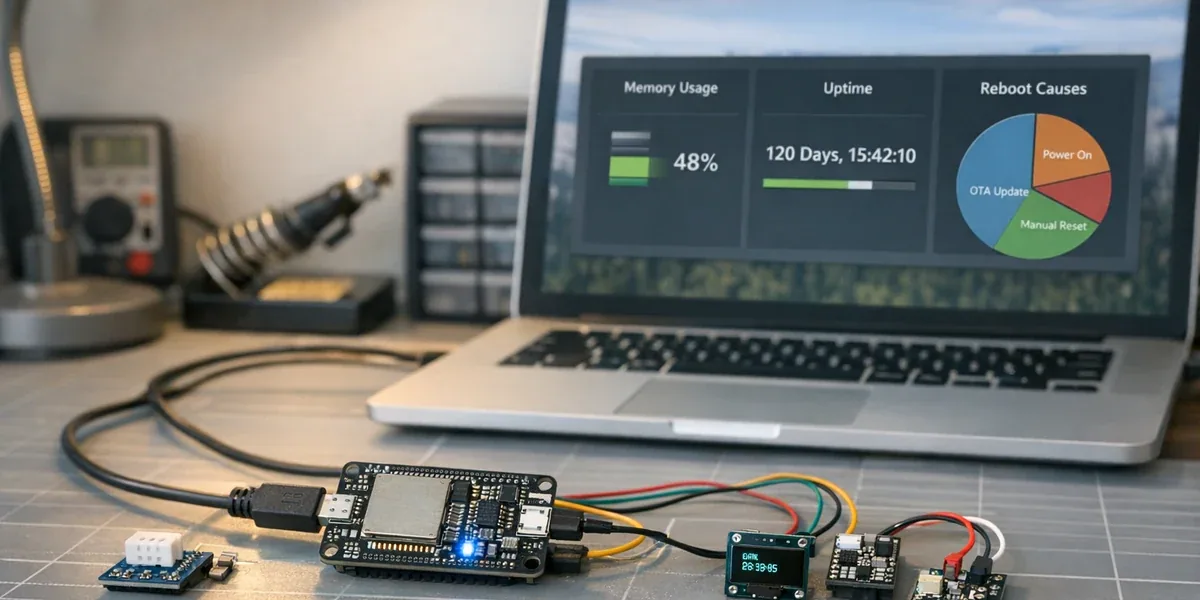
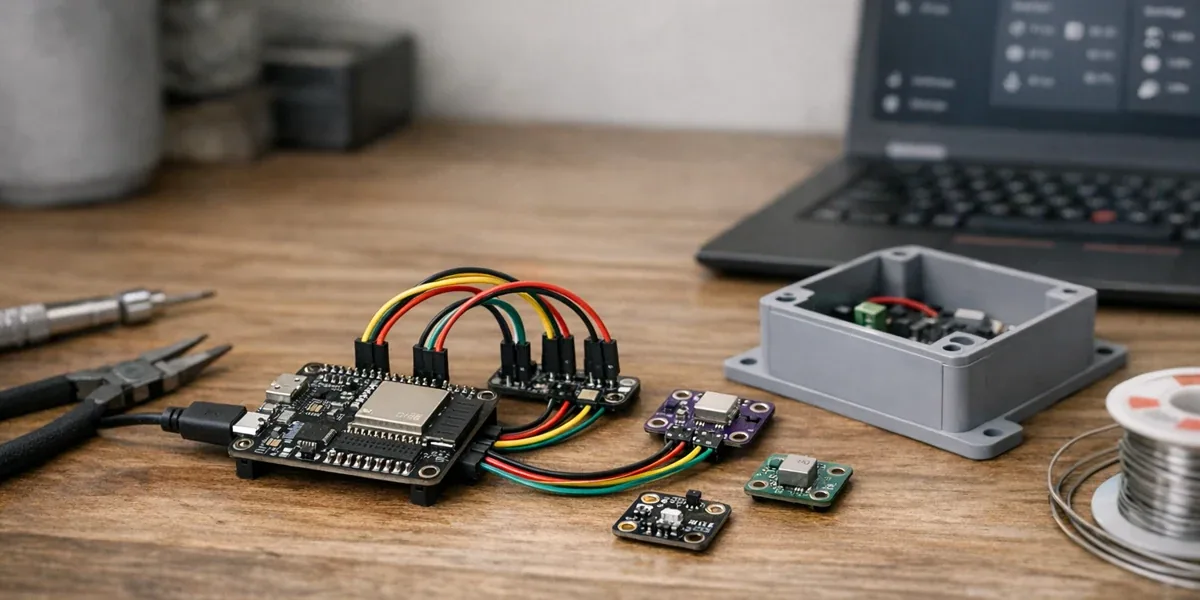
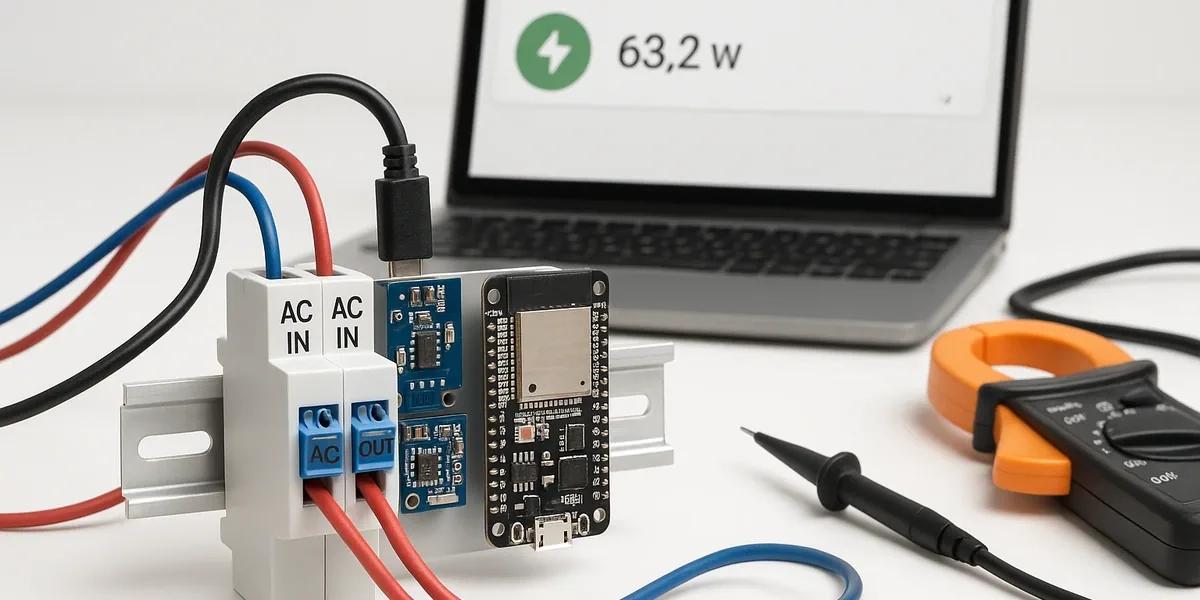
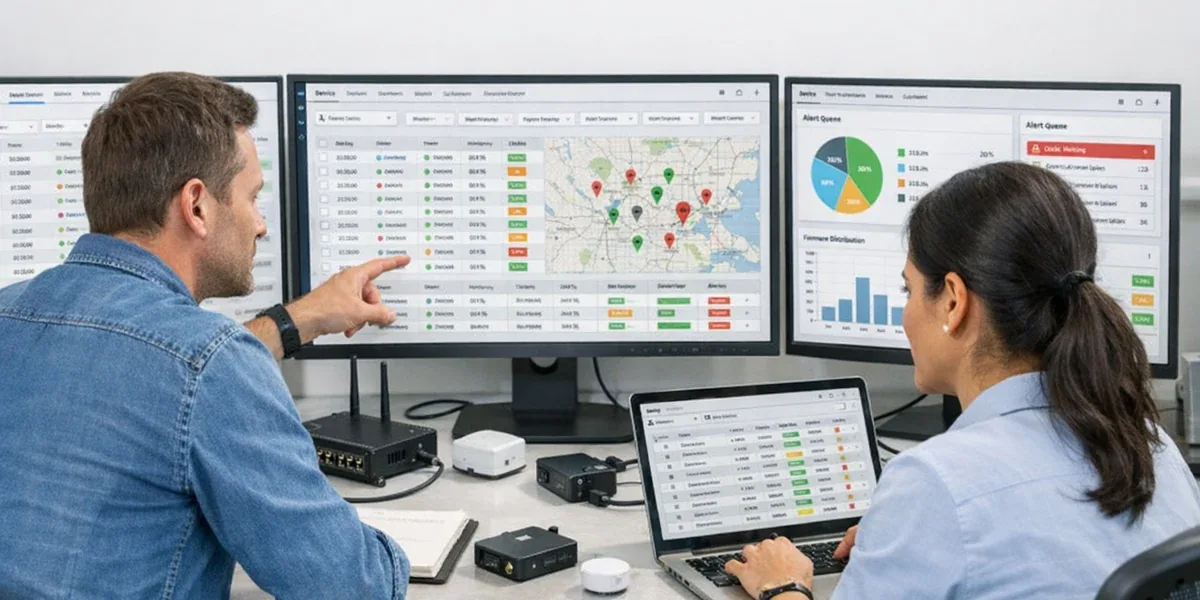
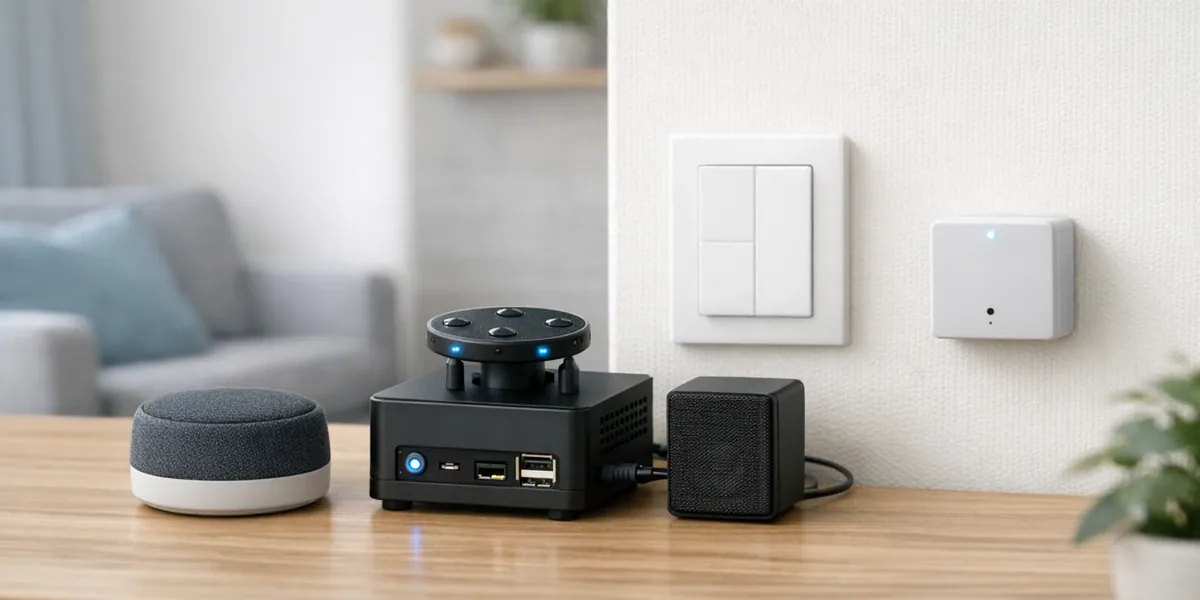
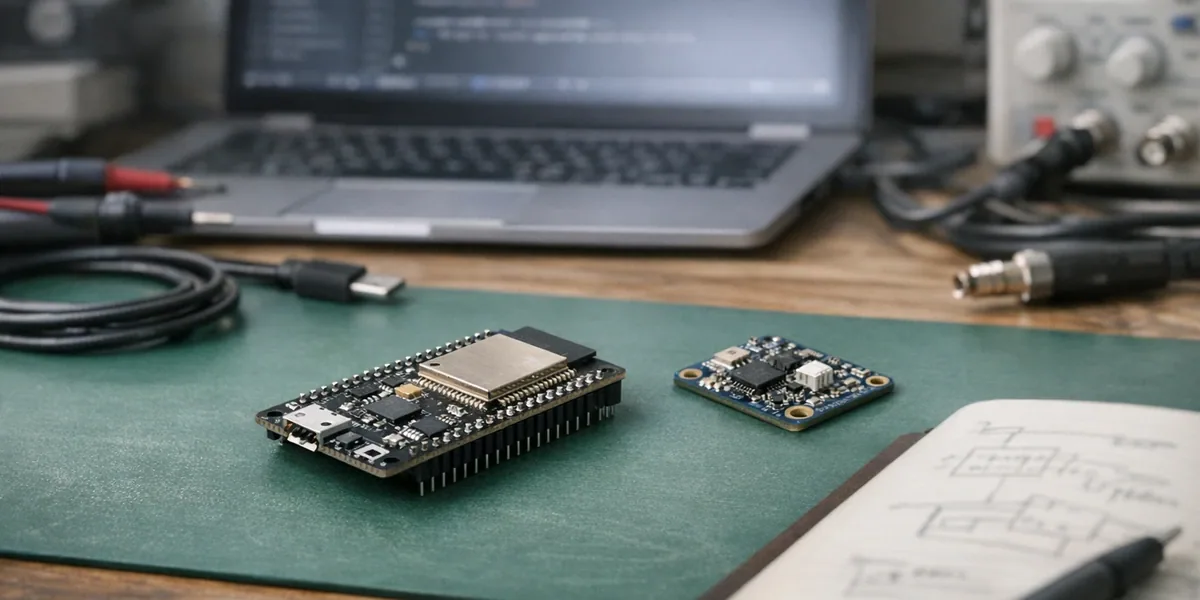
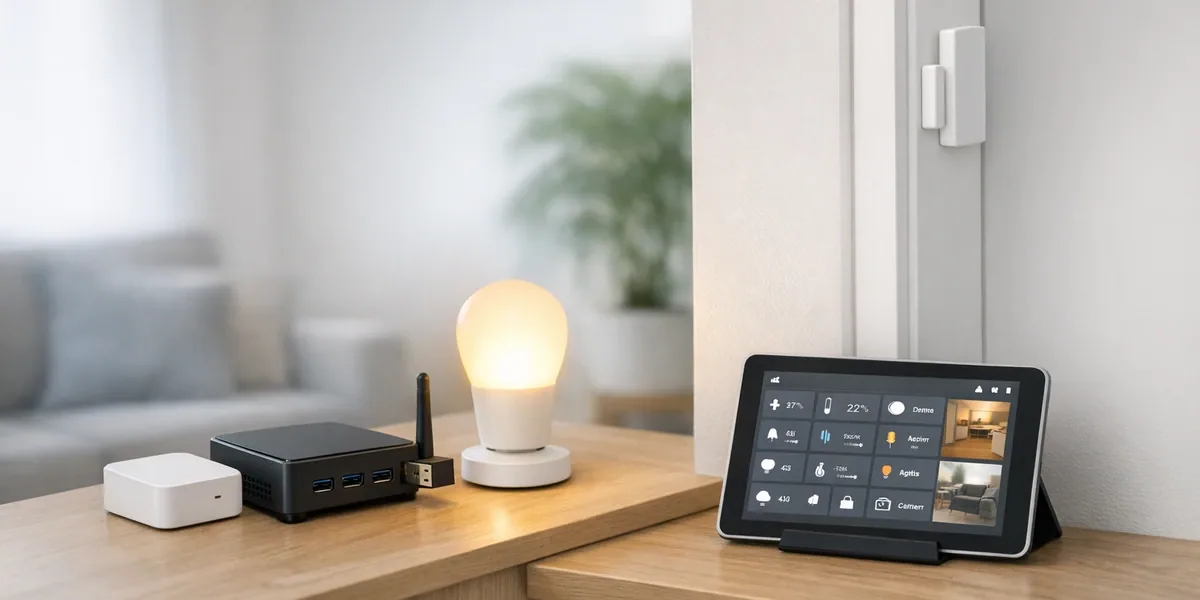
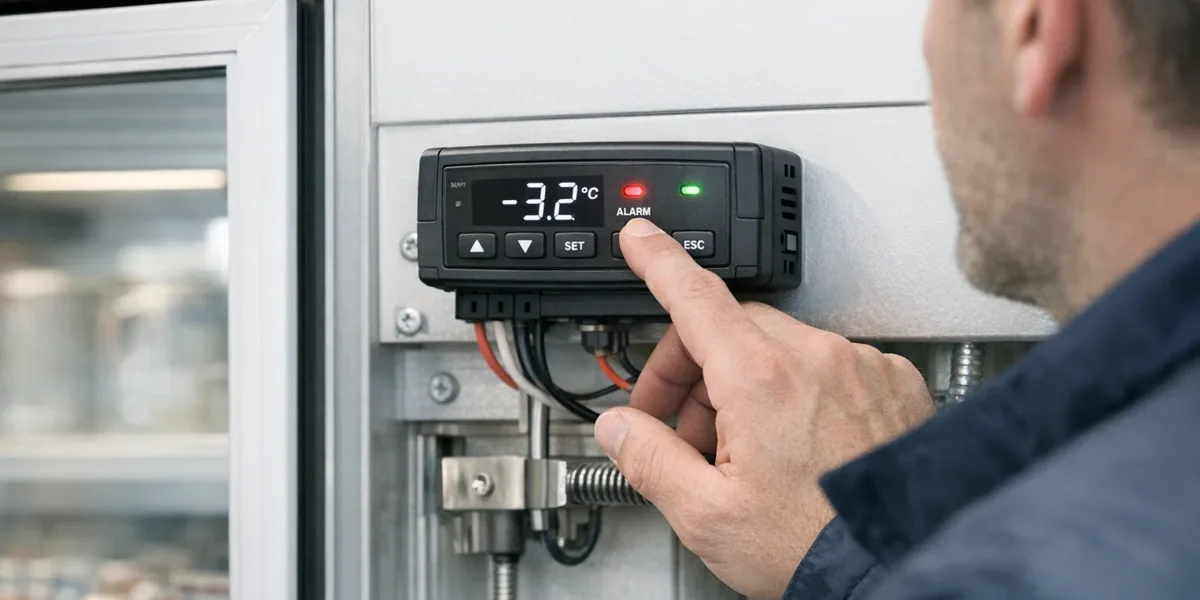
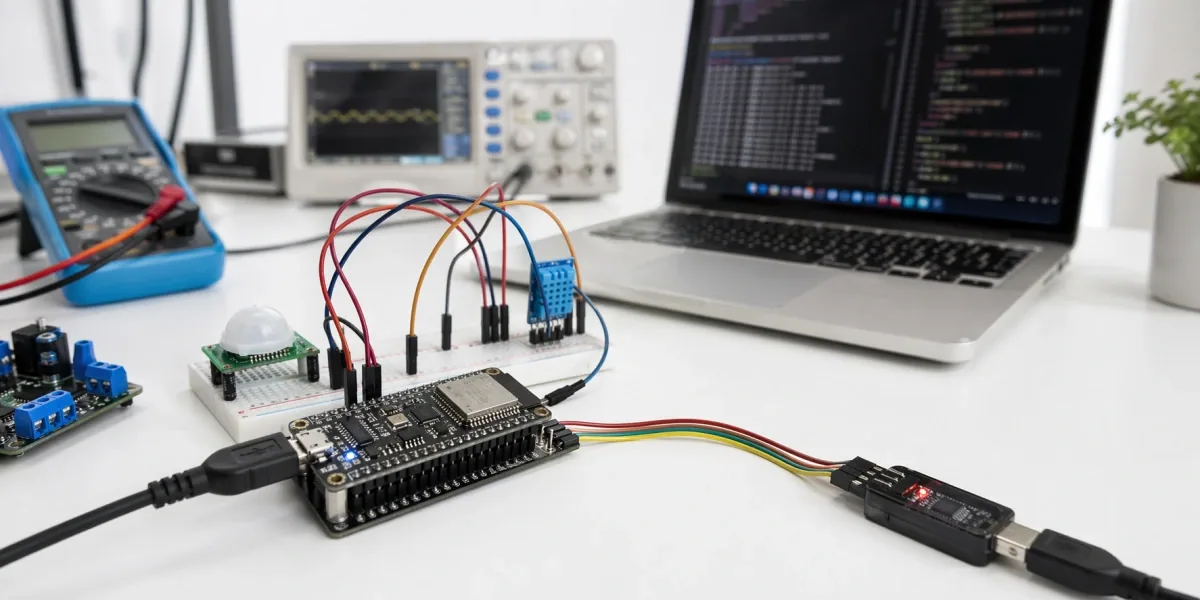
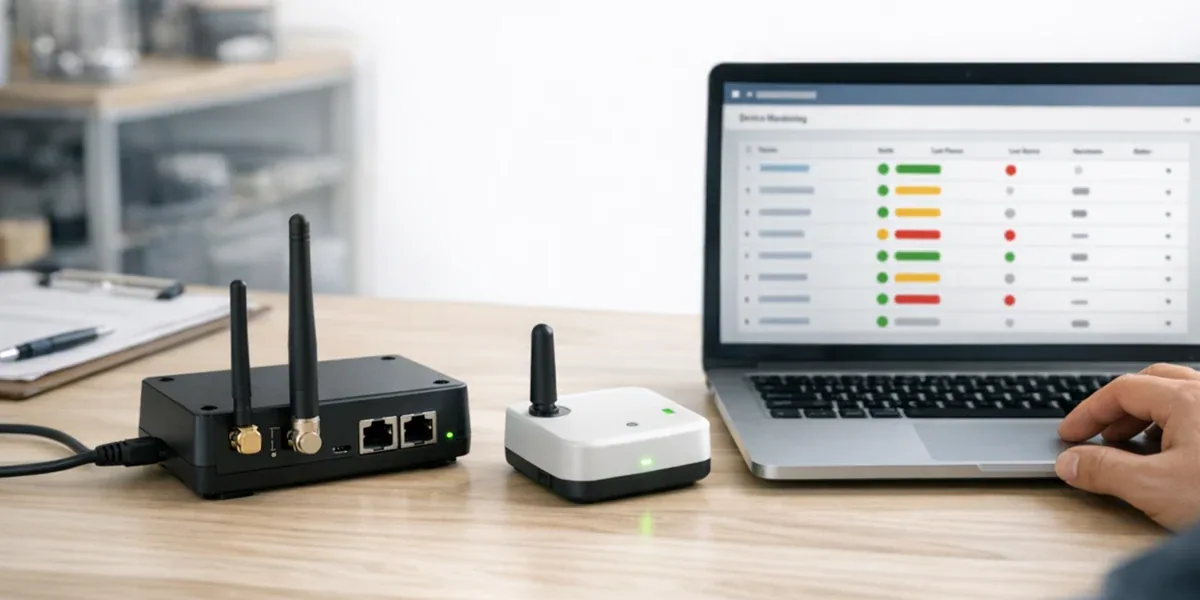
Tuya module selection plays a vital role in IoT hardware development and the design of IoT modules, directly influencing product performance, cost, and connectivity.
In smart home and IoT product design, choosing the right module determines performance, cost, user experience, and ecosystem compatibility.
Poor selection can lead to:
High power consumption and short battery life
Protocol mismatch causing connectivity issues
Poor cost structure reducing competitiveness
As a leading IoT PaaS provider, Tuya offers various communication modules (WiFi, BLE, Zigbee, etc.) for fast cloud and app integration. Understanding their differences is the first step toward a smart design choice.
To understand how module selection fits into the overall Tuya ecosystem and product development process, explore our Tuya IoT development services.
Three Main Types of Tuya Modules
Tuya’s most common communication modules include WiFi, BLE, and Zigbee — each with distinct features and use cases.
1. Tuya WiFi Module
Features
Direct cloud connection, no gateway required
High bandwidth, supports OTA and rich data exchange
Pros
Easy setup via home router
Moderate cost, ideal for consumer products
Cons
High power draw, not suitable for battery-powered devices
Depends heavily on network quality
Typical Use Cases: Smart plugs, cameras, bulbs, AC controllers
2. Tuya BLE Module
Features
Ultra-low power, great for battery-powered products
Often used as single-mode or dual-mode with WiFi
Pros
Extremely low power, long standby (months to years)
Small, inexpensive modules
Cons
Limited range when standalone
Needs phone or gateway bridge
Typical Use Cases: Smart locks, wearables, environmental sensors
3. Tuya Zigbee Module
Features
Mesh networking with strong self-organizing capability
Requires a Zigbee gateway for cloud access
Pros
Highly stable and interference-resistant
Supports large-scale networks (100+ nodes)
Cons
More expensive than BLE
Requires an extra gateway for setup
Typical Use Cases: Smart lighting, security sensors, environmental monitoring
Comparison: WiFi vs BLE vs Zigbee
Feature
WiFi Module
BLE Module
Zigbee Module
Connection
Direct to router/cloud
Via phone/gateway
Via Zigbee gateway
Power Use
High
Very low
Low
Cost
Medium
Low
Medium-high
Range
Medium (home WiFi)
Short (<10m)
Wide (Mesh)
Networking
Weak (point-to-cloud)
Weak
Strong (Mesh)
Typical Use
Plug, camera, bulb
Lock, sensor, wearable
Lighting, security
Hardware Development Flow and Decision Logic
This section outlines how Tuya’s hardware development process supports smart hardware design and efficient module integration.
1. Power and Supply Assessment
At early design stages, evaluate power needs:
Battery-powered devices → use BLE (ultra-low power) or Zigbee (low power + mesh). WiFi modules are unsuitable due to high standby power.
AC-powered devices → use WiFi, best for data-heavy products (cameras, plugs).
👉 Decide by power source first, then protocol.
2. Communication Architecture
Each module implies a different communication design:
👉 Single devices → WiFi 👉 Whole-home ecosystems → Zigbee
Choosing the right architecture often requires balancing hardware, cloud, and application layers — a key part of Tuya IoT development.
4. Tuya Hardware Development Flow
graph LR
A["Plan & Preparation"] --> B["Hardware Design"]
B --> C["Firmware & Integration"]
C --> D["Testing"]
D --> E["Cloud Integration"]
E --> F["Mass Production"]
A -->|1| A1["Module selection & requirements"]
B -->|2| B1["PCB design & BOM"]
C -->|3| C1["SDK integration & device linking"]
D -->|4| D1["Power/stability tests"]
E -->|5| E1["Tuya cloud setup"]
F -->|6| F1["Certification & release"]
Steps include module request, PCB design, SDK integration, testing, Tuya cloud onboarding, and mass production.
If you’re planning to build Tuya-based hardware products, working with an experienced Tuya hardware development team can help streamline module selection, integration, and time-to-market.
5. Hardware Design Tips
Antenna layout: Optimize PCB and impedance matching.
Power management: Use deep sleep for battery devices.
OTA updates: Always support firmware upgrades.
Compatibility tests: Verify under varied network environments.
Use Cases
1. Smart Home
WiFi: Plugs, cameras, bulbs
BLE: Locks, sensors, wearables
Zigbee: Lighting systems, alarm sensors
👉 Single devices → WiFi 👉 Full systems → Zigbee 👉 Sensors → BLE
2. Retail and Commercial
WiFi: Smart AC, energy meters
BLE: Beacons, e-price tags
Zigbee: Lighting and security networks
👉 Zigbee for large-scale networks; WiFi for high data loads.
3. Industrial and Warehouse
WiFi: Gateways, cameras
BLE: Asset tracking, low-power sensors
Zigbee: Automation, monitoring networks
👉 Prioritize stability and remote monitoring.
Integration with Third-Party Platforms
Many teams integrate Tuya devices with Home Assistant, AWS IoT, Google Cloud, or Azure IoT.
1. MQTT Bridge
Convert Tuya gateway data to MQTT topics
Use brokers like Mosquitto for LAN bridging
2. Tuya Cloud API
RESTful API for cloud-to-cloud sync
No hardware changes needed
3. Dual-Mode Design
WiFi+BLE or Zigbee+WiFi modules for flexible ecosystems
4. Local SDK Integration
Some open platforms (e.g., Home Assistant) support Tuya Local SDK
Keep local control interfaces (HTTP, CoAP, MQTT Local) for flexibility
Tuya SDK App Migration is becoming essential for brands moving beyond the Tuya OEM App. This guide explains how to migrate to a Custom Tuya SDK App step by step—including why OEM App Pricing becomes harder to sustain as your product line grows.
In recent years, many IoT and smart home brands have started with the Tuya OEM App (white-label app) to quickly enter the market. It’s easy, fast, and offers wide compatibility with the Tuya ecosystem.
However, as businesses grow, several OEM limitations—cost structure, UI/UX boundaries, and data control—start to surface. Brands want deeper control, better UI/UX, and their own tuya private app. That’s when they turn to a custom Tuya SDK App.
This tuya app migration allows companies to gain flexibility, data control, and brand independence. The tuya sdk app is the next step toward scalable IoT success.
To better understand how OEM and SDK approaches fit into the overall Tuya ecosystem, explore our Tuya IoT development services.
Understanding Tuya OEM App Pricing
Many teams research tuya oem app pricing when their device count or business complexity increases.
Although Tuya does not openly publish detailed OEM pricing online, the OEM model typically involves cost factors such as:
1. Cloud Usage Costs
Every device operation—status sync, messaging, logs—consumes cloud resources. As devices scale, cloud usage naturally becomes a significant recurring cost.
2. OEM Feature Dependency
OEM updates follow Tuya’s release cycle. If your business needs additional features or quicker iteration, extra cost may arise from workarounds or custom requirements.
3. App Branding & Maintenance
OEM branding covers logo, color, and theme configuration. Deeper redesign or custom interactions are limited without SDK-level development.
4. Long-Term Ownership & Flexibility
As companies grow, they need more control over:
onboarding experience
device dashboards
data pipelines
integrations with CRM/ERP
AI-driven modules
business logic
These are difficult to customize on OEM and may increase operational cost over time.
👉 OEM Apps are ideal for early-stage launch, but not always cost-efficient or flexible once your product line expands.
Migrating from OEM to SDK is not a restart. It’s a structured transition. Once you’ve decided to migrate, a structured tuya app development approach is critical to avoid disruptions and ensure smooth scaling.
1. Preparation & Evaluation
Review existing OEM features and decide what to keep or enhance.
Analyze user base and plan phased rollout.
Choose the right tech stack – Android, iOS, or cross-platform frameworks.
👉 Start with an MVP and expand gradually.
2. SDK Integration
The heart of tuya sdk integration guide is setting up your SDK environment:
Apply for SDK access on Tuya Developer Platform.
Obtain AppKey & AppSecret and connect them to your Tuya cloud project.
Configure authentication, device pairing, and MQTT communication.
Ensure devices and accounts migrate smoothly — migrate Tuya OEM to SDK App with zero disruption.
3. Custom App Development
Once SDK integration is ready, build your own experience:
The SDK approach lets you expand globally without limitations.
Building Your Private IoT Ecosystem
Moving from a Tuya OEM App to SDK gives you ownership. A Tuya private app means direct user data, in-app services, and new revenue opportunities.
Use built-in shops, AI services, or subscription models to grow long-term engagement.
Final Thought: Migrate Tuya OEM to SDK App and Build Your Future
Switching from a Tuya OEM App to a custom Tuya SDK App is more than technical—it’s strategic. Gain creative freedom, full data control, and a scalable foundation for your IoT future.
Not necessarily. Many brands start with an MVP to reduce upfront cost and expand features step by step.
2. Will I lose users the OEM → SDK migration??
No. When both apps use the same Tuya cloud project, user accounts and devices migrate automatically.
3. How long does a Tuya SDK App project take?
Medium-sized tuya sdk app projects go live within 3–6 months.
4. What about data security?
Your data remains within your Tuya private app, fully compliant with global standards.
5. Why do brands consider Tuya OEM App pricing when scaling?
As device volume and cloud usage grow, OEM App costs may increase. Teams evaluate OEM pricing when they need more customization, faster release cycles, or broader integrations.
6. Is a Tuya SDK App more cost-effective long term?
SDK Apps require development effort but often reduce long-term operational cost by offering full customization, flexible integrations, and predictable scaling.
OpenMQTTGateway (OMG) is an open-source ESP32-based framework that unifies multiple wireless protocols—BLE, RF, IR, and more—into MQTT. It simplifies IoT device integration, reduces system fragmentation, and provides a scalable foundation for smart home, retail, and industrial applications.
The Challenge of Multi-Protocol IoT
In today’s IoT and smart home landscape, devices speak a wide variety of languages—Bluetooth Low Energy (BLE), 433 MHz RF, Infrared (IR), Zigbee, LoRa, serial communication, and more. Integrating these devices into a central automation platform like Home Assistant or Node-RED often requires multiple proprietary hubs and bridges, resulting in fragmentation, cost, and complexity.
OpenMQTTGateway (OMG) was created to solve this problem. It is an open-source firmware that runs on affordable hardware (ESP8266, ESP32, STM32, etc.) and acts as a universal translator: it decodes signals from various protocols and publishes them to MQTT topics. Conversely, it can also receive MQTT commands and send them back as IR codes, RF signals, or BLE commands to control devices.
This simple yet powerful approach has made OMG one of the most widely adopted community-driven solutions for multi-protocol IoT bridging.
Quick Start: Installing OpenMQTTGateway on ESP32
Setting up OpenMQTTGateway on an ESP32 is straightforward and requires only a few steps:
```bash git clone https://github.com/1technophile/OpenMQTTGateway.git cd OpenMQTTGateway platformio run
Flash the compiled firmware to your ESP32 board, then configure Wi-Fi and MQTT broker credentials through the WebUI. Once connected, the gateway will start publishing BLE, RF, or IR device data to your MQTT broker in real time.
👉 Tip: You can also deploy OpenMQTTGateway using pre-built binaries or with ESPHome for a no-code setup.
What is OpenMQTTGateway?
OpenMQTTGateway (often abbreviated as OMG) is a firmware project built with Arduino and PlatformIO, designed to bridge wireless and wired signals into MQTT, enabling seamless integration with almost any MQTT-compatible IoT platform.
Open-source: Community-driven, transparent, and extensible.
Lightweight: Runs on low-cost boards like ESP32 or ESP8266.
Flexible: Supports a wide range of protocols and modules.
Interoperable: Works with Home Assistant, Domoticz, OpenHAB, Node-RED, or any MQTT broker.
With OMG, a single ESP32-based gateway can:
Receive data from BLE temperature sensors.
Decode RF 433 MHz door sensor signals.
Act as a universal IR remote for TVs or air conditioners.
Publish all of this into MQTT topics that your smart home platform can act on.
Architecture Overview
OMG’s design can be broken down into layers of functionality:
---
title: "OpenMQTTGateway Architecture"
---
graph TD
%% ===== Styles =====
classDef hardware fill:#bbdefb,stroke:#0d47a1,stroke-width:2px,color:#000,rx:12,ry:12;
classDef protocol fill:#d1c4e9,stroke:#4a148c,stroke-width:2px,color:#000,rx:12,ry:12;
classDef codec fill:#fff59d,stroke:#f57f17,stroke-width:2px,color:#000,rx:12,ry:12;
classDef mqtt fill:#c8e6c9,stroke:#1b5e20,stroke-width:2px,color:#000,rx:12,ry:12;
classDef platform fill:#ffe0b2,stroke:#e65100,stroke-width:2px,color:#000,rx:12,ry:12;
classDef manage fill:#f3e5f5,stroke:#6a1b9a,stroke-width:2px,color:#000,rx:12,ry:12;
%% ===== Nodes =====
A["🔌 Hardware LayerESP32 / ESP8266 / STM32"]:::hardware
B["📡 Protocol ModulesBLE · RF · IR · LoRa · GSM · Serial"]:::protocol
C["🔄 Decoders & EncodersTranslate raw signals"]:::codec
D["📶 MQTT Communication LayerPublish / Subscribe"]:::mqtt
E["🏠 IoT PlatformsHome Assistant · Node-RED · OpenHAB"]:::platform
F["⚙️ WebUI & Configuration Tools"]:::manage
%% ===== Flows =====
A --> B
B --> C
C --> D
D --> E
D --> F
Hardware Layer ESP32, ESP8266, STM32, or other supported MCUs form the base.
Protocol Modules Plug-and-play support for BLE, RF (433/868 MHz), IR, LoRa, GSM, RS232, and more.
Decoders & Encoders Translate raw wireless signals into structured JSON payloads (and vice versa).
MQTT Communication Layer Publishes sensor data, device states, and events into MQTT topics. Subscribes to commands for device control.
IoT Platform Integration Works seamlessly with MQTT-based platforms (Home Assistant auto-discovery included).
WebUI & Configuration Modern WebUI for Wi-Fi setup, MQTT broker configuration, OTA updates, and logging.
Core Features of OpenMQTTGateway
While newer versions introduced additional refinements (like an embedded broker and better device tracking), it’s important to understand the full set of capabilities that OMG offers across its modules:
Multi-Protocol Bridging
BLE, RF 433/868 MHz, Infrared, LoRa, GSM, Serial/RS232, RFM69, and more.
Acts as a bridge from these protocols → MQTT and back.
Bi-Directional Communication
Receives sensor signals and publishes them.
Subscribes to MQTT topics and re-emits signals (IR, RF, BLE commands).
Home Assistant Auto-Discovery
Automatically exposes sensors and devices to Home Assistant via MQTT discovery protocol.
WebUI for Management
Configure Wi-Fi and MQTT.
View logs and live messages.
Manage OTA updates and restart devices remotely.
OTA Firmware Updates
Upgrade directly via WebUI or remote URL.
Edge Flexibility
Can run with an external broker (e.g., Mosquitto) or with its embedded MQTT broker (PicoMQTT).
Device Tracking & Presence
BLE presence detection (track phones, tags, or wearables).
Synchronization across multiple gateways for redundancy.
Security & Reliability
Supports authentication, topic filtering, and configuration rollback in case of errors.
Detailed Feature Modules of OpenMQTTGateway
To fully understand the power of OpenMQTTGateway (OMG), let’s break down its supported modules and how each can be used in practical IoT scenarios.
Table: Feature Overview
Module
Capability
Example Use Case
BLE
Scan and decode sensor data, presence tracking
BLE temperature sensor, phone detection
RF 433/868 MHz
Decode & send RF signals
Door sensor, RF outlets
IR
Decode & transmit infrared signals
Universal TV/AC remote
LoRa
Long-range communication
Agriculture sensors, warehouses
Serial/RS232
Read & write serial data
HVAC controllers, GPS modules
GSM
MQTT over cellular
Remote/rural monitoring
WebUI
Configuration & diagnostics
Wi-Fi, MQTT setup, logs
OTA
Firmware upgrades
Remote update management
Embedded Broker
Local MQTT (PicoMQTT)
Offline/local deployments
HA Auto-Discovery
Auto device integration
Seamless Home Assistant setup
1. Bluetooth Low Energy (BLE)
BLE is one of the most widely used features of OMG, especially for environmental sensors and presence detection.
BLE Sensor Integration OMG can scan nearby BLE advertisements and decode data from devices like Xiaomi Mijia, RuuviTag, Govee, ShellyBLU, and more.
Published as structured JSON payloads to MQTT topics.
Presence & Asset Tracking OMG detects nearby BLE beacons or smartphones to determine if a person (or asset) is within range. This is widely used for presence-based automation (lights on when you arrive home, HVAC adjustments, etc.).
OpenMQTTGateway is more than a lab project—it’s already powering diverse use cases in smart homes, retail, and industrial IoT.
1. Smart Homes & DIY Automation
Environmental Monitoring: Collect BLE sensor data (temperature, humidity, CO₂) and publish to MQTT → Home Assistant adjusts HVAC automatically.
Universal Remote: Replace multiple IR remotes with a single ESP32 running OMG to control TVs, ACs, and fans via voice assistants or automation rules.
Presence Detection: Track smartphones or BLE tags to trigger “arrive home / leave home” automations.
👉 OMG acts as a multi-protocol hub, cutting down on proprietary gateways and unifying devices under one MQTT-based ecosystem.
2. Retail & Commercial Spaces
Energy Management: Monitor RF/LoRa-based smart plugs or meters; use MQTT dashboards to optimize store energy usage.
Customer Flow Tracking: BLE beacons + OMG can help track visitor presence patterns without heavy Wi-Fi analytics infrastructure.
Asset Protection: Integrate RF sensors for doors/windows and publish intrusion alerts to a centralized MQTT broker.
👉 Retailers benefit from low-cost IoT deployment with rapid scaling across multiple stores.
3. Industrial IoT & Warehousing
Cold Chain Monitoring: LoRa sensors in refrigerated warehouses send temperature data via OMG → MQTT → ERP systems.
Legacy Integration: RS232/Serial support allows older HVAC controllers or industrial machines to connect to modern IoT platforms.
Remote Sites: GSM support means OMG can operate even where Wi-Fi is unreliable.
👉 Industrial teams use OMG to bridge legacy devices with modern cloud analytics, extending system lifespans.
Deployment Considerations & Challenges
Despite its flexibility, deploying OpenMQTTGateway in production environments requires careful planning.
1. Hardware Selection
Best results come from ESP32 boards with external antennas for BLE and RF reliability.
Boards like Theengs Bridge or M5Stack ESP32 variants offer higher performance and easier enclosure options.
2. Security Concerns
WebUI defaults to basic authentication without TLS → must run inside a secure LAN or behind HTTPS/VPN.
MQTT should be configured with username/password and, ideally, TLS encryption.
Network segmentation (separating IoT from business-critical networks) is highly recommended.
3. Protocol Complexity
Not all RF or IR protocols are supported equally—custom codes may require manual mapping.
BLE scanning consumes resources; tuning scan intervals and thresholds is necessary to balance performance.
4. Maintenance & OTA
While OTA updates make firmware upgrades easy, version changes can sometimes break compatibility with certain hardware.
Best practice: test firmware on a staging device before rolling out to all gateways.
From DIY to Commercial IoT Gateways
OpenMQTTGateway is perfect for prototyping and home automation. But if you need scalable IoT gateways for retail, industry, or smart infrastructure, ZedIoT helps you move from prototype to production.
The evolution of OMG points toward a more autonomous, edge-first IoT future:
Edge Computing Expansion
With embedded brokers and local processing, OMG reduces dependency on external servers. Expect more edge-side analytics and event filtering.
Wider Device Support
Ongoing community contributions will extend protocol coverage (new BLE devices, RF standards, IR databases).
Enhanced Security
Future releases are likely to add stronger WebUI security (TLS, advanced authentication) to meet enterprise deployment standards.
Integration with AI and Cloud Platforms
MQTT payloads from OMG can feed directly into AI-driven anomaly detection (e.g., predictive maintenance in industry, occupancy analytics in retail).
Commercialization
While still open-source, hardware vendors like Theengs are already offering pre-built devices running OMG, suggesting a growing ecosystem of commercial-grade solutions built on this project.
FAQ: Common Questions about OpenMQTTGateway
Q1: Can I run OpenMQTTGateway on ESP32? Yes. ESP32 is the most recommended board for OpenMQTTGateway due to its Wi-Fi and BLE capabilities.
Q2: Does OpenMQTTGateway work with Home Assistant? Yes. It integrates seamlessly via MQTT Discovery—no manual configuration required.
Q3: Is OpenMQTTGateway free to use? Absolutely. It’s open-source under GPL, available for both personal and commercial use.
Why OpenMQTTGateway Matters
At its core, OMG lowers the barrier for IoT adoption by:
Unifying multiple wireless protocols into one MQTT pipeline.
Reducing reliance on proprietary hubs and vendor lock-in.
Empowering DIYers, startups, and enterprises alike to scale IoT at low cost.
Whether it’s a smart home enthusiast replacing a shelf full of remotes, a retailer optimizing energy and security across multiple stores, or an industrial operator connecting legacy machines to modern dashboards—OpenMQTTGateway stands out as the Swiss Army knife of IoT bridging.
Walk into a modern store today, and you may not realize how many invisible technologies are quietly working behind the scenes. From the smart cameras monitoring customer flow to the energy-efficient freezers in a supermarket, and even the interactive digital signage displaying personalized promotions—these are not just isolated tools. They are all part of what the industry now calls Retail IoT.
Retail IoT (Internet of Things in Retail) refers to the network of connected devices, sensors, and systems that work together to enhance operational efficiency, optimize resource utilization, and deliver improved shopping experiences. It is also known as Smart Retail Technology, highlighting how digital systems and IoT converge in modern stores. It is the backbone of the modern Connected Store, where data flows continuously between physical assets, cloud platforms, and AI analytics engines.
Why Retail IoT Matters Today
The retail industry has always been competitive, but today’s challenges are unprecedented:
Shifting customer expectations for convenience and personalization.
The rapid growth of e-commerce putting pressure on physical stores.
Increasing demand for sustainability and energy efficiency.
Retail IoT is not just a technology upgrade—it is becoming a strategic necessity. According to Gartner, by 2027, more than 75% of physical retail stores will deploy some form of IoT-enabled solution for monitoring, customer engagement, or operational optimization.
Defining Retail IoT
At its core, Retail IoT = Devices + Connectivity + Data Analytics + Business Applications. In simple terms, this is what people often mean when they talk about IoT in Retail, where physical store assets are linked with digital intelligence.
Devices & Sensors: Cameras, RFID readers, smart shelves, energy meters, thermostats, POS systems.
Connectivity: Wi-Fi, Bluetooth, Zigbee, LoRaWAN, or 5G connecting devices to the store’s digital backbone.
Data Analytics: AI and machine learning interpret the massive data streams in real time.
Business Applications: Inventory management, predictive maintenance, customer insights, energy optimization.
This integration allows retailers to transform raw data into actionable insights. For example:
A smart shelf detects that a product is running low → triggers automatic restocking.
A smart camera analyzes customer movement → optimizes store layout.
An energy monitor detects abnormal power consumption → alerts maintenance before breakdown.
Key Characteristics of Retail IoT
Real-Time Visibility
Retail IoT enables managers to see what’s happening in the store at any moment—stock levels, foot traffic, energy consumption.
Automation
Many processes, like replenishment and HVAC adjustments, can be automated based on sensor data.
Customer-Centric Insights
Beyond operations, IoT reveals how customers behave: which aisles attract the most traffic, what promotions drive engagement, and when peak hours occur.
Integration with Cloud & AI
Cloud platforms allow data aggregation across multiple stores, while AI provides predictive insights for future decision-making. Together, these features empower effective Store Operations Management, from inventory visibility to energy optimization.
Diagram: How Retail IoT Works
---
title: "Retail IoT Ecosystem"
---
graph TD
%% ===== Styles =====
classDef device fill:#e0f7fa,stroke:#0288d1,stroke-width:1.5,rx:10,ry:10;
classDef conn fill:#f1f8e9,stroke:#43a047,stroke-width:1.5,rx:10,ry:10;
classDef process fill:#fffde7,stroke:#fbc02d,stroke-width:1.5,rx:10,ry:10;
classDef ops fill:#ede7f6,stroke:#5e35b1,stroke-width:1.5,rx:10,ry:10;
%% ===== Nodes =====
A["📟 IoT Devices & Sensors"]:::device
B["🌐 Connectivity Layer(Wi-Fi / 5G / Zigbee)"]:::conn
C["⚡ Data ProcessingEdge & Cloud"]:::process
D1["🏬 Store OperationsManagement"]:::ops
D2["🛍️ Customer ExperienceOptimization"]:::ops
D3["🌱 Energy & ResourceEfficiency"]:::ops
%% ===== Flows =====
A --> B
B --> C
C --> D1
C --> D2
C --> D3
The Evolution of Retail IoT
Retail IoT didn’t appear overnight—it evolved as retailers adopted digital technologies:
Phase 2: Early IoT – RFID tracking, simple digital signage.
Phase 3: Connected Store Era – AI-driven analytics, integrated smart devices, cloud-native platforms.
Today, Retail IoT is moving toward predictive and autonomous operations, where AI doesn’t just provide data but actively drives decisions (e.g., adjusting pricing dynamically, preventing equipment failures before they happen).
Applications of Retail IoT
If the first step in understanding Retail IoT is knowing what it is, the second is recognizing where it delivers value. Across retail operations, IoT is no longer a futuristic concept—it’s already being deployed in thousands of stores worldwide. Let’s break down its core applications.
1. Smart Inventory & Supply Chain Management
Inventory mismanagement is one of the most expensive problems in retail. Stockouts frustrate customers and reduce sales, while overstocks waste storage space and increase markdown losses. Retail IoT addresses this by combining smart shelves, RFID, and real-time analytics.
Smart Shelves & Weight Sensors Shelves embedded with weight sensors or cameras can detect when items are running low and automatically alert staff.
RFID & Automated Tracking RFID tags provide item-level visibility from warehouse to store shelf, minimizing manual scanning errors.
Predictive Replenishment AI-driven systems analyze sales velocity, time of day, and seasonal trends to forecast replenishment needs.
👉 Result: Fewer stockouts, reduced manual labor, and a more resilient supply chain.
2. Energy & Facility Management
Retail stores are energy-intensive environments, with lighting, refrigeration, HVAC, and electronic displays running almost continuously. IoT-powered energy monitoring offers granular visibility and automated optimization.
Smart Energy Meters: Devices track real-time consumption for specific equipment (freezers, lighting, air conditioners).
HVAC & Lighting Automation: Sensors adjust temperature and lighting based on occupancy and time of day.
Predictive Maintenance: Vibration and power anomaly detection alert staff before equipment failures occur.
👉 Result: Energy savings of 10–30% are common, alongside reduced downtime and longer equipment lifespan.
Retail IoT is not just about back-end efficiency; it’s also about creating memorable, personalized experiences for customers.
Foot Traffic & Heatmaps Cameras and sensors track customer movement patterns, allowing stores to optimize layouts and product placement.
Smart Digital Signage Displays adapt content based on time of day, promotions, or even detected customer demographics (in an anonymized, GDPR-compliant way).
Connected Fitting Rooms IoT-enabled mirrors suggest complementary products or sizes, bridging physical and digital shopping.
Queue Management AI monitors checkout lines and prompts staff to open new registers when wait times increase.
Foot traffic analytics, digital signage, connected fitting rooms
Improve layout, personalize promotions
Security & Loss Prevention
AI cameras, access control, RFID asset tracking
Reduce shrinkage, enhance safety
Workforce Management
Wearables, mobile apps, task automation
Optimize staffing, boost efficiency
The Big Picture
When integrated together, these applications create a connected store ecosystem where every action—customer entry, product movement, energy consumption—feeds into a continuous feedback loop. AI then interprets this data to deliver recommendations or trigger automatic actions.
For example:
A smart shelf detects low stock → system checks inventory → triggers a replenishment request → staff receives a mobile alert.
Foot traffic sensors show a surge at checkout → IoT queue system alerts managers → new registers are opened.
Energy sensors detect abnormal freezer consumption → predictive maintenance is scheduled before product loss occurs.
This synergy is what makes Retail IoT a strategic enabler rather than just another technology upgrade.
Challenges, ROI, and the Future of Retail IoT
Implementation Challenges
Despite the benefits, adopting Retail IoT is not without obstacles. Retailers considering IoT often face several key challenges:
For small retailers, the cost barrier can slow adoption.
Integration with Legacy Systems
Many stores still rely on older POS or ERP systems.
IoT data must integrate seamlessly with these platforms to be useful, which often requires custom middleware or APIs.
Data Privacy and Security
IoT systems collect sensitive customer and operational data.
Compliance with regulations like GDPR, CCPA, and China’s PIPL is mandatory, and retailers must also prevent cyberattacks that target connected devices.
Operational Complexity
Rolling out IoT across multiple branches requires consistent standards, staff training, and ongoing maintenance.
Without strong change management, even the best technology may fail to deliver results.
Measuring ROI in Retail IoT
Decision-makers need to justify investment with measurable results. ROI for Retail IoT usually comes from three primary sources:
Cost Savings
Energy consumption reduced by smart meters and automated HVAC (10–30%).
Labor savings from automated inventory and queue management.
Reduced losses through theft prevention and predictive maintenance.
Looking ahead, Retail IoT is moving beyond monitoring into predictive and autonomous operations:
AI-Driven Predictive Analytics
Stores won’t just track customer flow; they’ll predict peak times, optimize layouts proactively, and forecast inventory needs with precision.
Dynamic Pricing & Personalized Offers
Integrated IoT + AI systems will adjust product pricing or promotions in real time based on demand, competition, and customer profiles.
Autonomous Stores
Inspired by Amazon Go, IoT will enable checkout-free stores where sensors and cameras track purchases automatically, and payment is processed seamlessly.
Sustainability & ESG Goals
IoT will play a bigger role in helping retailers achieve carbon reduction targets, by monitoring energy, reducing waste, and tracking sustainable supply chains.
Final Thoughts
Retail IoT is more than just connecting devices—it’s about connecting data, people, and business goals.
For managers, it provides real-time visibility and automation.
For customers, it creates personalized, frictionless experiences.
For the business, it drives efficiency, revenue, and resilience.
As retail evolves in the face of e-commerce pressure and rising costs, IoT isn’t just the future—it’s already the present. Those who embrace it early will be the ones setting the standard for Connected Stores of tomorrow.
A healthcare technology company offering smart wearables and a wellness community partnered with ZedIoT to launch a secure healthcare SaaS platform. Built on Dify AI workflow automation, the solution integrates device data, community content, and medical knowledge into a single scalable system.
Client Needs
The client required:
A self-hosted AI SaaS deployment to comply with healthcare data regulations.
Multi-tenant SaaS architecture to support both end users and healthcare partners.
A RAG knowledge base for reliable search across medical and community content.
Seamless API integrations with wearable devices and third-party health systems.
Enterprise-grade security, including SSO and role-based access.
Our Solution
ZedIoT delivered an enterprise-ready platform by combining:
Self-hosted AI Deployment for compliance and data privacy.
Multi-Tenant SaaS Architecture with per-tenant isolation and API keys.
RAG Knowledge Pipelines to process and organize healthcare content.
API Integrations with wearable devices and external health services.
Advanced Authentication for secure partner and user access.
Results & Benefits
Personalized Insights: AI-driven analysis of wearable data reduced manual reporting time by 30%.
Community Engagement: Users received more accurate answers in the wellness community.
Operational Efficiency: Automated workflows streamlined admin and support tasks.
Enterprise Scalability: The SaaS model served both consumer and healthcare provider needs.
Compliance Ready: Sensitive health data was handled securely within a self-hosted environment.
Looking to build a secure and scalable healthtech SaaS platform with Dify AI?:
Get a Free Proposal Now
Managing digital signage across multiple stores is harder than it looks. Each location has its own screens, staff, and schedules. Updating a single campaign often takes days, sometimes weeks. Content becomes inconsistent, brand messaging gets diluted, and the costs add up quickly.
This is why more retail chains are shifting to in-store digital signage management powered by smart retail SaaS platforms. With centralized control, campaigns roll out in minutes, branding stays consistent, and ROI becomes measurable across the entire network.
Why Centralized In-Store Digital Signage Management Matters
Traditional signage was run store by store. Each location decided what to play and when. That made branding fragmented, rollouts slow, and ROI almost impossible to measure.
Centralized signage management flips the model:
Headquarters defines campaigns and brand-level content.
Stores receive updates instantly, across all locations.
Analytics flow back to HQ for optimization.
This approach ensures brand consistency, operational efficiency, and measurable performance — exactly what retail SaaS solutions were built for.
Cloud-Based Distribution with Local Flexibility
One fear HQ often has: “What if local managers lose flexibility?”
A modern in-store digital signage management system combines HQ control with local flexibility.
HQ pushes national or regional campaigns.
Local managers can add store-specific promos (e.g., discounts on surplus inventory).
Every update stays logged and visible on the cloud dashboard.
This way, chains keep their brand consistent while giving stores the freedom to stay relevant.
---
title: "HQ → Cloud → Multi-Store Signage Management"
---
flowchart TD
subgraph HQ["Headquarters"]
A["Campaign Design"] --> B["Cloud CMS"]
end
subgraph Cloud["Retail SaaS Platform"]
B --> C["Content Distribution Engine"]
C --> D["Analytics Dashboard"]
end
subgraph Stores["Multi-Store Network"]
C --> S1["Store Screen 1"]
C --> S2["Store Screen 2"]
C --> S3["Store Screen N"]
S1 --> D
S2 --> D
S3 --> D
end
classDef hq fill:#E3F2FD,stroke:#1565C0,color:#0D47A1,stroke-width:1px,rx:6,ry:6;
classDef cloud fill:#F3E5F5,stroke:#6A1B9A,color:#4A148C,stroke-width:1px,rx:6,ry:6;
classDef store fill:#E8F5E9,stroke:#2E7D32,color:#1B5E20,stroke-width:1px,rx:6,ry:6;
class A,B hq;
class C,D cloud;
class S1,S2,S3 store;
Future Outlook – Retail Media as a Platform
In the future, smart retail platform integration will push signage even further:
AI-generated ad content (AIGC) adjusting promos by time of day
Cross-channel campaigns linking screens with apps, e-commerce, loyalty systems
Sustainability features: auto-dimming screens in off-peak hours
Retail media is evolving from isolated signage to a full retail media strategy.
FAQ
Q1: What is centralized digital signage management? It’s a cloud-based SaaS approach where HQ controls content across all stores while allowing local adjustments.
Q2: How does centralized signage save costs? It removes manual updates, shortens rollout cycles, and reduces staff workload — lowering the cost of in-store signage management.
Q3: Is digital signage SaaS GDPR-compliant? Yes. Platforms use encrypted, anonymized data collection and comply with GDPR/CCPA.
Q4: Can HQ run both national and local campaigns? Yes. HQ pushes brand-level content, while local stores add region-specific offers.
Q5: How fast can ROI be achieved? Most deployments see ROI within 12 months, thanks to measurable conversions and reduced labor costs.
Conclusion – From Chaos to Control
For years, retail signage was fragmented and hard to measure. With smart retail signage solutions, retailers can:
unify branding,
save costs,
boost ROI,
and empower HQ to manage thousands of screens centrally.
If you run or manage a retail store, you’ve probably seen this: a screen above the cooler, looping the same promo video all day.
Shoppers glance once, then tune it out. Staff are too busy during peak hours to answer questions like “Any drink deals today?”. And when promotions change, someone has to manually update content — store by store — with USB drives or file transfers.
It’s costly, time-consuming, and often inconsistent. In the end, screens that were meant to boost sales become background noise.
This is why more retailers are now experimenting with AI voice ads in retail store, turning passive screens into smart, interactive tools for engagement.
The Shift: From Static Displays to Interactive Digital Signage
With recent advances in voice AI and IoT sensing, digital signage no longer has to be passive. Unlike static screens, interactive digital signage allows campaigns to respond to shoppers in real time, creating more personalized experiences.
A shopper can ask: “What’s the best snack deal today?”
If someone lingers in front of the cooler for 10 seconds, the system triggers: “Buy two, get one free on Coke — want more offers?”
Presence sensors (PIR, mmWave) detect when someone approaches and play a relevant prompt.
This multimodal approach — voice + vision + sensing — makes signage feel less like a billboard and more like a digital shopping assistant.
Traditional Ads vs. AI Voice Ads in Retail Store
Dimension
Traditional Ads
AI Voice-Interactive Ads
Delivery
One-way loop
Multimodal (voice + vision + sensing), proactive or on-demand
Personalization
Static content
Behavior- and intent-driven recommendations
Triggers
Timed playback
Proximity / dwell / voice questions
Conversion
Low engagement
Higher participation with real-time offers
Data value
Minimal feedback
Logs of behavior and voiced needs
Benefits for Store Managers
Higher ROI: Pilot stores saw beverage sales lift by ~20% and dwell time increase by 15%. Industry reports confirm interactive AI ads can raise conversions by 10–30%.
Lower staff workload: Routine questions like “Any discount on salmon today?” are answered automatically.
Better customer experience: Shoppers feel guided, not bombarded.
Managers often ask: “How does this actually work?” The system runs on a layered end–edge–cloud architecture to balance speed, intelligence, and control.
With QR codes and voice-enabled prompts, screens act like an AI shopping assistant, guiding customers toward the right products and promotions.
Technical Foundations
Speech Recognition & Intent Understanding
Microphone arrays + ASR models (e.g., Whisper-small) handle noisy environments.
---
title: "Sensing→Recommendation Full Chain for Smart-Store Ads"
---
flowchart TD
%% Perception
subgraph S1["Perception (Sensors)"]
A1["Microphone Array"] --> B["Edge AI Gateway"]
A2["Camera Analytics"] --> B
A3["Presence Sensors"] --> B
end
%% Edge
subgraph S2["Edge AI"]
B --> C1["ASR Model"]
B --> C2["Behavior Detection"]
end
%% Platform
subgraph S3["Cloud & AI Platform"]
C1 --> D1["NLU"]
C2 --> D2["Behavior Data Stream"]
D1 --> E["Ad Recommendation Engine"]
D2 --> E
E --> F["Data Platform / Logs"]
end
%% Apps
subgraph S4["Customer Experience"]
E --> G1["Dynamic Screen Content"]
E --> G2["Voice Output"]
E --> G3["Mobile App / Mini-program"]
end
classDef sensor fill:#E3F2FD,stroke:#1565C0,color:#0D47A1,stroke-width:1px,rx:6,ry:6;
classDef edge fill:#FFF8E1,stroke:#F9A825,color:#6D4C41,stroke-width:1px,rx:6,ry:6;
classDef platform fill:#F3E5F5,stroke:#6A1B9A,color:#4A148C,stroke-width:1px,rx:6,ry:6;
classDef app fill:#E8F5E9,stroke:#2E7D32,color:#1B5E20,stroke-width:1px,rx:6,ry:6;
class A1,A2,A3,B sensor;
class C1,C2 edge;
class D1,D2,E,F platform;
class G1,G2,G3 app;
ROI Analysis
This shift is not only about saving costs but also about customer experience optimization, ensuring shoppers feel engaged while operations stay efficient.
Voice-interactive signage is only the beginning. Coming trends include:
AI-generated ad content (AIGC) that adapts promos by time of day.
Immersive AR/VR experiences to gamify engagement.
Cross-channel integration: screens linking with loyalty apps and e-commerce.
Sustainability features: auto-dimming screens in off-peak hours to cut energy use.
FAQ
Q1: What are AI voice ads in retail stores? AI voice ads turn in-store digital signage into interactive assistants. Shoppers can ask questions, get real-time deals, and receive personalized offers.
Q2: How do AI voice ads improve ROI for retailers? Interactive signage increases dwell time and engagement. Pilot stores report 15–30% higher conversions, with most systems reaching ROI within 12 months.
Q3: Is voice-interactive signage compliant with privacy laws? Yes. Systems use anonymous data, edge processing, and comply with GDPR/CCPA. Shoppers get relevant ads without exposing personal information.
Q4: Can multiple stores manage signage content centrally? Yes. With SaaS-based management, headquarters can push campaigns to thousands of stores while allowing local customization and real-time updates.
Q5: What are typical use cases for AI-powered digital signage? Convenience store coolers, supermarket fresh zones, mall billboards, and pharmacies — all benefit from personalized voice prompts and targeted campaigns.
Conclusion: From Noise to Value
Centralized signage is a cornerstone of smart retail, enabling consistent branding, lower costs, and real-time insights across multiple locations.
For years, in-store digital signage was static and easy to ignore. With AI voice interaction, it becomes:
a way to guide shoppers in real time,
a measurable driver of sales,
and a scalable tool for managers to control campaigns centrally.
Restaurant management software is transforming how QSR chains operate. This case shows how a global fast-food chain with 30,000+ stores used ZedIoT’s AIoT SaaS platform to cut costs, improve efficiency, and boost customer experience.
Customer Background
Our client is a global fast-food chain (QSR) with 30,000+ stores worldwide. In the trillion-dollar quick-service restaurant market, store efficiency, customer experience, and brand image are key to competitiveness.
As the chain expanded rapidly, three challenges became critical:
Fragmented equipment management: Kitchen appliances, fryers, ovens, HVAC, and lighting ran independently. Faults went unnoticed, and energy was wasted. Traditional tools lacked the features of modern franchise management software, making it harder to unify operations across thousands of stores.
Limited customer engagement: Stores only offered basic ordering and pickup, without deeper interaction to build loyalty.
High management costs: Traditional operations were expensive and slow to respond, limiting appeal to younger franchise partners.
This project became a flagship example of fast-food chain digital transformation, proving how AIoT can scale across 30,000+ QSR outlets. To address these issues, the chain partnered with ZedIoT to build a new generation of restaurant management software that integrates IoT, AI, and SaaS—transforming QSR operations into smart, efficient, and engaging experiences.
Technical Solution: A Cloud–Edge–Device Smart Store Platform
1. IoT Technology: Building the Data Nervous System
AIHub Edge Box: Industrial-grade processor, supports RS485, Wi-Fi, Bluetooth. Runs at -20℃ to 60℃, with anti-interference and 1T+ local computing power.
Real-time monitoring: Captures equipment data (power usage, status, fault codes).
Secure transmission: Data encrypted and sent to the ZedIoT IoT Cloud Platform.
Natural language processing (NLP): Robot answers customer questions about menu, promotions, and location; also supports fun interactions like riddles and coupons.
Computer vision (CV): Cameras capture human activity. With 2.5D modeling, create a dynamic store map showing customer flow and staff activity, supporting real-time decision-making.
The solution is scalable across fast-food franchises, QSRs, and retail chains. It functions not only as a restaurant management software platform but also as franchise management software, supporting multi-store scalability and efficient franchise operations. With IoT SaaS and smart inventory management, new stores can be deployed in days instead of weeks.
Outlook: Digital Transformation in the Restaurant Industry
This collaboration set a benchmark for smart QSR management. ZedIoT will continue to expand with:
AI-powered menu recommendations
Smart inventory management
Predictive maintenance in restaurants
Digital transformation in the restaurant industry
ZedIoT remains committed to driving fast-food chain digital transformation, helping franchises and QSR operators achieve smarter, greener, and more engaging store operations.
FAQ: QSR and Smart Restaurant Management
1. What is QSR management?
QSR management covers tools and strategies for running quick-service restaurants efficiently, including equipment monitoring, staff scheduling, and customer engagement.
2. What is QSR software?
QSR software is a specialized form of restaurant management software for fast-food chains. It integrates IoT, AI, and SaaS to optimize multi-store operations.
3. How does restaurant management software help fast-food chains?
It enables real-time monitoring, predictive maintenance, energy management, and customer experience AI, improving efficiency and loyalty across franchises.
4. What is digital transformation in the restaurant industry?
It means adopting cloud-based restaurant operations software, IoT devices, and AI analytics to automate workflows and modernize customer experiences.
5. Is QSR management software scalable for franchises?
Yes. Cloud-based systems can manage tens of thousands of stores, making them ideal for fast-growing fast-food chains and franchises.
Contact Now
Upgrade your QSR chain with ZedIoT’s restaurant management software. Contact Us →
Smart store refrigeration management is becoming essential for modern retailers. From beverage coolers in convenience stores to fresh-food cases in supermarkets, refrigeration shapes the customer experience and protects product safety.
In retail, refrigerators and freezers are a store’s lifeline. From beverage coolers in convenience stores to fresh‑food cases in supermarkets, they shape the customer experience and protect the safety baseline for perishable goods. Yet daily operations often face problems:
Monitoring isn’t real‑time: Relying on manual rounds or mechanical dials misses short‑term swings.
High energy use: Refrigeration is energy‑hungry, often 30%–50% of a store’s total electricity.
Costly failures: A single breakdown can cause thousands of dollars in product loss.
Traceability gaps: Food and pharma require temperature records, but many stores lack complete data.
With AIoT (AI + IoT), refrigeration management has shifted from “eyes on equipment” to smart, data‑driven, and auditable. Using wireless temperature sensors, smart thermostats, and AI energy analytics, stores can monitor in real time, control precisely, and optimize energy—delivering measurable ROI.
For OEM equipment projects and smart refrigeration upgrades, monitoring is only part of the solution. A commercial refrigeration controller provides the control foundation behind compressors, fans, defrost logic, and future remote monitoring workflows. If your project requires equipment-level control with optional IoT expansion, see our commercial refrigeration controller for OEMs.
Refrigerator Temperature Monitoring for Safer Store Operations
Manual checks every few hours miss short-term fluctuations. Wireless refrigerator temperature monitoring gives stores a continuous, real-time view of cooler performance.
Sensors capture readings across multiple points, avoiding blind spots.
Instant alerts prevent spoilage and protect product quality.
The platform stores, analyzes, and alarms on the data.
Technical Highlights
Fast cadence: Minute‑level or faster vs. manual checks every 2–4 hours.
Multi‑point sensing: Place several probes per case to avoid local hot/cold bias.
Low power: LoRa nodes can run 3–5 years on a battery.
Traceable data: Curves are retained for exportable audit reports.
What You Get
Instant alerts: SMS/app when thresholds are crossed.
Audit‑ready logs: Generate reports aligned with FDA/HACCP needs.
At scale: HQ views temperature across all locations.
Wireless Temperature Monitoring System for Multi-Store Locations
As retailers scale, managing refrigeration one store at a time becomes inefficient. A wireless temperature monitoring system connects every location to a centralized dashboard.
Headquarters tracks compliance and energy use across all sites.
Smart Thermostats: Precise Control and Store Energy Optimization
Monitoring solves “see it,” but without control, staff still have to intervene. Add a smart thermostat for refrigeration to close the loop. For equipment manufacturers and integrators, this control layer often starts with a dedicated commercial refrigeration controller. It helps standardize relay logic, temperature response, and equipment integration, while also creating a clearer path to remote monitoring and future smart upgrades.
How It Works
The controller connects to the compressor, fans, and defrost unit.
It adjusts power and modes based on sensor data and policies.
Built‑in AI learns foot traffic, door‑open frequency, and ambient temp to tune operation.
Key Capabilities
Tighter Temperature Control
No more crude on/off band only. Fine‑grained modulation based on live conditions.
Variance narrows to ±0.5°C, boosting food safety.
Energy‑Saving Modes
Lower intensity at night or low‑traffic hours.
Maintain efficient stability during daytime peaks to avoid wasteful cycling.
Remote Policy Management
HQ pushes unified temperature policies; regions can localize for climate.
Temporary modes for holidays or promotions.
AI‑Driven Predictive Maintenance
Model learns current draw and runtime curves.
Flags likely failures before they cause product loss.
Case Study: Chain‑Wide Energy Savings
A national chain rolled out wireless sensors + smart thermostats across 300 stores:
Control results: Temperature swing dropped from ±2°C to ±0.5°C; fresh quality improved.
Energy savings: Average refrigeration electricity down 15% per store.
Assuming $20k/year per store on refrigeration, that’s about $3k saved annually.
Across 300 stores: $900k/year saved.
Spoilage reduction: Temperature‑related product loss down 30%.
Traditional vs. Smart Thermostat
Dimension
Traditional Thermostat
Smart Thermostat
Control accuracy
±2°C
±0.5°C
Energy performance
Fixed modes
AI + time‑of‑day, 10%–20% savings
Policy flexibility
Manual tweaks
HQ remote policies
Maintenance
Reactive
Predictive alerts
Data retention
None
Cloud‑based, audit‑ready
Control Logic (Mermaid)
---
title: "Smart Thermostat Control Logic"
---
flowchart TD
A[Temperature Sensor Data] --> B[Smart Thermostat]
B --> C{AI Decision}
C -->|Too Warm| D[Increase Compressor Power]
C -->|On Target| E[Hold]
C -->|Too Cold| F[Reduce Power / Eco Mode]
B --> G[Upload Runtime Data to IoT Platform]
classDef sensor fill:#e3f2fd,stroke:#1e88e5,stroke-width:1px,color:#0d47a1;
classDef controller fill:#ede7f6,stroke:#5e35b1,stroke-width:1px,color:#311b92;
classDef decision fill:#fff3e0,stroke:#fb8c00,stroke-width:1px,color:#e65100;
classDef action fill:#e8f5e9,stroke:#43a047,stroke-width:1px,color:#1b5e20;
classDef cloud fill:#f1f8e9,stroke:#33691e,stroke-width:1px,color:#1b5e20;
class A sensor;
class B controller;
class C decision;
class D,E,F action;
class G cloud;
Bottom line with sensors + smart thermostats
Real‑time monitoring → auditable food safety
Smart control → 10%–20% energy reduction
Predictive maintenance → ~30% less spoilage
Centralized ops → HQ control at national scale
Architecture & System Design
This isn’t a point solution; it’s edge‑to‑cloud architecture.
Android device remote management is now mission-critical. In digital retail, smart signage, and industrial control, Android devices are everywhere. The challenge is keeping them updated, stable, and secure at massive scale—ideally with zero on-site labor and low operating cost. This post breaks down a real-world, large-scale remote operations solution built on the ZedIoT Android DeviceManagement SaaS Platform
Why Remote Control of Android Devices Matters
Remote control Android device solutions help IT teams cut manual setup, reduce downtime, and keep thousands of endpoints compliant. Across retail, media, education, and industrial settings, organizations deploy:
POS terminals, TV boxes, kiosks, self-ordering machines
Digital signage screens, voice endpoints, environmental controllers
Industrial HMI panels, gateways, central controllers
By 2025, focus has shifted from “just deploy” to “operate intelligently.” The main issues:
Fragmented devices, standardized needs Despite form-factor diversity, teams need the same things: remote control, unified config, content distribution, health monitoring.
Exploding labor costs at scale Frequent app/firmware pushes and policy updates are slow and error-prone if done on site.
System-level control vs. security Many IoT endpoints need root- or system-level capabilities that traditional MDMs don’t offer or can’t extend.
Common Scenarios & Pain Points
Scenario
What’s hard
Smart retail (POS + TV)
Bulk app/firmware updates and per-store policy rollout
Digital signage & KTV
Content pushes, playlist swaps, real-time screen status
Fast, regional rollout of apps and environment configs
Traditional IT playbooks don’t scale here. Teams need central control plus local intelligence, and clear methods for how to control Android device remotely across thousands of endpoints.
---
title: ZedIoT Android Remote Operations — Technical Architecture
---
flowchart LR
A["Operator ConsoleWeb / App"]:::user
B["Monitor CenterMulti-site orchestration"]:::center
C["ZedApkCtlBulk control / App mgmt"]:::ctl
D["Android AgentSystem resident"]:::agent
E["TV Box / POS / IoT DeviceManaged fleet"]:::dev
F["ZedIoT CloudUnified device backend"]:::cloud
G["Config ServiceParams / policy / jobs"]:::conf
H["Automation EngineSelf-heal / workflows"]:::policy
I["AI / IoT CoreModels & data services"]:::ai
A --> B
B --> C
C --> D
D --> E
B --> F
F --> G
F --> H
H --> I
classDef user fill:#b3e5fc,stroke:#0288d1,stroke-width:2px,color:#01579b,rounded:10px
classDef center fill:#ffe082,stroke:#fbc02d,stroke-width:2px,color:#6d4c00,rounded:10px
classDef ctl fill:#b2dfdb,stroke:#00897b,stroke-width:2px,color:#004d40,rounded:10px
classDef agent fill:#d1c4e9,stroke:#7e57c2,stroke-width:2px,color:#4527a0,rounded:10px
classDef dev fill:#a5d6a7,stroke:#388e3c,stroke-width:2px,color:#1b5e20,rounded:10px
classDef cloud fill:#ffccbc,stroke:#ff7043,stroke-width:2px,color:#4e342e,rounded:10px
classDef conf fill:#fff59d,stroke:#fbc02d,stroke-width:2px,color:#795548,rounded:10px
classDef policy fill:#bbdefb,stroke:#1976d2,stroke-width:2px,color:#0d47a1,rounded:10px
classDef ai fill:#f8bbd0,stroke:#c2185b,stroke-width:2px,color:#880e4f,rounded:10px
Android Kiosk Mode & Industry Use Cases
Case 1 — National Convenience Chain (POS Upgrade)
Situation: 6,000+ stores running a customized Android POS
Pain: Frequent quarterly updates, limited IT bandwidth, after-hours work
Outcome:
Orchestrated in batches via Monitor Center; nationwide upgrade finished in ~2 hours
No on-site IT needed; devices self-check, then fetch and apply packages
98.7% successful install rate; 90% drop in complaints
Showcasing scalable android enterprise management with centralized control.
Case 2 — City-Scale Signage Operator
Situation: 5,000+ outdoor screens across 30+ cities
Pain: Tough content pushes, no live monitoring, slow fault isolation
Outcome:
Silent app and playlist updates via ZedApkCtl
Live screenshot + status beacons detect black screens/crashes
MTTR cut from ~3 hours to 15 minutes
Delivering real-time iot device monitoring and fast recovery.
Case 3 — Industrial HMI Fleet
Situation: Hundreds of Android HMIs in several plants
Pain: Updates in limited-connectivity zones; strict data policies
Outcome:
Private Monitor Center + local Agent at the edge
OTA firmware + on-prem APK distribution over LAN
MES integration for line status, alerts, and dashboards
Combining private-cloud android device remote management with IoT integrations.These cases show how enterprises successfully remote control Android devices at scale.
Why This Works at Scale:Bulk Android Device Management
For IT admins, the challenge is not just device setup but how to manage multiple Android devices remotely without adding more staff or manual work.
Dimension
Platform capability
Business benefit
Cost & efficiency
Bulk updates, config, monitoring
Save >90% travel and labor
High availability
Self-healing, fault tracing, log upload
Less downtime, better continuity
Compliance & control
Multitenancy, RBAC, regional partitions
Group-wide policy with local autonomy
Business agility
Open APIs, BI/IoT hooks
Faster feature rollout, event-driven ops
Intelligent ops
Health scoring + automated scheduling
Mean response under 5 minutes
Capability Matrix
Category
Feature
Description
Device control
Power / reboot / photo / screen record
Bulk or scheduled commands for unattended sites
App ops
Install / uninstall / upgrade
Silent actions, versioning, delta updates
Monitoring
Online status / anomaly detect / screenshots
Health scores, uptime analytics, pre-alerts
Business logic
IoT rules / AI models / outbound API
ERP/CRM/BPM integration, event triggers
Policy
Multitenancy / regions / RBAC
Align with org chart, brands, geos
Security & logs
Action trails / command audit / policies
Forensics-ready, plug into SIEM/SOC
Deployment & Integration
Flexible Topologies
Private cloud for strict data environments (government, finance, industrial)
Hybrid: private data plane + public control plane
Edge nodes per city/region for low-latency routing, buffering, and offline resilience
Protocols & Interfaces
Interface
Support
Typical targets
HTTP/REST
✅
Web apps, BI, CMS
MQTT
✅ (high-throughput)
IoT platforms, sensors
WebSocket
✅
Live dashboards, remote debug, android remote control
Business systems
✅ (custom)
CRM, MES, ERP, analytics
AI model embedding
✅
PyTorch, ONNX, OpenVINO, DeepSeek API
Overall System View
---
title: ZedIoT Android Operations — System Overview
---
flowchart LR
U["Ops ConsoleWeb / App"]:::user
MC["Monitor CenterOrchestration & Health"]:::center
ZC["ZedApkCtlBulk delivery / control"]:::ctl
ZIoT["ZedIoT CloudAccess / grouping / ops"]:::cloud
AA1["Android Agent #1"]:::agent
AA2["Android Agent #2"]:::agent
AA3["... Android Agent #N"]:::agent
D1["Device 1TV Box / POS / IoT"]:::dev
D2["Device 2"]:::dev
D3["Device N"]:::dev
API["Business APIs"]:::api
AI["AI Models(GPT/DeepSeek etc.)"]:::ai
BI["Data / Visualization"]:::bi
U --> MC
MC --> ZC
MC --> ZIoT
ZC --> AA1
ZC --> AA2
ZC --> AA3
AA1 --> D1
AA2 --> D2
AA3 --> D3
ZIoT --> API
ZIoT --> AI
ZIoT --> BI
classDef user fill:#e3f2fd,stroke:#1976d2,stroke-width:2px,color:#0d47a1,rounded:10px
classDef center fill:#ffe082,stroke:#fbc02d,stroke-width:2px,color:#6d4c00,rounded:10px
classDef ctl fill:#b2dfdb,stroke:#00897b,stroke-width:2px,color:#004d40,rounded:10px
classDef agent fill:#d1c4e9,stroke:#7e57c2,stroke-width:2px,color:#4527a0,rounded:10px
classDef dev fill:#a5d6a7,stroke:#388e3c,stroke-width:2px,color:#1b5e20,rounded:10px
classDef cloud fill:#ffccbc,stroke:#ff7043,stroke-width:2px,color:#4e342e,rounded:10px
classDef api fill:#fff59d,stroke:#fbc02d,stroke-width:2px,color:#795548,rounded:10px
classDef ai fill:#bbdefb,stroke:#1976d2,stroke-width:2px,color:#0d47a1,rounded:10px
classDef bi fill:#f8bbd0,stroke:#c2185b,stroke-width:2px,color:#880e4f,rounded:10px
What’s Next: AI-Assisted Ops
AIOps & self-healing Predict failures from historical logs and telemetry. Auto-remediate common issues. Suggest energy and stability optimizations.
Workflow as Code Drag-and-drop flows or YAML DSL to chain device control with business actions. Example: “If temp > 80 °C, capture a screenshot and alert the manager.”
Digital twins & multi-endpoint sync Keep a virtual mirror of each device—state, policy, firmware—and operate from mobile/desktop tools anywhere.
FAQ — Remote Control Android Devices
Q1. How to control Android devices remotely at scale? A: Enterprises use SaaS-based MDM alternatives to control Android devices remotely. These platforms allow IT teams to update, monitor, and secure thousands of devices from one dashboard.
Q2. What is the best way to manage multiple Android devices remotely? A: Zero-touch provisioning and bulk enrollment make it easier to manage multiple Android devices remotely. IT admins can configure, monitor, and control large fleets without manual setup.
Q3. What is Android remote device management? A: Android remote device management refers to controlling and monitoring Android devices over the cloud. It includes remote updates, troubleshooting, and kiosk mode management.
Q4. Are there alternatives to traditional Android MDM software? A: Yes. SaaS-based MDM alternatives offer lower cost, faster deployment, and better scalability than traditional on-premise MDM solutions.
Conclusion
With Android remote control, enterprises cut downtime, speed up updates, and simplify support for distributed teams. In the AIoT era, running a massive Android fleet is part of your digital infrastructure.
By adopting SaaS-based Android remote device management, IT teams gain system-level control, open architecture, and strong customization—a proven path to scale, stability, and speed.
Bulk enrollment to manage multiple Android devices remotely
Private deployment and custom feature development
AI model integration, NOC dashboards, and packaged SaaS solutions
Manage Cookie Consent
To provide the best experience, we use cookies to process data like browsing behavior. Your consent helps us process data effectively.
Functional
Always active
The technical storage or access is strictly necessary for the legitimate purpose of enabling the use of a specific service explicitly requested by the subscriber or user, or for the sole purpose of carrying out the transmission of a communication over an electronic communications network.
Preferences
The technical storage or access is necessary for the legitimate purpose of storing preferences that are not requested by the subscriber or user.
Statistics
The technical storage or access that is used exclusively for statistical purposes.The technical storage or access that is used exclusively for anonymous statistical purposes. Without a subpoena, voluntary compliance on the part of your Internet Service Provider, or additional records from a third party, information stored or retrieved for this purpose alone cannot usually be used to identify you.
Marketing
The technical storage or access is required to create user profiles to send advertising, or to track the user on a website or across several websites for similar marketing purposes.