
Tuya OEM App to App SDK migration services without avoidable user disruption
Move toward an owned app experience while protecting users, homes, devices, scenes, support operations, and launch confidence.
An OEM-to-SDK migration is not a visual reskin. It changes app ownership, release responsibility, account and device journeys, panel behavior, analytics, support, and future integrations. We scope the migration around what must remain continuous for existing customers.
When an OEM-to-SDK migration is worth the delivery scope
This route fits when a brand needs its own app experience, release cadence, business workflows, or data integration and the existing installed base makes a clean-cut replacement too risky.
Best fit
Brands with live Tuya OEM App users who need deeper product ownership, custom workflows, owned analytics, or external system integration.
First scoped outputs
An inventory of app, user, home, device, scene, panel, and support dependencies plus a migration sequence, QA matrix, communication plan, and rollback criteria.
Choose another route instead
Keep or refine OEM App when its supported capabilities meet the product need; choose a new App SDK build when there is no installed base whose continuity needs migration planning.
OEM-to-SDK migration delivery modules
The scope treats customer continuity, device behavior, release operations, and the future app architecture as one controlled product transition.
Current-state and dependency audit
Map the current Tuya project, user journeys, homes, devices, scenes, panels, versions, support tickets, analytics, and external integrations.
App SDK target architecture
Define account, onboarding, device control, panel, scene, notification, analytics, and business-integration responsibilities for the owned app.
Migration and staged-release design
Plan eligibility, representative cohorts, QA devices, customer communication, monitoring, support handling, rollback, and version coexistence.
Launch and operations handoff
Prepare release assets, app-store steps, support scripts, issue triage, event monitoring, documentation, and the next-version roadmap.
Compare Tuya app ownership paths before moving users
The migration decision should reflect product ownership and installed-base risk, not only the desire for a different visual design.
| Decision area | Continue with OEM App | Move to App SDK through a controlled migration | Start a new App SDK product |
|---|---|---|---|
| Best fit | Standard product needs and limited app differentiation. | Existing customers and devices need continuity while ownership or integration requirements grow. | New product or no installed base that needs custom app ownership from the start. |
| Main value | Fastest operating path with lower app ownership overhead. | Protect existing experience while introducing an owned release and integration model. | Maximum freedom to shape account, UX, services, analytics, and roadmap. |
| Main risk | Product differentiation or business workflow remains constrained by supported boundaries. | Poor inventory, testing, communication, or rollback planning creates customer disruption. | Building advanced ownership too early can delay market validation and raise maintenance cost. |
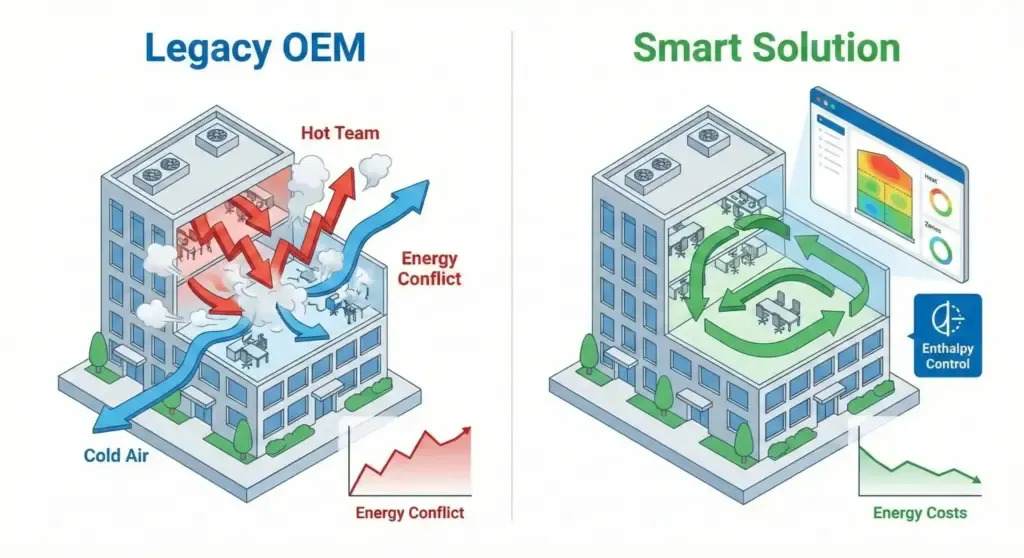
A migration is successful when customers retain confidence, not only access
The visible app change is only one component. The transition must preserve or clearly explain account, device, scene, panel, notification, and support behavior across versions.
Dependency evidence
Use real accounts, representative homes, devices, scenes, panels, and firmware versions to test the transition path.
Staged operational control
Release in measurable cohorts with monitoring, support escalation, and a defined recovery path instead of treating migration as one app-store upload.
Long-term app ownership
Document what the brand owns after launch: releases, analytics, external integrations, support content, and future device compatibility.
Migration details that determine customer impact
The customer-facing path must be planned around actual device and account relationships, not inferred from a single test account.
User, home, and device inventory
Make the current app state observable so the team knows which customer journeys and relationships the release must protect.
- Account and home ownership
- Bound devices and firmware coverage
- Scenes, panels, and notification behavior
App SDK behavior and service boundary
Define the new app's interaction, business, analytics, and integration model without assuming every OEM behavior automatically transfers.
- Login and onboarding
- DP-to-panel and scene behavior
- Owned services and external APIs
Release, support, and recovery
Treat migration as an operating event that needs evidence, communications, monitoring, triage, and a credible response to unexpected failures.
- Representative-device QA
- Cohort release and communication
- Rollback and support ownership
Tuya OEM-to-SDK migration delivery path
The service moves from dependency evidence to target architecture, staged migration validation, and supportable app ownership.
Product and business definition
Clarify target device types, Tuya ecosystem status, user roles, market plan, data ownership, and the first release boundary.
Scope, risk list, and delivery roadmapPrototype and integration validation
Validate DP model, app experience, cloud API, firmware behavior, account flow, and connected-device test cases before full development.
Prototype, API notes, and test planDevelopment and QA delivery
Build the app, panel, cloud integration, firmware coordination, dashboards, alerts, and business-system links according to the confirmed scope.
Production-ready modules and QA evidenceLaunch and iteration support
Support app release, Tuya project configuration, data monitoring, issue triage, documentation, and the next version roadmap.
Release handoff and iteration backlogWhy use ZedIoT for OEM-to-SDK migration
We combine mobile, device, cloud, and operations work so migration is treated as a product transition rather than a UI replacement.
Continuity before implementation
We identify the users, devices, scenes, panels, and support assumptions that must remain intact before finalizing the new route.
Device-aware app delivery
The App SDK experience is checked against real pairing, DP, firmware, notification, and field-behavior constraints.
Controlled rollout ownership
The handoff includes QA evidence, release criteria, monitoring, communication, support notes, and next-version priorities.
 Tuya App DevelopmentBuild or extend a branded App SDK product when the next step is custom user experience and owned releases.
 Tuya Cloud IntegrationConnect the owned app and device fleet with dashboards, alerts, analytics, and business workflows.
 ZedIoT PlatformUse a private AIoT platform when Tuya device data must connect with dashboards, alerts, APIs, and customer-owned operations.
 Custom IoT DevelopmentFor projects that need device connectivity, apps, cloud services, gateways, dashboards, and business workflows beyond Tuya alone.
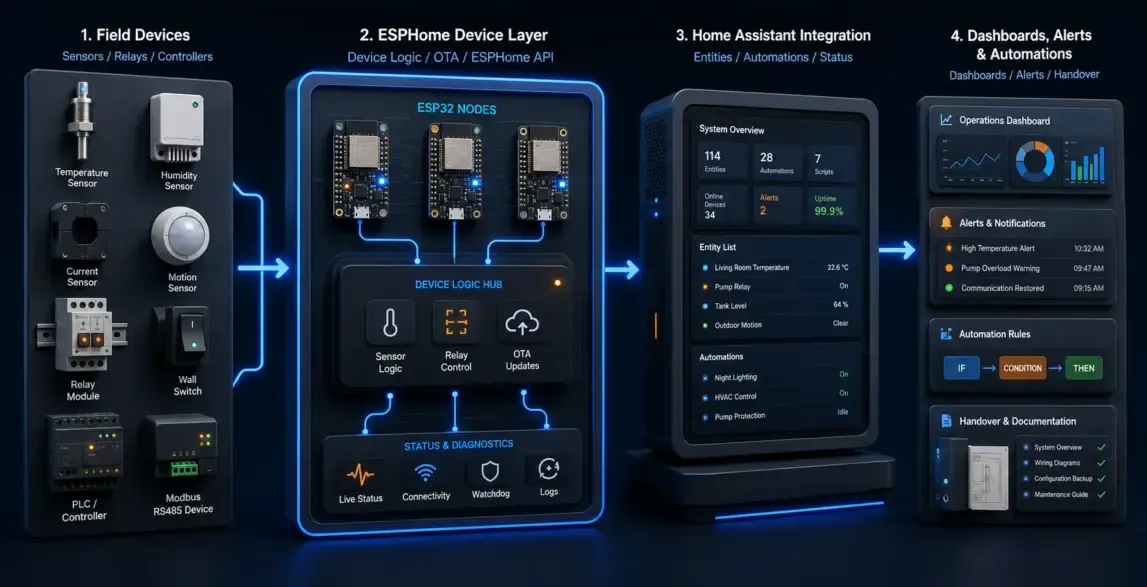 ESPHome + Home Assistant IntegrationA practical path when local automation, Home Assistant dashboards, and open integration are more important than a closed app flow.
 Tuya Product Development GuideCompare OEM App, App SDK, Cloud API, modules, TuyaOS, Matter, and launch-readiness choices before scoping the delivery path.
Tuya OEM-to-SDK migration guides
These resources explain the ownership, app-route, and operational decisions that should be clear before the migration release begins.
Migration strategyHow to Move from OEM App to App SDK Without Breaking UsersMap accounts, homes, devices, scenes, testing, communication, and staged rollout into one controlled migration path. App selectionHow Device Brands Should Choose a Tuya Public App, OEM App, or App SDKCompare routes by ownership, release control, customer experience, and product roadmap.
 Case evidenceCommercial HVAC Tuya OEM-to-SDK MigrationSee how an owned SDK app can be planned as part of a broader commercial connected-product strategy.
Confirm the ecosystem boundary before defining the development scope
Clarify the Tuya product path, account model, data ownership, integration boundary, and rollout expectations before implementation.
Can customers keep their existing Tuya devices during an App SDK migration?
The answer depends on the current Tuya project, account and home relationships, device status, firmware, panels, and migration design. We audit those dependencies and test representative paths before defining the release sequence.
Is an OEM-to-SDK migration only a mobile-app project?
No. It can affect account flows, device pairing, DPs, scenes, notifications, analytics, support, Cloud integrations, release operations, and customer communication.
What should we prepare before scoping the migration?
Share the current Tuya project model, installed app versions, user and device volumes, representative products and firmware, scene or panel requirements, existing support issues, target app goals, integrations, and rollout deadline.
Send us your device type, Tuya status, and target market
Tell us your current OEM App, installed products, account and device scope, desired App SDK outcome, support constraints, and target migration date.
Full contact pageSubmit project details