

AI + IoT Engineering Insights
Practical guidance for teams building connected products: from embedded firmware and edge gateways to IoT platforms, industrial integration, and applied AI.
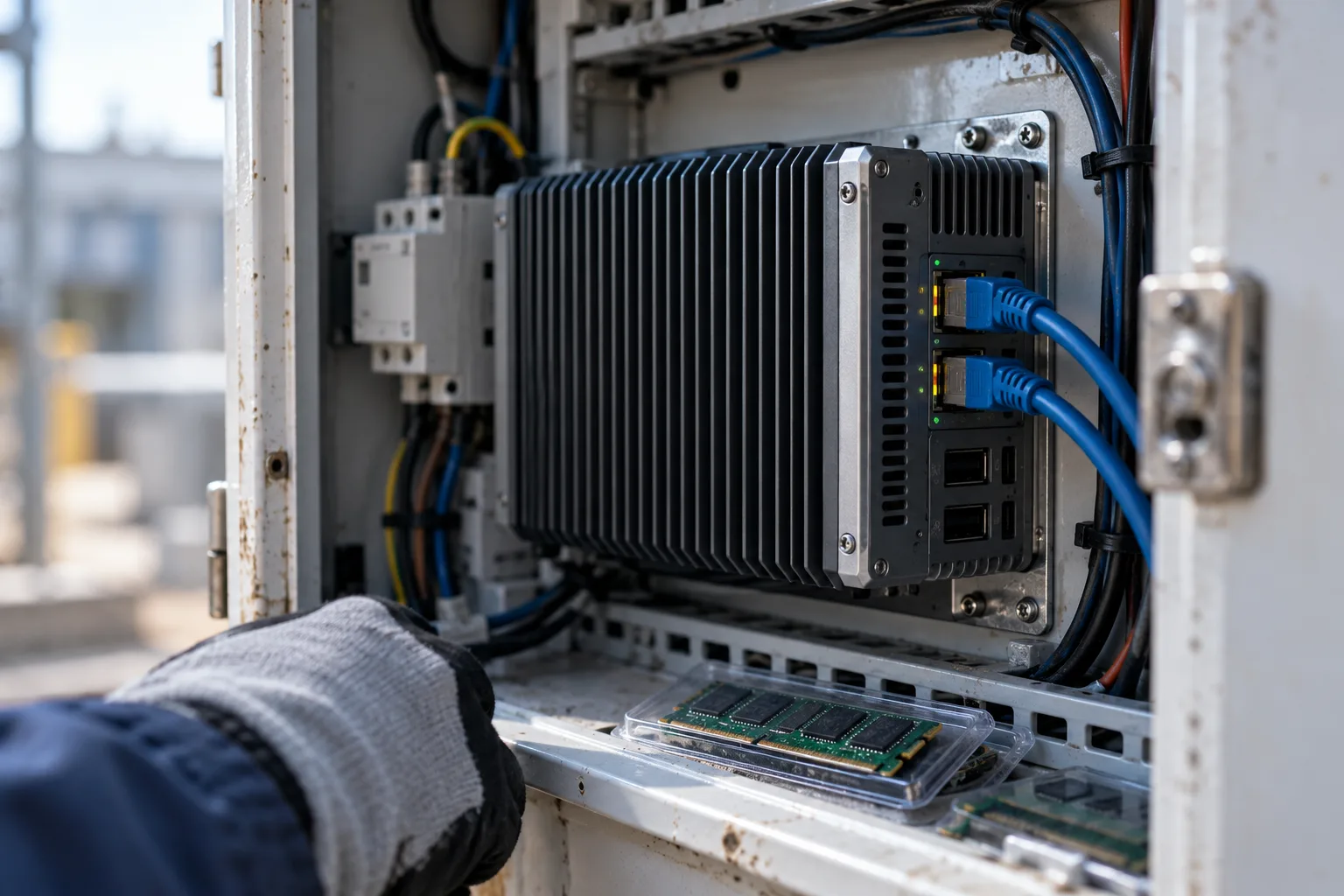
Browse by engineering topic
Go directly to the area that matches your current architecture, device, platform, or product decision.
Recently published articles
New technical comparisons, implementation notes, and field-oriented engineering guidance.
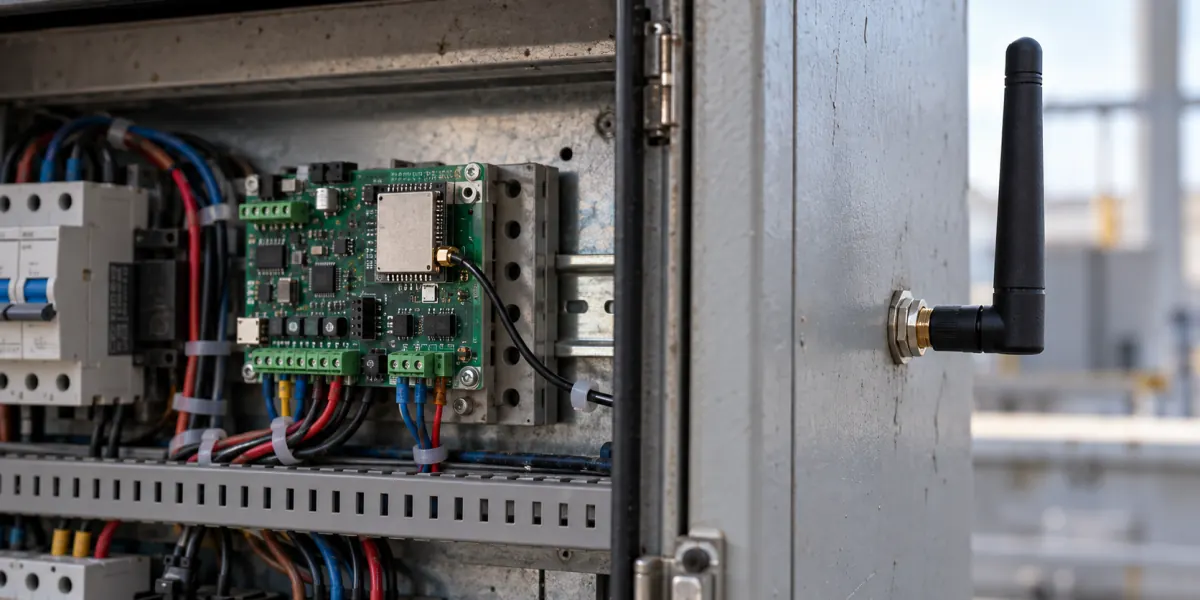
ESP32 PCB or External Antenna in a Metal Enclosure: What to Check Before Selecting the Module
An ESP32 prototype connects reliably on an open bench but drops its Wi-Fi link once the metal cabinet door closes.
Read article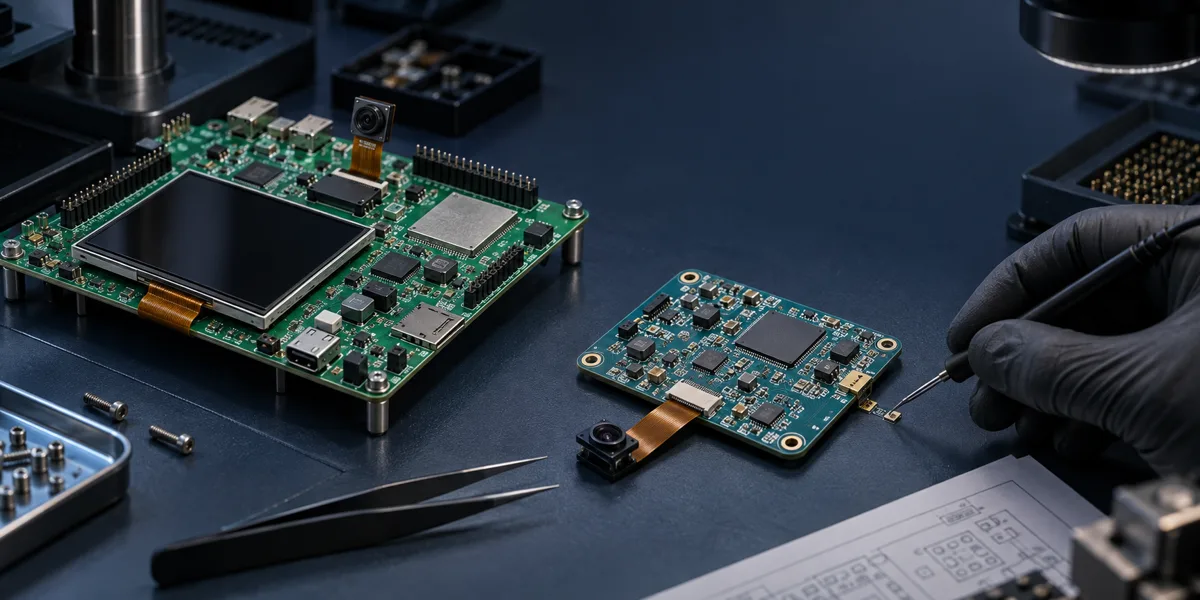
From ESP32-P4 Function EV Board to a Custom PCB: What Must Be Revalidated
A screen, camera and network demo may all work on the ESP32-P4 Function EV Board. That is useful evidence for the particular board.
Read article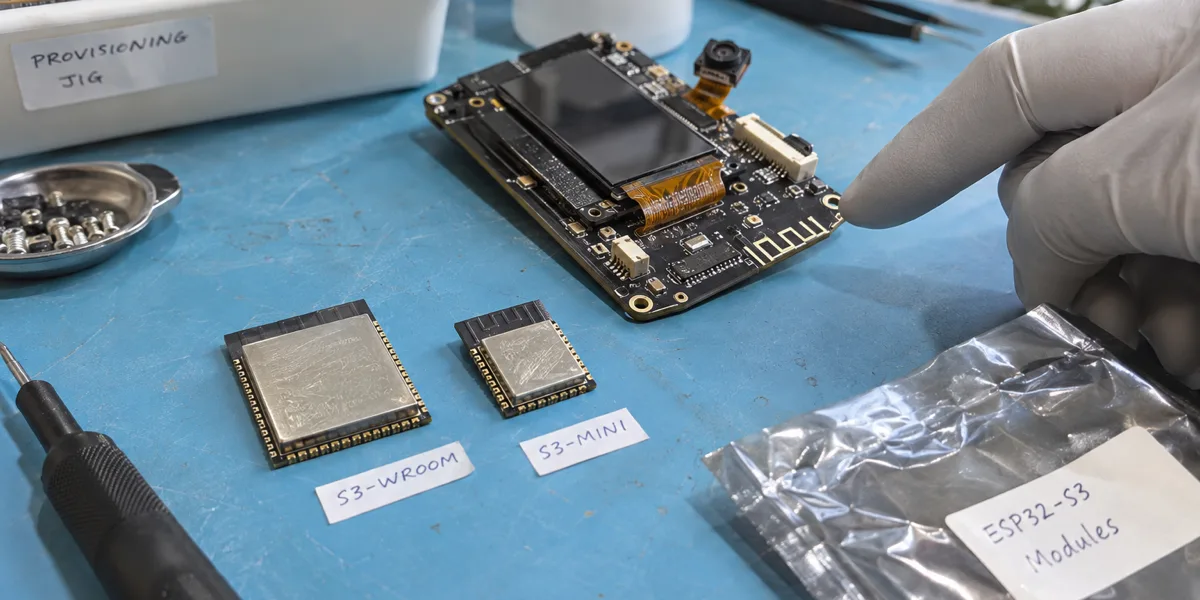
ESP32-S3 WROOM vs MINI: Choose PSRAM, Footprint, and Antenna for Your Product
An ESP32-S3 development board running a display, voice, or camera demo does not establish which module belongs on the product PCB.
Read article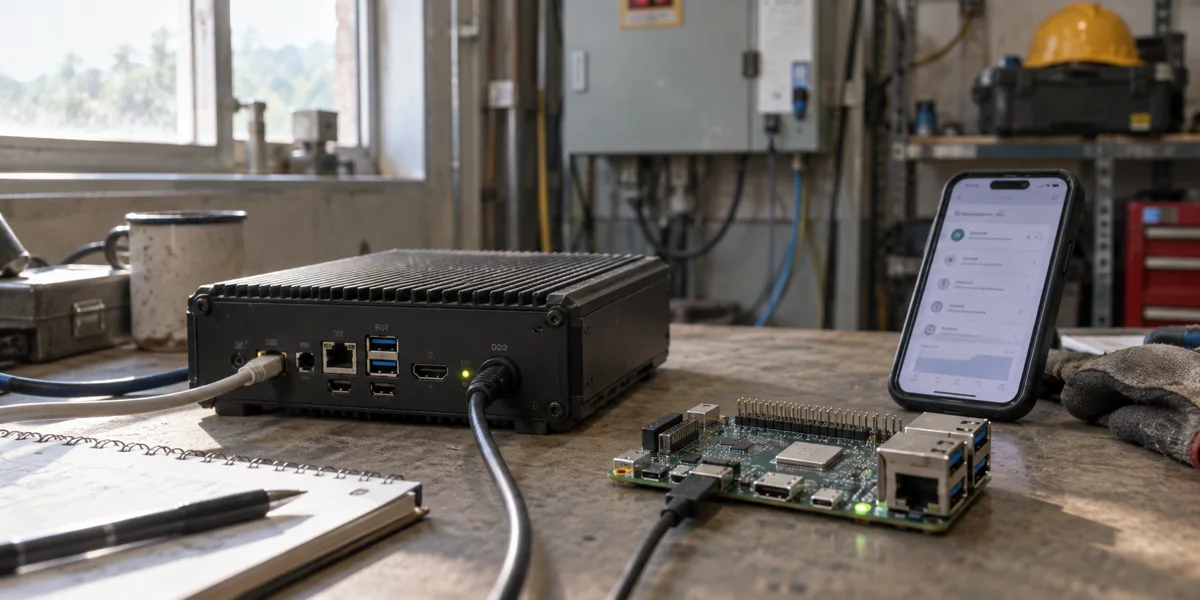
Choosing an Edge LLM Runtime: Start with Devices and Model Artifacts
Compare llama.cpp, RKLLM, ExecuTorch, and MLC LLM by target device, model artifact, acceleration backend, and release responsibility—not an unverified speed ranking.
Read article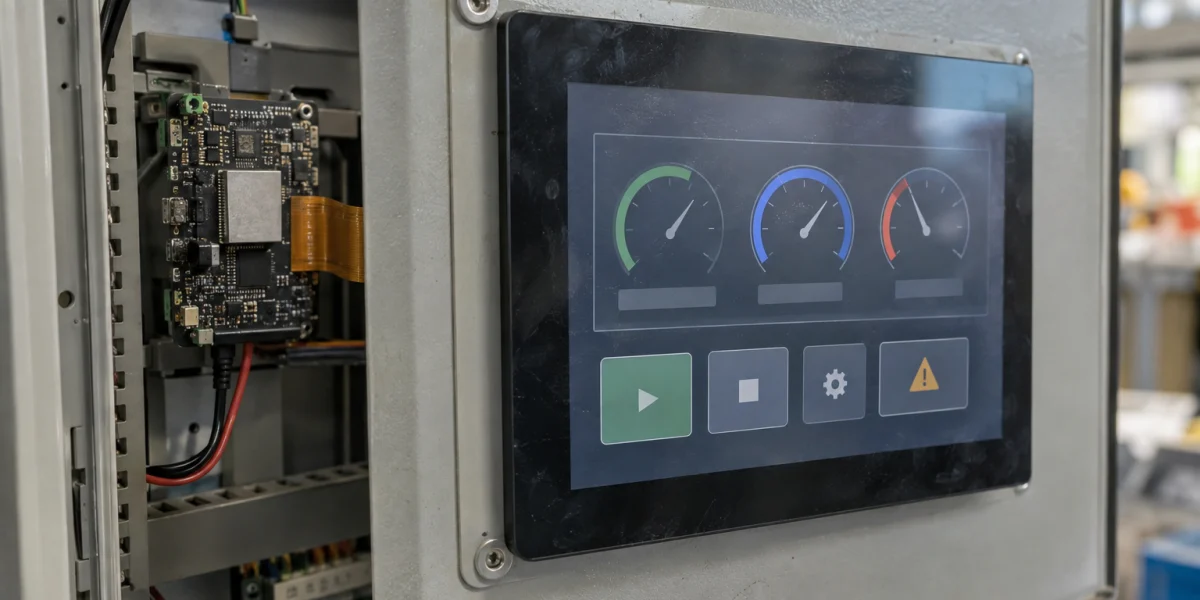
ESP32-P4 LVGL HMI: Budget Frame Buffers Before Tuning Refresh and Tearing
An 800 × 480 panel in RGB565 needs 768,000 bytes for one uncompressed frame. Two panel frames alone consume about 1.46 MiB, before LVGL draw buffers, fonts.
Read article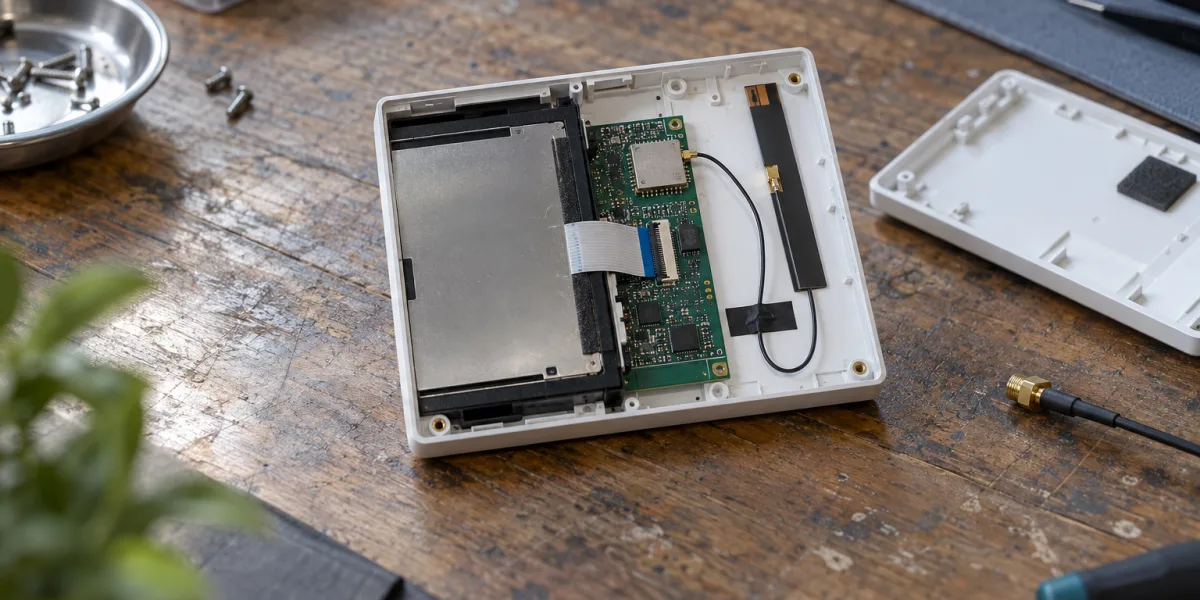
Tuya Wi-Fi 6 vs Dual-Band Modules: Choose by Band, Radio, and Antenna
Dual-band is not synonymous with Wi-Fi 6. Compare Tuya T7-U-IPEX, WBR2D, and T5-E1-IPEX by band, radio standard, antenna, provisioning, and product-validation work.
Read article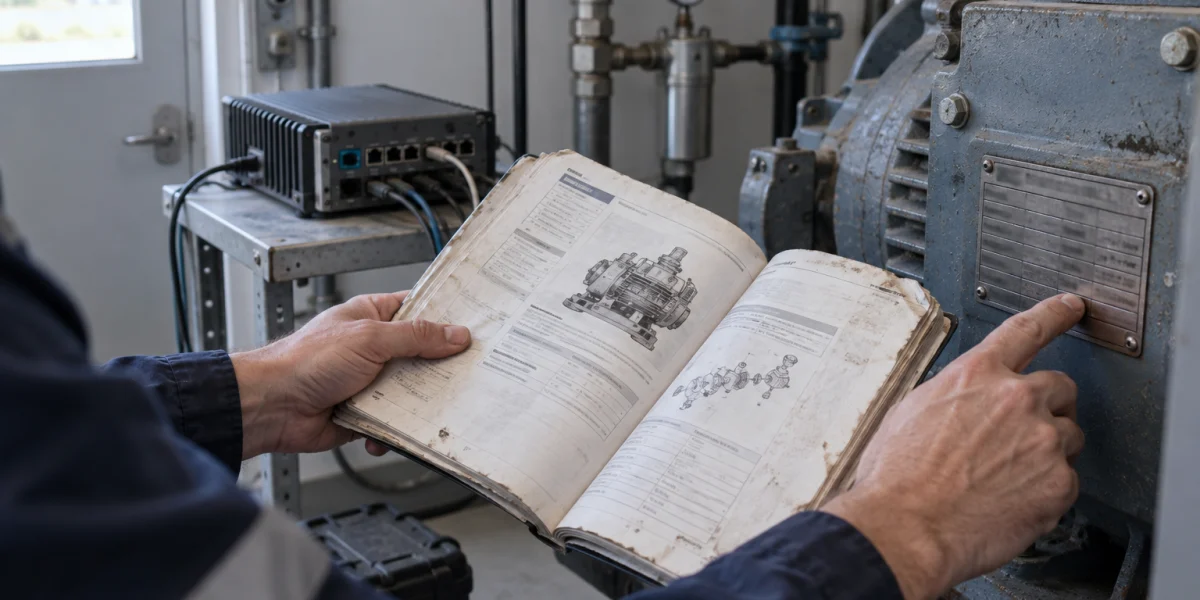
Offline RAG for Equipment Manuals: Versioned Evidence Before Answers
A technician asks how to reset an E42 alarm. A local model produces a convincing procedure, but cannot identify the machine variant, manual edition, or page it used.
Read article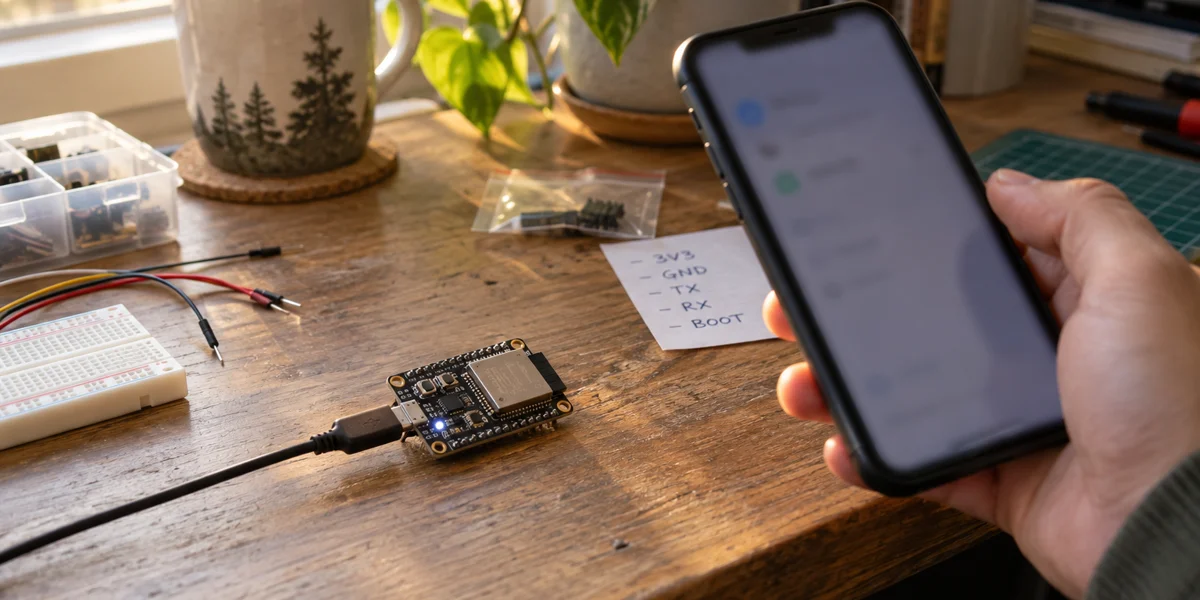
Meta Muse on ESP32: A Gadget Prototype Is Not a Product License
Meta has published a Muse Gadget SDK with ESP32 firmware. You can use it to connect a board to Muse and expose device commands.
Read article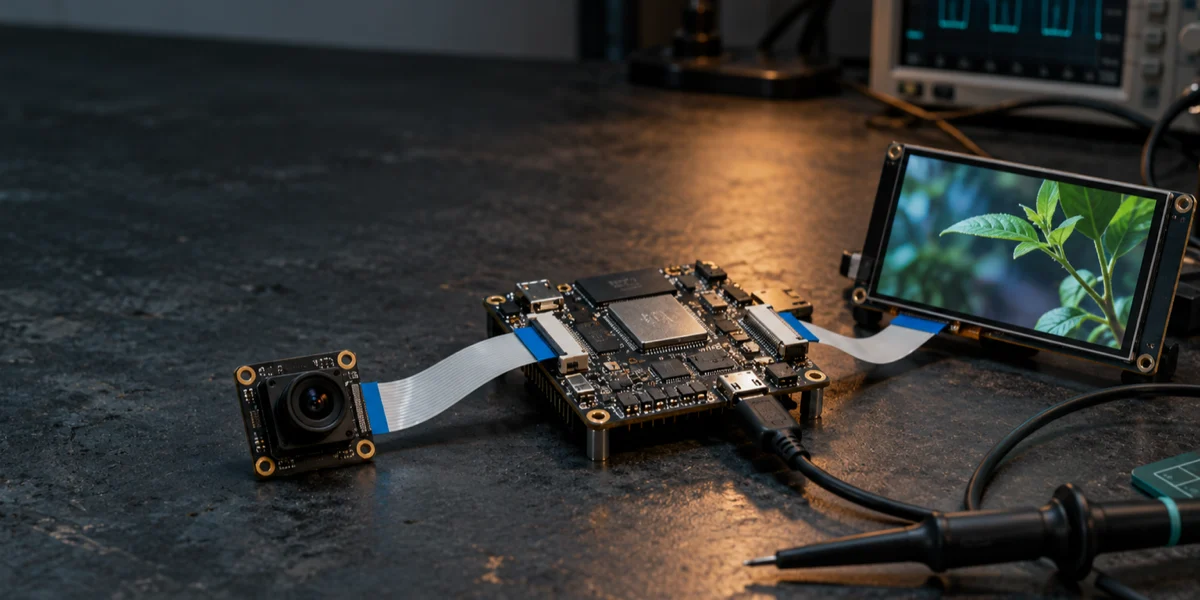
Inside the ESP32-P4 Camera-to-Display Pipeline: CSI, ISP, PPA, Buffers, and DSI
A camera preview that reaches the screen is not yet a reliable camera-to-display design. The critical question is what happens to each completed frame between the.
Read articleContinue with the path that matches your current decision
Use the blog for technical context, then move into a focused guide, delivery service, product foundation, or related project case.
Need to apply one of these ideas to your device or platform?
Share your device type, protocol, site conditions, platform goals, or AI workflow. We can help you evaluate the most practical implementation path.